 PluginStats

Image Viewer & Size Finder — Zoom, Rotate, EXIF users statistics
Zoom, rotate & flip any image in a clean overlay. Pick exact pixel colors. See dimensions, file size & EXIF instantly. No tracking.
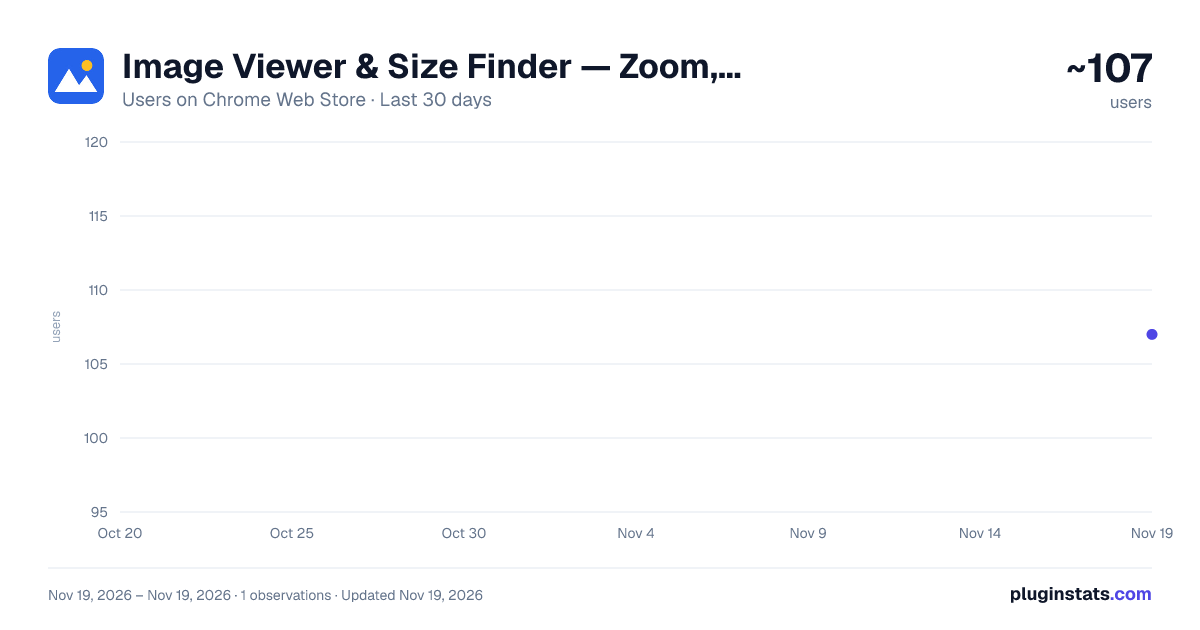
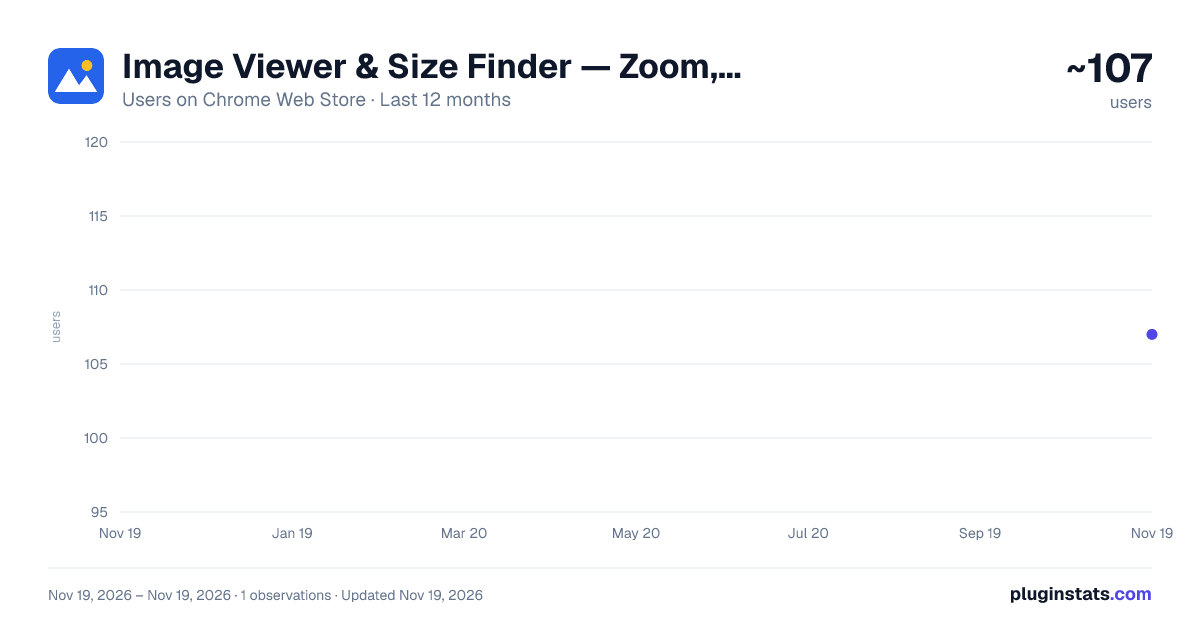
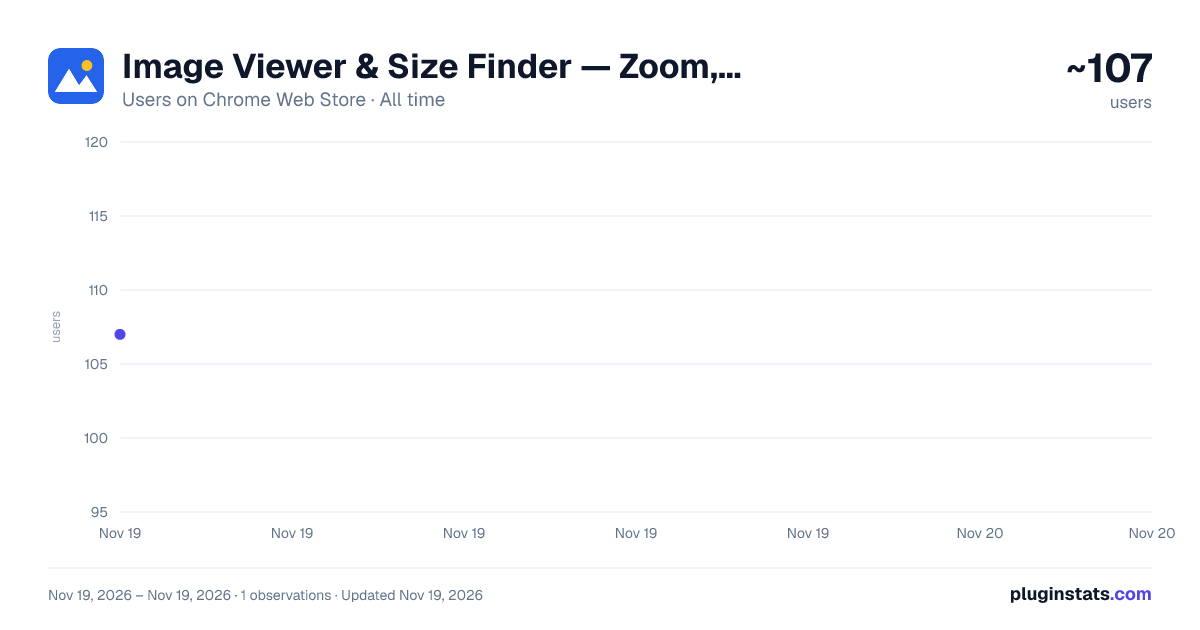
Image Viewer & Size Finder — Zoom, Rotate, EXIF has approximately 107 recorded users on Chrome Web Store, ranking #10054 of 10,388 tracked listings.
Rating: 4.50 / 5 from 2 ratings
About Image Viewer & Size Finder — Zoom, Rotate, EXIF
Zoom, rotate & flip any image in a clean overlay. Pick exact pixel colors. See dimensions, file size & EXIF instantly. No tracking.
A clean image viewer for Chrome with minimal permissions and no tracking.
Right-click any image to open it in a full-screen overlay: zoom with the wheel right where your cursor is, drag to pan, rotate, flip, and fit it back to the screen with one key. Zoom goes up to 50,000%, and past 400% pixels are drawn with hard edges, so you can inspect a single pixel. Pick your own backdrop, including a checkerboard for transparent PNGs.
Need a color from the image? Turn on the color picker, hover to preview, and click to copy the exact HEX value; RGB is one more click. It reads the image's own pixels, so the color is the file's true value: unaffected by zoom smoothing or the backdrop, with transparency preserved.
The same overlay tells you what the image actually is: real pixel dimensions versus the size the page is drawing it at, aspect ratio, megapixels, format, file size, and the EXIF a camera left behind — make, model, shutter, aperture, ISO, focal length and capture time.
Looking for an Enhanced Image Viewer alternative? This covers the same viewing workflow, with no analytics or telemetry.
WHY THE PERMISSIONS MATTER
Most image viewers ask for access to every site you visit, at install time, forever. This one installs holding no host permissions at all.
On supported web pages, right-click works because clicking our own menu item is what grants access — scoped to that one tab, for that one action, through Chrome's activeTab mechanism. That is the full-featured path, not a stripped-down fallback.
If you would rather the viewer opened when you simply click an image, turn it on in the settings. That is the moment access is requested, with the reason shown inline. Turning it back off revokes the permission itself, not merely the feature.
It does not request webRequest. It does not request declarativeNetRequest. Those are the permissions that let an extension observe or rewrite your traffic, and this extension has no use for them.
WHAT IT NEVER DOES
- No analytics, telemetry, crash reporting or remote configuration. Reading your selected image may make a request to its source.
- Image analysis runs locally. Optional transfer to imagesizefinder.com uses browser messaging, without uploading image bytes.
- GPS coordinates are never shown. If an image carries location data, the panel says only that it is present.
- No obfuscated code. There is no bundler and no minifier, so the JavaScript Chrome installs is the JavaScript we wrote, comments and all. Open DevTools on any page, look under Sources -> Content scripts, and read the whole thing.
FEATURES
- Overlay viewer: zoom (up to 50,000%, centered on the cursor), pan, rotate, flip, fit to screen
- Double-click to switch between fit-to-screen and 100%
- Color picker: copy any pixel's exact HEX or RGB(A) value
- Custom backdrop, including a checkerboard for transparency
- Pixel dimensions, rendered size, aspect ratio, megapixels
- Format and exact file size
- EXIF: camera, lens settings, capture time, GPS presence
- Keyboard shortcuts: Esc, +, -, 0, R
- 23 languages, automatically following browser preferences, with English as the fallback and a manual language setting
Companion to imagesizefinder.com, which reads far more formats and every metadata field — also entirely inside your browser.
Description from the Chrome Web Store listing.
README badge
Show your rank in a README or on your website. The badge updates automatically.
Charts
Images: 30d · 1y · all time · 1600×900 dark
Adoption over time
7/30/90-day growth
Ranking history
Ratings over time
Listing placement
Listing placement
Filled points are observed values; hollow points come from Internet Archive snapshots of the listing page. Dashed segments span periods with no observations — values between points are not interpolated.
Each band is one page of 20. Users on a linear scale. Placement is projected from users, so it can differ from the marketplace's own sort order. Hover a dot to see the listing.
Recent observations
Full history (1)Similar Chrome Web Store Tools plugins
All 20 Image Viewer & Size Finder — Zoom, Rotate, EXIF alternatives



Data source
Covers every Chrome Web Store extension with at least 100 users, found through the store's public sitemap. User counts are read from public listing pages. The 10% most-used extensions are refreshed daily, the next 40% weekly and the next 40% monthly; the least-used 10% are not refreshed. Google displays rounded user counts (and caps the display at 10,000,000+), so small changes may not be visible. Rating counts above 1,000 are rounded (e.g. 1.6K).
Listing: https://chromewebstore.google.com/detail/image-viewer-size-finder/ofklabkfapfkooijcopojhpopohbkdjf. First seen Nov 19, 2026; last successful collection Nov 19, 2026. See the methodology.