 PluginStats

Clear Text users statistics
Use Clear Text to cleanup text, remove styles, and clear formatting. Get clean text copy paste from any source.
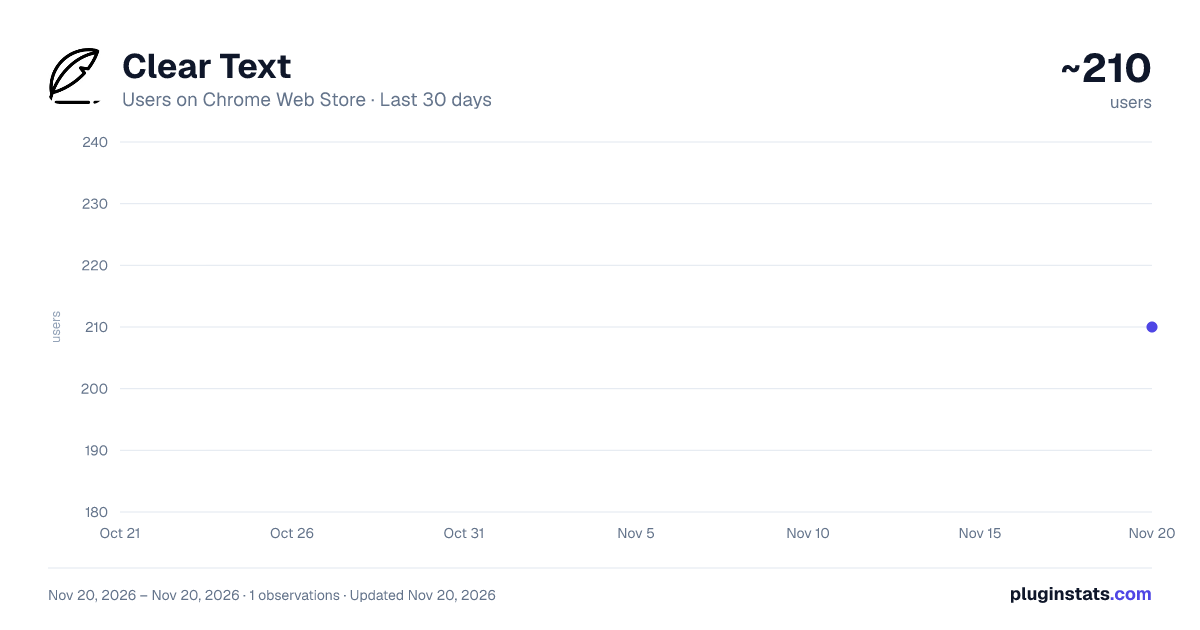
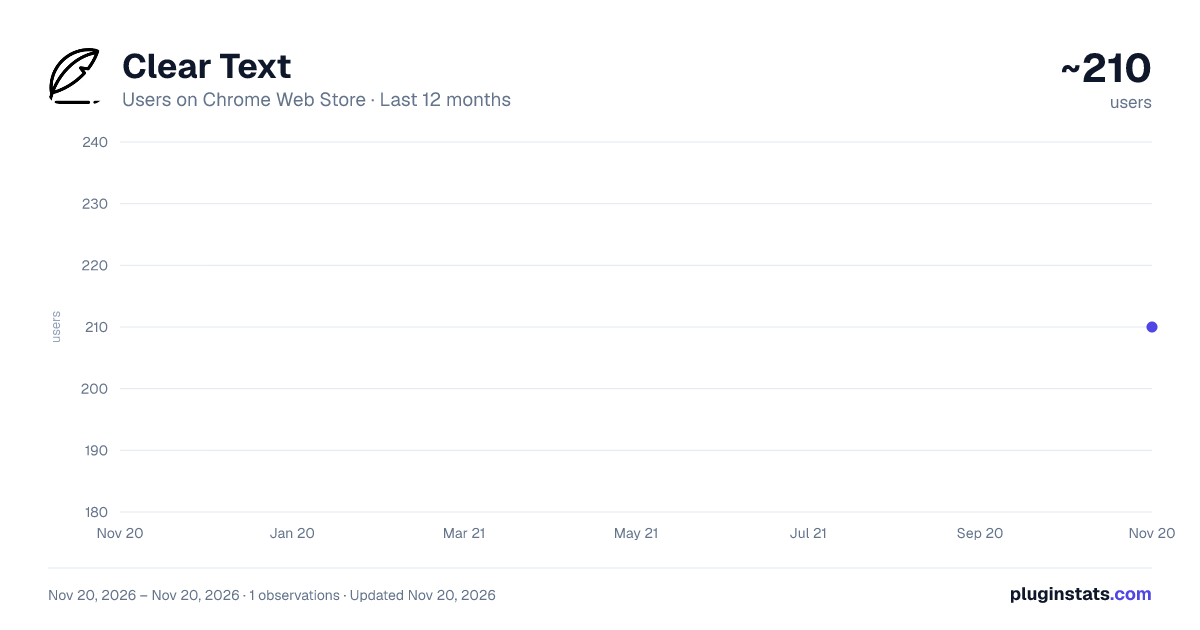
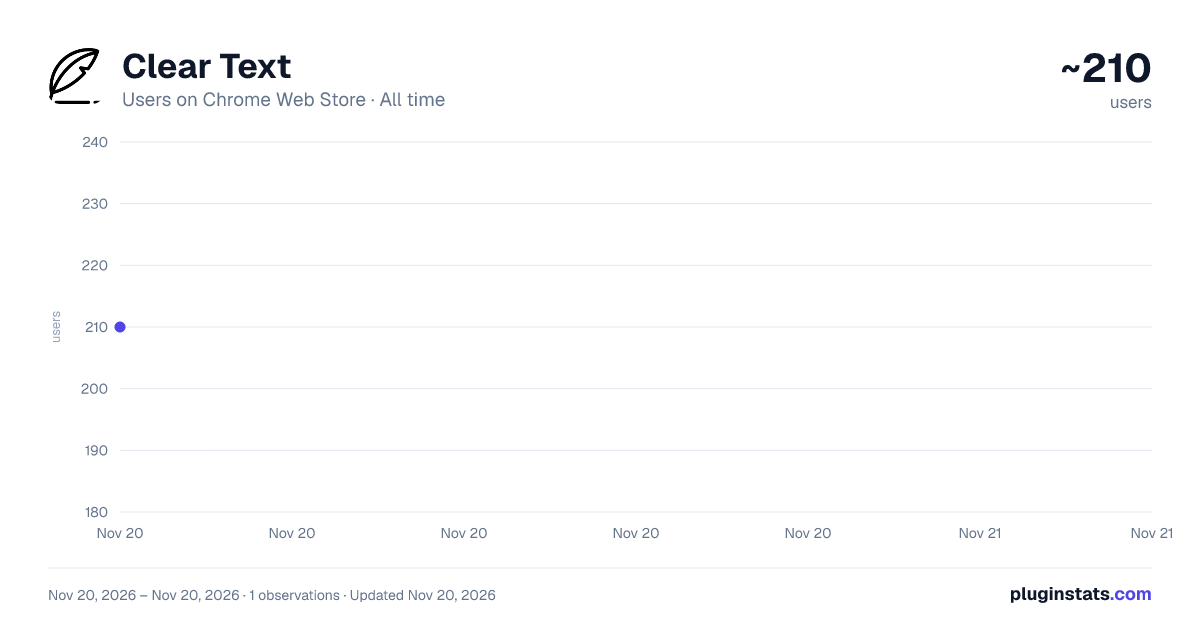
Clear Text has approximately 210 recorded users on Chrome Web Store, ranking #7633 of 10,388 tracked listings.
Rating: 5.00 / 5 from 2 ratings
About Clear Text
Use Clear Text to cleanup text, remove styles, and clear formatting. Get clean text copy paste from any source.
Clear Text — Сlear the formatting from the selected text in one click. Tired of messy formatting when copying material from websites? Clear Text helps you remove format text instantly. This lightweight Chrome extension cleans up content, strips hidden styles, and delivers plain, minimal output — fast, simple, and secure. ✨ The Fastest Way to Remove Formatting When Copying Every time you transfer content from a webpage, you also bring along hidden HTML, fonts, colors, and inline styles. This "junk code" can break layouts in Google Docs, Notion, or email. Clear Text solves this by cleaning your selection when you copy — not after pasting. ✅ How It Works When you select content, the extension uses the Clipboard API to extract only the plaintext version. If the API is blocked , it falls back to a secure method using a temporary textarea — ensuring compatibility everywhere. It acts as an HTML stripper, removing all markup, scripts, and inline styles. The result? Clean, readable content — perfect for reuse. Install the extension from Chrome Web Store Select any passage on a page Right-click → choose "Copy Clear Text" Paste anywhere — and enjoy format-free, pure content The icon briefly changes — visual confirmation of a clear copy 🚀 Key Features One-click cleanup — no popups, no delays Removes HTML, CSS, links, and invisible code Lightweight and secure — no data leaves your browser Ideal for clean up text remove styles workflows¶ 🔍 Why It’s Different Most tools only offer “paste as plain” — but formatting is already copied. Clear Text acts first: clear the text, remove formatting, clean up text — all in one click. No windows. No settings. Just right-click → copy and paste clear text. ClearText integrates directly into the context menu to clear the formatting from the selected text instantly. It’s perfect for users who need to cleanup text and remove styles without switching tabs or losing focus. A fast text format remover and html stripper for clear, plaintext results. 📚 Who Uses It? Writers & Editors Extract quotes, research, or article snippets without importing unwanted styles into their CMS or editors. Students & Researchers Copy citations and references in a neutral format, preserving document consistency. Developers & Coders Grab code blocks from documentation without hidden characters or syntax noise. Marketers & Copywriters Reuse ad copy, product descriptions, or email content across platforms — always neat and ready. HR & Recruiters Copy resumes and job descriptions without layout breaks or font mismatches. Designers & Project Managers Transfer task notes, feedback, or briefs into tools like Notion, ClickUp, or Asana — cleanly and professionally. ❓ FAQ (Frequently Asked Questions) Q: Does it work in Google Docs, Notion, or Medium? A: Yes! Clear Text works on any page where content can be selected — including dynamic editors. Q: Is my data stored or sent to servers? A: No. All processing happens locally in your browser. We do not collect, store, or transmit any user content. Q: Does it strip invisible tags and inline styles? A: Yes. It strips inline styles, invisible tags, and clear background text — ideal for html stripping. Q: What is cleartext? A: Cleartext means unencrypted, plain content — exactly what this tool delivers: raw, format-free output without markup. Q: Does it support HTML stripping or plaintext conversion? A: Yes. It functions as an HTML stripper, removing all markup and delivering plaintext output. Q: Can I use it to clean up long articles or multiple selections? A: Yes. It handles any selection size — from a single sentence to full-page content. Q: Can I use keyboard shortcuts? A: Coming soon: Ctrl+Shift+C to copy clean. Q: Is it free? A: Yes — with optional Pro features in development. 🚀 What’s Next? We’re building: Auto-clean copy (Ctrl+Shift+C) History panel with recent clean copies Team workspace for shared formatting rules AI-powered cleanup to detect and remove junk content 💡 Final Thoughts This tool helps you clean up content, remove formatting, and copy plain output in one click. It’s a powerful format remover for seamless plain copy-paste and paste as plain text. Whether you need raw content extraction or HTML stripping, it delivers — even as a tool for remove text formatting or striphtml workflows. Install now and experience clean, distraction-free copying — the way it should be.
Description from the Chrome Web Store listing.
README badge
Show your rank in a README or on your website. The badge updates automatically.
Charts
Images: 30d · 1y · all time · 1600×900 dark
Adoption over time
7/30/90-day growth
Ranking history
Ratings over time
Listing placement
Listing placement
Filled points are observed values; hollow points come from Internet Archive snapshots of the listing page. Dashed segments span periods with no observations — values between points are not interpolated.
Each band is one page of 20. Users on a linear scale. Placement is projected from users, so it can differ from the marketplace's own sort order. Hover a dot to see the listing.
Recent observations
Full history (1)Similar Chrome Web Store Tools plugins
All 20 Clear Text alternatives



Data source
Covers every Chrome Web Store extension with at least 100 users, found through the store's public sitemap. User counts are read from public listing pages. The 10% most-used extensions are refreshed daily, the next 40% weekly and the next 40% monthly; the least-used 10% are not refreshed. Google displays rounded user counts (and caps the display at 10,000,000+), so small changes may not be visible. Rating counts above 1,000 are rounded (e.g. 1.6K).
Listing: https://chromewebstore.google.com/detail/clear-text/jknejcfgcabkbaahhlemfoiennkieoga. First seen Nov 20, 2026; last successful collection Nov 20, 2026. See the methodology.