 PluginStats

One Quick Calculator users statistics
A simple calculator extension for quick calculations.
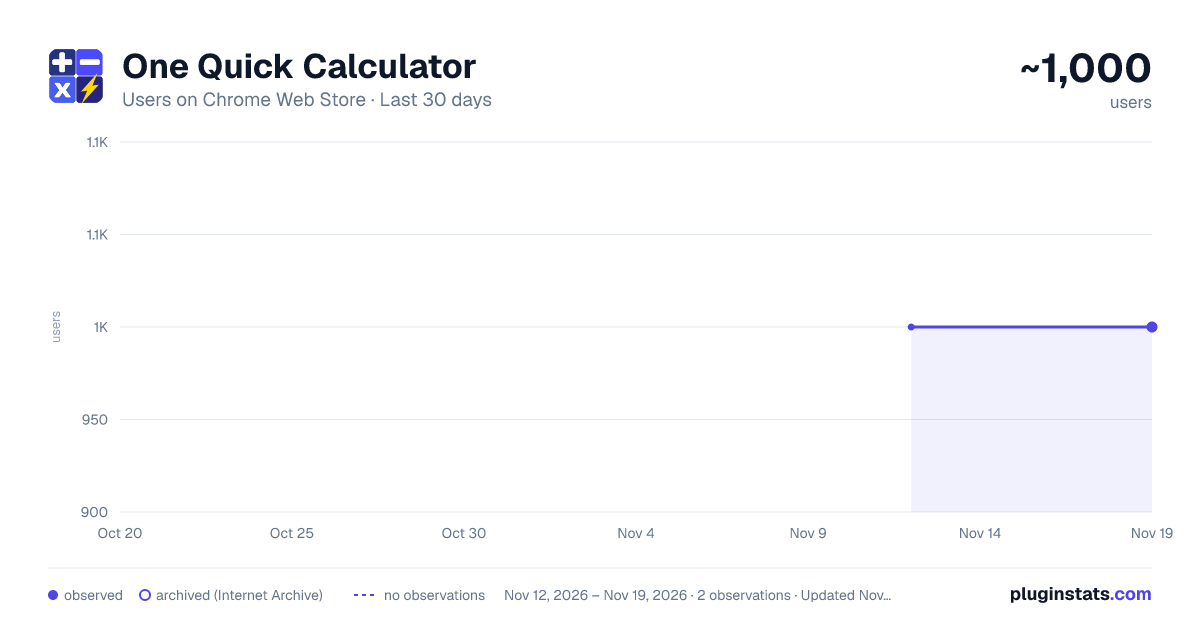
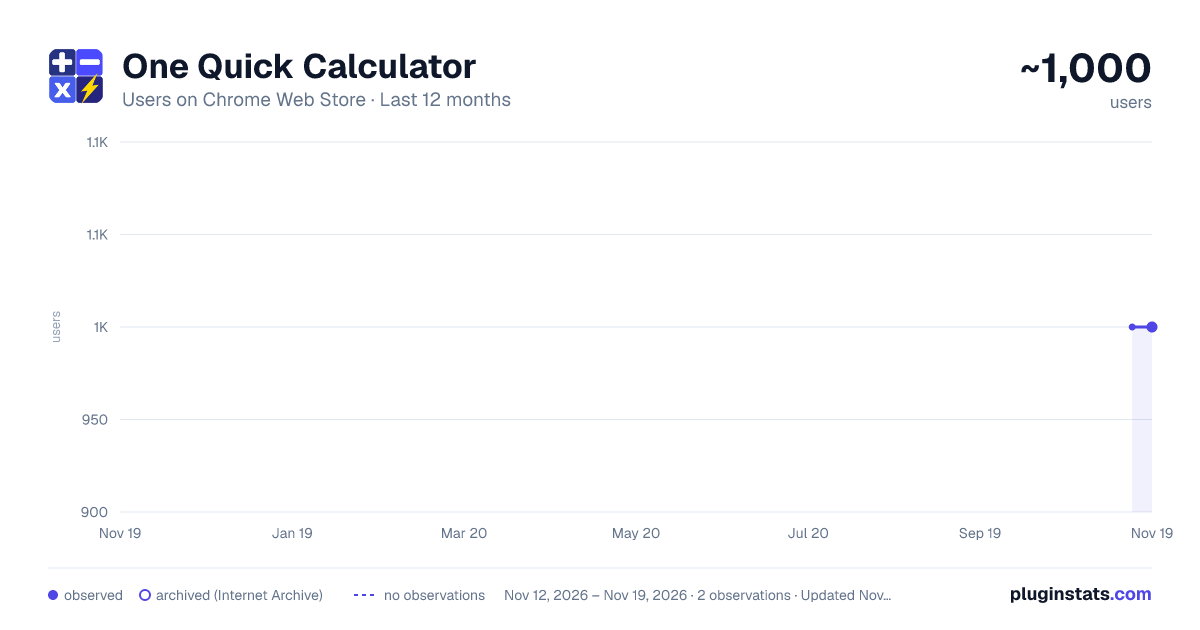
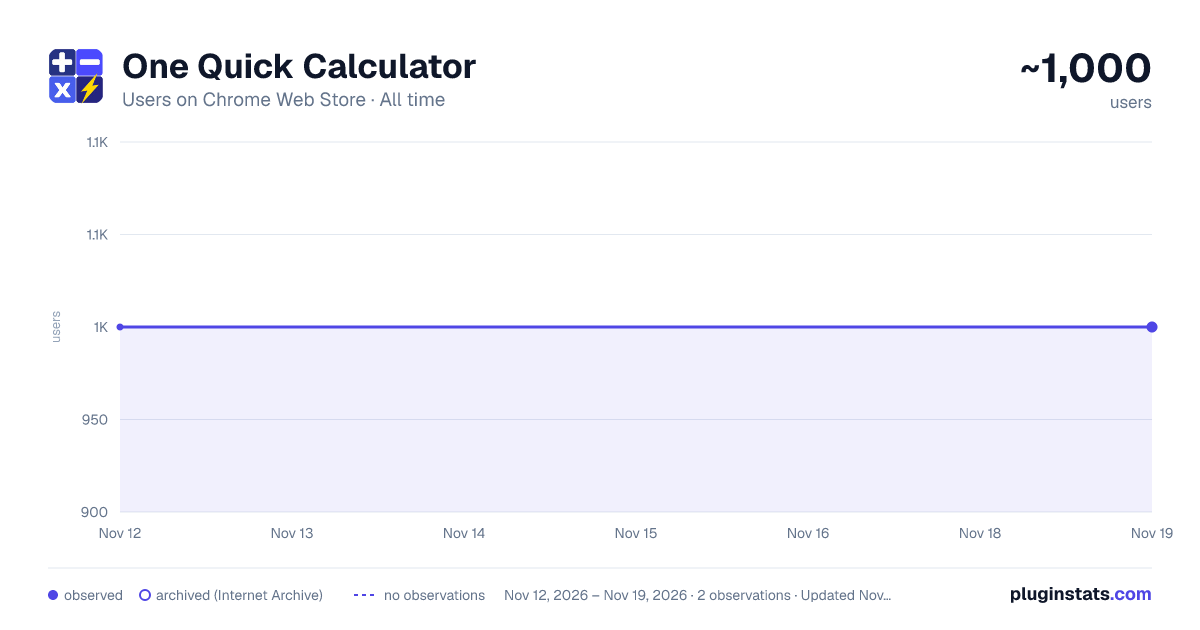
One Quick Calculator has approximately 1,000 recorded users on Chrome Web Store, a change of 0.0% over the past 7 days, ranking #3611 of 10,388 tracked listings.
Rating: 4.90 / 5 from 8 ratings
About One Quick Calculator
A simple calculator extension for quick calculations.
🧮 Streamline your calculations with One Quick Calculator! 🧮 Effortless Calculations Anytime within Your Browser
➕✖️➖➗🟰 Experience the ultimate in fast, accurate, and effortless mathematical solutions directly within your browser. Whether you’re balancing budgets, tackling homework, or diving into complex equations, One Quick Calculator is your reliable ➕➖✖️➗ companion.
One Quick Calculator is designed to provide a seamless, efficient, and user-friendly experience for all your calculation needs directly within your browser. Here’s a closer look at what makes it stand out:
✨ Key Features
• Cross-Device Syncing ☁️: Seamlessly syncs your calculation history, saved items, and settings across any device where you are logged into Chrome.
• Advanced History Management: Hover over calculation logs to instantly "Bookmark/Save" items to a dedicated Saved list, selectively delete rows, or copy pure results to your clipboard.
• One-Click TXT Export: Download a clean .txt file copy of your entire mathematical history or the saved items directly to your computer.
• Dark Mode Toggle: Easily switch to dark mode from the settings modal. Designed with a clean, modern look for comfortable use in low-light environments.
• Real-Time Calculations: Get instant results as you type, with real-time evaluation of expressions for a quick and responsive calculation experience.
• Virtual Numpad (Touchscreen Optimized): Easily use the on-screen numpad for quick access, especially on touchscreen devices. Plus, toggle it off via the top menu when you prefer using your keyboard, keeping your workspace clean.
• Pop-Out Window: Keep the calculator accessible even when your browser is minimized, allowing you to multitask with ease.
• Open on Webpage: Open the calculator directly inside the active webpage as a movable, resizable calculator that can be minimized into a floating button.
• Enhanced Usability: With automatic input focus, start typing as soon as you open the extension, cutting down on extra clicks and improving workflow.
🆕 What's New in Version 1.9.32: • Open on Webpage: Added a new option to open One Quick Calculator directly inside the active webpage, so you can calculate while reading, shopping, checking prices, or working with online tools. The webpage calculator can be moved, resized, minimized into a floating button. • Custom Floating Button: Added settings for button size, opacity, color, logo/plain-color style, and calculator panel opacity. • Keyboard Shortcuts: Added shortcuts to quickly activate the calculator pop-up or open/focus the pop-out window. • Bug Fixes: Comma handling, and expression editing issues.
🆕 What's New in Version 1.8: • Bug fixed: Cross-Device Syncing delay.
🆕 What's New in Version 1.7: • Chrome Cross-Device Syncing: History and settings now reliably save and sync across all your desktop devices. • New History Actions: Added hover controls to individual history logs so you can Copy, Save (Bookmark), or Delete specific lines. • Saved Items View: Easily toggle between viewing your entire calculation history and a curated list of saved items. • History Log Export: Added the ability to download your history or saved list directly to a local .txt file. • UI improvements: Relocated the Keypad toggle to the top menu, and applied structural UI fixes for fluid resizing in pop-out window.
🆕 What's New in Version 1.6: • Added Dark Mode with toggle in Settings. • Refined styles for a cleaner dark mode experience. • Improved icon alignment and visual consistency.
🆕 What's New in Version 1.5.1: • Round-Off Feature: Added based on user feedback, allowing customization of decimal places in calculations. Applies to the Input Field (for real-time calculations), Result Display, and History Log.
🆕 What's New in Version 1.4.0: • New Icon: Updated the icon to a calculator symbol based on user feedback for better visual recognition. • Enhanced User Experience: The input field now automatically focuses when the extension window opens, allowing for immediate input. • Bug Fix: Fixed an issue where pressing the Delete (Del) key did not properly clear the input. The key now clears the entire field and resets the result to 0. • UI Adjustment: Resized the pop-out window to ensure proper display when the keypad is expanded.
🆕 What's New in Version 1.3.1: • Minor Bug Fixes
🆕 What's New in Version 1.3: • Instant Result Display: Get real-time evaluation of your expressions as you type, with instant results displayed for seamless calculations. • UI Improvements: Enjoy a cleaner, more intuitive interface designed for better visibility and ease of use. • Virtual Numpad: Optimized for touchscreens, making calculations on your touchscreen computer a breeze. • Toggle Numpad Button: Hide the numpad when using your keyboard for a streamlined workspace. • Minor Bug Fixes: We've squashed some bugs to enhance your experience.
🆕 What's New in Version 1.2: • Icon Display Fix: Resolved issues with icon visibility for a polished look.
🆕 What's New in Version 1.1: • Layout Enhancements: Minor layout tweaks for improved user experience. • Bug Fixes: Addressed various minor issues for smoother operation. • Pop-Out Window Feature: Keep your calculator handy even when your browser is minimized.
➕➖✖️➗🟰 With 'One Quick Calculator', complex calculations are made simple and efficient. Download now and transform the way you compute!
Description from the Chrome Web Store listing.
README badge
Show your rank in a README or on your website. The badge updates automatically.
Charts
Images: 30d · 1y · all time · 1600×900 dark
Adoption over time
7/30/90-day growth
Ranking history
Ratings over time
Listing placement
Listing placement
Filled points are observed values; hollow points come from Internet Archive snapshots of the listing page. Dashed segments span periods with no observations — values between points are not interpolated.
Each band is one page of 20. Users on a linear scale. Placement is projected from users, so it can differ from the marketplace's own sort order. Hover a dot to see the listing.
Recent observations
Full history (2)Similar Chrome Web Store Tools plugins
All 20 One Quick Calculator alternatives



Data source
Covers every Chrome Web Store extension with at least 100 users, found through the store's public sitemap. User counts are read from public listing pages. The 10% most-used extensions are refreshed daily, the next 40% weekly and the next 40% monthly; the least-used 10% are not refreshed. Google displays rounded user counts (and caps the display at 10,000,000+), so small changes may not be visible. Rating counts above 1,000 are rounded (e.g. 1.6K).
Listing: https://chromewebstore.google.com/detail/one-quick-calculator/nifokclpbpnpjedmpihebiciifffockh. First seen Nov 12, 2026; last successful collection Nov 19, 2026. See the methodology.