 PluginStats

Tab Monitor - RAM & CPU Tab Manager | Focus Mode users statistics
Find, organize, and suspend tabs from one side panel. Reopen recently closed pages. Core tools work without an account.
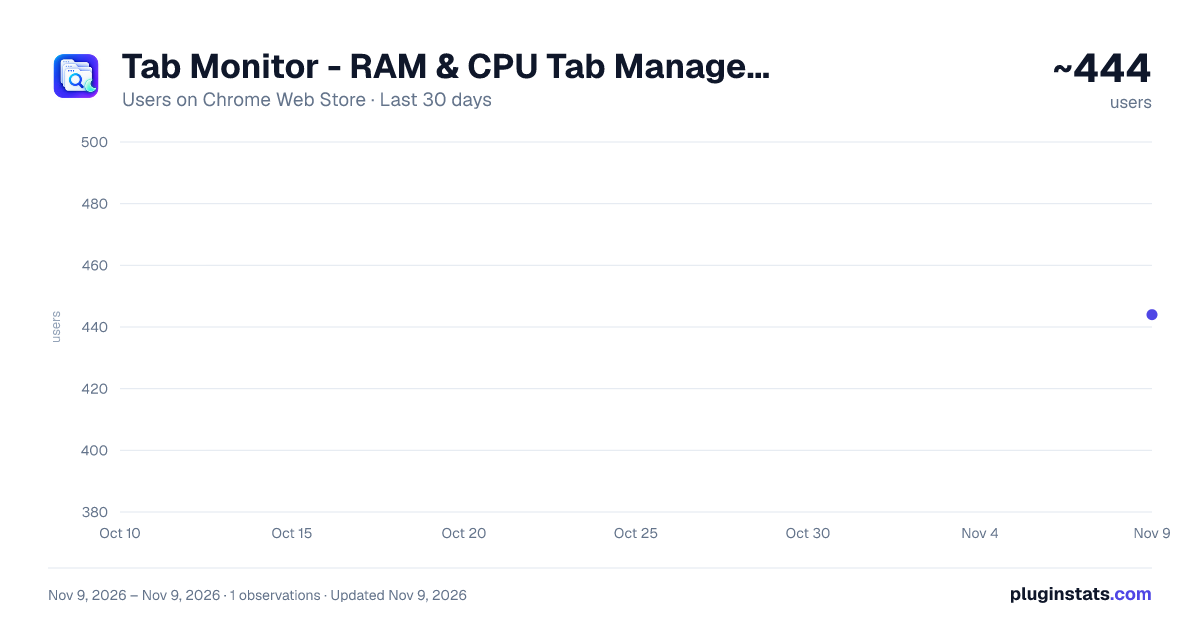
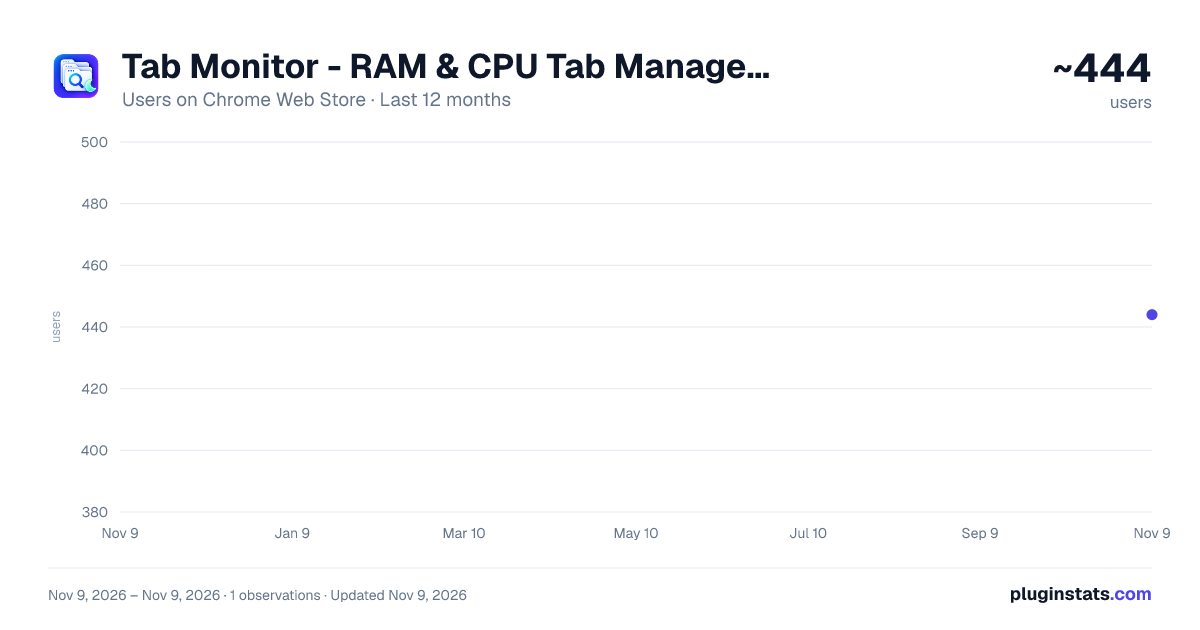
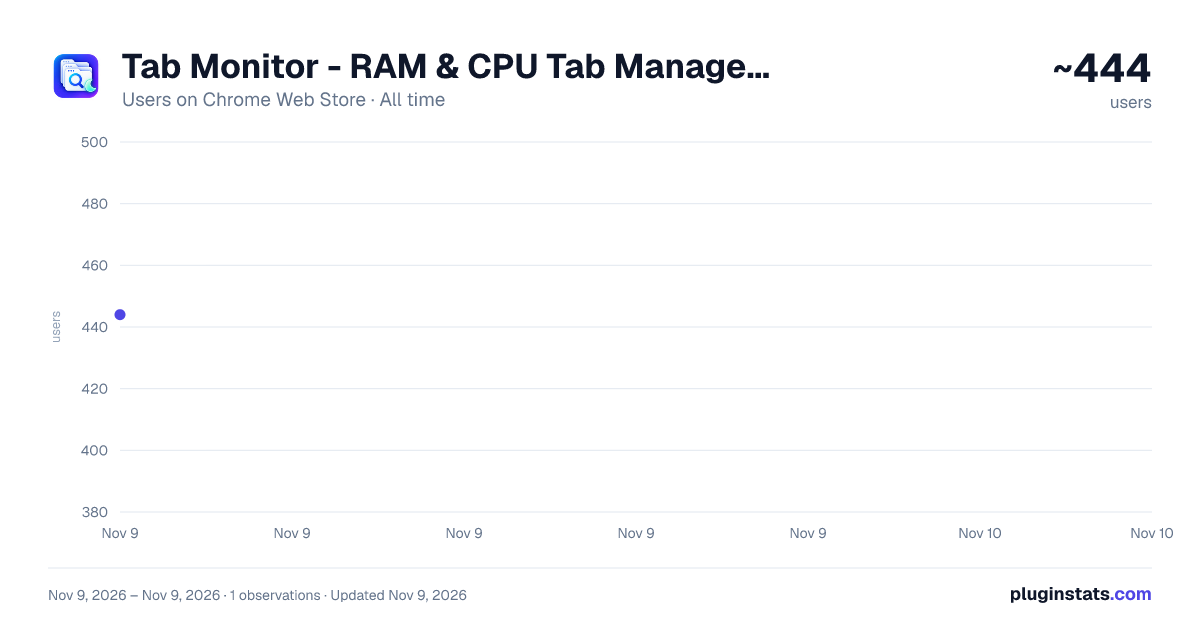
Tab Monitor - RAM & CPU Tab Manager | Focus Mode has approximately 444 recorded users on Chrome Web Store, ranking #5506 of 10,388 tracked listings.
Rating: 4.30 / 5 from 11 ratings
About Tab Monitor - RAM & CPU Tab Manager | Focus Mode
Find, organize, and suspend tabs from one side panel. Reopen recently closed pages. Core tools work without an account.
Tab Monitor: Real-Time Resource Management Monitor your tabs. Reclaim your RAM.
Tab Monitor provides a granular, real-time dashboard of your browser’s performance. Instead of guessing which tab is slowing down your system, see exact RAM and CPU metrics for every open window and terminate resource-heavy processes with a single click.
Key Features:
- Real-Time Metrics: RAM and CPU usage per tab, refreshed every 3 seconds.
- Resource Status: Instant visual feedback using Green (Healthy), Yellow (Warning), and Red (Critical) indicators.
- Focus Mode: Whitelist specific tabs and block new distractions for a set duration.
- Bulk Management: "Clear the Room" allows you to close all critical resource hogs simultaneously.
- Safety Net: Automatic session saving every 5 minutes to prevent data loss during crashes.
- Privacy-Centric: All metrics stay 100% local. No telemetry, no tracking, and no account required for core features.
Tab Monitor PRO:
- Customizable Focus Mode
- Grid View - get an overview of your tabs in a new way
- More back-up sessions in cause of browser crash
- Automated Suspensions: Automatically offload inactive, high-RAM tabs after 10 minutes.
- Leak Detection: Smart alerts for tabs with abnormally fast memory growth.
- The Parking Lot: Temporarily hibernate tabs and restore them later with full context with reminders if needed.
- Custom Thresholds: Set domain-specific limits for "Critical" status alerts.
- Advanced Analytics: Trend tracking and memory peak breakdowns by domain.
Changelog
Update 1.0.13 & 1.0.12 • Getting started: A shorter welcome page shows your open-tab count and helps you find and open a tab without signing in. The guide can be dismissed. • Focus Mode: A new eye button beside notifications lets you select tabs to keep, choose a timer, and decide whether to temporarily close other tabs. Click the eye and countdown to end Focus early and reopen temporarily closed pages. • Focus fixes: Canceling either setup prompt no longer starts Focus or uses a free session. Repeated clicks cannot start overlapping setup flows. • Interface: Fixed clipped popup rows, centered the Explore Pro button, and prevented pricing badges from covering plan names in narrow side panels. Removed the permanent notice above Grid View. • Resource information: RAM and CPU values are clearly labeled as estimates. Hover over Processes or the process list for the explanation. Suspension reports successful actions; suspended pages reload when reopened. • Pro: Clearer plan choices, including Lifetime access for a one-time payment. Fixed the trial button to use the signed-in account's 3-day trial, with no payment card or automatic renewal. • Privacy: Removed product-activity upload calls. Onboarding progress, dismissals, and action counts remain local. Sign-in, licensing, and billing still use the services they require.
Update 1.0.10 & 1.0.11 – July 25 2026
Functionality: Fixed some visual bugs and improved Grid View UI: Improved localization and GUI. Added SmartCleanup for a 1-click clean Fixed routing issue with price plan.
Update 1.0.9 – May 6 2026
Functionality: Fixed visual bug on side panel when opening it for the first time.
Update 1.0.8 – March 26 2026
Functionality: Grid view - display your tabs as a grid by pressing ALT + G Localization: Added full language support for Italian, Russian, Chinese (simplified), Japanese and Portuguese. Notifications: Added information notifications to users at given events. Updated Parking lot functionality to allow reminder in the future Onboarding: Added a new welcome.html upon installation to get an overview of the extension functionality
Update 1.0.7 – March 20, 2026
Selective Restore: Added the ability to choose specific tabs to restore from backups rather than a full session overwrite. UI Fixes: Resolved issues with non-responsive buttons in the dashboard.
Update 1.0.6 – March 16, 2026
Localization: Added full language support for French, Spanish, and German.
Update 1.0.5 – March 12, 2026
Security: Refined Supabase authentication permissions; the extension now only requests access to its specific database. Bug Fixes: General stability improvements.
Update 1.0.4 – March 9, 2026
Permission Refactor: Several mandatory permissions are now optional and can be toggled via Settings. Focus Mode 2.0: * Added HH:MM timer support for Pro users. Automatic restoration of the previous tab state upon deactivation. Added manual termination input to prevent accidental deactivation.
Update 1.0.3 – March 5, 2026
Focus Mode: Introduced a 1–60 minute focus timer to restrict browsing to selected tabs. Session Recovery: Added background auto-save (5-minute intervals) for crash protection.
Update 1.0.2 – March 3, 2026
Compatibility: Added official support for Microsoft Edge. UI Updates: Improved authentication flow and fixed missing tab favicons.
Description from the Chrome Web Store listing.
README badge
Show your rank in a README or on your website. The badge updates automatically.
Charts
Images: 30d · 1y · all time · 1600×900 dark
Adoption over time
7/30/90-day growth
Ranking history
Ratings over time
Listing placement
Listing placement
Filled points are observed values; hollow points come from Internet Archive snapshots of the listing page. Dashed segments span periods with no observations — values between points are not interpolated.
Each band is one page of 20. Users on a linear scale. Placement is projected from users, so it can differ from the marketplace's own sort order. Hover a dot to see the listing.
Recent observations
Full history (1)Similar Chrome Web Store Tools plugins
All 20 Tab Monitor - RAM & CPU Tab Manager | Focus Mode alternatives



Data source
Covers every Chrome Web Store extension with at least 100 users, found through the store's public sitemap. User counts are read from public listing pages. The 10% most-used extensions are refreshed daily, the next 40% weekly and the next 40% monthly; the least-used 10% are not refreshed. Google displays rounded user counts (and caps the display at 10,000,000+), so small changes may not be visible. Rating counts above 1,000 are rounded (e.g. 1.6K).
Listing: https://chromewebstore.google.com/detail/tab-monitor-ram-cpu-tab-m/hohggacchdpanlgbklndifoppehgfdcd. First seen Nov 9, 2026; last successful collection Nov 9, 2026. See the methodology.