 PluginStats

Image OCR | Extract text from images users statistics
Harness AI with our Image OCR tool—extract text from images, screenshots, and documents to boost productivity.
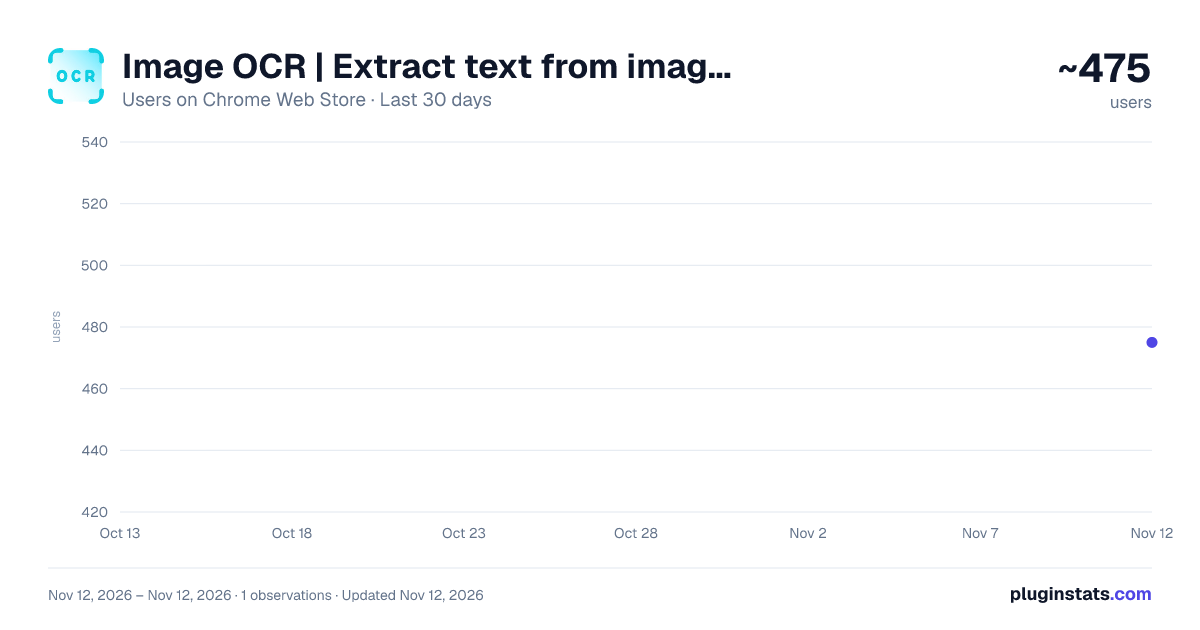
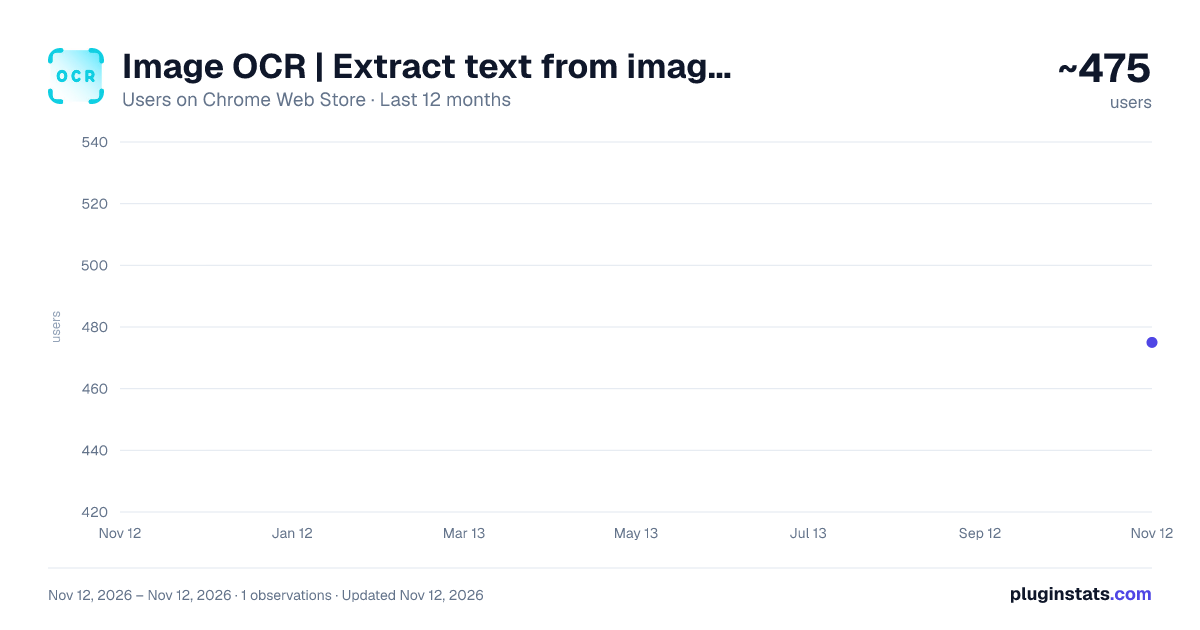
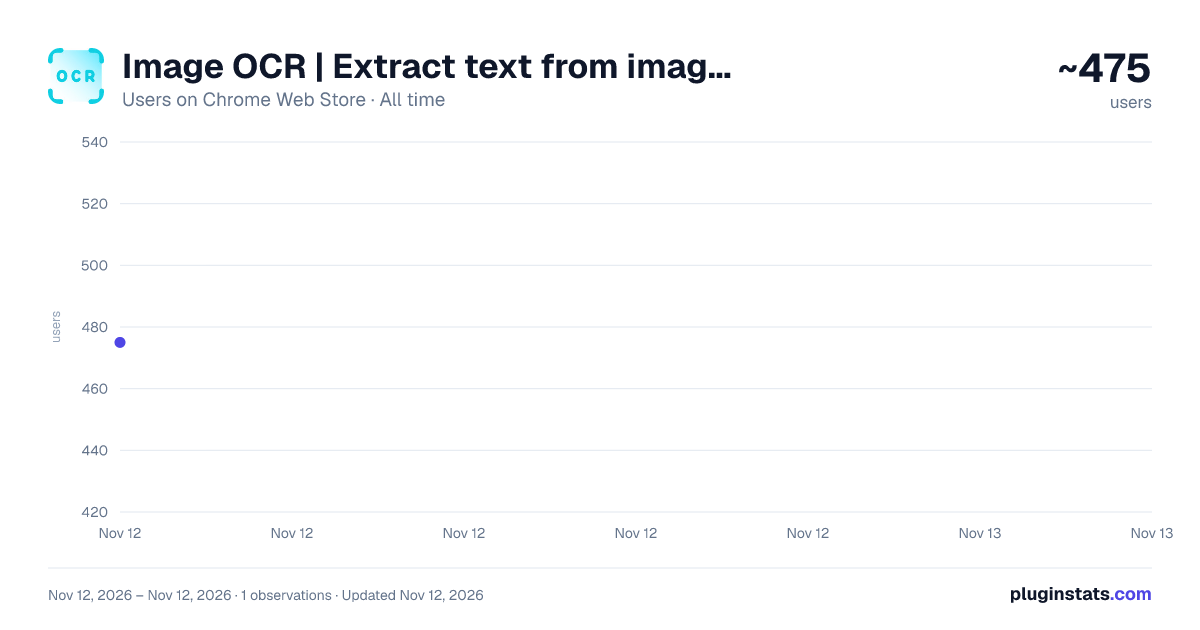
Image OCR | Extract text from images has approximately 475 recorded users on Chrome Web Store, ranking #5326 of 10,388 tracked listings.
Rating: 2.30 / 5 from 3 ratings
About Image OCR | Extract text from images
Harness AI with our Image OCR tool—extract text from images, screenshots, and documents to boost productivity.
Image to Text: AI OCR Meets ChatGPT 🖼️➡️💬
Transform images into actionable text with the most advanced AI-powered OCR tool, designed to work seamlessly with ChatGPT. Whether you're a student, professional, or creator, our tool simplifies text extraction and enhances productivity.
➤ Why Use Image OCR? 🚀
- 📷 Convert images, PDFs, or screenshots into editable text in seconds.
- 🏷️ Copy, edit, or share text with ease.
- ✍️ Optimize your ChatGPT prompts with clear, extracted content.
- 🌍 Supports multi-language OCR for global use cases.
➤ Real-Life Scenarios 🌟
📚 Students and Researchers Take photos of textbooks, lecture slides, or research papers and convert them into editable text for summaries, notes, or questions in ChatGPT.
💼 Professionals Scan business cards, receipts, contracts, or meeting notes and transfer extracted text directly into reports, presentations, or email drafts.
🌐 Content Creators Extract text from inspirational images, quotes, memes, or designs and refine them with ChatGPT for social media posts, blogs, or creative projects.
🖨️ Office and Document Management Digitize hard copies of documents, invoices, or forms for archiving or editing, reducing manual effort and errors.
➤ Advanced Use Cases 🔑
- 📲 Integrate extracted text into productivity apps like Notion, Evernote, or Google Docs for seamless workflow management.
- 🔗 Use with tools like Jasper AI, Writesonic, or Grammarly to supercharge your content creation.
- 🤖 Enhance ChatGPT interactions for brainstorming, summarizing, or translating extracted text.
➤ Key Features 🏆
- 🚀 High-Accuracy OCR: Extract clean, error-free text from images, PDFs, and more.
- 🌍 Multi-Language Support: Recognize text in over 50 languages, from English to Chinese, Arabic, and beyond.
- 🔄 Seamless ChatGPT Integration: Copy extracted text directly into ChatGPT for instant use.
- 🔒 Privacy First: All processing is secure and complies with GDPR and California Privacy Act.
Tired of manual text entry? Say goodbye to endless typing. With Image OCR | Image to Text for ChatGPT, transform photos into actionable text and save hours of work! Perfect for academics, marketers, designers, and busy professionals.
➤ Privacy Policy 🔒 Your data stays private, processed securely within your Google account, ensuring compliance with GDPR and California Privacy Act.
📢 Optimize Your Workflow Today Try Image OCR | Image to Text for ChatGPT and experience the easiest way to convert images into text and integrate with AI tools like ChatGPT, Jasper AI, or Google Bard. 🚀✨
Description from the Chrome Web Store listing.
README badge
Show your rank in a README or on your website. The badge updates automatically.
Charts
Images: 30d · 1y · all time · 1600×900 dark
Adoption over time
7/30/90-day growth
Ranking history
Ratings over time
Listing placement
Listing placement
Filled points are observed values; hollow points come from Internet Archive snapshots of the listing page. Dashed segments span periods with no observations — values between points are not interpolated.
Each band is one page of 20. Users on a linear scale. Placement is projected from users, so it can differ from the marketplace's own sort order. Hover a dot to see the listing.
Recent observations
Full history (1)Similar Chrome Web Store Tools plugins
All 20 Image OCR | Extract text from images alternatives



Data source
Covers every Chrome Web Store extension with at least 100 users, found through the store's public sitemap. User counts are read from public listing pages. The 10% most-used extensions are refreshed daily, the next 40% weekly and the next 40% monthly; the least-used 10% are not refreshed. Google displays rounded user counts (and caps the display at 10,000,000+), so small changes may not be visible. Rating counts above 1,000 are rounded (e.g. 1.6K).
Listing: https://chromewebstore.google.com/detail/image-ocr-extract-text-fr/niogciakbgckopjbnekgkpankjmeppco. First seen Nov 12, 2026; last successful collection Nov 12, 2026. See the methodology.