 PluginStats

PDF Merger users statistics
By absolute.granny · Chrome Web Store · Tools
Get PDF Merger | PDF Combiner to merge pdf files online in just a few clicks. We don’t store or view your files - safe and simple!
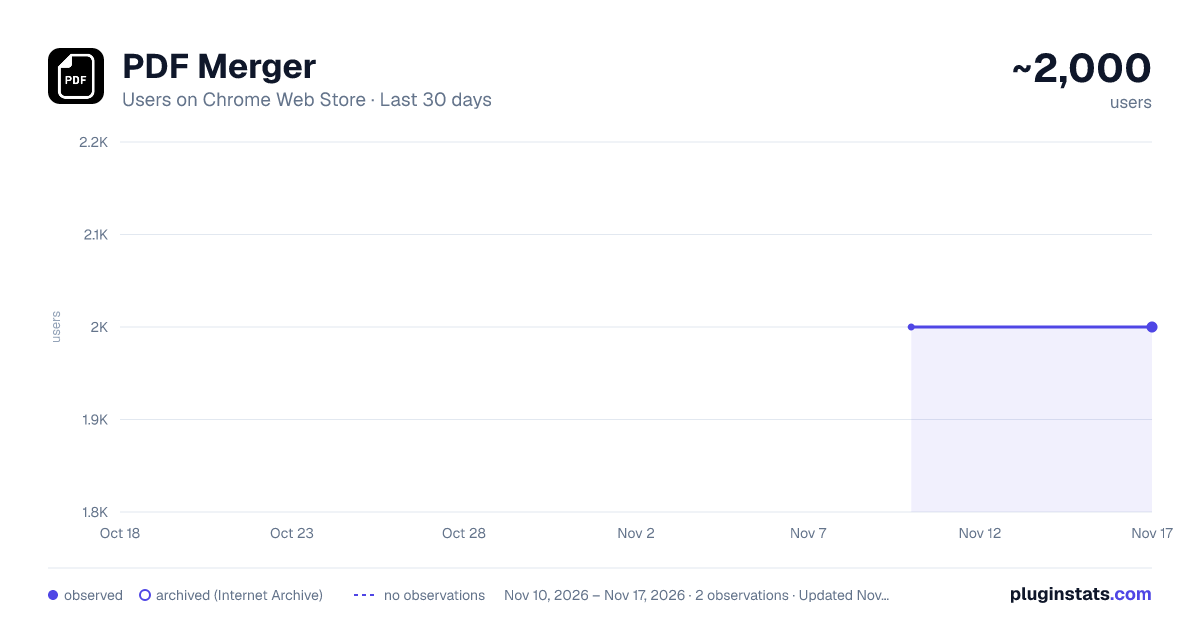
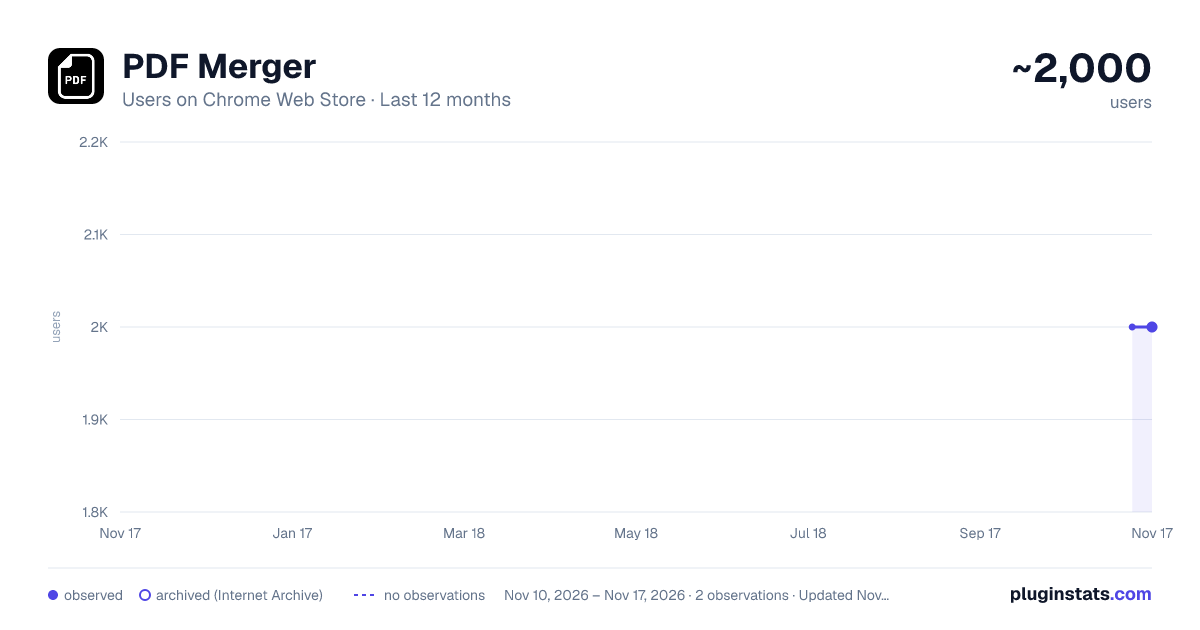
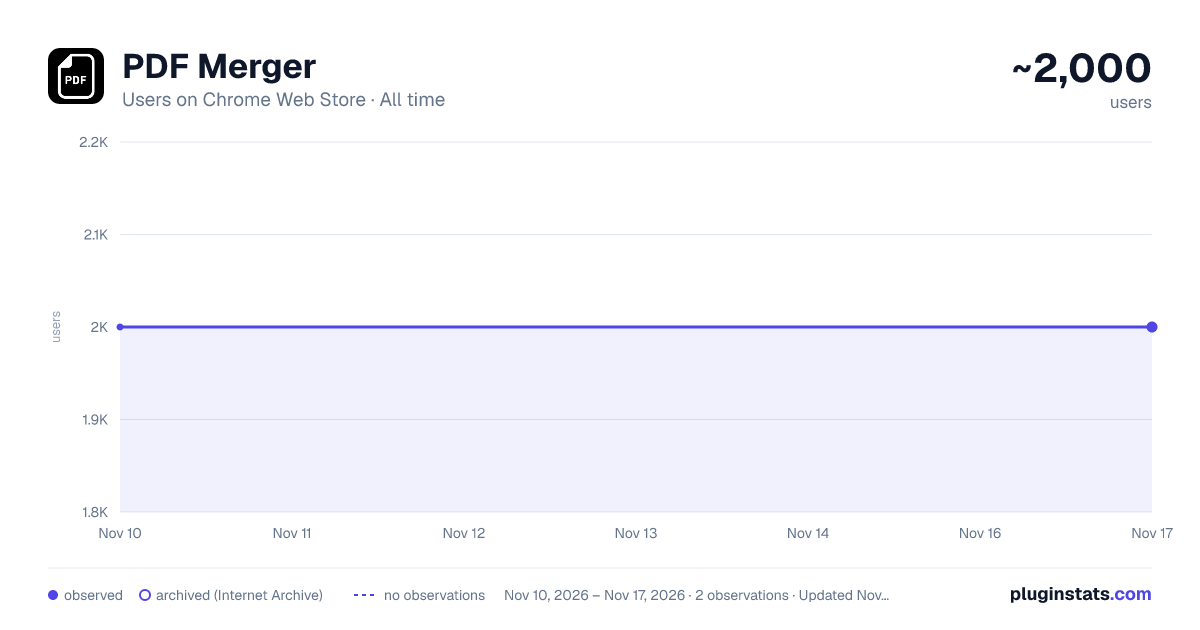
PDF Merger has approximately 2,000 recorded users on Chrome Web Store, a change of 0.0% over the past 7 days, ranking #2640 of 10,523 tracked listings.
Rating: 4.60 / 5 from 17 ratings
About PDF Merger
Get PDF Merger | PDF Combiner to merge pdf files online in just a few clicks. We don’t store or view your files - safe and simple!
Merge PDF Online with Ease – The Simple Tool You Can Trust ✨ Tired of clunky software just to merge PDF files? Meet PDF Merger – your fast, secure, and anonymous solution to combine documents in seconds. Whether you're a student compiling notes or a professional preparing a report, this pdf merger online tool does the job—no fluff, no complications, and no need to register. ✨ We believe document tools should be simple. That’s why with our tool, everything is just a few clicks away. You don’t need to download heavy apps or give away your data. Just click the extension icon, use the built-in browser button or right-click to start merging instantly.
Quick Highlights of PDF Merger ⭐️ No registration needed. ⭐️ Merge PDF without quality loss. ⭐️ Anonymous and secure. ⭐️ Simple, intuitive design.
More Reasons to Love It
- PDF Merger works instantly across all major devices, whether you're using a PC, Mac, or Chromebook.
- Its clean and clutter-free design helps you stay focused on your task without distractions.
- You can simply drag and drop your documents, making the merging process smooth and intuitive.
How It Works: Option 1 1️⃣ Click the PDF Merger icon in your Chrome toolbar. 2️⃣ Upload or drag your documents. 3️⃣ Hit “Combine PDF” and download your new file.
How It Works: Option 2 1️⃣ Open the document directly in your browser. 2️⃣ Click the blue “merge” button in the viewer’s panel. 3️⃣ Upload or drag other documents. 4️⃣ Click “Combine pdf” and download the merged file.
Performance & Usability Benefits 🔹 Combine PDF documents while preserving the original image resolution, ensuring nothing is lost in the process. 🔹 Enjoy lightning-fast processing speeds, even when working with multiple docs or large-sized PDFs. 🔹 Learn how to merge PDF files instantly without the need to download or install any additional software or apps. 🔹 Navigate effortlessly thanks to a friendly, minimal interface designed for all experience levels.
Privacy & Accessibility Benefits 🔐 No watermark, no sign-ups, no nonsense. 🔐 Safe from data leaks — no cloud, no data storage. 🔐 PDF Merger works perfectly with PC, Mac, Linux, or Chromebook. 🔐 Use directly in the browser viewer or via the extension icon.
Who Can Use This Tool? 💡Students – Keep assignments and readings neatly bundled. 💡Office Workers – Work with reports, memos, and contracts with ease. 💡Freelancers – Quickly combine invoices and project data. 💡Researchers – Combine multiple pdfs into one comprehensive document. 💡Everyone – If you handle documents, pdf merger is for you.
Online PDF Merger Without Compromise ▸ Arrange files in your preferred order. ▸ Keep the original format – no resolution loss. ▸ Use our intuitive drag-and-drop interface. ▸ Merge pdf a batch of docs anytime, anywhere. ▸ Change the page order by dragging.
Use Cases ➤ Join lecture notes, readings, or research papers into one organized document. ➤ Combine invoices, contracts, or proposals for easier client communication. ➤ Join reports and internal data for team collaboration or business meetings. ➤ Create clean bundles for legal, financial, or real estate documents. ➤ Consolidate scans, receipts, or forms for tax or admin purposes.
Your Privacy Comes First
- There's no account needed and no access to your data.
- The pdf merger online tool ensures everything happens right on your device.
- We don’t store your PDFs or require registration.
- We respect your privacy, keep your data local, and offer fast, anonymous merging.
Extra Perks of Online PDF Merger 🚀 Join files in seconds. 🚀 Combine pdfs without compression. 🚀 No pop-ups or ads. 🚀 Lightweight and fast. 🚀 No confusing menus.
Compare with Other Tools ❌ Other tools: require sign-ups, share your data, slow interface. ✅ Pdf Merger: no sign-up, no data sharing, instant merging.
❌ Adobe PDF Merger: needs account, may store your data. ✅ Our tool: Join pdf files while keeping your privacy.
❌ Other online tools: often reduce quality. ✅ This one: no quality loss ever.
Built for Simplicity and Speed • Merge all pdfs without jumping through hoops. • Concatenate pdf files with a few actions. • Add multiple documents on the fly. • Pdf combine files without additional software.
Smart Integration with Chrome 📌 Built right into your browser. 📌 Click PDF Merge from the viewer directly. 📌 Combine pdf files online in seconds. 📌 No switching tabs, no delays.
FAQ ❓Can I use PDF Merger on mobile? 💡No, our pdf combiner is optimized for desktop browsers only.
❓Do I need an account? 💡Nope. Combine PDF online without accounts.
❓Is it safe? 💡Yes! We don’t touch your documents. They stay on your device.
❓Does it reduce quality? 💡Not at all. The combined file is exactly like the originals.
❓What’s better about this than other tools? 💡This Merger PDF tool is cleaner, private, and works immediately.
❓ Can I rearrange uploaded docs? 💡 Yes, just drag and drop them in any order.
Your One-Click Solution Want to find out how to combine PDF files? This Chrome extension delivers. It’s a PDF Merger designed for people who value time, simplicity, and privacy. Install now and experience the easy way to combine pdf documents today with our PDF compiler. No more wasted time. No more complex tools. ✨Just click. Just merge. Just done.
Description from the Chrome Web Store listing.
README badge
Show your rank in a README or on your website. The badge updates automatically.
Charts
Images: 30d · 1y · all time · 1600×900 dark
Adoption over time
7/30/90-day growth
Ranking history
Ratings over time
Listing placement
Listing placement
Filled points are observed values; hollow points come from Internet Archive snapshots of the listing page. Dashed segments span periods with no observations — values between points are not interpolated.
Each band is one page of 20. Users on a linear scale. Placement is projected from users, so it can differ from the marketplace's own sort order. Hover a dot to see the listing.
Recent observations
Full history (2)Similar Chrome Web Store Tools plugins
All 20 PDF Merger alternatives



Data source
Covers every Chrome Web Store extension with at least 100 users, found through the store's public sitemap. User counts are read from public listing pages. The 10% most-used extensions are refreshed daily, the next 40% weekly and the next 40% monthly; the least-used 10% are not refreshed. Google displays rounded user counts (and caps the display at 10,000,000+), so small changes may not be visible. Rating counts above 1,000 are rounded (e.g. 1.6K).
Listing: https://chromewebstore.google.com/detail/pdf-merger/nimljidihnlgjnanpiaaaakfmnfocnih. First seen Nov 10, 2026; last successful collection Nov 17, 2026. See the methodology.