 PluginStats

JobSieve - LinkedIn Job Filter users statistics
Filter and customize your LinkedIn job search with powerful blacklists, whitelists, and smart filtering options.
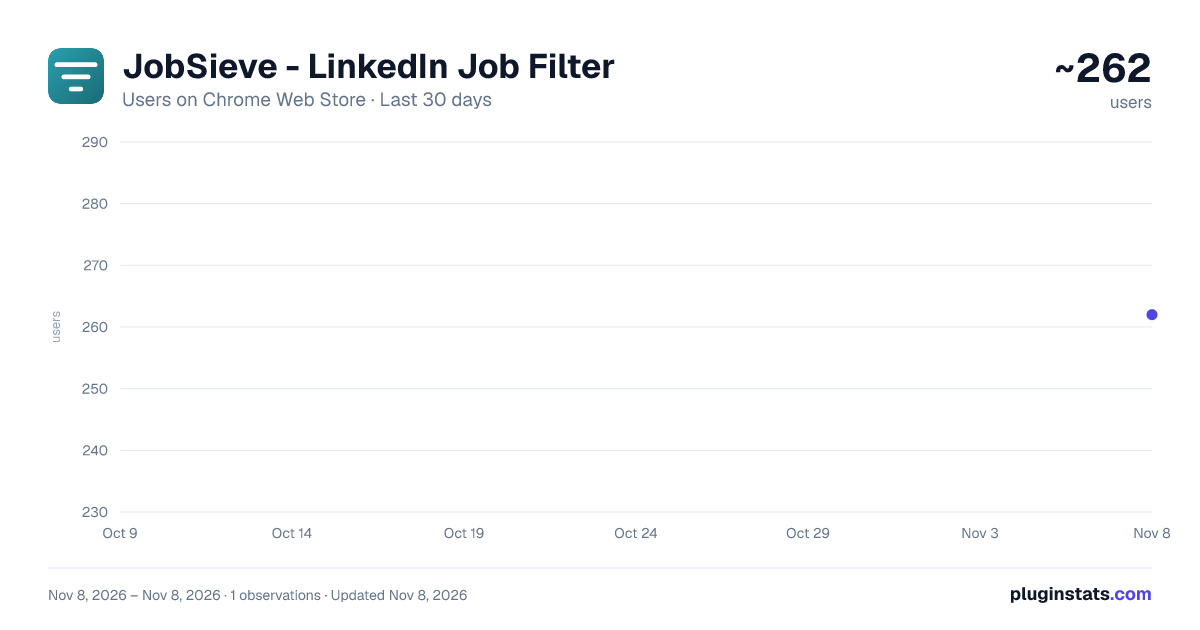
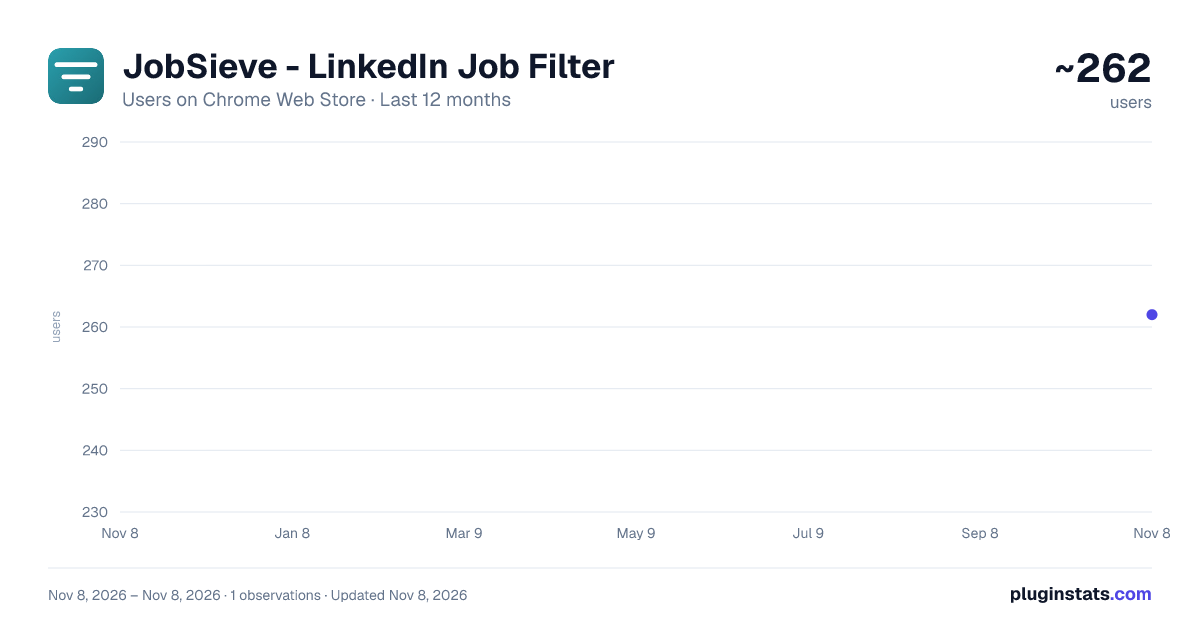
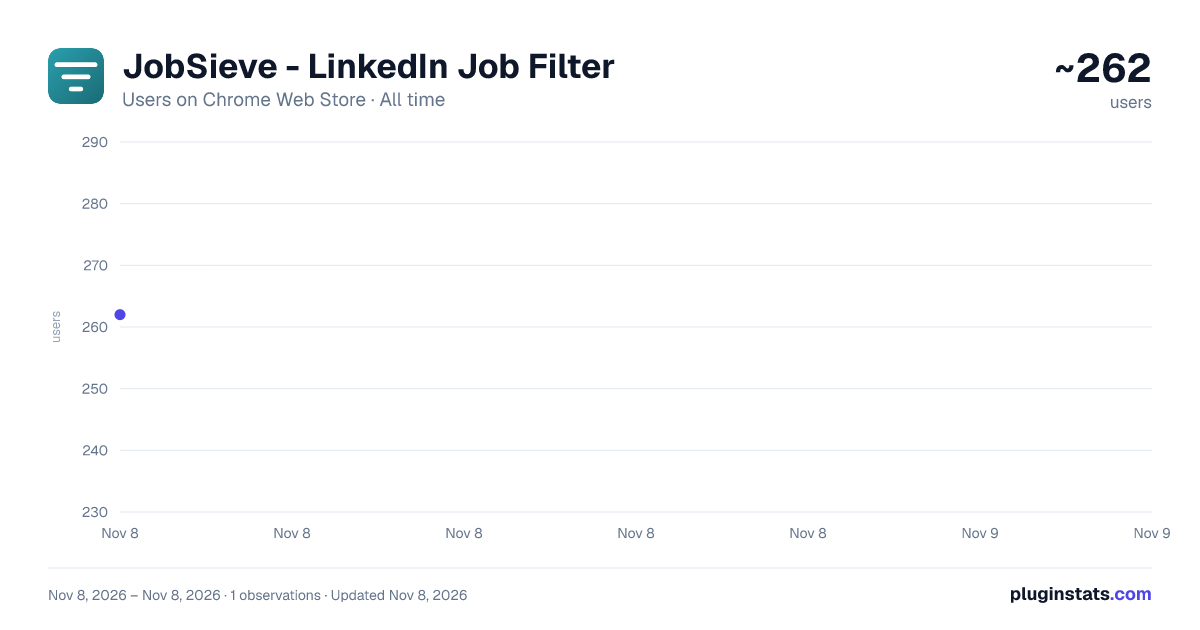
JobSieve - LinkedIn Job Filter has approximately 262 recorded users on Chrome Web Store, ranking #6956 of 10,388 tracked listings.
Rating: 3.80 / 5 from 6 ratings
About JobSieve - LinkedIn Job Filter
Filter and customize your LinkedIn job search with powerful blacklists, whitelists, and smart filtering options.
JobSieve – Smarter LinkedIn Job Filtering
Stop wasting time on irrelevant job listings. Start seeing the opportunities that matter most.
JobSieve is a Chrome extension that transforms your LinkedIn job search experience. It allows you to filter out unwanted listings and highlight the ones that truly match your preferences—saving you time, reducing frustration, and helping you focus on the right opportunities.
Why Use JobSieve?
LinkedIn's default filters are limited. You may keep seeing job posts that don't match your goals—wrong companies, locations, or roles with unsuitable terms. JobSieve gives you more control and better results.
Key Features
✔ Company Filter Block specific companies from appearing in your job results. Whether it's past employers, low-rated firms, or industries you want to avoid, you decide who shows up.
✔ Location Filter Automatically hide jobs from regions that aren't relevant to you. Perfect for remote-first professionals or those with geographic constraints.
✔ Keyword Blacklist Exclude jobs that mention unwanted terms, like certain seniority levels, employment types, or phrases that don't match your goals.
✔ Hide Promoted Jobs Tired of sponsored listings cluttering your results? Toggle one switch to automatically hide all promoted job posts.
✔ Hide Already Viewed Jobs Keep your feed fresh. JobSieve detects jobs you've already viewed and hides them so you can focus on new opportunities.
✔ Smart Highlighting Highlight listings containing your preferred keywords so you never miss important opportunities. Now with refined styling—smooth animations, hover effects, and eye-catching badge labels that won't get clipped by LinkedIn's layout.
✔ Real-Time Stats Dashboard See exactly how JobSieve is working for you. A live stats bar in the popup shows how many jobs are hidden, highlighted, and total at a glance. Expand the session breakdown to see per-filter counts—Company, Location, Keyword, Promoted, and Viewed. Each blacklist tag even shows a badge with the number of jobs it matched.
✔ Dark Mode Prefer a darker interface? Toggle dark mode in the popup header. Your preference is saved automatically.
✔ Works Across More LinkedIn Pages JobSieve now works on LinkedIn Jobs Search, Jobs Collections, and Jobs View pages—not just search results. Wherever you browse jobs on LinkedIn, your filters follow.
✔ Real-Time Filtering JobSieve works instantly as you browse LinkedIn. No need to reload the page. Toggling filters on or off takes effect immediately—hidden jobs reappear without refreshing.
✔ Persistent Settings Your filters, preferences, and dark mode choice are saved automatically. No need to reconfigure each time.
Flexible for Every Job Seeker
Whether you're just starting out, changing careers, working remotely, or freelancing, JobSieve adapts to your job search style. With customizable filters, smart highlighting, real-time analytics, and dark mode, it's built to help all kinds of professionals streamline their search.
Private, Secure, and Easy to Use
- 100% Local: All processing happens in your browser. No data leaves your device.
- Minimal Permissions: Only accesses LinkedIn job pages and local storage.
- LinkedIn-Compatible: Enhances your experience without interfering with the platform.
- Non-Destructive Filtering: Jobs are hidden visually, never removed—toggle your filters freely.
Get Started in Seconds
- Install JobSieve from the Chrome Web Store
- Go to any LinkedIn jobs page, Search, Collections, or Job View
- Open the extension and add your preferences
- Browse smarter: irrelevant jobs disappear, key listings stand out, and your stats update in real time
Take control of your job search today with JobSieve. Install now and experience a more focused, efficient way to explore LinkedIn job listings.
Description from the Chrome Web Store listing.
README badge
Show your rank in a README or on your website. The badge updates automatically.
Charts
Images: 30d · 1y · all time · 1600×900 dark
Adoption over time
7/30/90-day growth
Ranking history
Ratings over time
Listing placement
Listing placement
Filled points are observed values; hollow points come from Internet Archive snapshots of the listing page. Dashed segments span periods with no observations — values between points are not interpolated.
Each band is one page of 20. Users on a linear scale. Placement is projected from users, so it can differ from the marketplace's own sort order. Hover a dot to see the listing.
Recent observations
Full history (1)Similar Chrome Web Store Tools plugins
All 20 JobSieve - LinkedIn Job Filter alternatives



Data source
Covers every Chrome Web Store extension with at least 100 users, found through the store's public sitemap. User counts are read from public listing pages. The 10% most-used extensions are refreshed daily, the next 40% weekly and the next 40% monthly; the least-used 10% are not refreshed. Google displays rounded user counts (and caps the display at 10,000,000+), so small changes may not be visible. Rating counts above 1,000 are rounded (e.g. 1.6K).
Listing: https://chromewebstore.google.com/detail/jobsieve-linkedin-job-fil/anoideekpmpbjcmlkpmhlhbbnnkklfkm. First seen Nov 8, 2026; last successful collection Nov 8, 2026. See the methodology.