 PluginStats

Bulk Downloader for Pinterest users statistics
By Aarvion · Chrome Web Store · Tools
Download a single Pinterest image or video, choose your favourite pins, or save a whole board as a ZIP. No uploads.
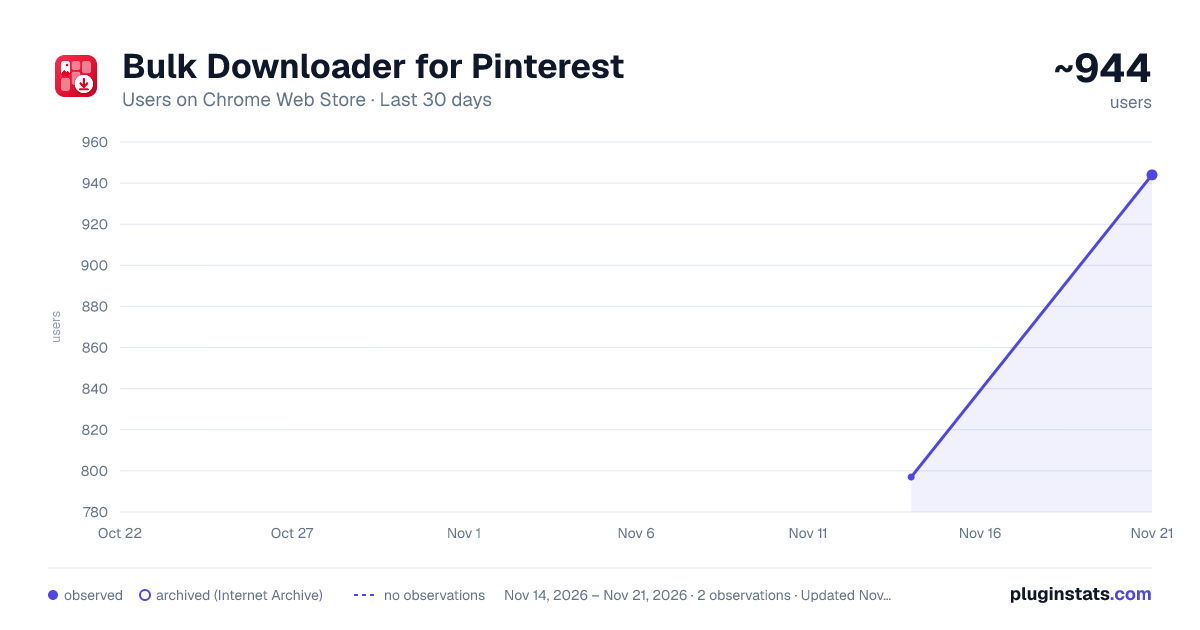
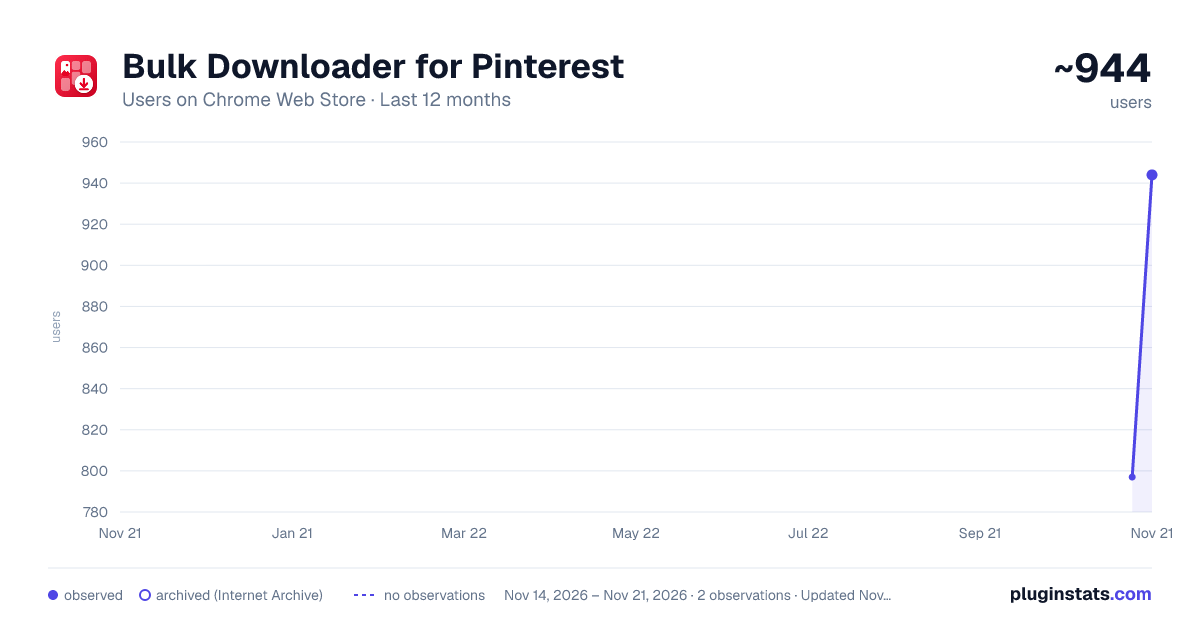
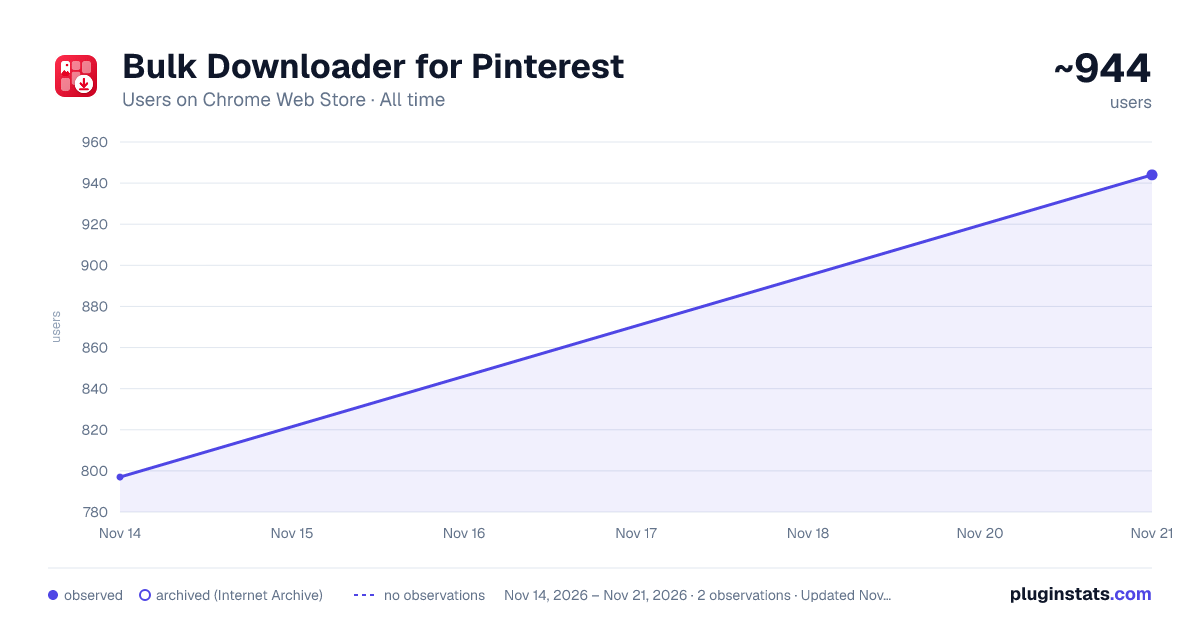
Bulk Downloader for Pinterest has approximately 944 recorded users on Chrome Web Store, a change of +18.4% over the past 7 days, ranking #3925 of 10,523 tracked listings.
Rating: 5.00 / 5 from 1 ratings
About Bulk Downloader for Pinterest
Download a single Pinterest image or video, choose your favourite pins, or save a whole board as a ZIP. No uploads.
Open a Pinterest board, click one button, and get the whole thing as a single ZIP file.
Bulk Downloader for Pinterest scrolls the board for you, collects every pin as it goes, downloads each one at full resolution, and packs the lot into one archive. It works on your own saved pins, on other people's boards, on search results and on your home feed.
Everything happens inside your browser. There is no account to create, no server to upload to, and no limit on how many pins you can take.
WHAT IT DOES
• One click for a whole board — the page scrolls itself while pins are collected, then downloads as a single ZIP. • Full resolution, not thumbnails — the image URL is rewritten to the original file before download, with a fallback ladder (originals → 1200px → 736px) if a size isn't available. In testing, a 65 KB thumbnail came down as the 214 KB original. • Images and videos — video pins are saved as MP4 where Pinterest exposes one. • Any board size — past 500 pins the archive is streamed straight into a file you choose, so memory stays flat whether it's 500 pins or 50,000. ZIP64 kicks in automatically past 4 GB or 65,535 files. • Stop whenever you like — Stop halts the scroll and offers to download what it already found, so you can take the first slice of a 10,000-pin board and quit. • Pick what you want — include images, videos or both; cap the number of pins; and choose Original quality or Fast (736px, roughly 3× smaller and quicker).
PRIVACY
Nothing is collected. No analytics, no tracking, no telemetry, no server of any kind. Your pins are fetched straight from Pinterest to your own computer and never pass through anyone else's machine. The only permission requested is read access to pinimg.com, the image server the pins are actually stored on. Your settings are kept in your own browser and go no further.
HOW TO USE IT
- Open the board, search page or feed you want.
- Click the red arrow button in the bottom-right corner of the page.
- Click "Scrape & Download ZIP", and leave the tab in front while it works.
On very large boards a blue "Save … pins to disk" button appears instead — click it and pick a file, and the pins stream directly into it.
GOOD TO KNOW
• Keep the tab in the foreground while it runs; browsers throttle background tabs and the scroll stalls. • A few video pins are published as HLS streams only. Those need a transcoder to save, so the extension falls back to downloading the pin's cover image instead. • Private boards work as long as you're signed in to Pinterest in that same tab. The extension uses your normal session and never sees your password. • If video pins are coming through as images, tick "Deep video scan". It's slower, but it checks every pin rather than only the ones that look like videos. • Streaming to disk needs Chrome or Edge. If the save dialog is unavailable, the archive is built in memory instead and you're told so.
Pins you download stay the work of the people who made them. This is a tool for saving things for your own use — please don't republish or sell other people's work.
This extension is not affiliated with, authorised by, or endorsed by Pinterest, Inc.
Description from the Chrome Web Store listing.
README badge
Show your rank in a README or on your website. The badge updates automatically.
Charts
Images: 30d · 1y · all time · 1600×900 dark
Adoption over time
7/30/90-day growth
Ranking history
Ratings over time
Listing placement
Listing placement
Filled points are observed values; hollow points come from Internet Archive snapshots of the listing page. Dashed segments span periods with no observations — values between points are not interpolated.
Each band is one page of 20. Users on a linear scale. Placement is projected from users, so it can differ from the marketplace's own sort order. Hover a dot to see the listing.
Recent observations
Full history (2)Similar Chrome Web Store Tools plugins
All 20 Bulk Downloader for Pinterest alternatives



Data source
Covers every Chrome Web Store extension with at least 100 users, found through the store's public sitemap. User counts are read from public listing pages. The 10% most-used extensions are refreshed daily, the next 40% weekly and the next 40% monthly; the least-used 10% are not refreshed. Google displays rounded user counts (and caps the display at 10,000,000+), so small changes may not be visible. Rating counts above 1,000 are rounded (e.g. 1.6K).
Listing: https://chromewebstore.google.com/detail/bulk-downloader-for-pinte/iabgekdpkgckdcljfkhdhbcbokpajicg. First seen Nov 14, 2026; last successful collection Nov 21, 2026. See the methodology.