 PluginStats

Video to MP3 users statistics
By Bedrock Labs · Chrome Web Store · Tools
Video to MP3 — extract audio from video files right in your browser. Free and private: MP4, WebM, MOV to MP3.
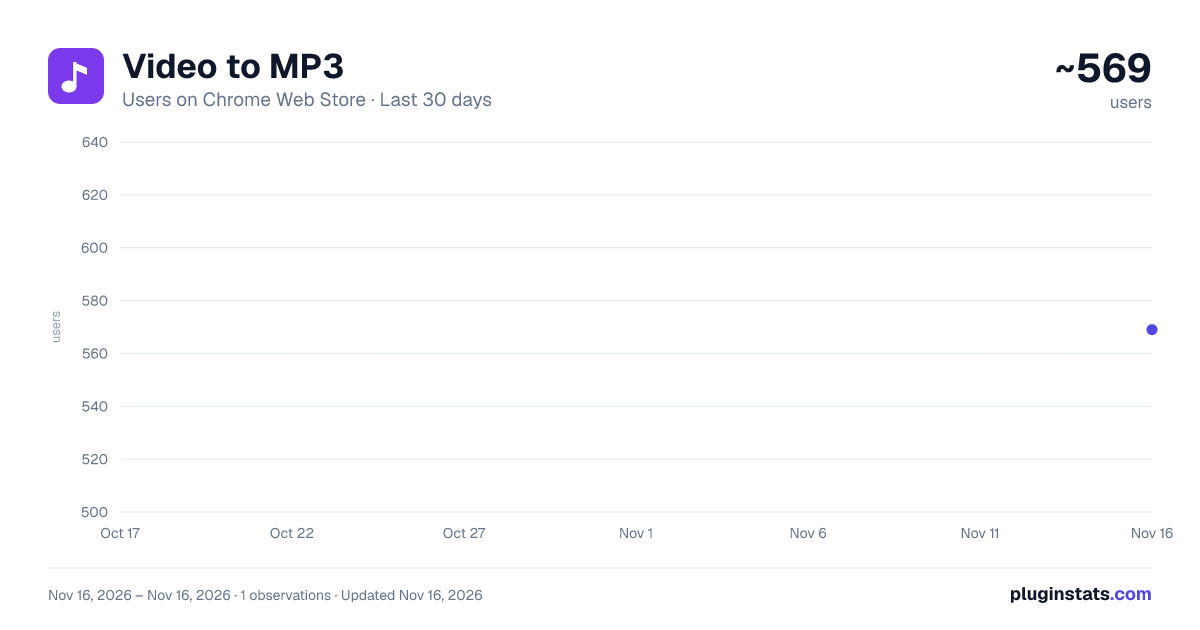
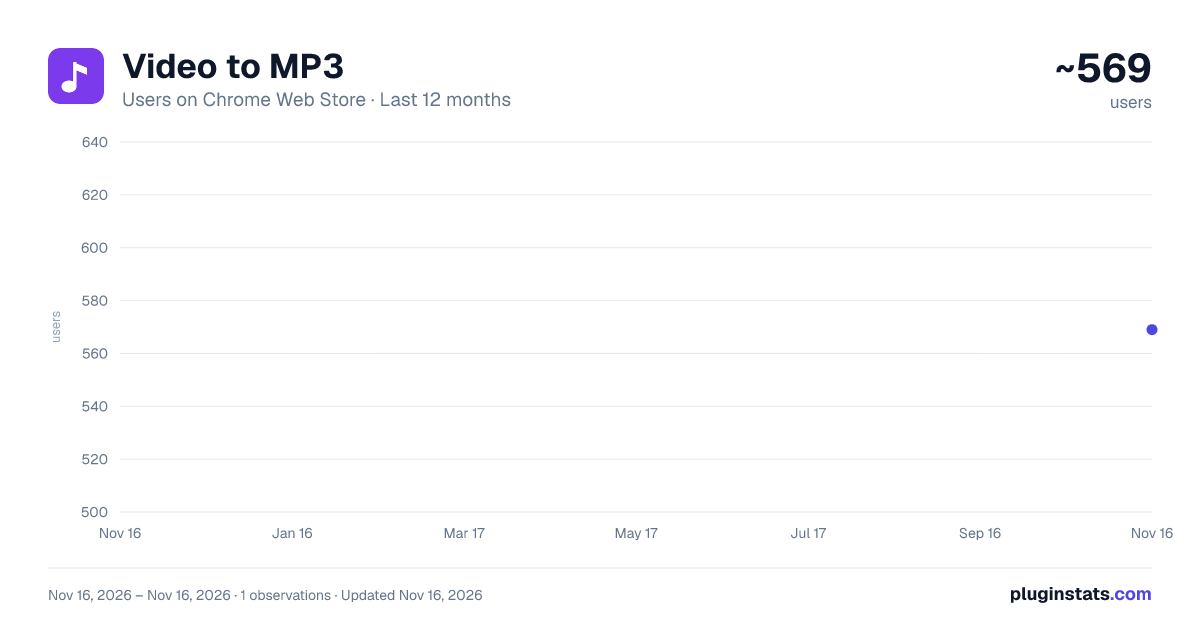
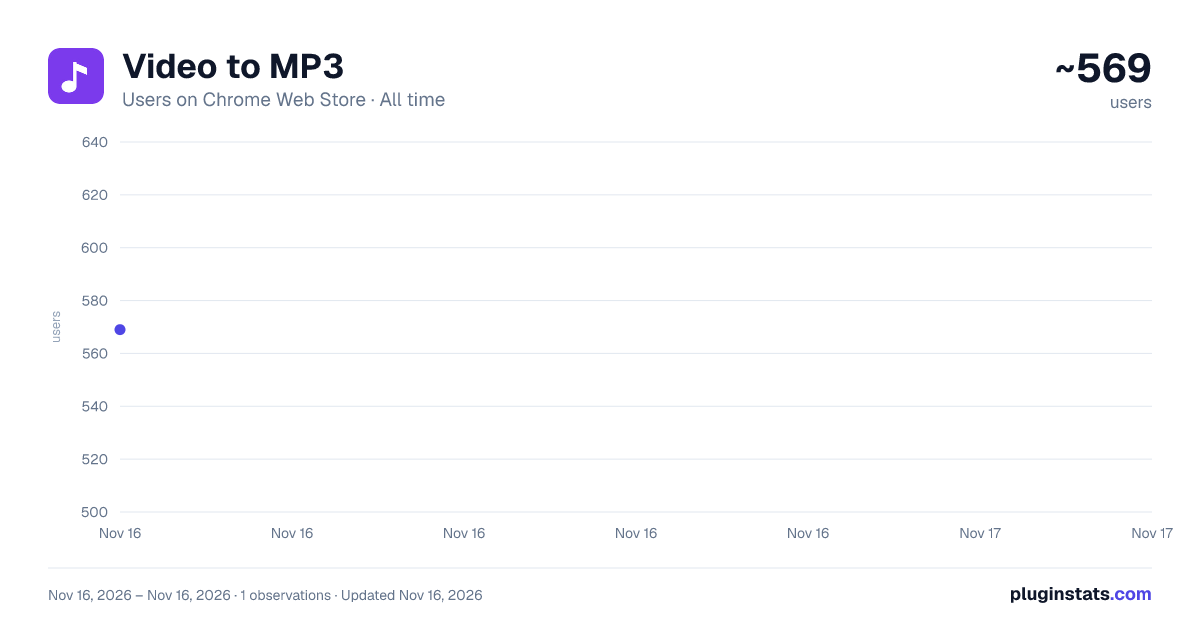
Video to MP3 has approximately 569 recorded users on Chrome Web Store, ranking #4937 of 10,388 tracked listings.
Rating: 5.00 / 5 from 2 ratings
About Video to MP3
Video to MP3 — extract audio from video files right in your browser. Free and private: MP4, WebM, MOV to MP3.
Video to MP3 — extract audio from video files right in your browser. Free and private: MP4, WebM, MOV to MP3.
Video to MP3 is a free browser extension that turns any video file into a clean MP3 audio track in seconds. Instead of uploading your files to a website and waiting in a server queue, Video to MP3 does all the work locally in your browser, so your files never leave your device.
Drop a video on the converter page, pick the quality you want, and the extension saves the finished MP3 straight to your downloads folder. There is no account, no sign-up and no watermark — just a fast, private video to mp3 converter that keeps working even without an internet connection once it is installed.
HOW TO CONVERT VIDEO TO MP3
If you have ever wondered how to convert video to mp3 without installing heavy desktop software, this is the simplest way to do it:
- Click the extension icon and open the converter tab.
- Drop a video file into the window, or click "Choose file" and pick one from your device.
- Select the MP3 quality — 128, 192 or 320 kbps.
- Conversion starts immediately, and the MP3 downloads automatically as soon as it is ready.
That is the whole workflow — no settings pages, no format menus, no registration walls. And because the steps are identical for every supported format, once you know how to convert video to mp3 here, you can handle MP4, WebM, MOV, AVI and anything else your browser can play.
WHY CHOOSE VIDEO TO MP3
Most online tools make you upload your video to a server. That is slow for large files and risky for private ones — recordings of meetings, lectures, interviews or family moments end up on hardware you do not control. Video to MP3 takes a different approach: the audio track is decoded and encoded right on your computer, using the processing power of your own browser.
- Private by design — your files are never uploaded anywhere.
- Fast — a typical clip becomes an MP3 in seconds, because there is no network transfer at all.
- Free — no trial limits, no subscription, no hidden fees.
- Simple — one page, one drop zone, one button.
Because everything runs locally, Video to MP3 is also a great fit for slow or unstable connections: after installation, the conversion itself needs no internet at all.
A VIDEO TO MP3 CONVERTER FOR EVERY FORMAT
The extension accepts every video format your browser can decode. Use it as an mp4 to mp3 converter for phone recordings and downloaded clips, or feed it WebM screen captures, MOV footage from a camera, AVI archives and more. Whatever the container, the result is a standard MP3 file that plays everywhere — on your phone, in your car, in any music player.
Typical things people use Video to MP3 for:
- Save the soundtrack of a lecture or webinar recording and listen to it on the go.
- Extract audio from video interviews before transcribing or editing them.
- Turn a concert or podcast recording into an MP3 for a music library.
- Keep voice notes that were recorded as video in a compact audio format.
- Convert screen recordings of meetings into audio you can replay anywhere.
MP4 TO MP3 IN ONE CLICK
MP4 is the most common video format on the web, and converting it is the most common job for this extension. As an mp4 to mp3 converter it reads the audio track of the file directly — nothing is re-uploaded, re-compressed by a server or trimmed without your consent. Pick 320 kbps when you want the best possible quality, 192 kbps for a balanced result, or 128 kbps for the smallest files.
KEY FEATURES
✔ Convert video to MP3 in one click — MP4, WebM, MOV, AVI and more ✔ Quality selector — choose 128, 192 or 320 kbps before you convert ✔ Batch conversion — drop several files at once and get an MP3 for each ✔ Automatic download — every MP3 is saved as soon as it is ready ✔ Clear progress display — reading, decoding and converting stages are always visible ✔ Free forever — no account, no sign-up, no watermarks
PRIVACY FIRST
Video to MP3 was built around a simple rule: your files are your business. The extension requests no access to your browsing data, injects nothing into the websites you visit, and needs only local storage to remember your preferred quality.
✔ No account and no sign-up ✔ No tracking and no analytics on your files ✔ Files are processed locally and never uploaded anywhere ✔ Works offline after installation
FREQUENTLY ASKED QUESTIONS
Is this video to mp3 converter really free? Yes. Every feature — including 320 kbps quality and batch conversion — is free, with no trial period and no paid tier.
Which formats can I convert? Any video your browser can play: MP4, WebM, MOV, AVI, MKV and others. The extension is most often used as an mp4 to mp3 converter, but the workflow is identical for every format.
How do I convert several files at once? Drop them all into the converter together — each file is processed in turn and each MP3 downloads automatically.
Will the audio quality suffer? The extension decodes the original audio track and encodes it at the bitrate you choose. At 320 kbps the difference from the source is practically inaudible.
Does it work without internet? Yes. Once installed, the conversion itself is fully offline — nothing is sent or received.
Install Video to MP3 today and stop uploading your recordings to random websites — the fastest and most private way to extract audio from video is already in your browser.
Description from the Chrome Web Store listing.
README badge
Show your rank in a README or on your website. The badge updates automatically.
Charts
Images: 30d · 1y · all time · 1600×900 dark
Adoption over time
7/30/90-day growth
Ranking history
Ratings over time
Listing placement
Listing placement
Filled points are observed values; hollow points come from Internet Archive snapshots of the listing page. Dashed segments span periods with no observations — values between points are not interpolated.
Each band is one page of 20. Users on a linear scale. Placement is projected from users, so it can differ from the marketplace's own sort order. Hover a dot to see the listing.
Recent observations
Full history (1)Similar Chrome Web Store Tools plugins
All 20 Video to MP3 alternatives



Data source
Covers every Chrome Web Store extension with at least 100 users, found through the store's public sitemap. User counts are read from public listing pages. The 10% most-used extensions are refreshed daily, the next 40% weekly and the next 40% monthly; the least-used 10% are not refreshed. Google displays rounded user counts (and caps the display at 10,000,000+), so small changes may not be visible. Rating counts above 1,000 are rounded (e.g. 1.6K).
Listing: https://chromewebstore.google.com/detail/video-to-mp3/ofamcjpicomoakdbdcoiaioeoaopidlg. First seen Nov 16, 2026; last successful collection Nov 16, 2026. See the methodology.