 PluginStats

Google Photos Cleaner users statistics
By Devlints · Chrome Web Store · Tools
Easily find and clean up your Google Photos with powerful filters for date range, file orientation, and media type.
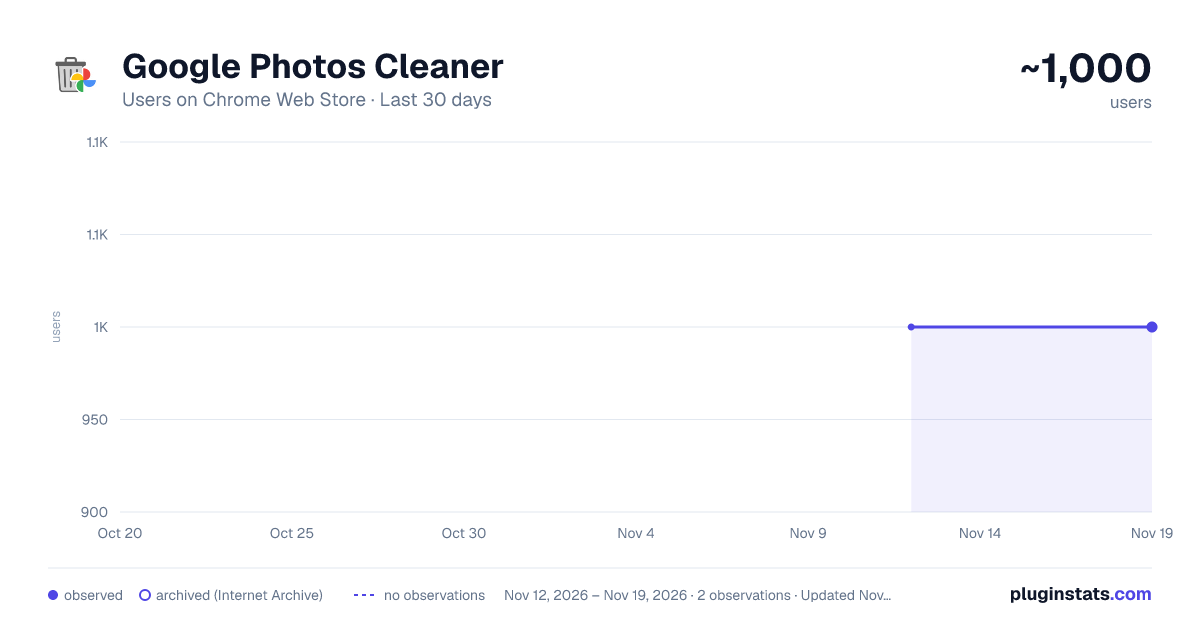
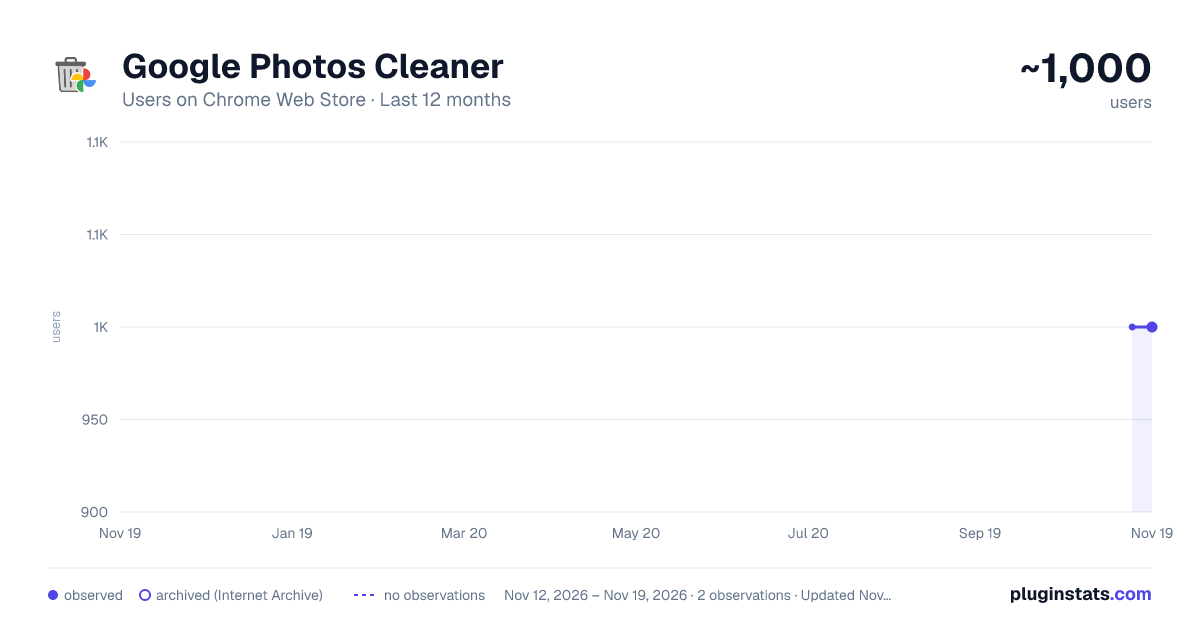
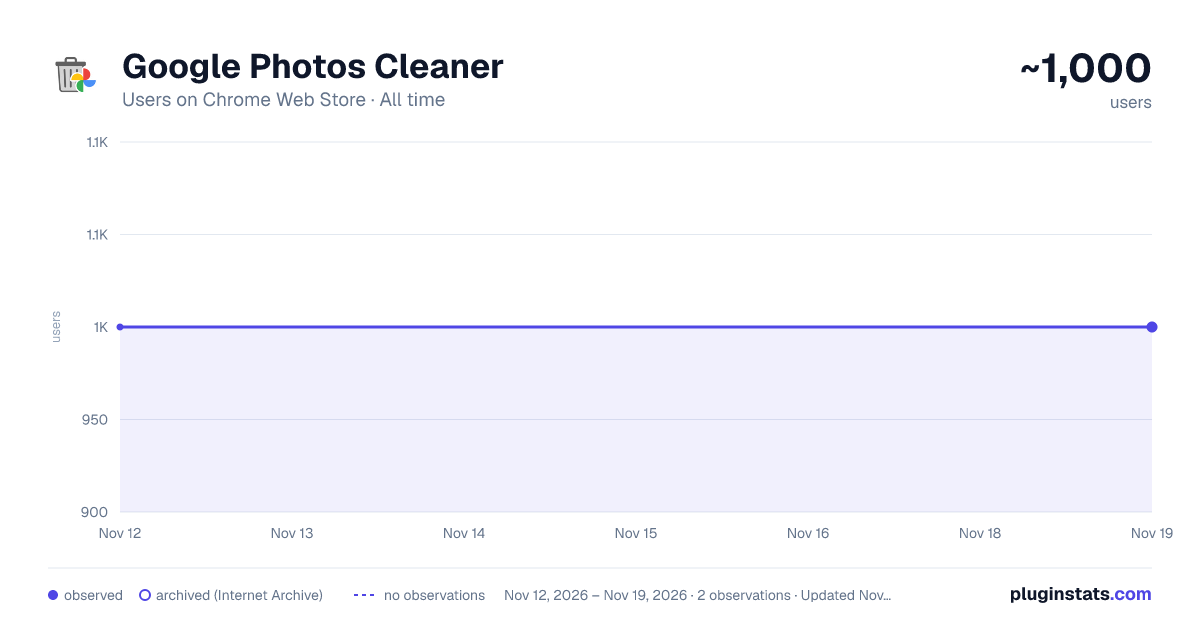
Google Photos Cleaner has approximately 1,000 recorded users on Chrome Web Store, a change of 0.0% over the past 7 days, ranking #3603 of 10,388 tracked listings.
Rating: 3.80 / 5 from 10 ratings
About Google Photos Cleaner
Easily find and clean up your Google Photos with powerful filters for date range, file orientation, and media type.
Google Photos Cleaner – Fast, Smart, and Simple Google Photos Cleaner
Overview
Managing thousands of photos in Google Photos can be overwhelming. Google Photos Cleaner is a lightweight Chrome extension that makes it easy to organize, filter, and delete unwanted photos. Free up storage, save time, and keep your photo library tidy with just a few clicks.
Whether you want to remove old files, organize photos by type, or quickly select multiple items, this tool is built to simplify Google Photos management.
Key Features
- Select All for Quick Cleanup
Stop deleting photos one by one. With Select All, you can instantly select all photos in your view and delete them safely. Perfect for: • Clearing unwanted images quickly • Organizing large photo collections • Performing bulk actions in seconds
- Filter by Date Range
Find exactly the photos you need with the Date Range Filter. Narrow down your library by: • Specific years, months, or days • Recent uploads or old photos • Seasonal memories or project-specific files
This feature ensures you can delete or manage files without scrolling endlessly.
- Filter by File Type
Target exactly the images or videos you want to manage. Filter your library by file type: • Photos (JPEG, PNG, etc.) • Videos (MP4, MOV, etc.) • Large files taking up storage • Screenshots or GIFs
Efficient filtering lets you focus on the files that matter and remove the ones you don’t.
Why Users Should Install Google Photos Cleaner • Save Time: Manage hundreds or thousands of photos in minutes. • Organize Efficiently: Quickly find and filter the exact files you want. • Free Up Cloud Storage: Remove unwanted photos and videos in bulk. • User-Friendly: Simple, clean interface with no technical expertise required. • Safe and Secure: All actions are performed locally in your browser; your photos never leave your device.
How It Works
- Install Google Photos Cleaner from the Chrome Web Store.
- Open your Google Photos library.
- Use Select All, Filter by Date Range, or Filter by File Type to choose files.
- Delete or organize your photos in bulk.
- Enjoy a clutter-free Google Photos account.
Perfect For • Casual users with large photo libraries • Professionals managing visual content • Families looking to organize shared memories • Anyone who wants to free up Google Photos storage quickly
Installation Instructions
- Click Add to Chrome on the Web Store page.
- Open the extension from your Chrome toolbar.
- Use filters or select all photos to clean up your library instantly.
FAQ
Q: Is it safe? A: Yes. All operations happen locally in your browser. Your photos are never uploaded elsewhere.
Q: Can I undo deletions? A: Deleted files go to your Google Photos trash for 30 days. Restore anytime within that period.
Q: Does it work on mobile? A: Best used on desktop Chrome. Mobile use requires Chrome desktop mode.
Get Started Today
Stop spending hours managing Google Photos manually. Install Google Photos Cleaner now to select, filter, and clean your photo library efficiently, free up storage, and enjoy a perfectly organized photo library.
Description from the Chrome Web Store listing.
README badge
Show your rank in a README or on your website. The badge updates automatically.
Charts
Images: 30d · 1y · all time · 1600×900 dark
Adoption over time
7/30/90-day growth
Ranking history
Ratings over time
Listing placement
Listing placement
Filled points are observed values; hollow points come from Internet Archive snapshots of the listing page. Dashed segments span periods with no observations — values between points are not interpolated.
Each band is one page of 20. Users on a linear scale. Placement is projected from users, so it can differ from the marketplace's own sort order. Hover a dot to see the listing.
Recent observations
Full history (2)Similar Chrome Web Store Tools plugins
All 20 Google Photos Cleaner alternatives



Data source
Covers every Chrome Web Store extension with at least 100 users, found through the store's public sitemap. User counts are read from public listing pages. The 10% most-used extensions are refreshed daily, the next 40% weekly and the next 40% monthly; the least-used 10% are not refreshed. Google displays rounded user counts (and caps the display at 10,000,000+), so small changes may not be visible. Rating counts above 1,000 are rounded (e.g. 1.6K).
Listing: https://chromewebstore.google.com/detail/google-photos-cleaner/njcbdffgfdlmppmhnccngcnpcgchjcjh. First seen Nov 12, 2026; last successful collection Nov 19, 2026. See the methodology.