 PluginStats

Kaltura Downloader users statistics
Download HLS videos from Kaltura and Hotmart players
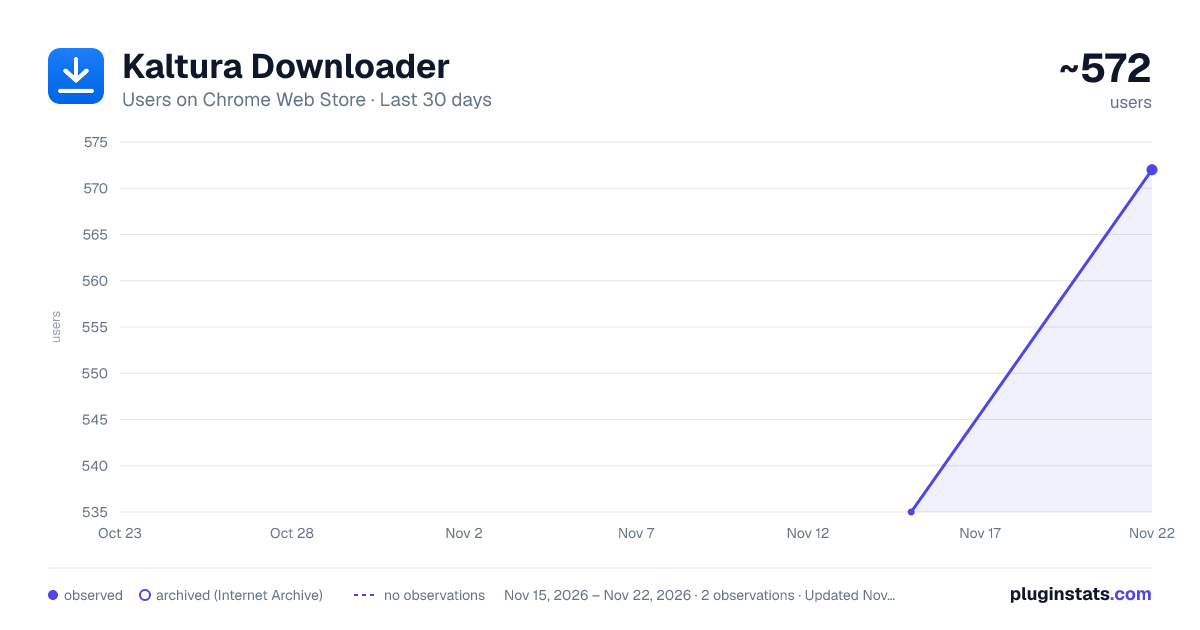
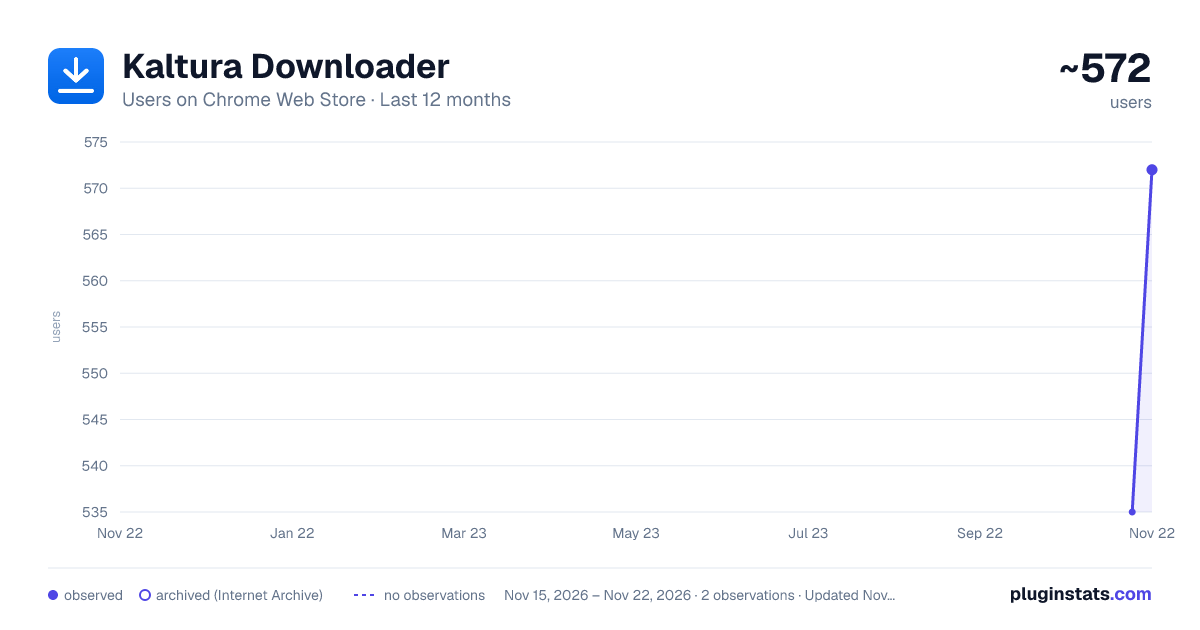
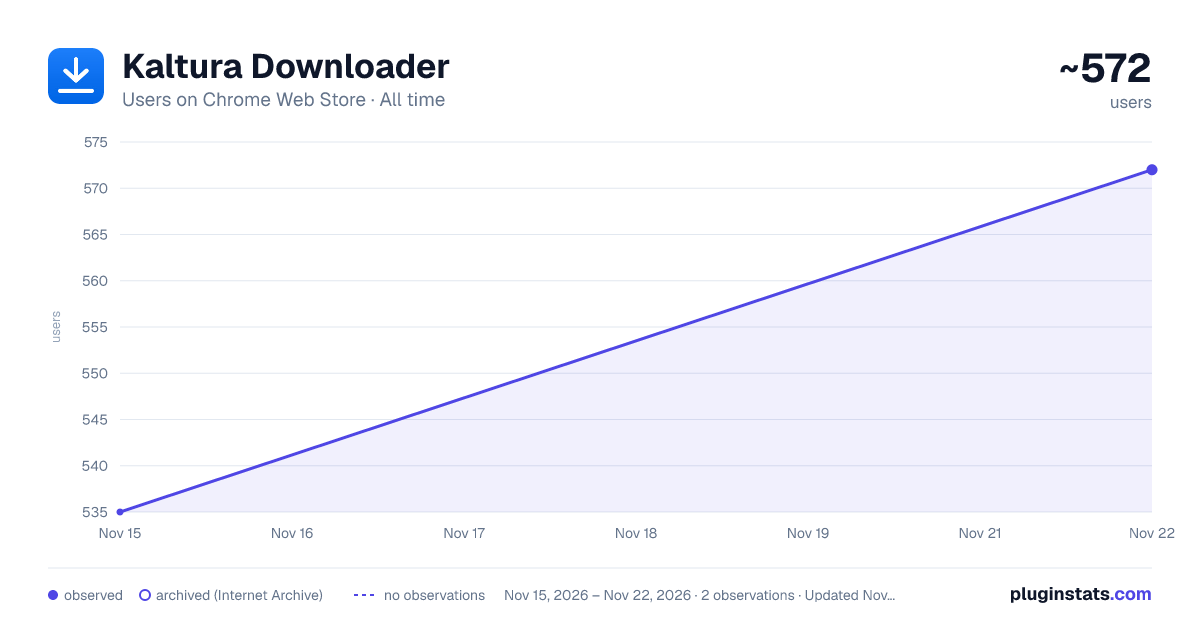
Kaltura Downloader has approximately 535 recorded users on Chrome Web Store, ranking #5079 of 10,388 tracked listings.
Rating: 2.00 / 5 from 1 ratings
About Kaltura Downloader
Download HLS videos from Kaltura and Hotmart players
Download HLS videos and subtitles from Kaltura (KAF) players with one click.
Kaltura Downloader adds a floating download button directly on the video player. No need to open developer tools or copy URLs manually — just play the video and click Download.
[FEATURES] • One-click video download — plays the video, click Download, pick a quality, done. • Quality selection — choose between available resolutions (1080p, 720p, etc.) • Subtitle download — automatically detects and downloads WebVTT subtitles. • Copy m3u8 URL — for advanced users who prefer ffmpeg or other tools. • Real-time progress — see exactly how many segments have been downloaded. • Parallel downloads — 6 concurrent segment downloads with automatic retry.
[HOW IT WORKS]
- Navigate to any page with a Kaltura (KAF) video embed.
- Play the video.
- A blue Download button appears on the player.
- Click it, select quality, and the download begins.
- The extension downloads all HLS segments in parallel and merges them into a single file.
Output format is .ts (MPEG-TS), playable in VLC, mpv, and most media players. To convert to MP4: ffmpeg -i video.ts -c copy video.mp4
[SUPPORTED SITES] Works on any site that embeds Kaltura KAF players, including: • Canvas LMS • Moodle • Blackboard • University portals using Kaltura integration
[PRIVACY] • No data collection — everything runs locally in your browser. • No external servers — downloads happen directly from Kaltura CDN. • No account required. • Open source: https://github.com/gracefullight/kaltura-downloader
[PERMISSIONS] • webRequest: to detect when a Kaltura video manifest is loaded. • host_permissions (*.kaltura.com): to parse the video playlist for quality options.
This extension does not modify, block, or redirect any network requests.
Description from the Chrome Web Store listing.
README badge
Show your rank in a README or on your website. The badge updates automatically.
Charts
Images: 30d · 1y · all time · 1600×900 dark
Adoption over time
7/30/90-day growth
Ranking history
Ratings over time
Listing placement
Listing placement
Filled points are observed values; hollow points come from Internet Archive snapshots of the listing page. Dashed segments span periods with no observations — values between points are not interpolated.
Each band is one page of 20. Users on a linear scale. Placement is projected from users, so it can differ from the marketplace's own sort order. Hover a dot to see the listing.
Recent observations
Full history (1)Similar Chrome Web Store Tools plugins
All 20 Kaltura Downloader alternatives



Data source
Covers every Chrome Web Store extension with at least 100 users, found through the store's public sitemap. User counts are read from public listing pages. The 10% most-used extensions are refreshed daily, the next 40% weekly and the next 40% monthly; the least-used 10% are not refreshed. Google displays rounded user counts (and caps the display at 10,000,000+), so small changes may not be visible. Rating counts above 1,000 are rounded (e.g. 1.6K).
Listing: https://chromewebstore.google.com/detail/kaltura-downloader/mmeomcgalmlhandhdgmfkjeaindgjhle. First seen Nov 15, 2026; last successful collection Nov 15, 2026. See the methodology.