 PluginStats

Press to PDF users statistics
By emailsoft (2 listings) · Chrome Web Store · Tools
Capture newspaper pages as screenshots and convert them to a single PDF file.
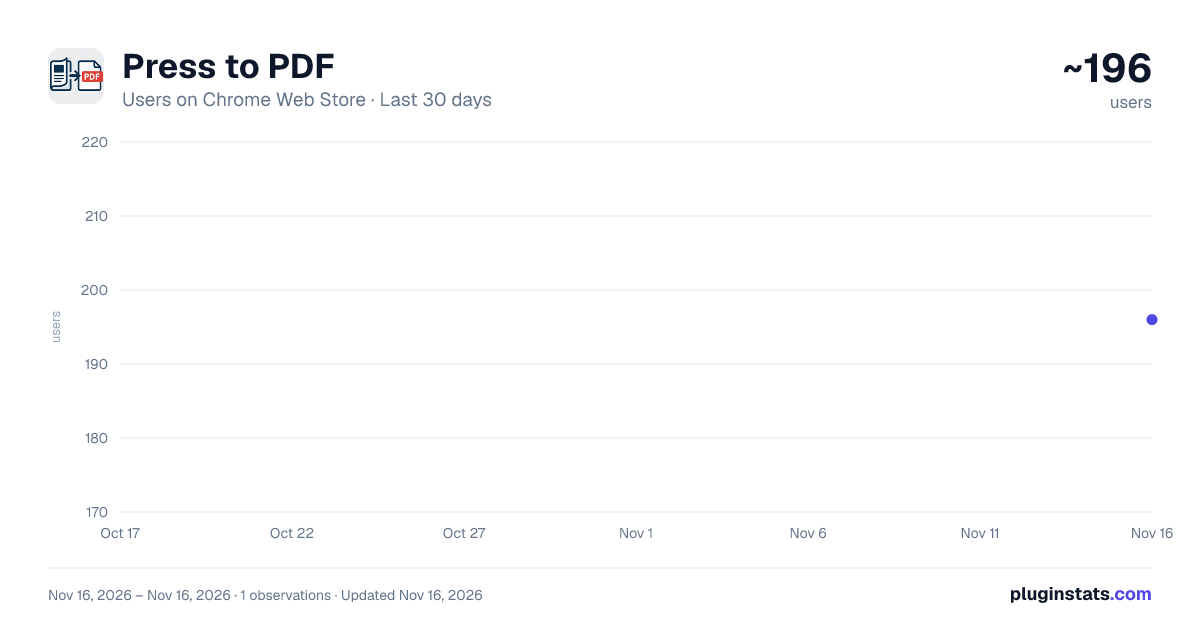
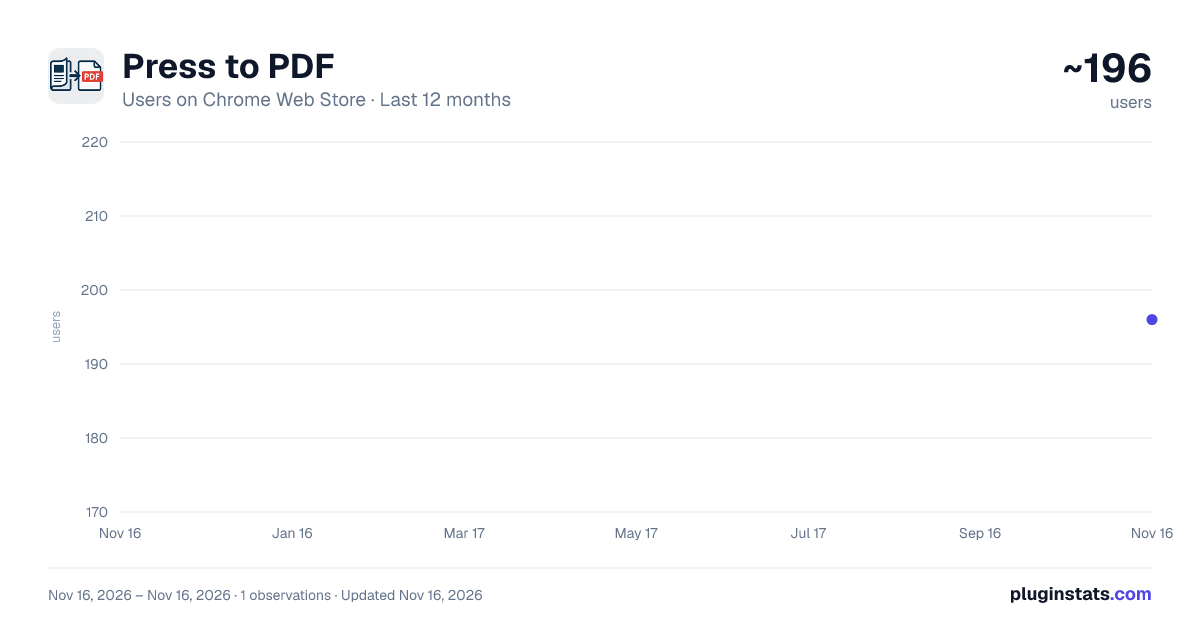
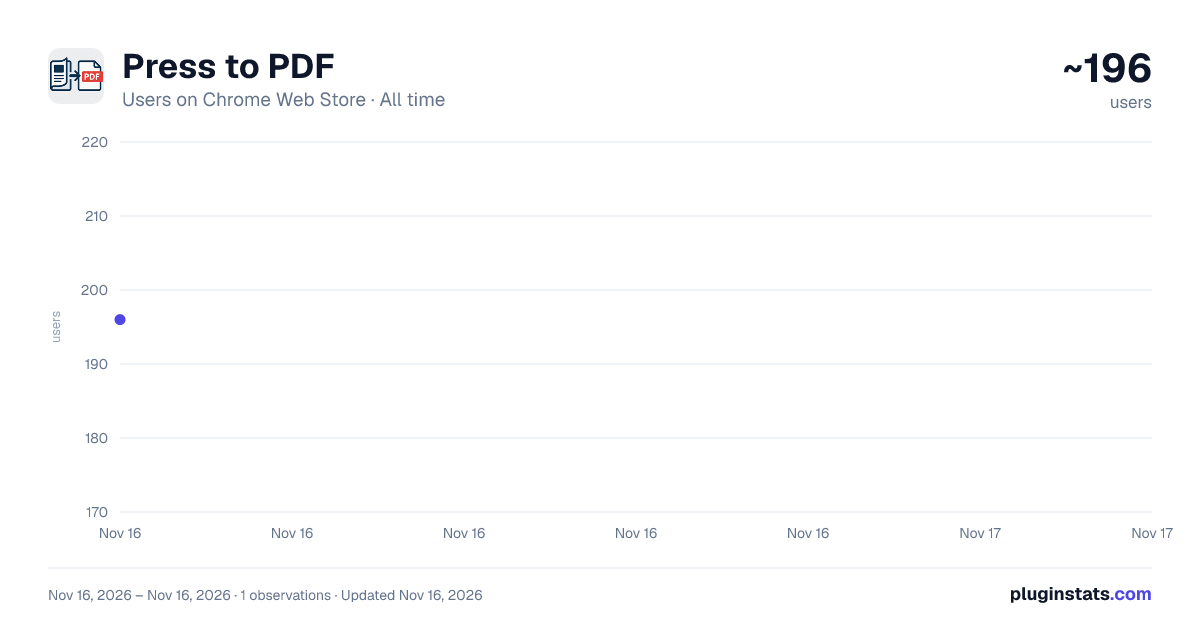
Press to PDF has approximately 196 recorded users on Chrome Web Store, ranking #7874 of 10,388 tracked listings.
Rating: 5.00 / 5 from 1 ratings
About Press to PDF
Capture newspaper pages as screenshots and convert them to a single PDF file.
Capture and convert online newspaper pages to PDF. Save your favorite articles and newspapers for offline reading.
Detailed Description Press to PDF allows you to easily capture newspaper and magazine pages from online website like pressreader.com and convert them into high-quality PDF documents. ✨ Key Features 📰 Smart Page Scanning Automatically detects and captures all visible pages from any newspaper or magazine on PressReader. Simply open your publication and click "Start Scan" – the extension does the rest. 📄 PDF Export Creates professional PDF documents with a decent image quality (but not full HD for a site limitation). 🔄 Auto-Navigation Automatically navigates through all pages of the publication, capturing each one without manual intervention. 👁️ Live Preview See thumbnail previews of captured pages in real-time as the scan progresses. Know exactly what will be included in your PDF. ⚙️ Customizable Settings Adjust the image scale to balance between file size and quality according to your preferences. 🎯 Smart Scale Detection Automatically finds the optimal image scale for each publication, ensuring the best possible quality.
📖 How to Use Go to PressReader.com and open any newspaper or magazine Click the extension icon to open the sidebar Click "Start Scan" to begin capturing pages Wait for the scan to complete (progress shown on badge) Click "Create PDF" to generate your document Your PDF will be downloaded automatically
💡 Tips Make sure you're on a newspaper/magazine page before scanning Use the "Refresh" button if the extension doesn't detect the publication Scale 100 provides the best available image quality The scan continues even if you navigate away from the sidebar
🔓 PRO Version The free demo version includes a watermark on PDF pages. Upgrade to PRO to remove the watermark and enjoy clean, professional PDFs.
NOTE: Sometimes the image quality is not at the highest resolution for a site limitation, so please check with the demo version before purchasing the license.
Description from the Chrome Web Store listing.
README badge
Show your rank in a README or on your website. The badge updates automatically.
Charts
Images: 30d · 1y · all time · 1600×900 dark
Adoption over time
7/30/90-day growth
Ranking history
Ratings over time
Listing placement
Listing placement
Filled points are observed values; hollow points come from Internet Archive snapshots of the listing page. Dashed segments span periods with no observations — values between points are not interpolated.
Each band is one page of 20. Users on a linear scale. Placement is projected from users, so it can differ from the marketplace's own sort order. Hover a dot to see the listing.
Recent observations
Full history (1)Similar Chrome Web Store Tools plugins
All 20 Press to PDF alternatives



Data source
Covers every Chrome Web Store extension with at least 100 users, found through the store's public sitemap. User counts are read from public listing pages. The 10% most-used extensions are refreshed daily, the next 40% weekly and the next 40% monthly; the least-used 10% are not refreshed. Google displays rounded user counts (and caps the display at 10,000,000+), so small changes may not be visible. Rating counts above 1,000 are rounded (e.g. 1.6K).
Listing: https://chromewebstore.google.com/detail/press-to-pdf/bnacloebgabeghcmcfplpeippppafmdp. First seen Nov 16, 2026; last successful collection Nov 16, 2026. See the methodology.