 PluginStats

Voice To DeepSeek users statistics
By shulmnn · Chrome Web Store · Tools
Voice to text for DeepSeek. Speak your prompts using the browser's speech recognition.
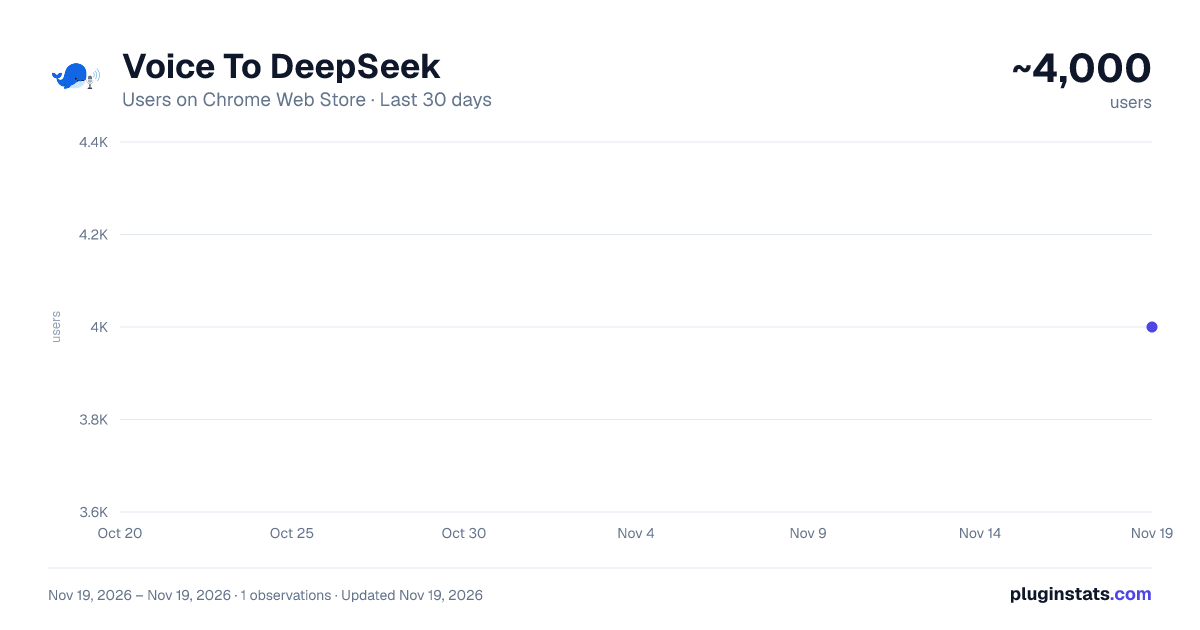
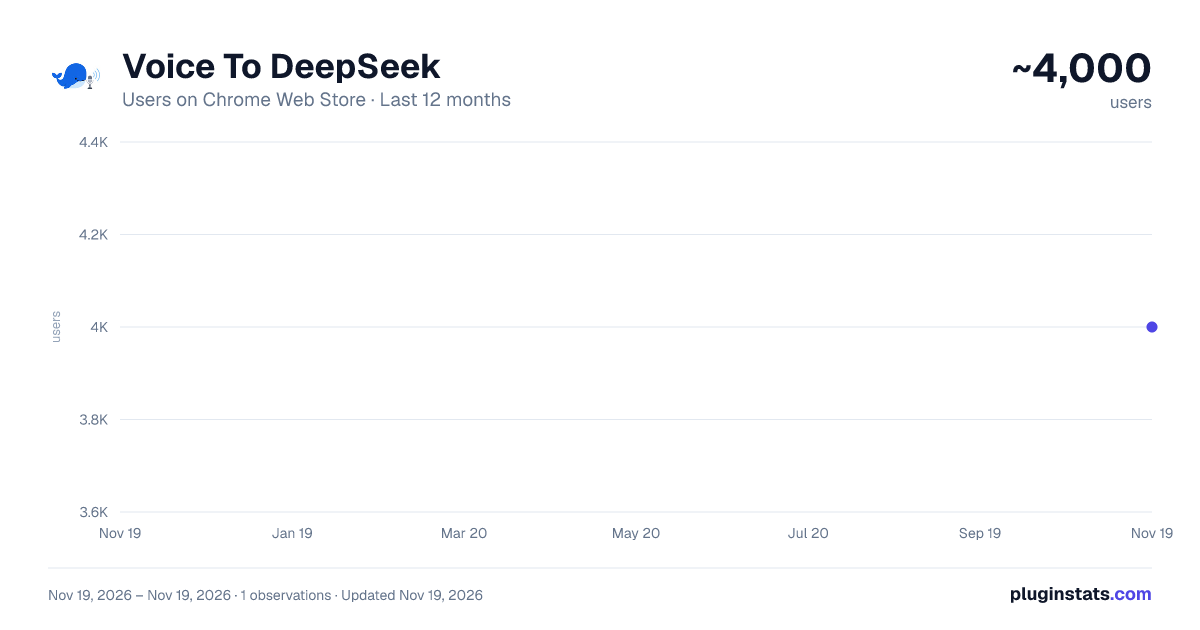
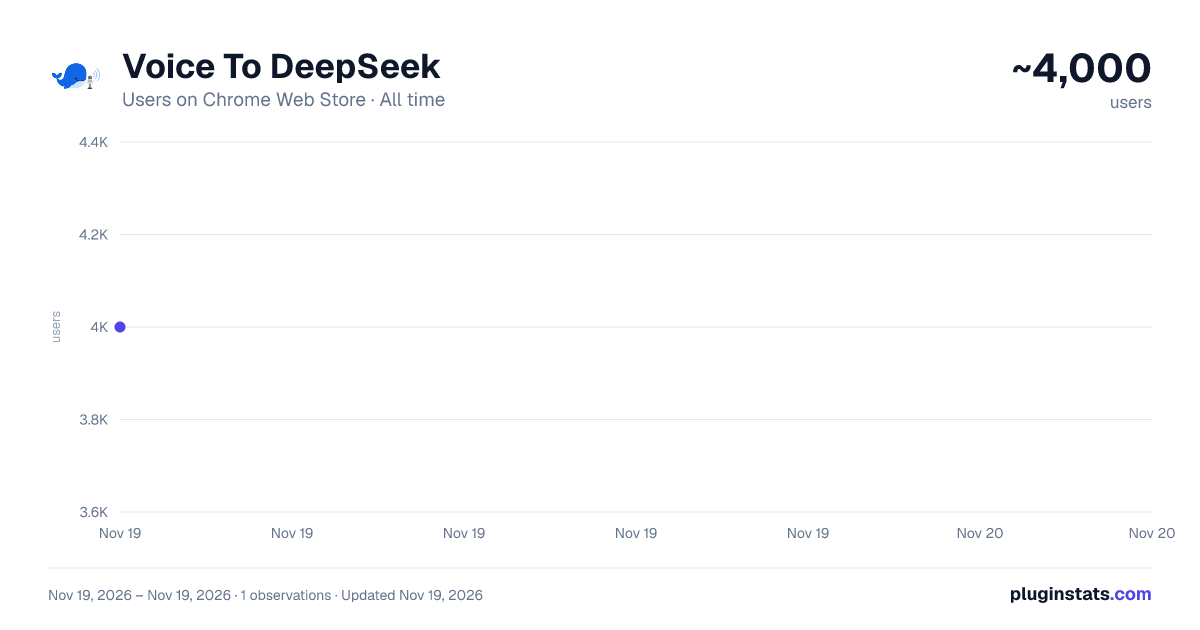
Voice To DeepSeek has approximately 4,000 recorded users on Chrome Web Store, ranking #1885 of 10,388 tracked listings.
Rating: 3.80 / 5 from 28 ratings
About Voice To DeepSeek
Voice to text for DeepSeek. Speak your prompts using the browser's speech recognition.
🎙️ Speak, don't type — talk to DeepSeek with your voice.
Tired of typing out long prompts? Voice to DeepSeek puts a microphone right inside the DeepSeek chat box. Click it (or press Ctrl + M), speak, and your words appear as text — ready to send.
💡 Your voice, instantly on the page No more hunting for keys. Just talk, and your thoughts become a prompt in seconds. Review, tweak, and send.
🔥 Why you'll love it ⏳ Save time — speaking is up to 3× faster than typing. 🎨 Think out loud — let ideas flow naturally instead of stopping to type. ✋ Rest your hands — give your fingers and wrists a break. 🎯 One click — the mic lives in the composer, exactly where you type.
⚙️ How it works 1️⃣ Install the extension in a few seconds — no sign-up. 2️⃣ Open chat.deepseek.com and click the 🎙 mic in the message box, or press Ctrl + M. 3️⃣ Speak. Your words turn into text. Edit if you like, then hit send.
🌍 Speak 70+ languages English, Polski, Español, 中文, Русский, 日本語, العربية, हिन्दी and dozens more — pick yours in one tap.
🌟 Built to be effortless ⚡ Instant — starts the moment you click; no setup, no API keys. 🆓 Free & keyless — no account, no subscription, no configuration. 🔒 No tracking — the extension collects nothing and asks only for microphone access. Speech is transcribed by your browser's built-in recognition. ⌨️ Handy shortcut — Ctrl + M to start and stop, hands-free.
🙌 Perfect for 🎓 Students — dictate notes, questions, and research. 💼 Professionals — draft emails, summaries, and reports out loud. 👨💻 Developers — describe a bug or ask for code without breaking your flow. 🎥 Creators — capture ideas the moment they strike. ♿ Accessibility — hands-free input for easier interaction.
🚀 Get started 1️⃣ Add Voice to DeepSeek from the Chrome Web Store. 2️⃣ Allow 🎤 microphone access. 3️⃣ Click the mic and start talking.
Works in Chrome, Edge, Brave and other Chromium browsers — on Windows, macOS, Linux and ChromeOS.
🎙️ Speak your brilliance — DeepSeek is listening.
Description from the Chrome Web Store listing.
README badge
Show your rank in a README or on your website. The badge updates automatically.
Charts
Images: 30d · 1y · all time · 1600×900 dark
Adoption over time
7/30/90-day growth
Ranking history
Ratings over time
Listing placement
Listing placement
Filled points are observed values; hollow points come from Internet Archive snapshots of the listing page. Dashed segments span periods with no observations — values between points are not interpolated.
Each band is one page of 20. Users on a linear scale. Placement is projected from users, so it can differ from the marketplace's own sort order. Hover a dot to see the listing.
Recent observations
Full history (1)Similar Chrome Web Store Tools plugins
All 20 Voice To DeepSeek alternatives



Data source
Covers every Chrome Web Store extension with at least 100 users, found through the store's public sitemap. User counts are read from public listing pages. The 10% most-used extensions are refreshed daily, the next 40% weekly and the next 40% monthly; the least-used 10% are not refreshed. Google displays rounded user counts (and caps the display at 10,000,000+), so small changes may not be visible. Rating counts above 1,000 are rounded (e.g. 1.6K).
Listing: https://chromewebstore.google.com/detail/voice-to-deepseek/ofgclacikleghhcogobkchhfgeecoonp. First seen Nov 19, 2026; last successful collection Nov 19, 2026. See the methodology.