 PluginStats

JobLense: LinkedIn Jobs Words Highlighter users statistics
By Meet Patel · Chrome Web Store · Tools
Highlights specific words instantly on LinkedIn Jobs.
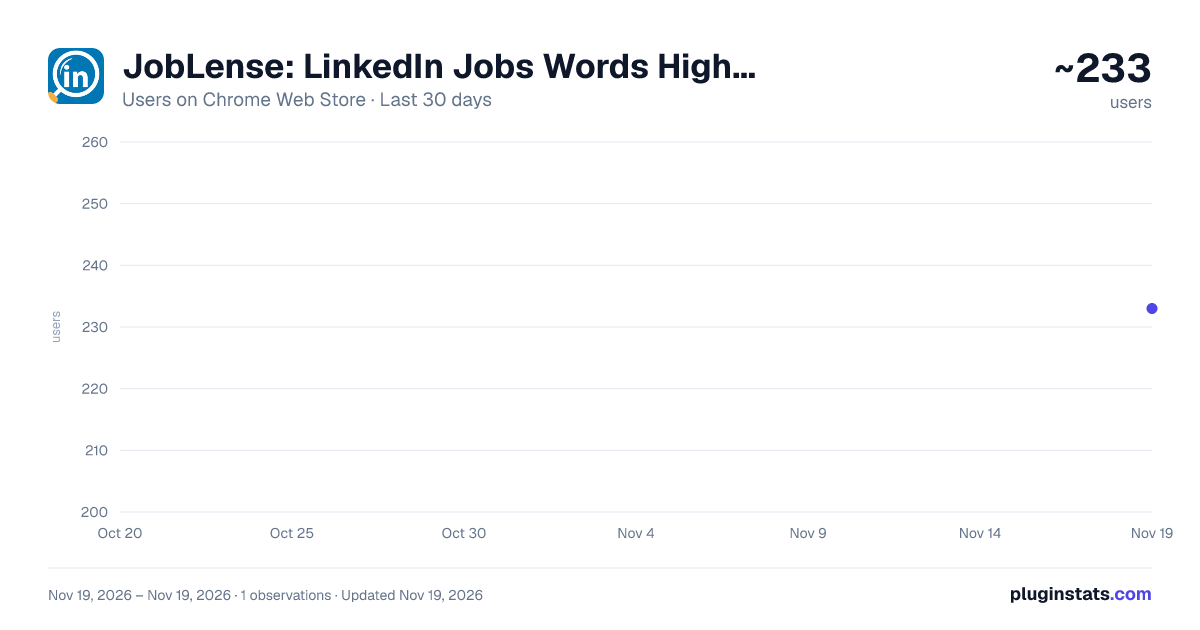
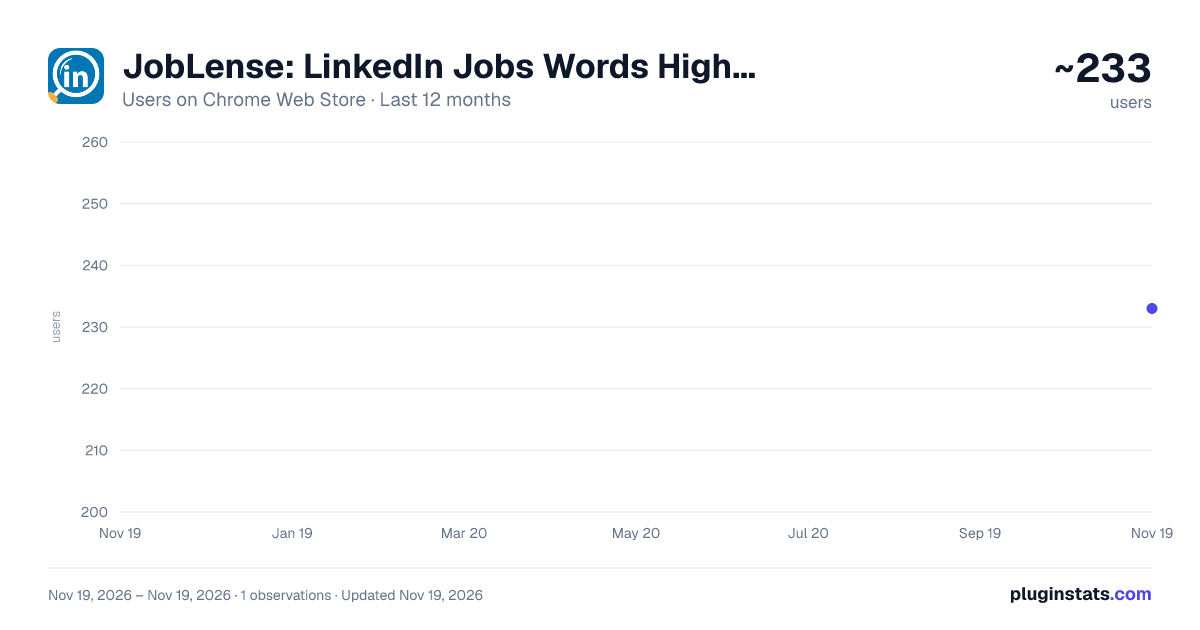
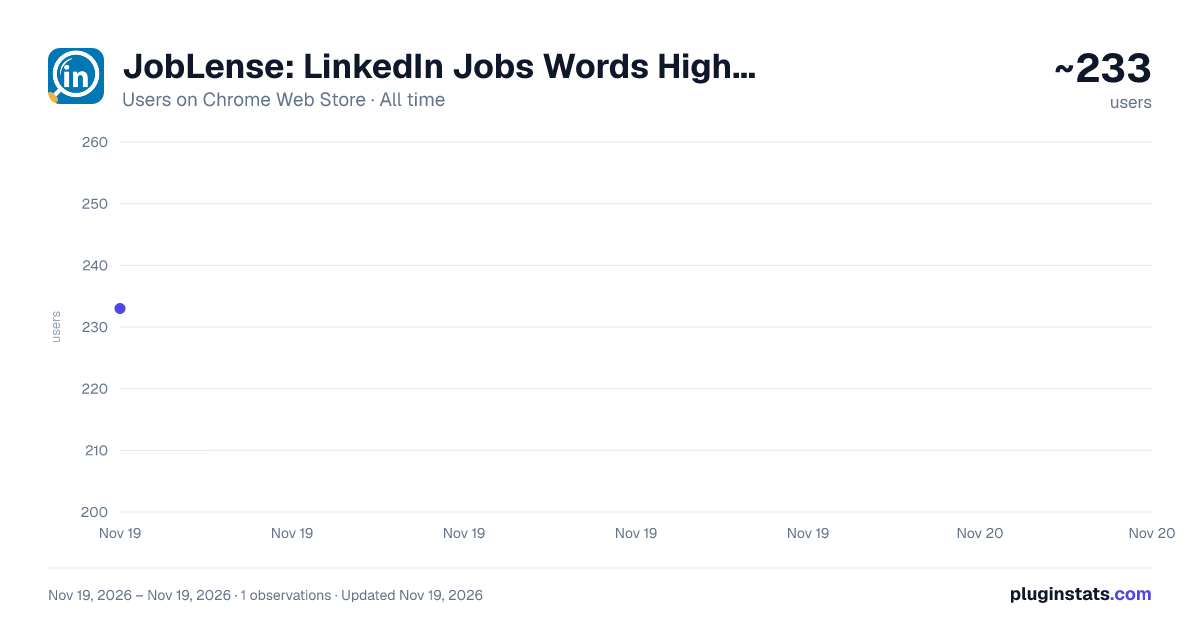
JobLense: LinkedIn Jobs Words Highlighter has approximately 233 recorded users on Chrome Web Store, ranking #7322 of 10,388 tracked listings.
Rating: 5.00 / 5 from 1 ratings
About JobLense: LinkedIn Jobs Words Highlighter
Highlights specific words instantly on LinkedIn Jobs.
Stop wasting time scanning endless job descriptions – find your perfect fit faster!
JobLense: LinkedIn Jobs Word Highlighter revolutionizes your job search by making crucial information immediately visible. No more squinting or endless scrolling through job posts!
Why JobLense Beats CTRL+F:
Unlike repeatedly pressing CTRL + F for each individual word, JobLense is your intelligent, always-on assistant. It automatically highlights all your pre-defined keywords across an entire page, continuously scanning new content as you scroll or click. This means you instantly see everything that matters, without manual, repetitive searching.
Here's why JobLense is essential for every job seeker:
Total Customization: Your job search is unique, and so is our highlighter. Easily add any custom words or phrases that matter most to you – be it specific skills, desired company values, or crucial visa requirements. You control what stands out!
Effortless Navigation: Say goodbye to manual searching. Our intelligent auto-scroll feature guides you directly to the next instance of your highlighted words on the page. Focus on the relevant details, not on finding them.
Simply Intuitive: Designed for everyone, this extension requires absolutely no technical knowledge. No CSS, no complex settings – just install, customize, and transform your LinkedIn job search into an efficient, frustration-free experience.
Take control of your career journey. Install JobLense: LinkedIn Jobs Word Highlighter today and make your dream job discoverable!
Description from the Chrome Web Store listing.
README badge
Show your rank in a README or on your website. The badge updates automatically.
Charts
Images: 30d · 1y · all time · 1600×900 dark
Adoption over time
7/30/90-day growth
Ranking history
Ratings over time
Listing placement
Listing placement
Filled points are observed values; hollow points come from Internet Archive snapshots of the listing page. Dashed segments span periods with no observations — values between points are not interpolated.
Each band is one page of 20. Users on a linear scale. Placement is projected from users, so it can differ from the marketplace's own sort order. Hover a dot to see the listing.
Recent observations
Full history (1)Similar Chrome Web Store Tools plugins
All 20 JobLense: LinkedIn Jobs Words Highlighter alternatives



Data source
Covers every Chrome Web Store extension with at least 100 users, found through the store's public sitemap. User counts are read from public listing pages. The 10% most-used extensions are refreshed daily, the next 40% weekly and the next 40% monthly; the least-used 10% are not refreshed. Google displays rounded user counts (and caps the display at 10,000,000+), so small changes may not be visible. Rating counts above 1,000 are rounded (e.g. 1.6K).
Listing: https://chromewebstore.google.com/detail/joblense-linkedin-jobs-wo/ofkagoefchogfbihhlmleomahkaackaf. First seen Nov 19, 2026; last successful collection Nov 19, 2026. See the methodology.