 PluginStats

Crunchyroll Speed Controller users statistics
By RajIndustries · Chrome Web Store · Tools
Control playback speed on Crunchyroll & HIDIVE, auto-skip intros/outros, custom shortcuts, and track time saved.
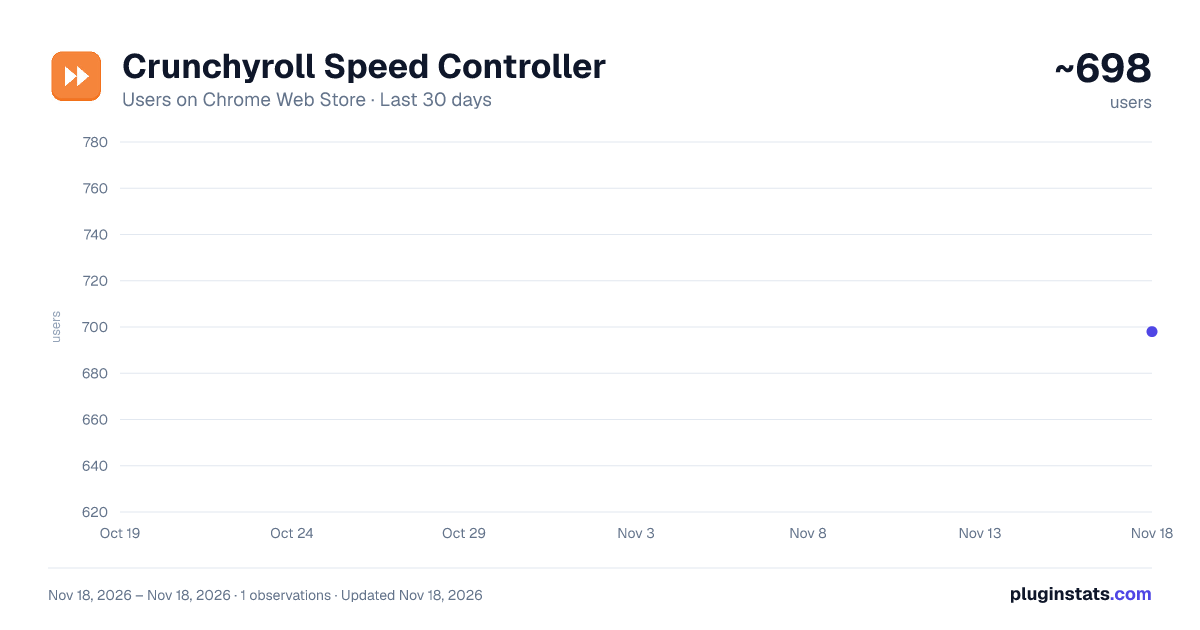
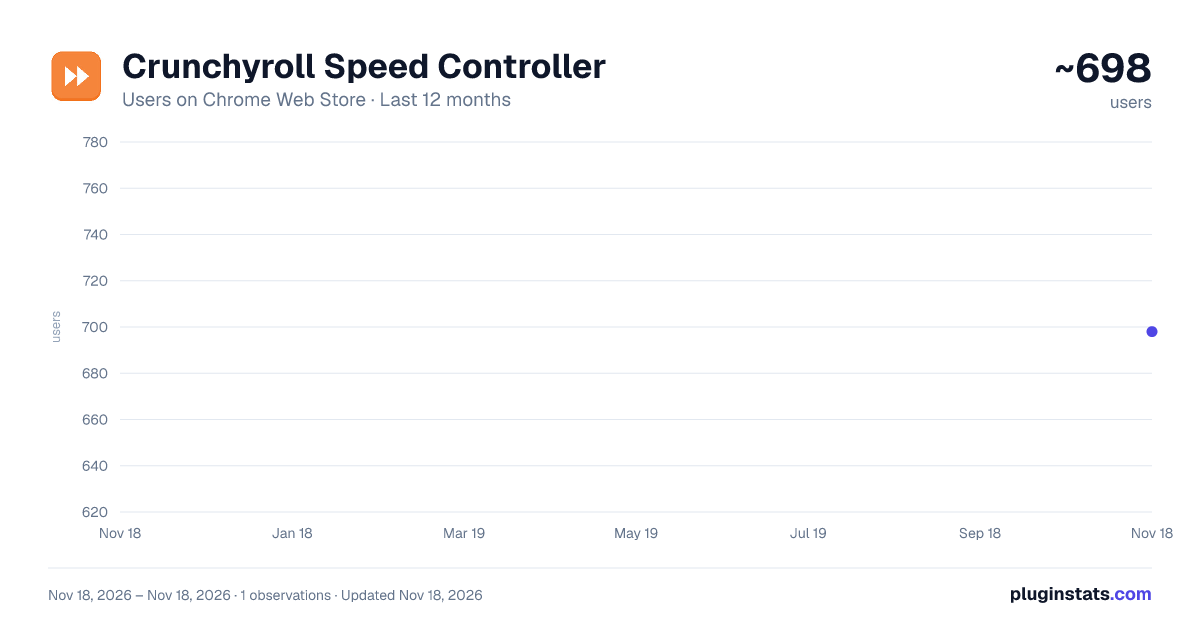
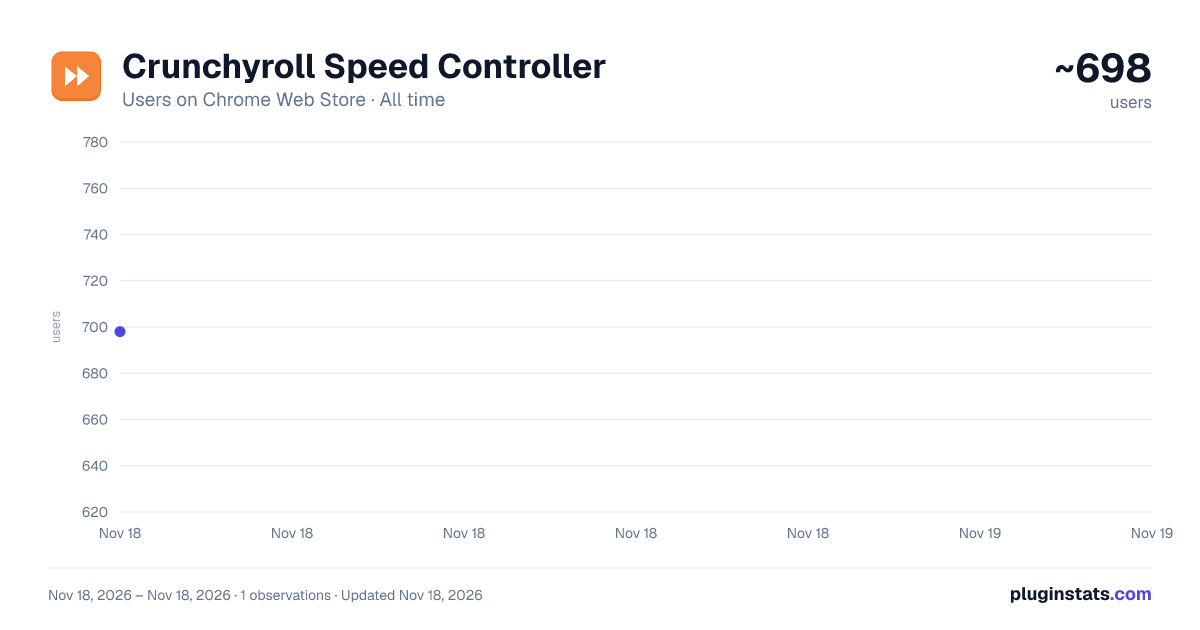
Crunchyroll Speed Controller has approximately 698 recorded users on Chrome Web Store, ranking #4475 of 10,388 tracked listings.
Rating: 5.00 / 5 from 2 ratings
About Crunchyroll Speed Controller
Control playback speed on Crunchyroll & HIDIVE, auto-skip intros/outros, custom shortcuts, and track time saved.
Control video playback speed on Crunchyroll and HIDIVE — from 0.25x to 4.0x.
NEW IN v2.1.0: ★ Redesigned popup — a big speed readout with fine −/+ controls and quick presets while you watch, and a quick stats view everywhere else ★ Speed remembered per show automatically — no setup, each series keeps its own pace ★ Settings, shortcuts and feedback now live on the stats page
NEW IN v2.0.0: ★ Auto-Skip Intros & Outros — the Skip button clicks itself, so you never reach for it ★ HIDIVE Support — the same controller now works on HIDIVE as well as Crunchyroll ★ Stats Dashboard — time saved, watch streaks, top series, and milestone badges ★ Custom Shortcuts — rebind any action to whichever keys you prefer
FEATURES: • Quick presets (1x–2x) and fine −/+ controls • Auto-skip intros, outros, recaps and credits — switch it off any time • Keyboard shortcuts — control speed without leaving fullscreen • On-screen indicator with auto-hide • Customizable speed step — choose 0.05x, 0.10x, or 0.25x increments • Per-show speed — remembered automatically, a different speed for each show • Remembers your preferred speed across sessions • Send Feedback — built-in form to report bugs or request features • Dark theme matching Crunchyroll's aesthetic • Privacy-first: no tracking, no analytics, no account required
YOUR WATCH STATS: See exactly how much time you've reclaimed — a 30-day activity chart, your current and longest watch streak, which series have eaten the most hours, and badges that unlock as your saved time adds up. All of it stays in local storage on your own machine and never leaves your browser.
KEYBOARD SHORTCUTS (all rebindable): Shift + > / < — Increase / Decrease speed Shift + ? — Reset to 1.0x Shift + V — Toggle indicator Alt + . / , — Global increase / decrease Alt + 0 — Global reset Alt + V — Global toggle indicator
Global shortcuts work even when the page isn't focused, and can be changed at chrome://extensions/shortcuts.
Lightweight, open source, and built for anime fans. Free, with an optional tip jar if it ends up saving you enough time to be worth one.
Description from the Chrome Web Store listing.
README badge
Show your rank in a README or on your website. The badge updates automatically.
Charts
Images: 30d · 1y · all time · 1600×900 dark
Adoption over time
7/30/90-day growth
Ranking history
Ratings over time
Listing placement
Listing placement
Filled points are observed values; hollow points come from Internet Archive snapshots of the listing page. Dashed segments span periods with no observations — values between points are not interpolated.
Each band is one page of 20. Users on a linear scale. Placement is projected from users, so it can differ from the marketplace's own sort order. Hover a dot to see the listing.
Recent observations
Full history (1)Similar Chrome Web Store Tools plugins
All 20 Crunchyroll Speed Controller alternatives



Data source
Covers every Chrome Web Store extension with at least 100 users, found through the store's public sitemap. User counts are read from public listing pages. The 10% most-used extensions are refreshed daily, the next 40% weekly and the next 40% monthly; the least-used 10% are not refreshed. Google displays rounded user counts (and caps the display at 10,000,000+), so small changes may not be visible. Rating counts above 1,000 are rounded (e.g. 1.6K).
Listing: https://chromewebstore.google.com/detail/crunchyroll-speed-control/ofelgbeoklhclhmpgjacpfalamjpboom. First seen Nov 18, 2026; last successful collection Nov 18, 2026. See the methodology.