 PluginStats

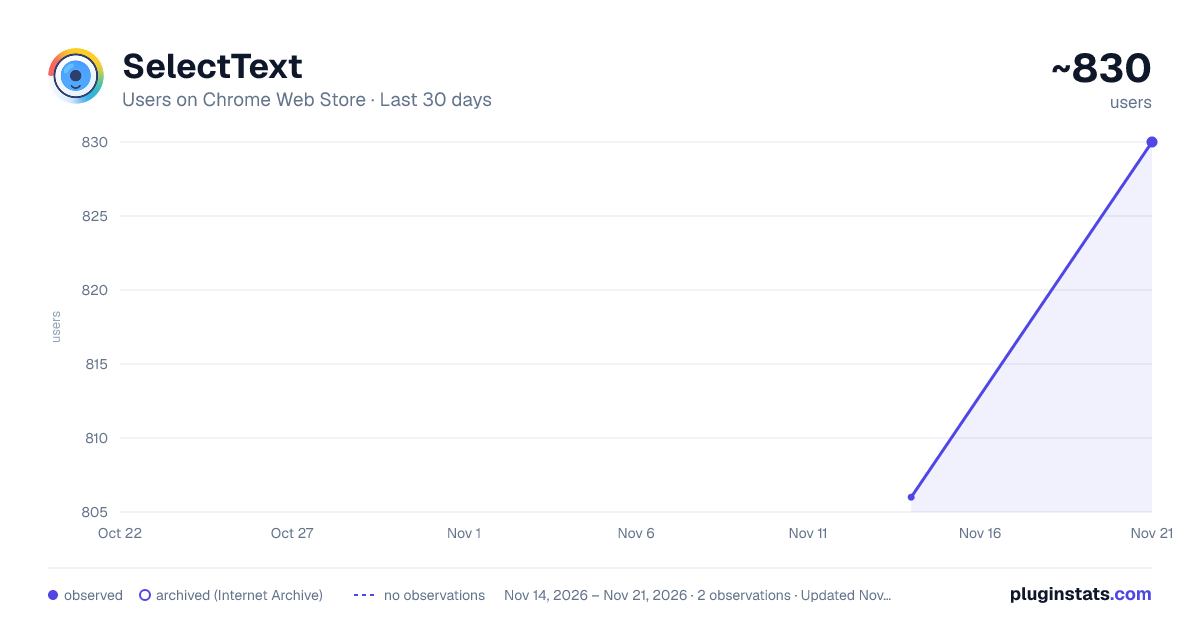
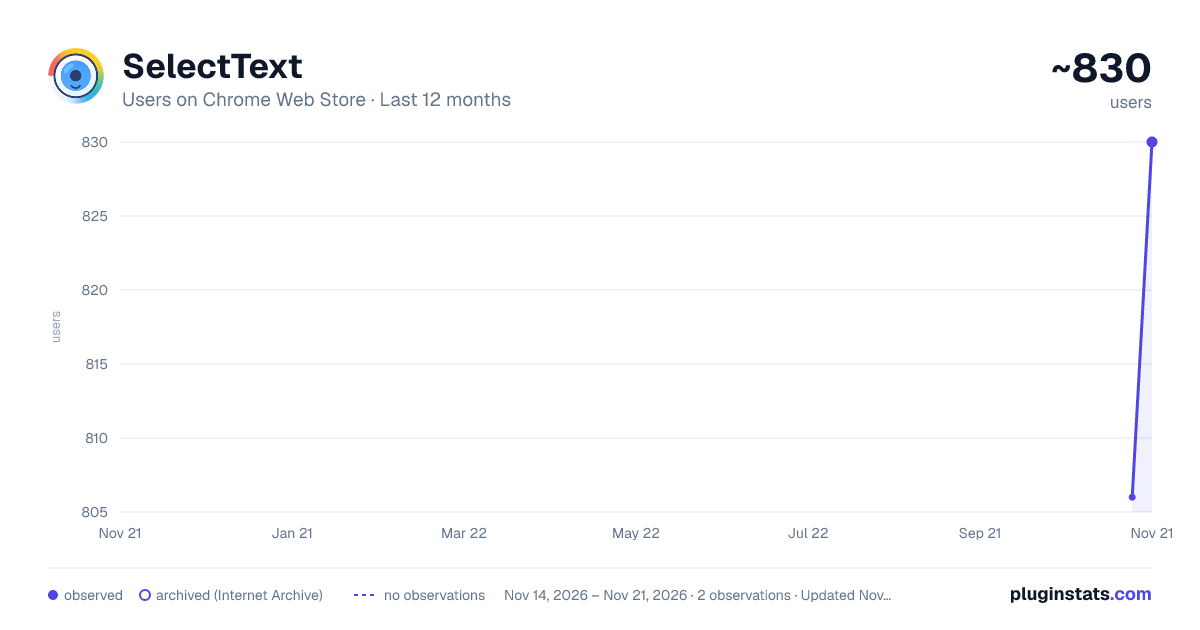
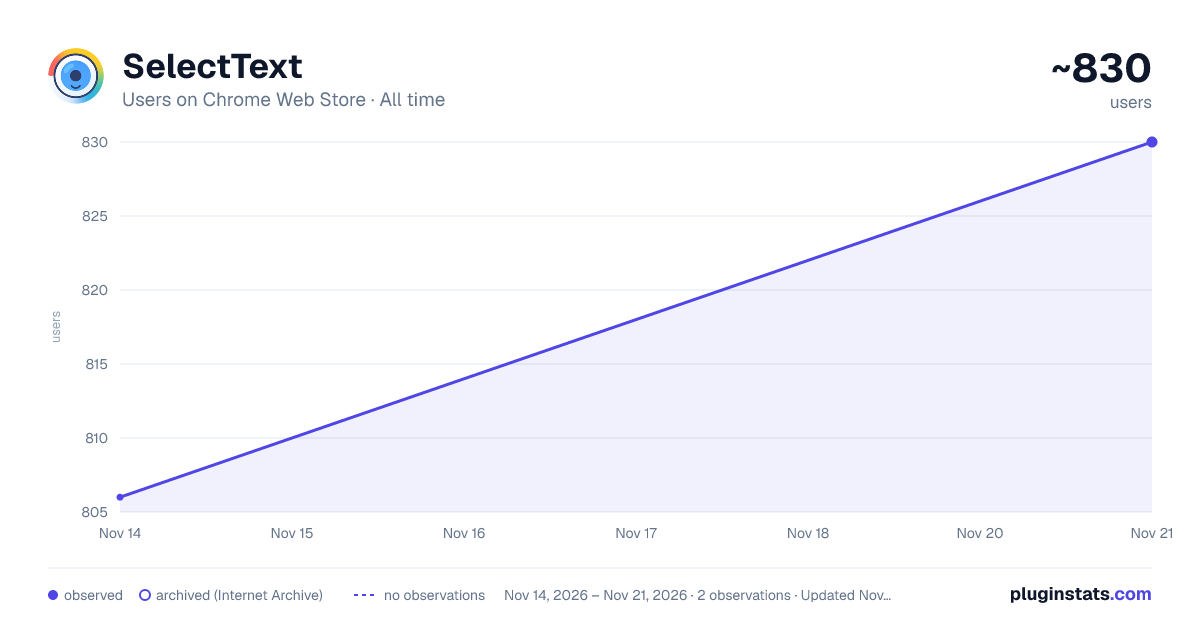
SelectText has approximately 830 recorded users on Chrome Web Store, a change of +3.0% over the past 7 days, ranking #4142 of 10,388 tracked listings.
Rating: 5.00 / 5 from 3 ratings
About SelectText
Select smarter, not harder
SelectText is a simple Chrome extension that lets you extract text from images, screenshots, and non-selectable content on web pages using OCR technology.
HOW IT WORKS
- Click the extension icon
- Drag to select the area containing text
- Wait a moment for OCR processing
- Click on detected text blocks to copy them
FEATURES
- One-click activation from the toolbar
- Visual drag-and-select interface
- Fast text recognition using Chrome Lens OCR
- Copy recognized text with a single click
- Dark mode support that adapts to your system theme
- Clean, non-intrusive interface
PRIVACY
The extension uses Chrome's built-in Lens OCR API for text recognition. No data is stored or transmitted to third-party servers beyond what Chrome's OCR API requires.
PERMISSIONS
- Active Tab: To capture screenshots of the current page
- Scripting: To inject the selection interface
- Storage: To save user preferences
- All URLs: To work on any webpage you visit
USE CASES
- Copy text from images
- Extract text from screenshots
- Get text from video frames
- Copy text from PDFs rendered in browser
- Extract text from scanned documents
TECHNICAL DETAILS
Built with modern web technologies:
- Manifest V3 for better performance and security
- TypeScript for reliability
- Chrome Lens OCR API for accurate text recognition
FEEDBACK
Found a bug or have a suggestion? Visit our Discord server leave a review. https://discord.gg/gFhKUthc88
Description from the Chrome Web Store listing.
README badge
Show your rank in a README or on your website. The badge updates automatically.
Charts
Images: 30d · 1y · all time · 1600×900 dark
Adoption over time
7/30/90-day growth
Ranking history
Ratings over time
Listing placement
Listing placement
Filled points are observed values; hollow points come from Internet Archive snapshots of the listing page. Dashed segments span periods with no observations — values between points are not interpolated.
Each band is one page of 20. Users on a linear scale. Placement is projected from users, so it can differ from the marketplace's own sort order. Hover a dot to see the listing.
Recent observations
Full history (2)Similar Chrome Web Store Tools plugins
All 20 SelectText alternatives



Data source
Covers every Chrome Web Store extension with at least 100 users, found through the store's public sitemap. User counts are read from public listing pages. The 10% most-used extensions are refreshed daily, the next 40% weekly and the next 40% monthly; the least-used 10% are not refreshed. Google displays rounded user counts (and caps the display at 10,000,000+), so small changes may not be visible. Rating counts above 1,000 are rounded (e.g. 1.6K).
Listing: https://chromewebstore.google.com/detail/selecttext/mlipaajjeaknlghlninkbgjilmdcknni. First seen Nov 14, 2026; last successful collection Nov 21, 2026. See the methodology.