 PluginStats

Export Gemini Chats to Obsidian users statistics
Easily bulk export your Gemini AI chats directly into Obsidian as Markdown files. Perfect for fast bulk processing.
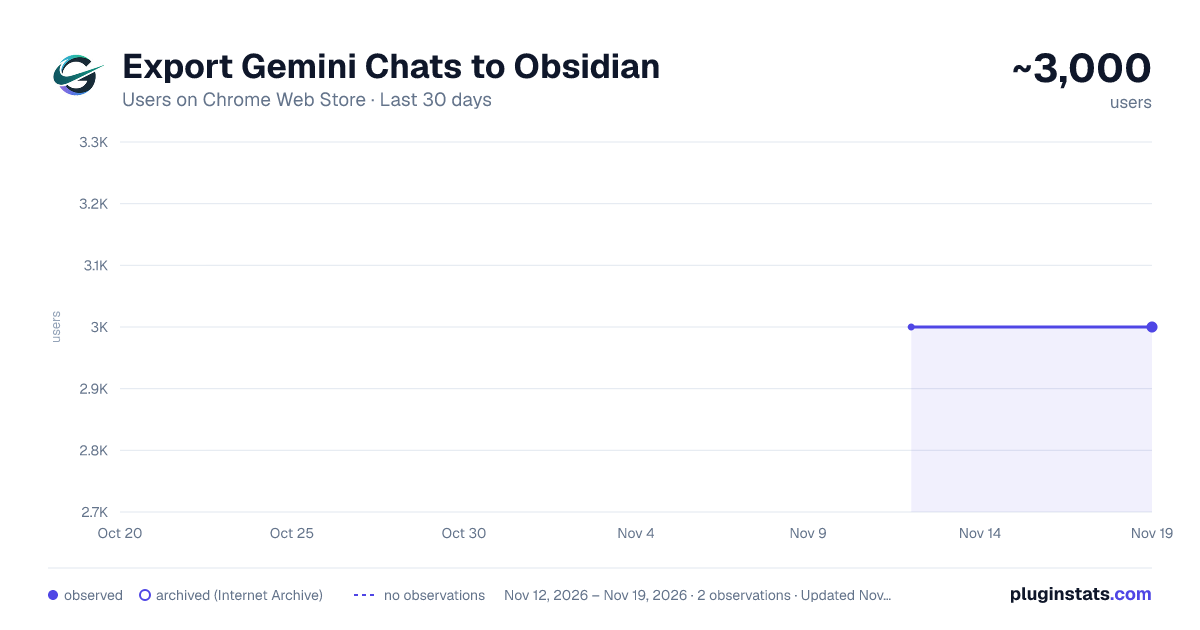
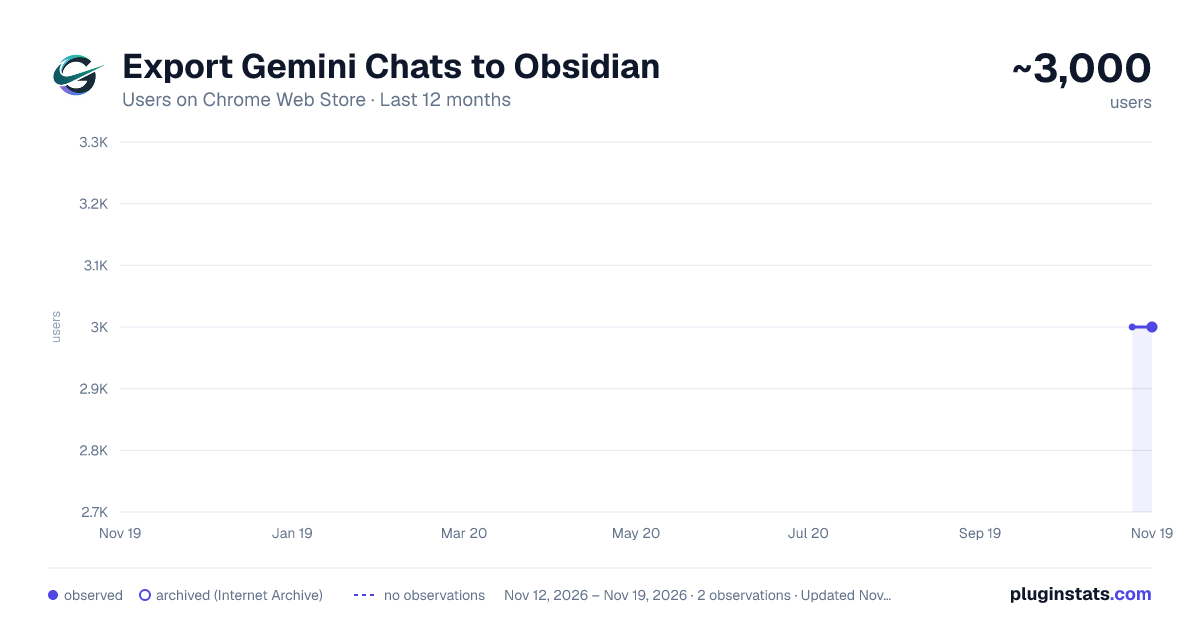
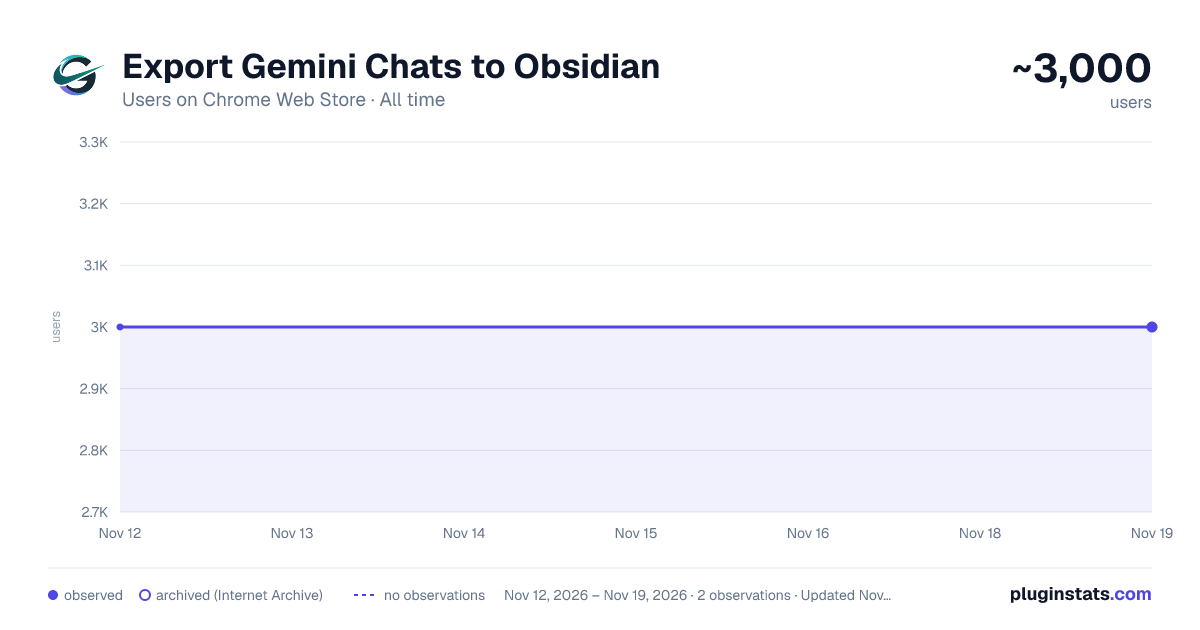
Export Gemini Chats to Obsidian has approximately 3,000 recorded users on Chrome Web Store, a change of 0.0% over the past 7 days, ranking #2170 of 10,388 tracked listings.
Rating: 4.30 / 5 from 11 ratings
About Export Gemini Chats to Obsidian
Easily bulk export your Gemini AI chats directly into Obsidian as Markdown files. Perfect for fast bulk processing.
✨ Export Gemini Chats to Obsidian and Markdown — One-Click, Batch, Selective, Gems, and Spark Export
Export Gemini conversations into clean, readable Markdown files that are ready for Obsidian, local backups, research archives, documentation, and knowledge management.
This extension helps you save Gemini chats as .md files with structured YAML frontmatter, readable message sections, optional local image downloads, linked document content when available, and export workflows for one conversation or many conversations at once.
If you are looking for a reliable way to export Gemini to Obsidian, download Gemini chats as Markdown, batch export Gemini history, save Gemini Gems or Spark conversations, or keep Gemini research notes in a local knowledge base, this extension is built for that job.
🚀 Key Features
• One-Click Gemini to Markdown: Export the current Gemini conversation directly from the popup
• Obsidian-Ready Markdown: Save each conversation as a clean .md file with readable # You and # Gemini message sections
• Batch Export Gemini Chats: Export multiple Gemini conversations into separate Markdown files
• Selective Batch Export: Browse your Gemini conversation list, load more or load all conversations, select only the chats you need, and export them
• Gems Export: Export conversations by Gemini Gem, including full-Gem exports or selected conversations from a specific Gem
• Spark Export: Export the current Gemini Spark chat from the popup, or browse, select, and batch export Spark conversations from Bulk Export
• Organized Spark Exports: Save Spark Markdown files and downloaded images under a dedicated spark/ subfolder, with a spark frontmatter tag
• Gem Subfolders: Optionally organize exported files into folders named after each Gem
• Generated and Uploaded Image Export: Capture Gemini-generated images and user-uploaded images when Gemini provides exportable image data
• Local Images Folder: Download images beside each Markdown file and link them with local images/ Markdown references
• Image Export Toggle: Turn image downloading on or off for popup and batch export workflows
• Smarter Image Parsing: Better handling for Gemini generated-image placeholders, duplicate image data, and nested response structures
• Linked Document Support: Extract linked documents or attachment content when available and include them under an Attachments section
• Obsidian YAML Frontmatter: Include title, uuid, exported time, created time, url, gem, model, tags, and message count
• Original Date Filename Options: Choose filename patterns using current export date, original conversation date, and conversation title
• Browser Time Zone Support: Use your current browser time zone for frontmatter timestamps, date filters, filename dates, and daily limits
• Date Filter for Batch Export: Export only conversations on or after a selected date
• Long Conversation Support: Fetch multi-page Gemini conversation details more reliably for long chats
• Multi-Account Gemini Support: Work with Gemini account paths such as /app, /gem/, /u/0/app, and /u/1/app
• Smart Gemini Connection Check: Detect whether the current Gemini page is ready before exporting
• Duplicate Export Protection: Skip already exported conversations with local export tracking
• Export Summary: Review total, success, skipped, failed, and cancelled results after a batch export
• Compact Export Settings: Configure download folder, filename pattern, image downloads, Gem subfolders, export mode, date filter, and skip-exported behavior
• Local-First Privacy: Your Gemini content is processed locally in your browser
🛠️ How to Use
- Open a Gemini conversation page.
- Click the extension icon.
- Export the current chat to Markdown, or open Bulk Export for multiple conversations.
- In Bulk Export, choose Bulk Export, Selective Export, Gems Export, or Spark Export.
- Configure filename pattern, image downloads, Gem subfolders, date filtering, and skip-exported behavior as needed.
🔍 Best For • Export Gemini chat to Obsidian • Save Gemini conversations as Markdown files • Back up AI research, project notes, study material, and writing drafts • Archive Gemini Gems conversations by workspace or assistant • Archive Gemini Spark chats in a dedicated local folder • Preserve generated images and uploaded image context beside your notes • Build a searchable local knowledge base from Gemini conversations • Share portable Markdown notes with teammates or keep them in Git
🔗 Useful Links • Product Documentation & Home: https://chatgpt2notion.com/products/gemini-to-obsidian/
• Batch Export Guide: https://chatgpt2notion.com/docs/export-gemini-to-obsidian/batch-export/
• Report Issues / Feedback: https://github.com/joysey/chatgpt-to-notion/issues
Contact: chatgpt2notion@gmail.com
🛡️ Privacy Your Gemini content is never uploaded by the extension. Export parsing, Markdown generation, image linking, and file downloads happen locally in your browser.
💡 Why Use This Gemini to Obsidian Exporter? • Keep Gemini conversations before they get lost or buried in chat history • Turn AI chats into durable notes for Obsidian, Git, documentation, and research workflows • Export many conversations at once instead of copying chats manually • Organize Gem conversations into folders for cleaner knowledge management • Keep formatted answers, code blocks, linked reference content, timestamps, and image context in portable Markdown files…
Description from the Chrome Web Store listing.
README badge
Show your rank in a README or on your website. The badge updates automatically.
Charts
Images: 30d · 1y · all time · 1600×900 dark
Adoption over time
7/30/90-day growth
Ranking history
Ratings over time
Listing placement
Listing placement
Filled points are observed values; hollow points come from Internet Archive snapshots of the listing page. Dashed segments span periods with no observations — values between points are not interpolated.
Each band is one page of 20. Users on a linear scale. Placement is projected from users, so it can differ from the marketplace's own sort order. Hover a dot to see the listing.
Recent observations
Full history (2)Similar Chrome Web Store Tools plugins
All 20 Export Gemini Chats to Obsidian alternatives



Data source
Covers every Chrome Web Store extension with at least 100 users, found through the store's public sitemap. User counts are read from public listing pages. The 10% most-used extensions are refreshed daily, the next 40% weekly and the next 40% monthly; the least-used 10% are not refreshed. Google displays rounded user counts (and caps the display at 10,000,000+), so small changes may not be visible. Rating counts above 1,000 are rounded (e.g. 1.6K).
Listing: https://chromewebstore.google.com/detail/export-gemini-chats-to-ob/nidakehgcgmenmkfpacineilblijncjh. First seen Nov 12, 2026; last successful collection Nov 19, 2026. See the methodology.