 PluginStats

Website Downloader users statistics
Simple website downloader: easily download website. This site downloader is placed in the bar, a web downloader for a whole site
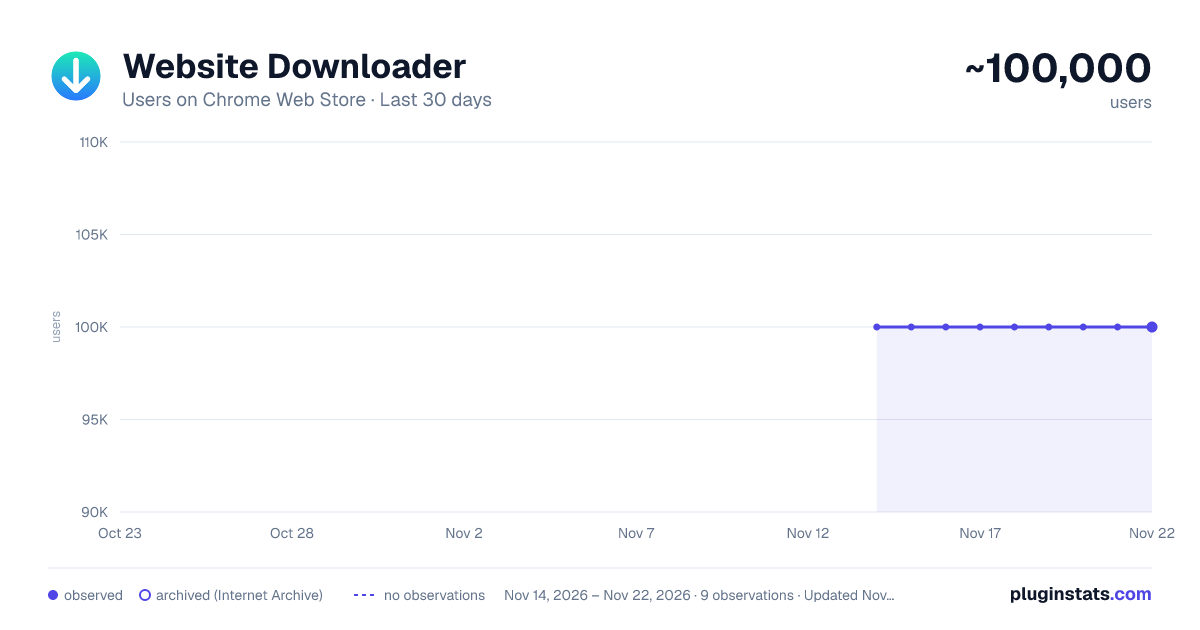
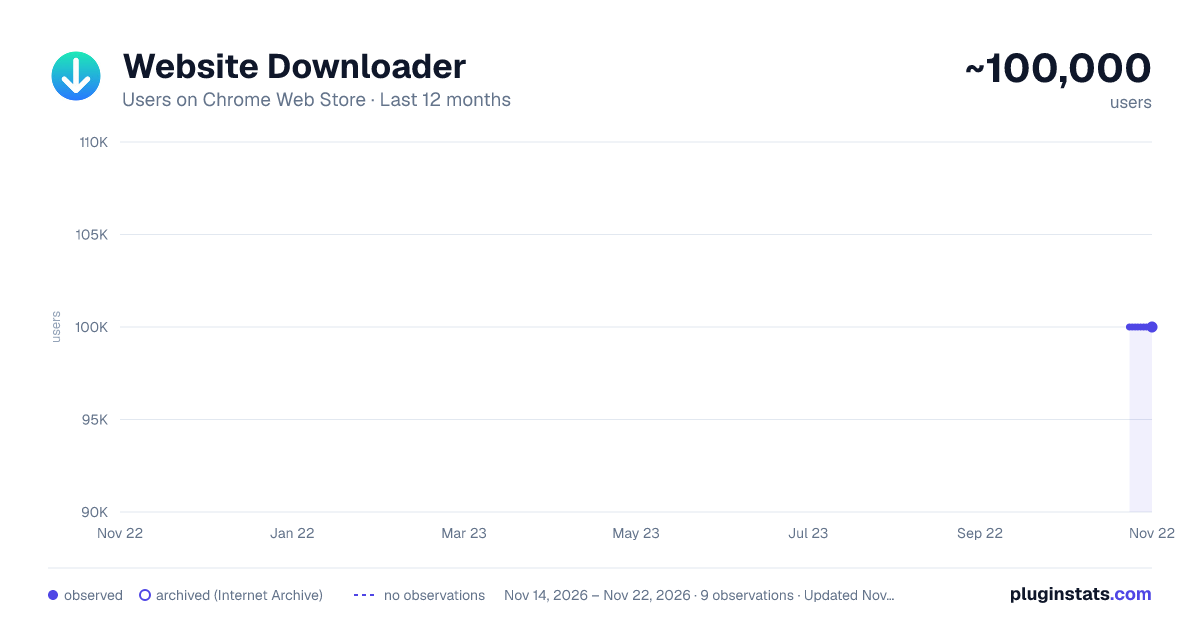
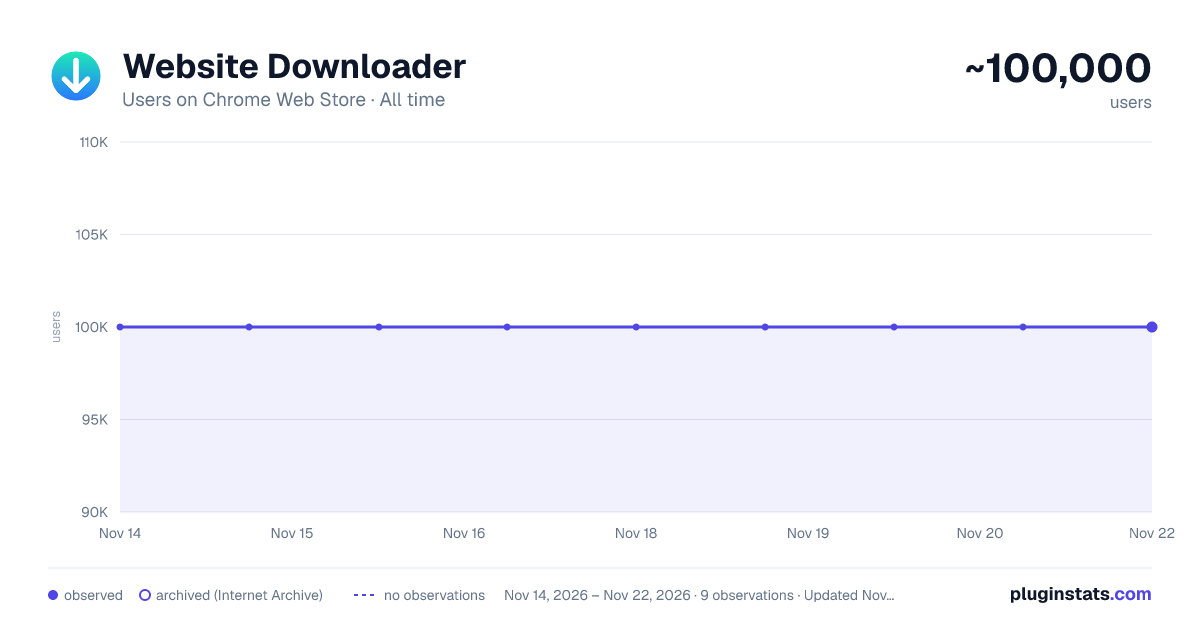
Website Downloader has approximately 100,000 recorded users on Chrome Web Store, a change of 0.0% over the past 7 days, ranking #283 of 10,388 tracked listings.
Rating: 4.50 / 5 from 570 ratings
About Website Downloader
Simple website downloader: easily download website. This site downloader is placed in the bar, a web downloader for a whole site
🔥 Meet the Website Downloader, the ultimate Chrome extension designed to help you effortlessly get website content for offline use. Whether you need to store a page for archiving, research, or development purposes, this powerful tool makes it easy to download entire website with just a few clicks.
Key Features 1️⃣ Get Pages Effortlessly: With our web site downloader, you can download websites quickly and easily. No technical skills required! 2️⃣ Download Whole Website: This extension allows you to download whole website in one run, making it perfect for web developers and designers. It follows the links from the page you start on and stays on that site, so you can download a whole website for offline reading. Subdomains like blog. or docs. join in when you tick the subdomains option. 3️⃣ Comprehensive Page Copier: Our web downloader acts as a comprehensive website copier for people who download entire websites. A whole-site run keeps every linked resource, and a single page is saved with the assets it needs to open offline. 4️⃣ HTML Downloader: Need the raw HTML? Our tool works as an HTML downloader, giving you the source files after you download site.
Why Choose Website Downloader? • User-Friendly Interface: Our intuitive interface ensures that even beginners can download a website without any hassle. • Speed and Efficiency: This extension is optimized for speed, ensuring your loadings are completed quickly. • Versatility: From personal blogs to professional sites, quick website download.
How to Download a Website
Downloading websites has never been easier. Simply follow these steps: ➤ Install the Extension: Add the Website Downloader to your Chrome browser. ➤ Navigate to the Site: Go to the page you wish to get. ➤ Open the Sidebar: Click the extension icon. It opens in the Chrome side panel. ➤ Start the Loading: Pick your mode and press the download button. 🙌
Benefits of Using a Website Page Downloader Using our plugin offers numerous benefits: ➡️ Offline Access: Access your local sites anytime, even without an internet connection. ➡️ Backup and Archive: Keep a backup of important web content for future reference. ➡️ Development and Testing: Perfect for developers who need to test pages offline.
Complete Website Archiving As a complete website archiver, our tool is second to none. It saves all the necessary files and resources, ensuring you have a full offline copy of the site. This includes: 🆙 HTML file 🆙 CSS stylesheets 🆙 JavaScript code 🆙 Images and media 🆙 Other resources
👂Frequently Asked Questions
❓How to download whole page? 🤌Click the extension icon, then press the download button in the side panel.
❓How do I download whole webpage with images and styles? 🤌It saves the whole webpage together with its CSS, JavaScript and images.
❓Is it complicated to download internet site? 🤌It’s as easy as just pressing the button.
❓Where the site is saved when you use a downloader website? 🤌It’s saved in the Downloads folder.
❓Is there a size limit when you download web pages? 🤌A single page has no limit. A whole-site run stops at 500 pages or 500 MB by default, and you can raise either one or set it to unlimited in the settings.
❓Should I use website downloader online? 🤌You need to be online when you get the site, but then you can use it without the connection.
❓How slow is it to download webpage? 🤌Almost instantly.
❓ What formats can I download pages in? 🤌 Websites are saved in HTML format, including all associated resources like CSS, JavaScript, and images.
❓ Does the downloader save all the content of a website? 🤌 It saves all visible content on a website, including text, images, CSS, and JavaScript information. However, it may not get dynamically loaded content or content behind logins.
❓Can I download password-protected websites? 🤌No, it cannot reach content behind a password or other restrictions.
❓ Is there a way to schedule downloads? 🤌 Not yet. Scheduling is not supported, but the feature may come in a future update.
❓ How can I use the local page? 🤌 The page can be used in the way you want: share it with someone, store it in a secure place, or just keep it on your computer.
❓ Can I use AI with this information? 🤌 You can upload the HTML file to an AI helper to get insights about it.
❓ What makes it stand out? ➕Ease of use. ➕Enhanced productivity. ➕Streamlined workflow for professionals. ➕User empowerment. ➕Minimal learning curve.
🚀 Take the Next Step. Elevate your browsing experience. 👆🏻Whether you’re a tech-savvy developer or just someone who needs to download a website for offline use, our web downloader is perfect for you. As a page saver it keeps an offline archive of the pages you read. It’s designed to cater to all your website downloader needs. Please note that the extension includes some paid features.
Description from the Chrome Web Store listing.
README badge
Show your rank in a README or on your website. The badge updates automatically.
Charts
Images: 30d · 1y · all time · 1600×900 dark
Adoption over time
7/30/90-day growth
Ranking history
Ratings over time
Listing placement
Listing placement
Filled points are observed values; hollow points come from Internet Archive snapshots of the listing page. Dashed segments span periods with no observations — values between points are not interpolated.
Each band is one page of 20. Users on a linear scale. Placement is projected from users, so it can differ from the marketplace's own sort order. Hover a dot to see the listing.
Recent observations
Full history (8)Similar Chrome Web Store Tools plugins
All 20 Website Downloader alternatives



Data source
Covers every Chrome Web Store extension with at least 100 users, found through the store's public sitemap. User counts are read from public listing pages. The 10% most-used extensions are refreshed daily, the next 40% weekly and the next 40% monthly; the least-used 10% are not refreshed. Google displays rounded user counts (and caps the display at 10,000,000+), so small changes may not be visible. Rating counts above 1,000 are rounded (e.g. 1.6K).
Listing: https://chromewebstore.google.com/detail/website-downloader/iaaokenmfgahhlcfbdipjonlkeinadaa. First seen Nov 14, 2026; last successful collection Nov 21, 2026. See the methodology.