 PluginStats

Salesforce Environment Indicator users statistics
By Trishul Shah · Chrome Web Store · Tools
Displays a visual indicator for different Salesforce environments
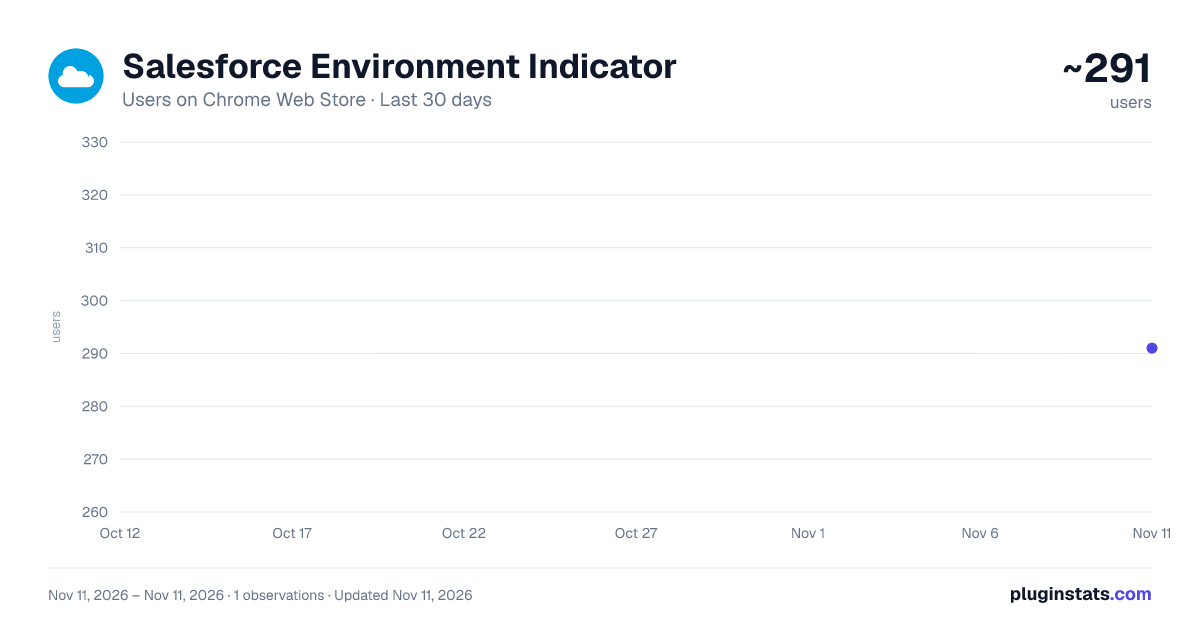
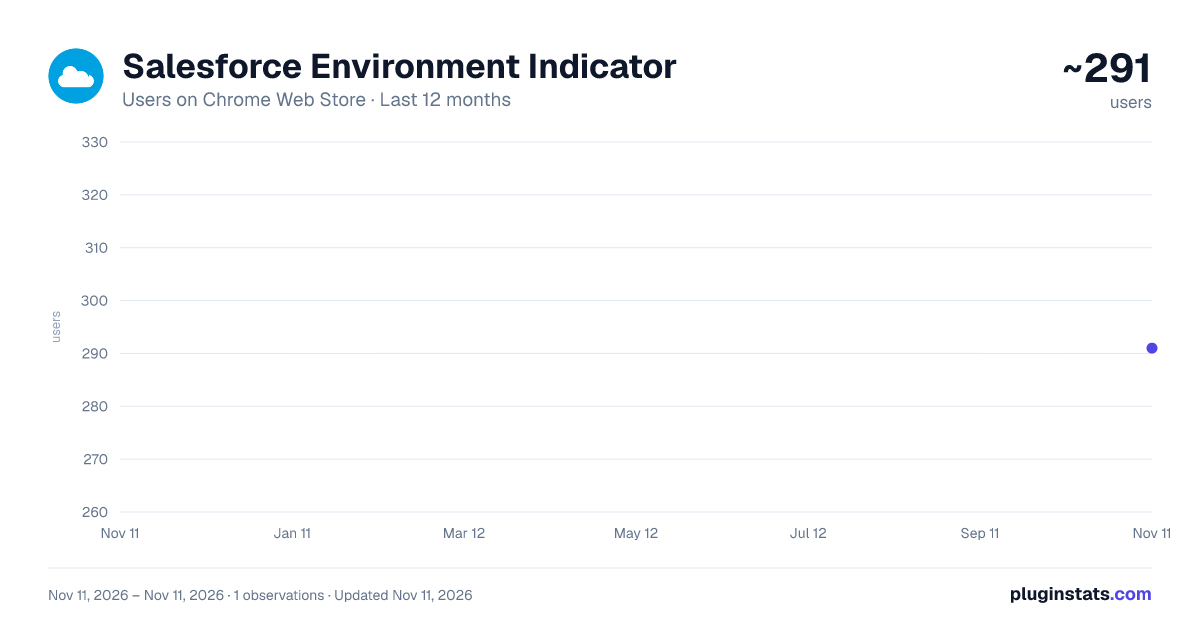
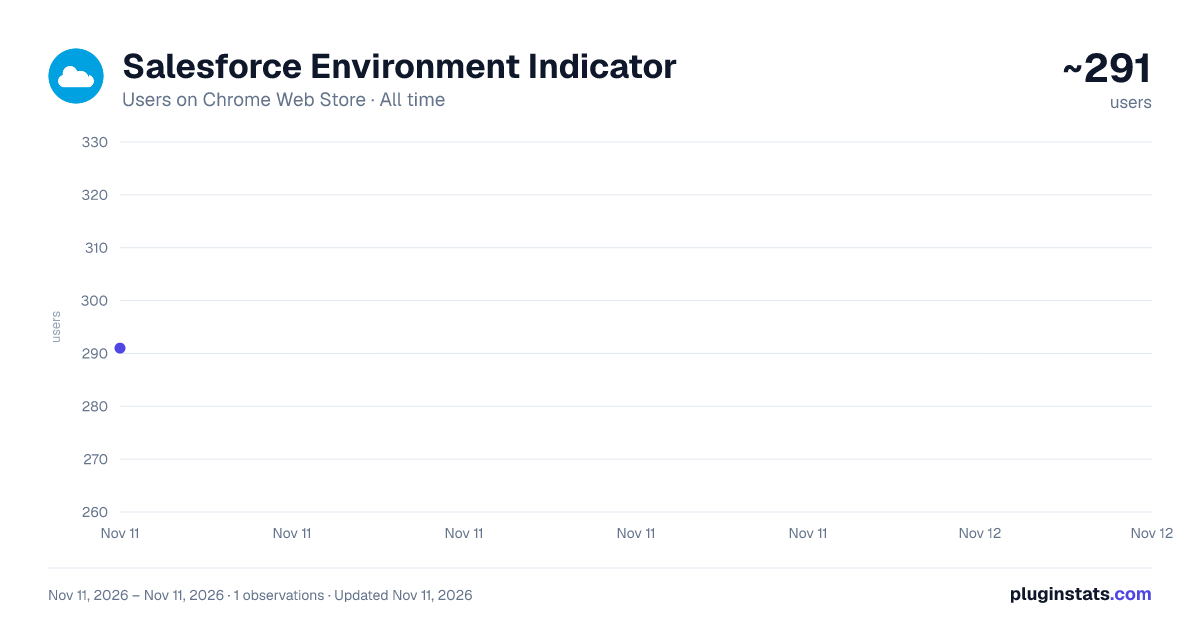
Salesforce Environment Indicator has approximately 291 recorded users on Chrome Web Store, ranking #6653 of 10,388 tracked listings.
Rating: 5.00 / 5 from 1 ratings
About Salesforce Environment Indicator
Displays a visual indicator for different Salesforce environments
A Chrome extension that helps users identify their Salesforce environment.
Features:
✨ Visual indicator showing current environment with customizable labels 🎨 Smart color schemes for different environments 🚀 Production environments marked with rocket emoji, sandboxes with wrench emoji 🏷️ Customizable text (double-click to edit) 🎯 "S:" prefix for sandboxes, "P:" prefix for production 🔄 Updated favicon showing "P" or "S" 📍 Draggable and resizable indicator that remembers position 🎨 Full border color indicator around the page 🔍 Hide/show functionality via close button, Alt+Shift+S, or right-click 💾 Persistent settings across page refreshes
Usage:
• Automatically activates on Salesforce domains • Shows environment name and organization in top-left corner • Double-click to customize labels • Drag to reposition • Resize for better visibility • Toggle visibility using multiple methods • Hover effects for better visibility
Technical Details:
• No authentication required • Minimal data storage (just your preferences) • Uses URL parsing for environment detection • Compatible with Production and Sandbox environments • Works with all Salesforce domains (.salesforce.com, .force.com, etc.) • Minimal permissions required (activeTab and storage)
Perfect for: • Developers working with multiple sandboxes • Admins managing different environments • QA teams testing across environments • Anyone who wants to avoid accidentally making changes in the wrong environment
Note: Free, open-source tool for quick Salesforce environment identification. Simple, lightweight, and secure - stores only your preferences locally.
Description from the Chrome Web Store listing.
README badge
Show your rank in a README or on your website. The badge updates automatically.
Charts
Images: 30d · 1y · all time · 1600×900 dark
Adoption over time
7/30/90-day growth
Ranking history
Ratings over time
Listing placement
Listing placement
Filled points are observed values; hollow points come from Internet Archive snapshots of the listing page. Dashed segments span periods with no observations — values between points are not interpolated.
Each band is one page of 20. Users on a linear scale. Placement is projected from users, so it can differ from the marketplace's own sort order. Hover a dot to see the listing.
Recent observations
Full history (1)Similar Chrome Web Store Tools plugins
All 20 Salesforce Environment Indicator alternatives



Data source
Covers every Chrome Web Store extension with at least 100 users, found through the store's public sitemap. User counts are read from public listing pages. The 10% most-used extensions are refreshed daily, the next 40% weekly and the next 40% monthly; the least-used 10% are not refreshed. Google displays rounded user counts (and caps the display at 10,000,000+), so small changes may not be visible. Rating counts above 1,000 are rounded (e.g. 1.6K).
Listing: https://chromewebstore.google.com/detail/salesforce-environment-in/nipicdkongmggdcglofdkdppfnffompp. First seen Nov 11, 2026; last successful collection Nov 11, 2026. See the methodology.