 PluginStats

Paste Typer users statistics
Types clipboard text character-by-character into web forms. Useful for fields that don't accept paste and for data-entry workflows.
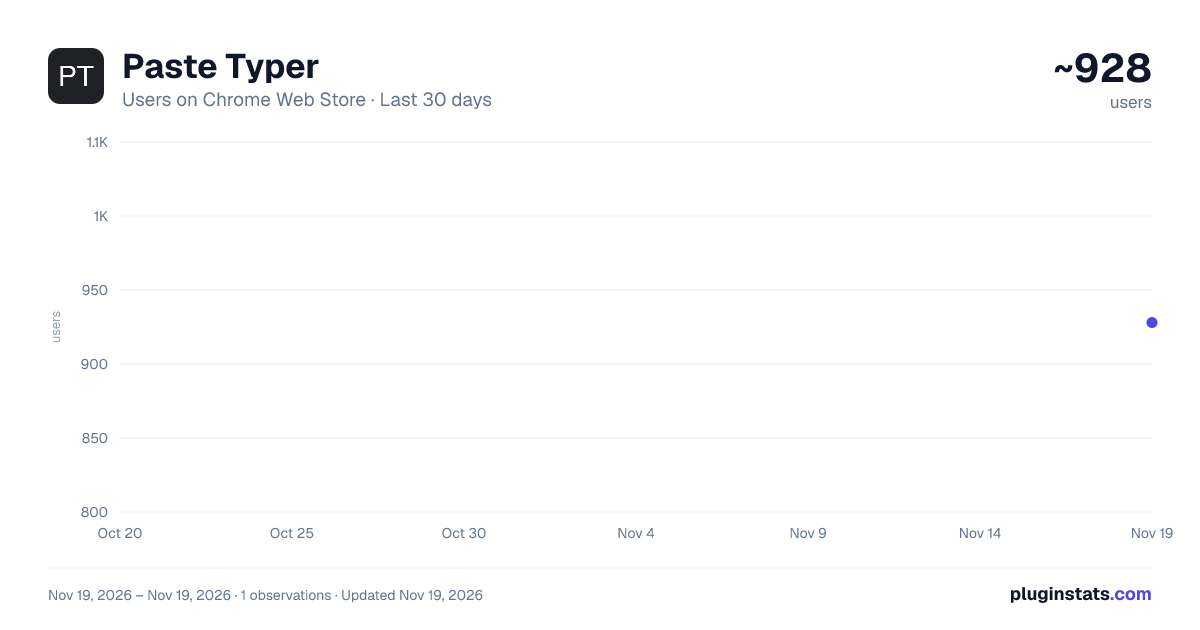
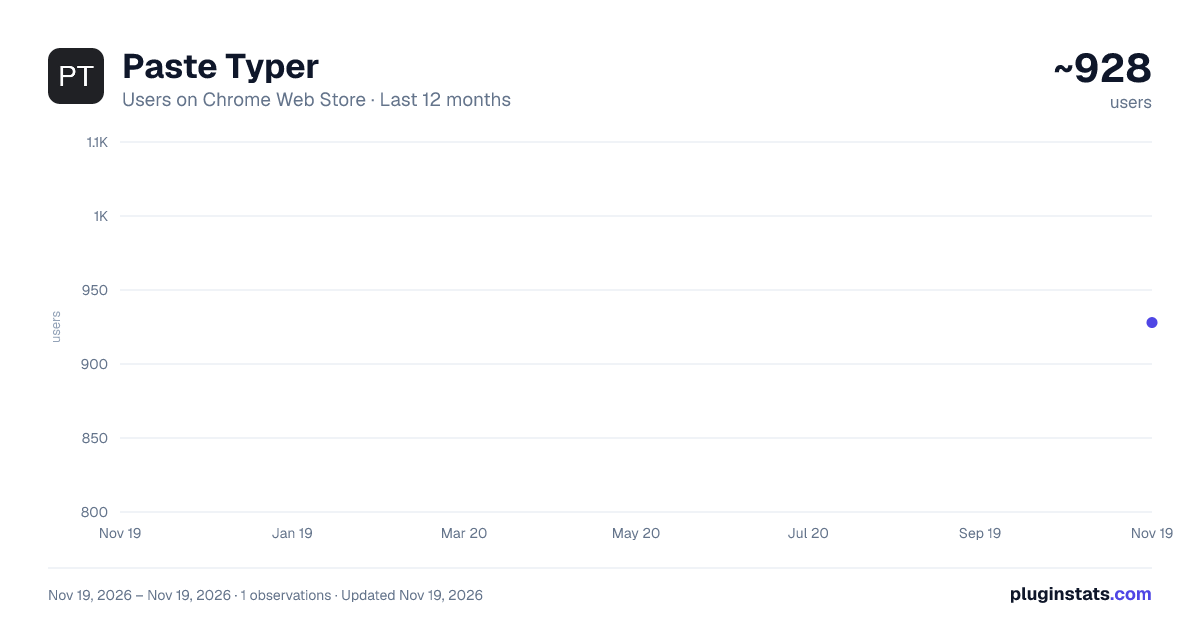
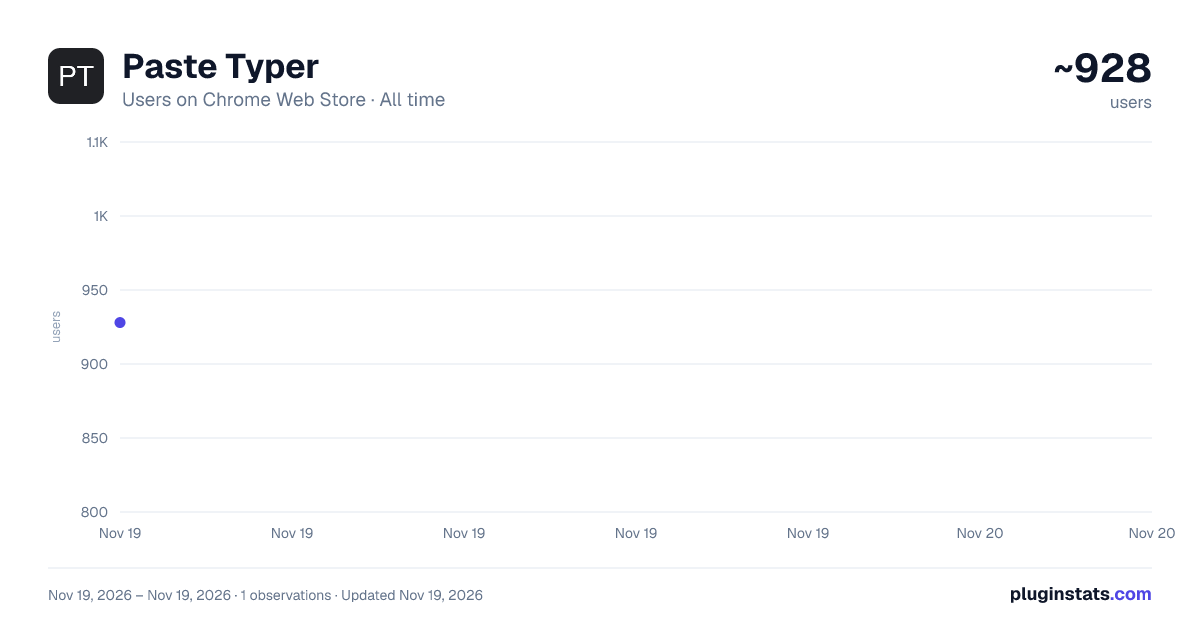
Paste Typer has approximately 928 recorded users on Chrome Web Store, ranking #3905 of 10,388 tracked listings.
Rating: 5.00 / 5 from 8 ratings
About Paste Typer
Types clipboard text character-by-character into web forms. Useful for fields that don't accept paste and for data-entry workflows.
Paste Typer types your clipboard into web forms one character at a time, as real keystrokes, so text goes in even when a site blocks paste.
Some websites disable paste on their input fields: banking portals, exam systems, KYC and verification forms, and a lot of legacy web apps. You copy something, hit paste, and nothing happens. Paste Typer solves that: load your text, pick the field, press Start, and it types the text in for you.
WHAT IT DOES
Types clipboard text character-by-character into fields that block paste ("can't paste", "paste disabled") Adjustable typing speed with natural, human-like timing Optional typo-simulation mode Load from clipboard with one click, or type text manually Right-click any editable field → "Paste as typed text" Floating, draggable in-page panel as an alternative to the toolbar popup Works with text inputs, textareas, rich-text editors, React/Vue apps, Google Docs, and Google Slides HOW TO USE
Click the Paste Typer icon (or use the right-click menu) Load your clipboard text Click the input field on the page Press Start
USING IT IN GOOGLE DOCS / SLIDES Docs and Slides draw their text on a canvas, so first double-click a text box to start editing it, then press Start. (The "Navigate Inputs" helper is for regular web pages only.)
PRIVACY FIRST
No account, no analytics, no network requests. Everything runs locally No broad site access: it only touches a page when you invoke it on that tab The clipboard is read only when you click "Load from Clipboard" Free and open source
Description from the Chrome Web Store listing.
README badge
Show your rank in a README or on your website. The badge updates automatically.
Charts
Images: 30d · 1y · all time · 1600×900 dark
Adoption over time
7/30/90-day growth
Ranking history
Ratings over time
Listing placement
Listing placement
Filled points are observed values; hollow points come from Internet Archive snapshots of the listing page. Dashed segments span periods with no observations — values between points are not interpolated.
Each band is one page of 20. Users on a linear scale. Placement is projected from users, so it can differ from the marketplace's own sort order. Hover a dot to see the listing.
Recent observations
Full history (1)Similar Chrome Web Store Tools plugins
All 20 Paste Typer alternatives



Data source
Covers every Chrome Web Store extension with at least 100 users, found through the store's public sitemap. User counts are read from public listing pages. The 10% most-used extensions are refreshed daily, the next 40% weekly and the next 40% monthly; the least-used 10% are not refreshed. Google displays rounded user counts (and caps the display at 10,000,000+), so small changes may not be visible. Rating counts above 1,000 are rounded (e.g. 1.6K).
Listing: https://chromewebstore.google.com/detail/paste-typer/ofklpccfpgecjdccbnlmjbndkefgjaid. First seen Nov 19, 2026; last successful collection Nov 19, 2026. See the methodology.