 PluginStats

Manual Scrolling Snapshot Tool users statistics
By dishananuradha · Chrome Web Store · Tools
Select a region, snap frame by frame, stitch into a single image, edit, and save.
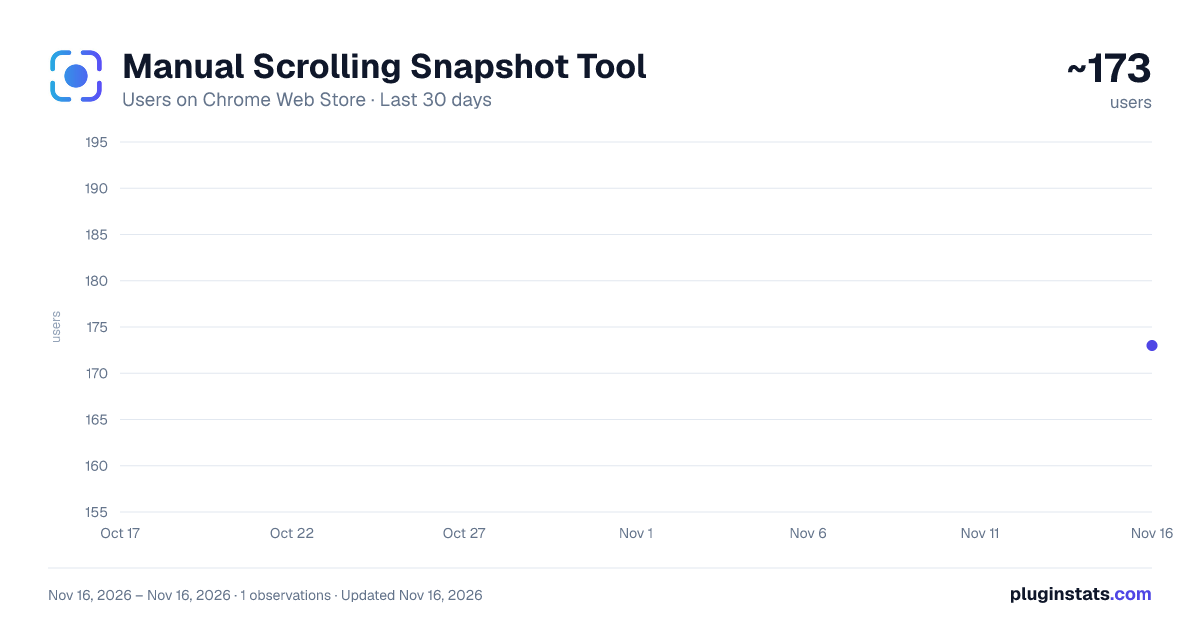
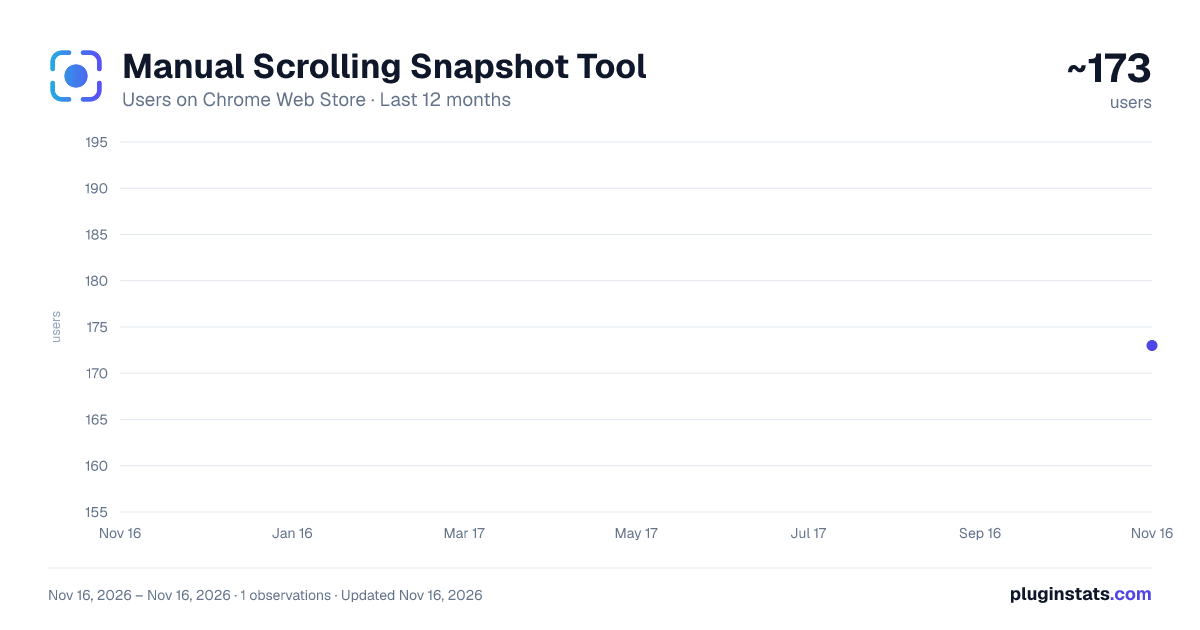
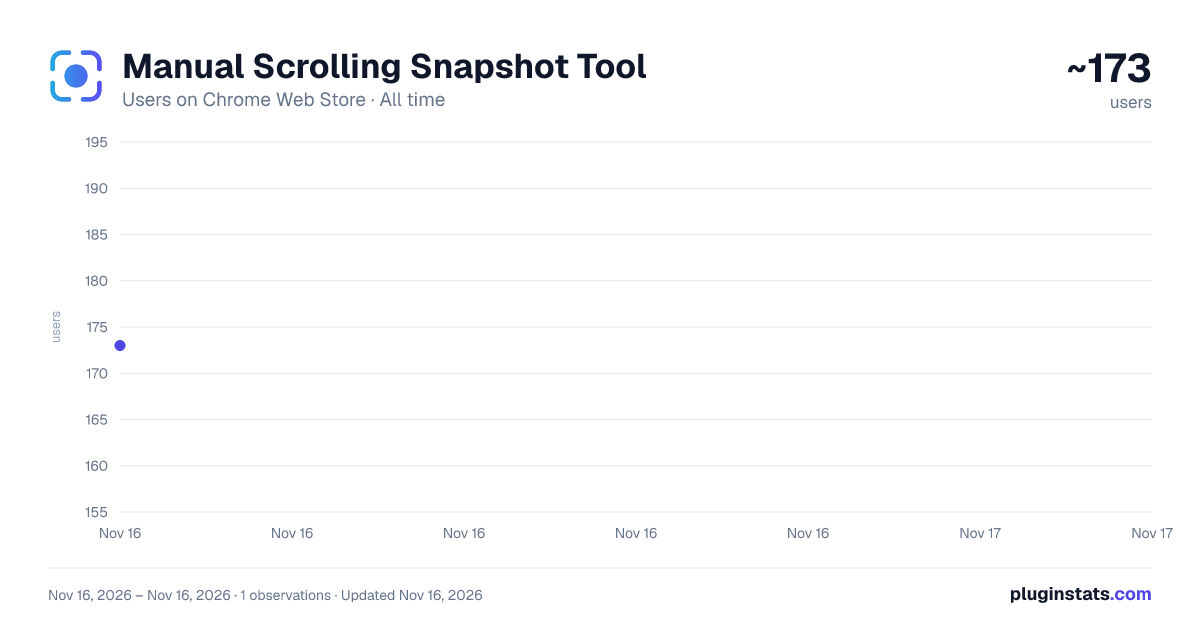
Manual Scrolling Snapshot Tool has approximately 173 recorded users on Chrome Web Store, ranking #8297 of 10,388 tracked listings.
Rating: 4.00 / 5 from 1 ratings
About Manual Scrolling Snapshot Tool
Select a region, snap frame by frame, stitch into a single image, edit, and save.
Manual Scrolling Snapshot Tool & Editor 📷✏️
Capture long, scrollable web content by selecting a region, snapping it frame by frame, and seamlessly stitching all frames into one clean PNG image. Plus, instantly take your screenshot into a powerful built-in editor to annotate, crop, zoom, and perfect your image—all right from your browser!
Perfect for capturing long articles, product pages, documentation, dashboards, social feeds, or any content that doesn't fit in a single screenshot.
🚀 WHAT'S NEW IN THE EDITOR
Dedicated Editor Window: Launch your stitched snapshot directly into a full-featured editor tab with a single click.
Drawing & Annotation: Annotate your screenshots freely using customizable brush sizes and color pickers.
Interactive Crop Tool: Refine your framing using an intuitive box overlay with draggable corner handles and an Apply/Cancel workflow.
Undo & Redo History: Never worry about mistakes with full history support and standard shortcuts (Ctrl+Z, Ctrl+Y).
Advanced Zoom Control: Inspect fine details up to 1000% using buttons, the interactive zoom slider bar, or Ctrl + Mouse Wheel.
⚙️ HOW IT WORKS
Capture: Click the extension icon on any webpage.
Select: Drag to draw a capture region over the content you want.
Fine-Tune: Resize the region using the 4-edge handles (top, bottom, left, right).
Snap: Click "Snap & Next" to capture the current view—the page scrolls down automatically. Repeat until you reach the bottom.
Edit & Save: Click "Edit & Save" to open your stitched image in the editor window. Draw, crop, or zoom, then click "Download PNG" to save your final result!
✨ KEY FEATURES
Frame-by-frame capture: Each snap covers exactly one region height with no overlap or gaps.
Live stitched preview: Floating draggable panel showing the growing merged image in real time.
Fly-to-preview animation: Visual feedback on every capture.
Bottom indicator: A glowing line appears when you've reached the end of the page.
DPR-aware cropping: Sharp, accurate output on retina and high-DPI displays.
Precision Editor: Full control over annotations, cropping, and framing.
Fluid Zoom & Pan: Smooth zooming from 10% to 1000% via buttons, slider bar, or mouse wheel.
100% local processing: Nothing leaves your device, no servers, no accounts required.
🔒 PRIVACY POLICY
This extension does not collect, transmit, or store any personal data. All capture and editing processing happens entirely inside your browser. No account is required.
Description from the Chrome Web Store listing.
README badge
Show your rank in a README or on your website. The badge updates automatically.
Charts
Images: 30d · 1y · all time · 1600×900 dark
Adoption over time
7/30/90-day growth
Ranking history
Ratings over time
Listing placement
Listing placement
Filled points are observed values; hollow points come from Internet Archive snapshots of the listing page. Dashed segments span periods with no observations — values between points are not interpolated.
Each band is one page of 20. Users on a linear scale. Placement is projected from users, so it can differ from the marketplace's own sort order. Hover a dot to see the listing.
Recent observations
Full history (1)Similar Chrome Web Store Tools plugins
All 20 Manual Scrolling Snapshot Tool alternatives



Data source
Covers every Chrome Web Store extension with at least 100 users, found through the store's public sitemap. User counts are read from public listing pages. The 10% most-used extensions are refreshed daily, the next 40% weekly and the next 40% monthly; the least-used 10% are not refreshed. Google displays rounded user counts (and caps the display at 10,000,000+), so small changes may not be visible. Rating counts above 1,000 are rounded (e.g. 1.6K).
Listing: https://chromewebstore.google.com/detail/manual-scrolling-snapshot/oeobapbjikebjdgneejmdndcedihdhoo. First seen Nov 16, 2026; last successful collection Nov 16, 2026. See the methodology.