 PluginStats

Mirror Mode for Videos users statistics
By Free Software Utilities (6 listings) · Chrome Web Store · Tools
Mirror, flip, and rotate any video with per-site memory, in-player overlay buttons, speed control, and keyboard shortcuts.
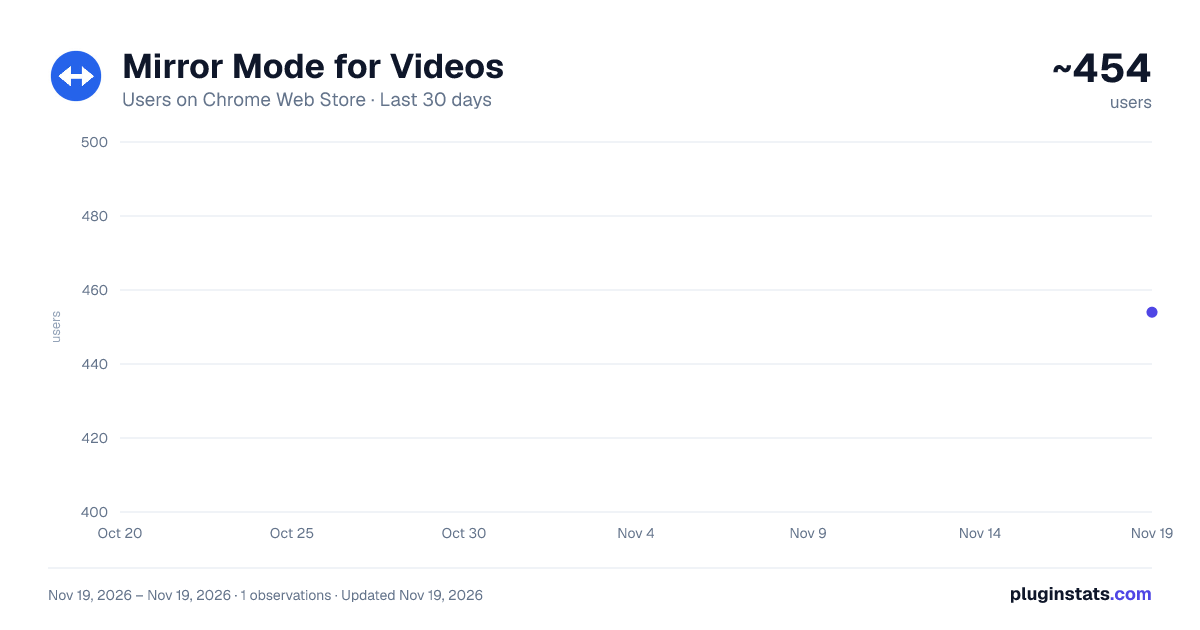
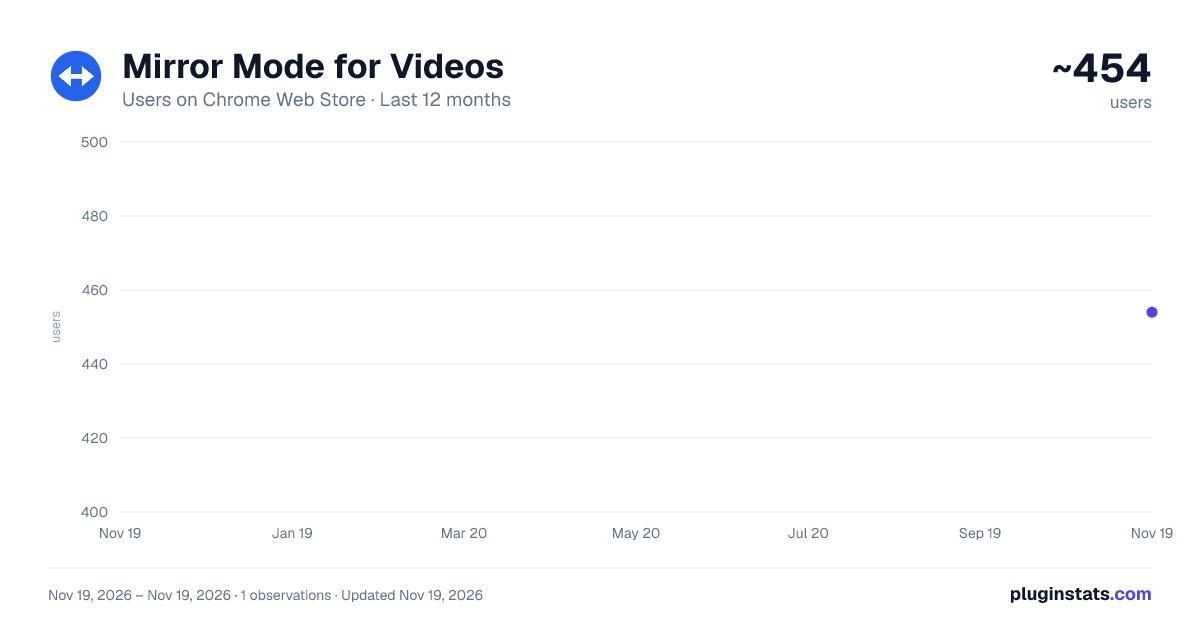
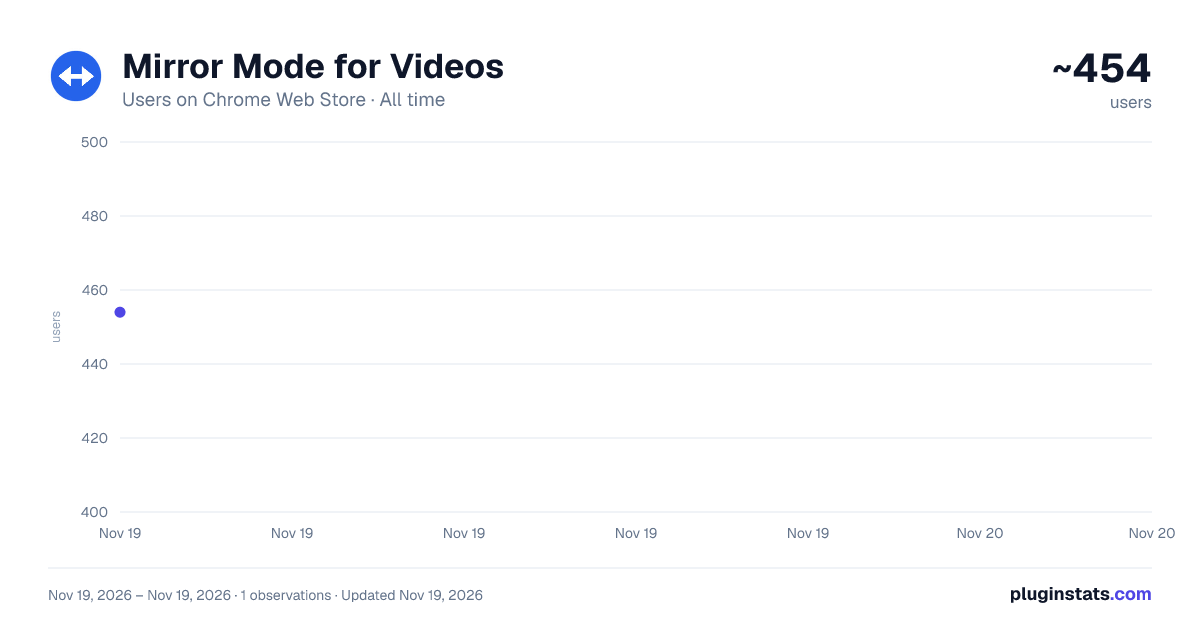
Mirror Mode for Videos has approximately 454 recorded users on Chrome Web Store, ranking #5441 of 10,388 tracked listings.
Rating: 3.00 / 5 from 2 ratings
About Mirror Mode for Videos
Mirror, flip, and rotate any video with per-site memory, in-player overlay buttons, speed control, and keyboard shortcuts.
Mirror Mode for Videos — Mirror, Flip, and Rotate Any Video Instantly!
Frustrated by video tutorials filmed from the wrong perspective? Tired of having to manually re-toggle mirror mode every time you open a new YouTube tab or navigate to a new page on your favorite tutorial site?
Mirror Mode for Videos is the ultimate, privacy-clean video customization tool built specifically to address the limitations of standard mirror extensions. Whether you are learning a complex dance choreography, practicing calligraphy left-handed, following a yoga tutorial, or analyzing mirrored security footage, our extension gives you complete, microscopic control over every video on the web.
With one-click horizontal mirroring, vertical flipping, 90-degree increments of rotation, integrated playback speed controls, custom hotkeys, and automatic per-site persistence, Mirror Mode for Videos is the most complete video transformation tool available on the Chrome Web Store. 100% free, zero ads, zero tracking, and zero data collection.
Why Choose Mirror Mode for Videos? (The Four Feature Gaps We Solve)
While basic mirror extensions only offer a single, global toggle button on your browser toolbar, Mirror Mode for Videos delivers the features users consistently request:
- Per-Site Memory (Auto-Apply): Don't repeat yourself. Toggle the "Remember for this site" switch in the popup, and the extension will automatically apply your preferred horizontal mirror, vertical flip, rotation, and speed settings whenever you visit that domain in the future.
- In-Player Overlay Button (Shadow DOM): When watching videos in fullscreen mode, browser toolbar icons are inaccessible. Our extension injects a small, semi-transparent, hover-activated
↔toggle button directly into the corner of your video player. It blends seamlessly with site interfaces (using premium glassmorphic dark styling) and does not interfere with native player controls. - Target Specific Videos (Per-Video Control): If a webpage has multiple videos playing simultaneously (like a social media feed, news page, or YouTube homepage), global toggles are awkward. With our in-player overlay button, you can mirror or rotate one specific video element independently while leaving the rest of the page completely untouched.
- Vertical Flip, Rotation, and Aspect Ratio Sizing: Mirror horizontally (left-right), flip vertically (up-down), or rotate clockwise by 90°, 180°, or 270°. When rotating videos 90° or 270°, our engine mathematically calculates and applies a compensating scale factor to fit the swapped video boundaries perfectly within its container, avoiding awkward overflows or overlapping page content.
Core Features at a Glance
- One-Click Transformations: Instant horizontal mirroring, vertical flipping, and rotation. Combine them freely (e.g., Mirror H + 90° Rotation) to fit your custom use-case.
- ⚡ Complementary Playback Speed Controller: Slow down complex dance moves or speed up long cooking instructions directly from the extension. Adjust speed between 0.25x and 2.0x.
- Persistent Settings with Chrome Sync: Your saved site preferences and global option customizations are synced across all your devices using your standard Google Account.
- Sleek Popup & Options Dashboard: Check active video counts on the current tab, toggle site memory, view a "Saved Domains" list of your 5 most recent sites, and customize button size, opacity, and positioning (4 corners available).
- Keyboard Hotkeys (Fullscreen Ready): Trigger any transformation in a split second using fully-configurable, standard shortcuts:
Alt + M: Toggle Horizontal MirrorAlt + V: Toggle Vertical FlipAlt + R: Rotate 90° ClockwiseAlt + 0: Reset Video TransformsAlt + .(Period) : Increase Playback Speed (by 0.25x)Alt + ,(Comma) : Decrease Playback Speed (by 0.25x)Alt + /: Reset Playback Speed to 1.0x
Who Uses Mirror Mode for Videos?
- Left-Handed Learners: Mirror cooking, calligraphy, knitting, calligraphy, guitar, and sewing tutorials so movements match your dominant hand intuitively.
- Dancers & Choreographers: Follow dance routines facing the screen as if looking directly into a practice mirror.
- Fitness & Yoga Practitioners: Keep left-to-left alignment with your instructors for easy, stress-free posture mirroring.
- Sign Language Students: Mirror signing videos for a more natural face-to-face learning perspective.
- Presenters & Presenters: Instantly correct text orientations when screen-sharing a webcam or whiteboard document.
Our Absolute Privacy & Safety Promise
We believe that browser extensions should remain lightweight, secure, and respectful of your computer's performance. Mirror Mode for Videos is built with extreme technical integrity:
- No External Servers: Your data stays on your machine.
- No Cookies or Browsing History Access: We never monitor or log the websites you visit.
- Zero Network Traffic: There are no analytical SDKs or hidden background pings tracking you.
- Compositor-Only Composites: Transforms utilize GPU-accelerated CSS calculations, ensuring zero lag, zero performance drops, and zero heating issues during HD video playback.
Mirror any video. Remember your preferences. Completely free. Master your video perspective today!
Description from the Chrome Web Store listing.
README badge
Show your rank in a README or on your website. The badge updates automatically.
Charts
Images: 30d · 1y · all time · 1600×900 dark
Adoption over time
7/30/90-day growth
Ranking history
Ratings over time
Listing placement
Listing placement
Filled points are observed values; hollow points come from Internet Archive snapshots of the listing page. Dashed segments span periods with no observations — values between points are not interpolated.
Each band is one page of 20. Users on a linear scale. Placement is projected from users, so it can differ from the marketplace's own sort order. Hover a dot to see the listing.
Recent observations
Full history (1)Similar Chrome Web Store Tools plugins
All 20 Mirror Mode for Videos alternatives



Data source
Covers every Chrome Web Store extension with at least 100 users, found through the store's public sitemap. User counts are read from public listing pages. The 10% most-used extensions are refreshed daily, the next 40% weekly and the next 40% monthly; the least-used 10% are not refreshed. Google displays rounded user counts (and caps the display at 10,000,000+), so small changes may not be visible. Rating counts above 1,000 are rounded (e.g. 1.6K).
Listing: https://chromewebstore.google.com/detail/mirror-mode-for-videos/ofjbjhmfdbidpiibcepinilgcgligkli. First seen Nov 19, 2026; last successful collection Nov 19, 2026. See the methodology.