 PluginStats

PageSpeed Insights users statistics
Page Load Speed Insights Chrome extension
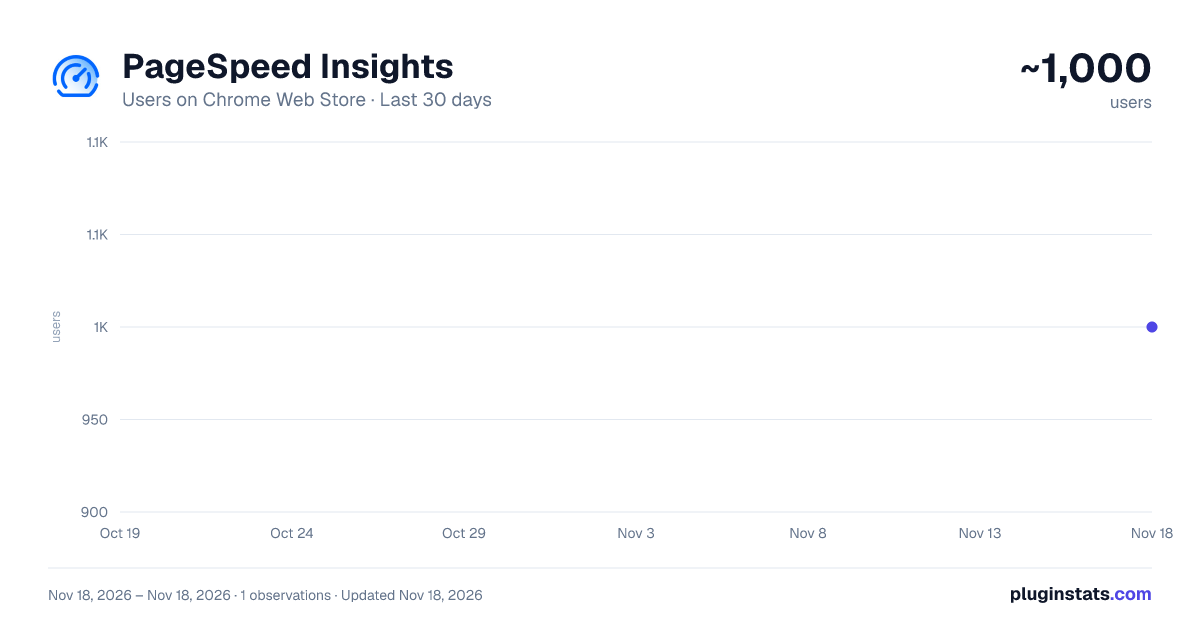
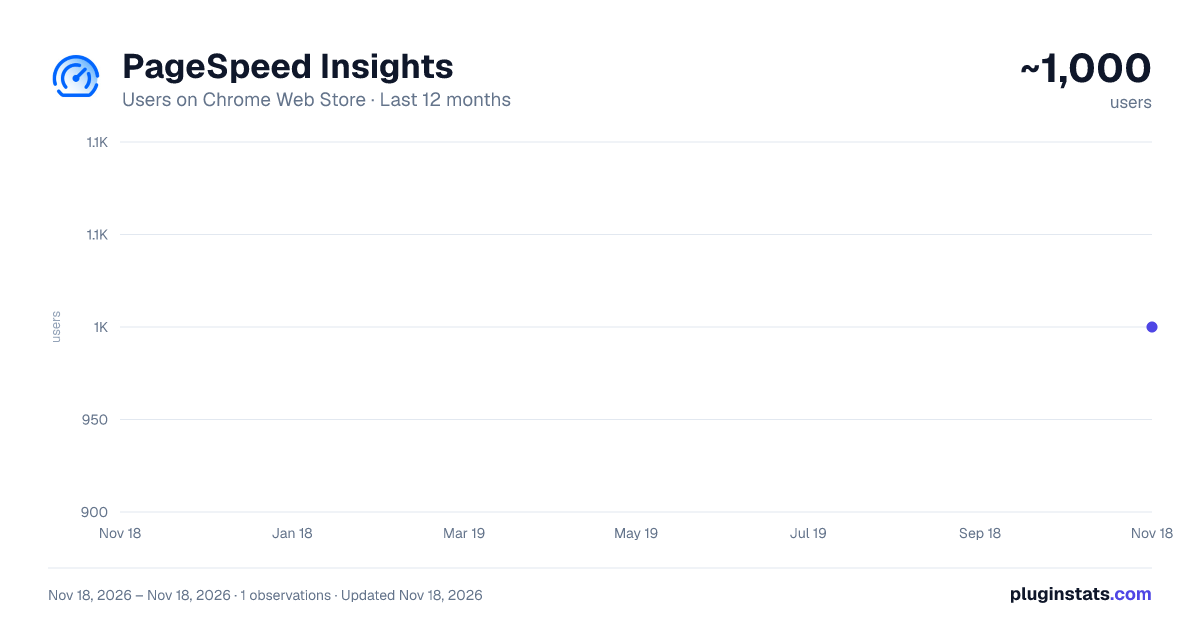
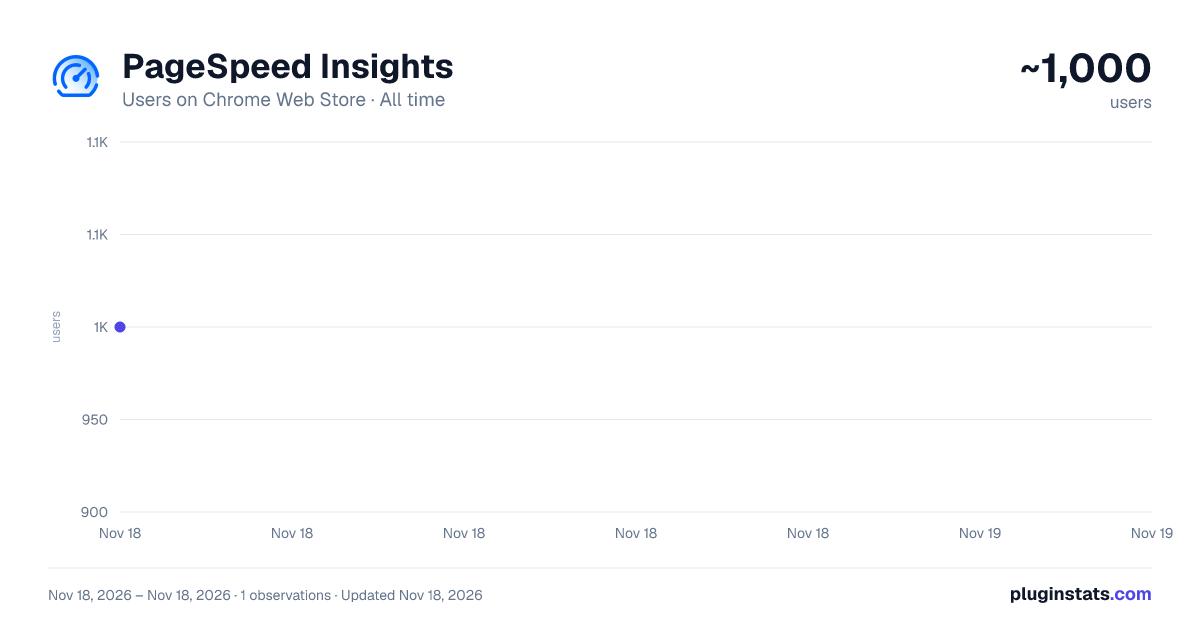
PageSpeed Insights has approximately 1,000 recorded users on Chrome Web Store, ranking #3700 of 10,388 tracked listings.
Rating: 4.00 / 5 from 2 ratings
About PageSpeed Insights
Page Load Speed Insights Chrome extension
Overview
Enhance your browsing experience and gain invaluable insights into website performance with the PageSpeed Insights Chrome Extension! This tool empowers you to effortlessly analyze the speed and optimization of any website, helping you understand its performance metrics with the click of a button.
Features
Instant Analysis: Quickly assess the loading speed and performance of any webpage directly from your Chrome browser.
Detailed Metrics: View detailed insights on critical performance indicators like First Contentful Paint (FCP), Time to Interactive (TTI), and more.
Mobile & Desktop Testing: Evaluate the performance for both mobile and desktop versions of websites, giving you a holistic view.
Optimization Insights: Receive actionable recommendations on how to enhance website speed and user experience.
Third-Party Diagnostics: Identify and analyze the impact of third-party scripts and resources on loading times.
User-Friendly Interface: Enjoy a clean, intuitive interface that displays key metrics and insights in an easy-to-understand format.
How It Works
Install the Extension: Click "Add to Chrome" to install the extension.
Open the Sidebar: Click the PageSpeed Insights icon in the browser toolbar to open the analysis sidebar.
Analyze: Automatically analyze the current webpage with only the click of the icon.
Review Results: Instantly view key performance metrics and suggestions for improvement. Why Use PageSpeed Insights
Improve User Experience: Understand and enhance the speed and usability of your websites, creating a better experience for visitors.
Boost SEO: Optimize your site’s performance, aligning with search engine guidelines and improving SEO rankings.
Analyze Competitors: Gain insights into competitor websites, understanding their performance strengths and weaknesses.
Continuous Improvement: Regularly monitor and optimize websites for ongoing improvements.
Get Started Today
Install the PageSpeed Insights Chrome Extension now and take control of website performance and user experience with ease!
Description from the Chrome Web Store listing.
README badge
Show your rank in a README or on your website. The badge updates automatically.
Charts
Images: 30d · 1y · all time · 1600×900 dark
Adoption over time
7/30/90-day growth
Ranking history
Ratings over time
Listing placement
Listing placement
Filled points are observed values; hollow points come from Internet Archive snapshots of the listing page. Dashed segments span periods with no observations — values between points are not interpolated.
Each band is one page of 20. Users on a linear scale. Placement is projected from users, so it can differ from the marketplace's own sort order. Hover a dot to see the listing.
Recent observations
Full history (1)Similar Chrome Web Store Tools plugins
All 20 PageSpeed Insights alternatives



Data source
Covers every Chrome Web Store extension with at least 100 users, found through the store's public sitemap. User counts are read from public listing pages. The 10% most-used extensions are refreshed daily, the next 40% weekly and the next 40% monthly; the least-used 10% are not refreshed. Google displays rounded user counts (and caps the display at 10,000,000+), so small changes may not be visible. Rating counts above 1,000 are rounded (e.g. 1.6K).
Listing: https://chromewebstore.google.com/detail/pagespeed-insights/ofdbafljciapbphjnadmdcclglhanpdi. First seen Nov 18, 2026; last successful collection Nov 18, 2026. See the methodology.