 PluginStats

Start Terminal users statistics
Replace the default New Tab page with a terminal-like interface.
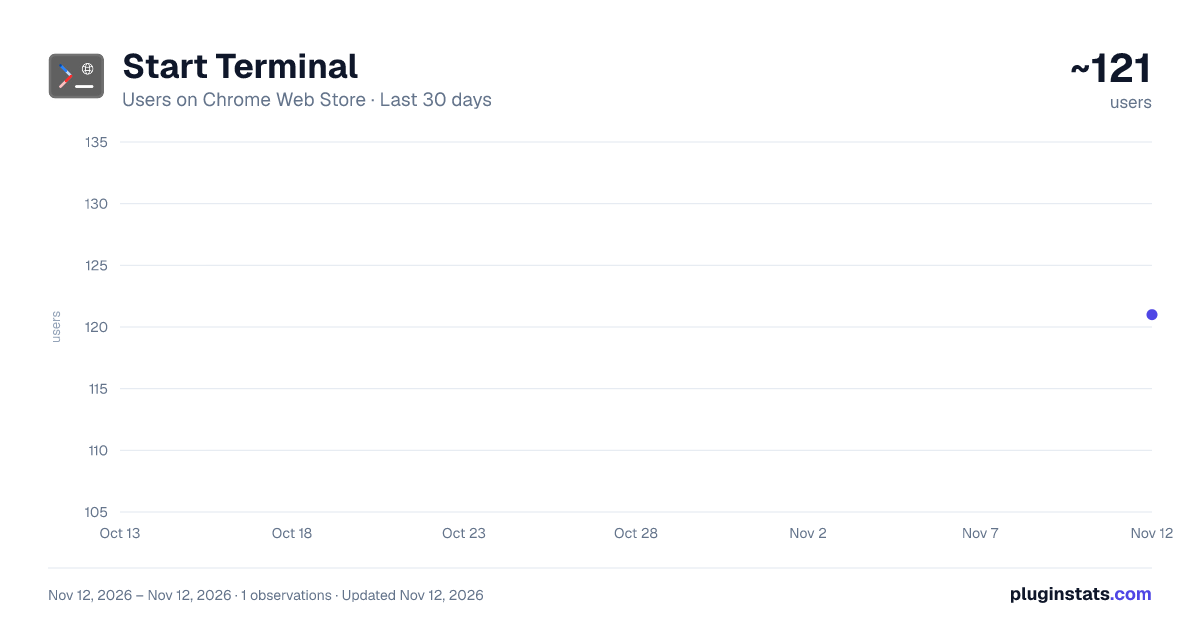
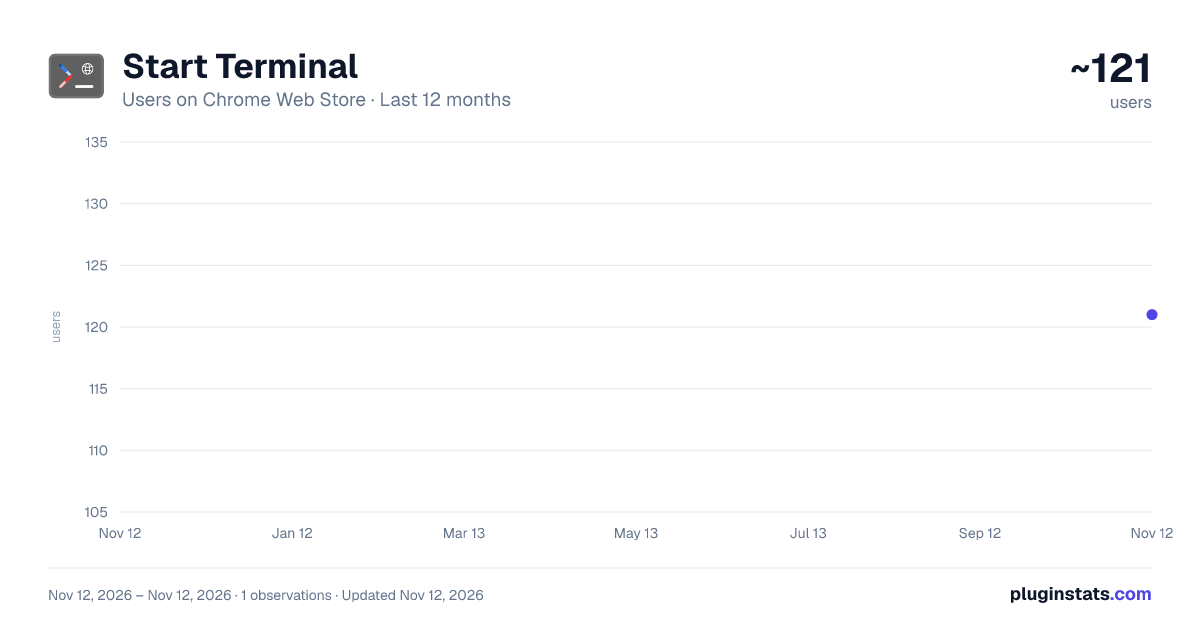
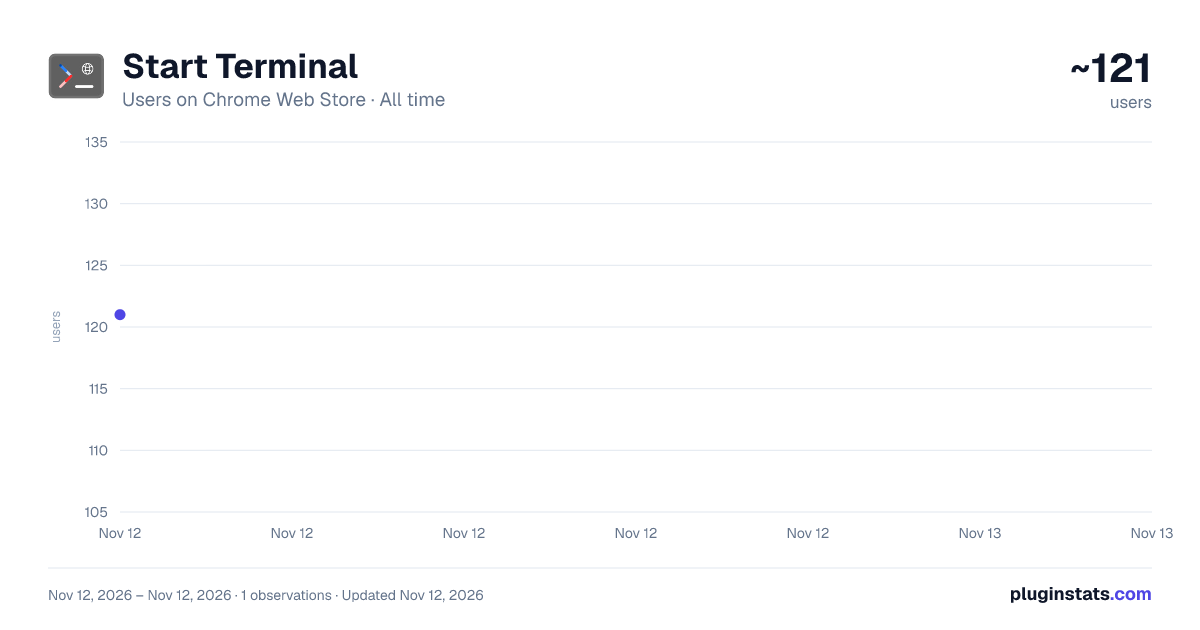
Start Terminal has approximately 121 recorded users on Chrome Web Store, ranking #9540 of 10,388 tracked listings.
Rating: 5.00 / 5 from 2 ratings
About Start Terminal
Replace the default New Tab page with a terminal-like interface.
Transform your new tab page into a powerful, fully-featured, and highly customizable command-line interface. This extension is more than just a beautiful start page; it's a complete productivity suite designed for developers, power users, and anyone who loves the efficiency of a terminal. Manage your browser, search the web, and organize your digital life with lightning speed, all without leaving your keyboard.
Key Features:
- Manage Your Bookmarks Like a File System:
- Navigate your bookmarks like folders using classic commands like ls, cd, pwd, etc.
- Use commands such as mkdir, rm, cp, mv, touch, etc. to create, delete, copy, and move your bookmarks and bookmark folders.
- Use the editlink command to quickly modify a bookmark's URL, or launch a compact editor with the nano command to interactively modify a bookmark's title and link.
- Experience True Advanced Shell Power
- Use command pipes (|) and grep to filter and search command output, for example history | grep "cd"
- Use semicolons (;) to execute multiple commands on a single line to automate your workflow.
- Create your own shortcuts and define aliases with the alias command.
- Use export and env to set and manage environment variables that persist during a session.
- Seamless Browser Integration
- Built-in search engines such as google, bing, baidu, etc., support opening in new tabs (-b option).
- Manage browser tabs with the tabs command, which allows you to list (ls), close (close <id>), or switch (switch <id>) tabs.
- View recent downloads with downloads ls and initiate file downloads directly from the terminal with wget <url> with a simulated progress bar.
- Deep Personalization
- There are multiple built-in themes such as ubuntu, powershell, kali, etc., which can be switched with one click through the theme command.
- Use uploadbg to upload your favorite image as background, or set a random image API link via setbgAPI .
- The transparency of the background image can be freely adjusted via the setbg <0-1> command.
- Complete Command Suite & Help System
- Contains a series of practical tools such as ping, date, find, clear, history, etc.
- All commands are well documented with the help command for an overview and the man <command> command for detailed usage and examples for any specific command.
- Supports Microsoft account login, allowing your username to be displayed in the command prompt.
Extension Designed for:
- Developers and system administrators who pursue efficiency and like to use the keyboard to complete tasks.
- Advanced users who want a geekier, more powerful way to manage their browser.
- All command line enthusiasts and computer science students.
Say goodbye to the monotonous new tab page, install it now and bring the power of the command line into the core of your browser!
Description from the Chrome Web Store listing.
README badge
Show your rank in a README or on your website. The badge updates automatically.
Charts
Images: 30d · 1y · all time · 1600×900 dark
Adoption over time
7/30/90-day growth
Ranking history
Ratings over time
Listing placement
Listing placement
Filled points are observed values; hollow points come from Internet Archive snapshots of the listing page. Dashed segments span periods with no observations — values between points are not interpolated.
Each band is one page of 20. Users on a linear scale. Placement is projected from users, so it can differ from the marketplace's own sort order. Hover a dot to see the listing.
Recent observations
Full history (1)Similar Chrome Web Store Tools plugins
All 20 Start Terminal alternatives



Data source
Covers every Chrome Web Store extension with at least 100 users, found through the store's public sitemap. User counts are read from public listing pages. The 10% most-used extensions are refreshed daily, the next 40% weekly and the next 40% monthly; the least-used 10% are not refreshed. Google displays rounded user counts (and caps the display at 10,000,000+), so small changes may not be visible. Rating counts above 1,000 are rounded (e.g. 1.6K).
Listing: https://chromewebstore.google.com/detail/start-terminal/hofionhfdcnjfohpmgjbkgfajddanhdh. First seen Nov 12, 2026; last successful collection Nov 12, 2026. See the methodology.