 PluginStats

LecToCast (講授投影) users statistics
By AYUCode (3 listings) · Chrome Web Store · Tools
LecToCast 是一款專為教室和會議室設計的投影擴充功能,它允許您在缺少適當的連接介面或線材時,簡單的將電腦畫面無線傳輸到任何支持瀏覽器的投影設備上。無論是演講、教學還是展示,LecToCast 讓您的內容輕鬆呈現,不受硬體限制,實現流暢的視覺共享。
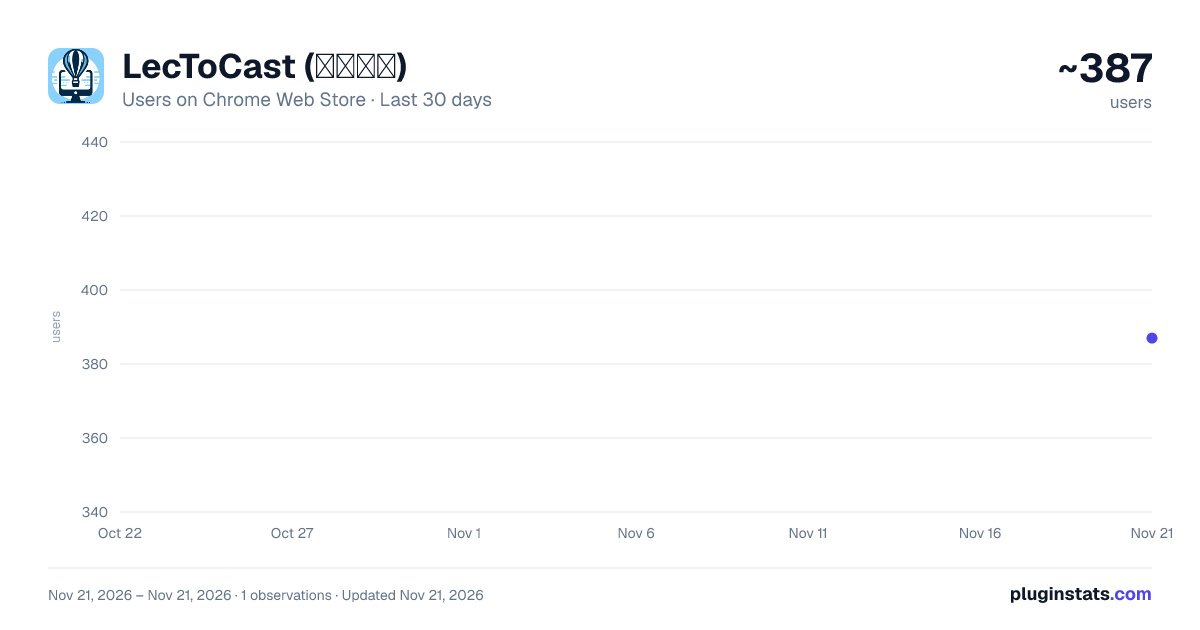
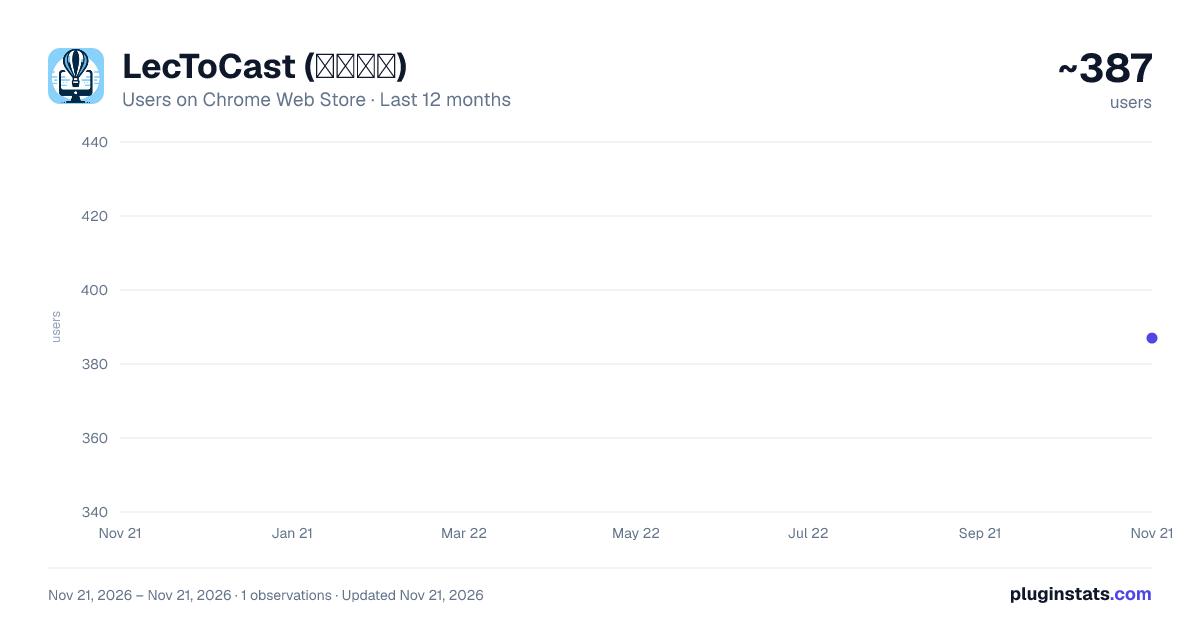
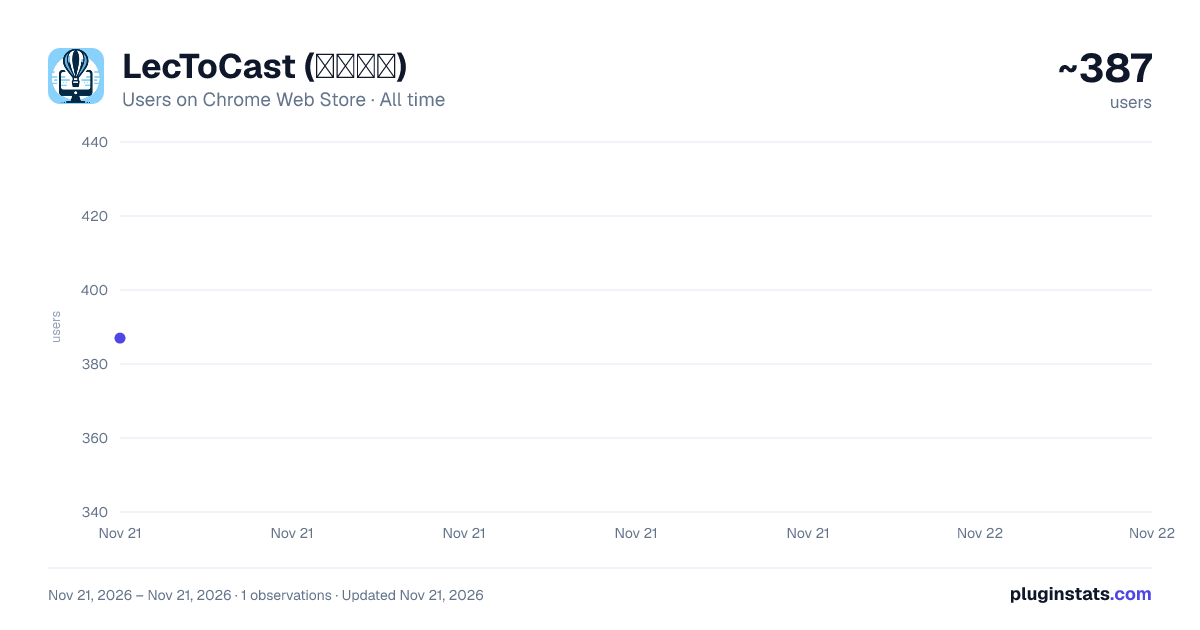
LecToCast (講授投影) has approximately 387 recorded users on Chrome Web Store, ranking #5845 of 10,388 tracked listings.
Rating: 5.00 / 5 from 2 ratings
About LecToCast (講授投影)
LecToCast 是一款專為教室和會議室設計的投影擴充功能,它允許您在缺少適當的連接介面或線材時,簡單的將電腦畫面無線傳輸到任何支持瀏覽器的投影設備上。無論是演講、教學還是展示,LecToCast 讓您的內容輕鬆呈現,不受硬體限制,實現流暢的視覺共享。
LecToCast 是一款專為教育和會議場景設計的Chrome擴充套件,旨在解決講者與投影設備間介面不匹配的問題,提供一個簡便的解決方案來實現畫面共享。這款工具能夠在區域網路內,將講者的電腦螢幕即時投影到任何已連接至同一網路的顯示設備上,無論是大型教室的投影機還是會議室的電視螢幕。
-
區域網路螢幕投影:LecToCast 透過區域網路(LAN)連線,實現高效、穩定的畫面共享,保證了投影的流暢度和清晰度。
-
廣泛的適用場景:不論是教室還是會議室,只要面臨硬體介面不相容的問題,LecToCast 都能提供立即的解決方案,確保講課或會議的順利進行。
-
簡易操作:使用者僅需在Chrome瀏覽器中安裝LecToCast擴充套件,通過幾個簡單的步驟即可開始螢幕分享,無需複雜的設定或額外硬體支援。
值得一試的理由
-
解決硬體相容問題:LecToCast 為講者提供了一種靈活的方式,來應對硬體介面不匹配的情況,特別是在教育和企業環境中,這種情況經常發生。
-
提高教學與會議效率:透過實現無縫的螢幕共享,LecToCast 使得教學和會議更加流暢,無需浪費時間解決技術問題。
-
促進互動與參與:能夠輕鬆共享螢幕內容,使得參與者更容易跟隨示範,從而提升教學和會議的互動性和參與度。
-
易於安裝與使用:作為一款Chrome擴充套件,LecToCast 能夠輕鬆安裝於任何支持Chrome的設備上,使用者無需具備專業的技術知識即可操作。
LecToCast 的開發旨在為教育和商業場合提供一個簡便、高效的畫面共享解決方案,確保資訊的流暢傳遞和接收,提升整體的溝通效率。安裝LecToCast,讓您的教學和會議無縫進行,無憂於技術障礙。同時,開發者也知道如何可以讓這個工具變得更好,但是那是在Premium的範圍了。
常見問題
Q1: 為什麼當我嘗試連接到遠端螢幕時,投影視窗的畫面只會切換成為黑色螢幕?
A1: 這個問題通常是由於防火牆設定所導致的。為了解決這個問題,您可能需要將 Google Chrome 瀏覽器重新加入到防火牆的「允許的應用程式」名單中。對於 Windows 作業系統,您可以通過以下路徑進行設定:C:\Program Files\Google\Chrome\Application\chrome.exe。這樣操作後,應能夠解決連接時只見黑畫面的問題。
Description from the Chrome Web Store listing.
README badge
Show your rank in a README or on your website. The badge updates automatically.
Charts
Images: 30d · 1y · all time · 1600×900 dark
Adoption over time
7/30/90-day growth
Ranking history
Ratings over time
Listing placement
Listing placement
Filled points are observed values; hollow points come from Internet Archive snapshots of the listing page. Dashed segments span periods with no observations — values between points are not interpolated.
Each band is one page of 20. Users on a linear scale. Placement is projected from users, so it can differ from the marketplace's own sort order. Hover a dot to see the listing.
Recent observations
Full history (1)Similar Chrome Web Store Tools plugins
All 20 LecToCast (講授投影) alternatives



Data source
Covers every Chrome Web Store extension with at least 100 users, found through the store's public sitemap. User counts are read from public listing pages. The 10% most-used extensions are refreshed daily, the next 40% weekly and the next 40% monthly; the least-used 10% are not refreshed. Google displays rounded user counts (and caps the display at 10,000,000+), so small changes may not be visible. Rating counts above 1,000 are rounded (e.g. 1.6K).
Listing: https://chromewebstore.google.com/detail/lectocast-講授投影/edijemapgfgmonodondeibaponkhfjgp. First seen Nov 21, 2026; last successful collection Nov 21, 2026. See the methodology.