 PluginStats

NoTab - link preview assistant|translation|search users statistics
NoTab - Preview links on the current page, supports translation, search, and reading mode, greatly enhances your browsing experience
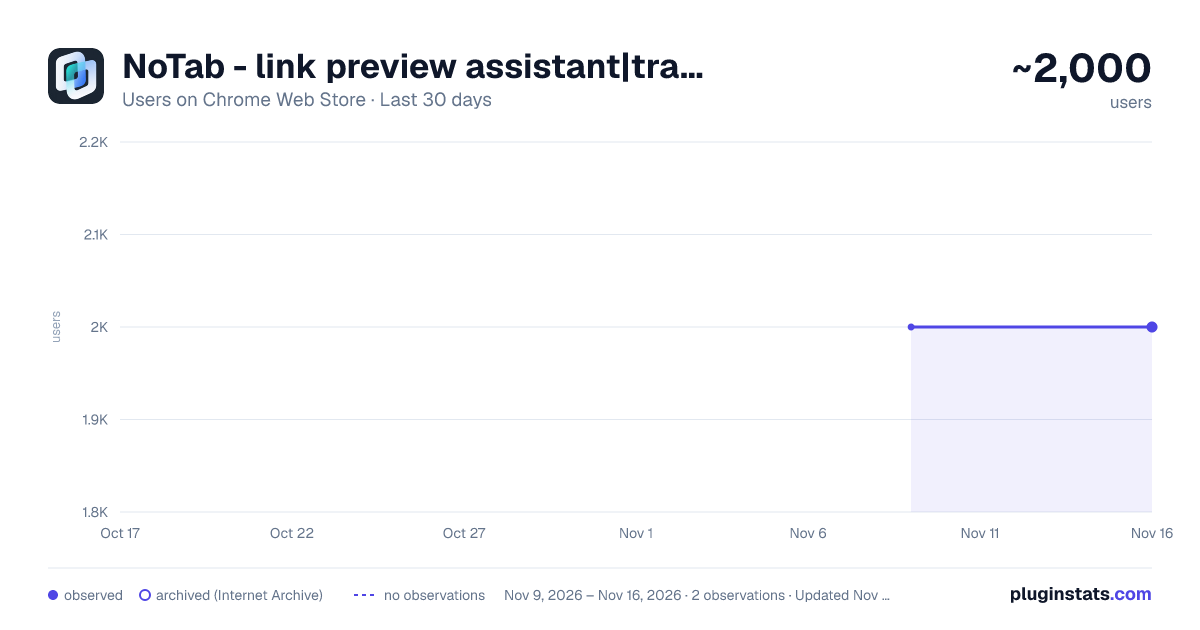
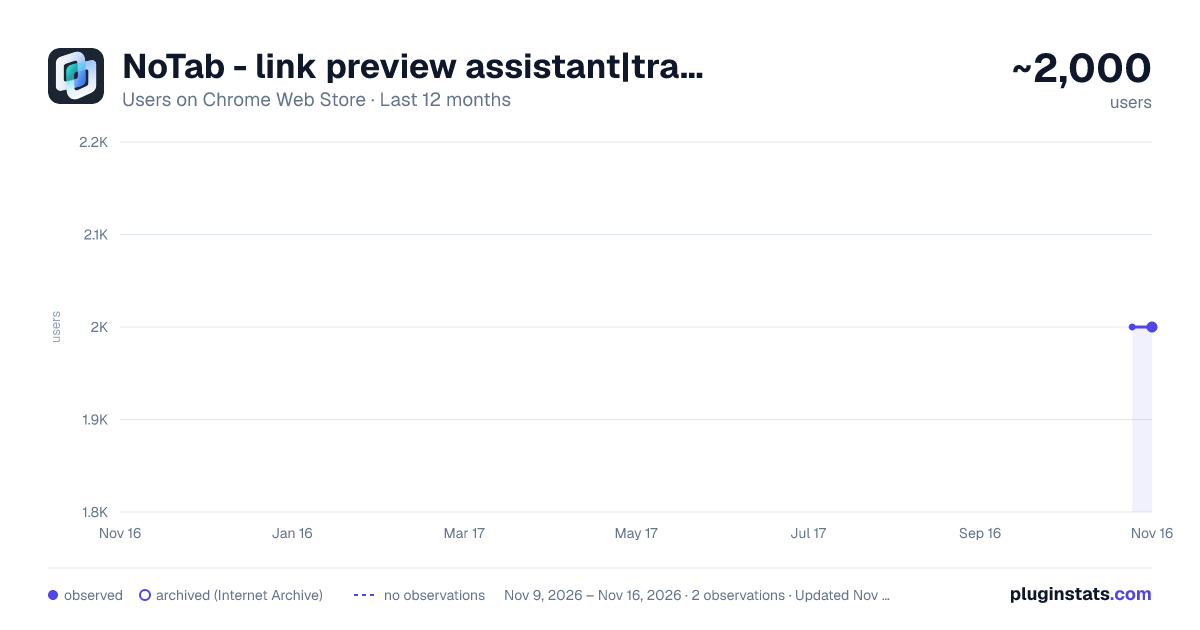
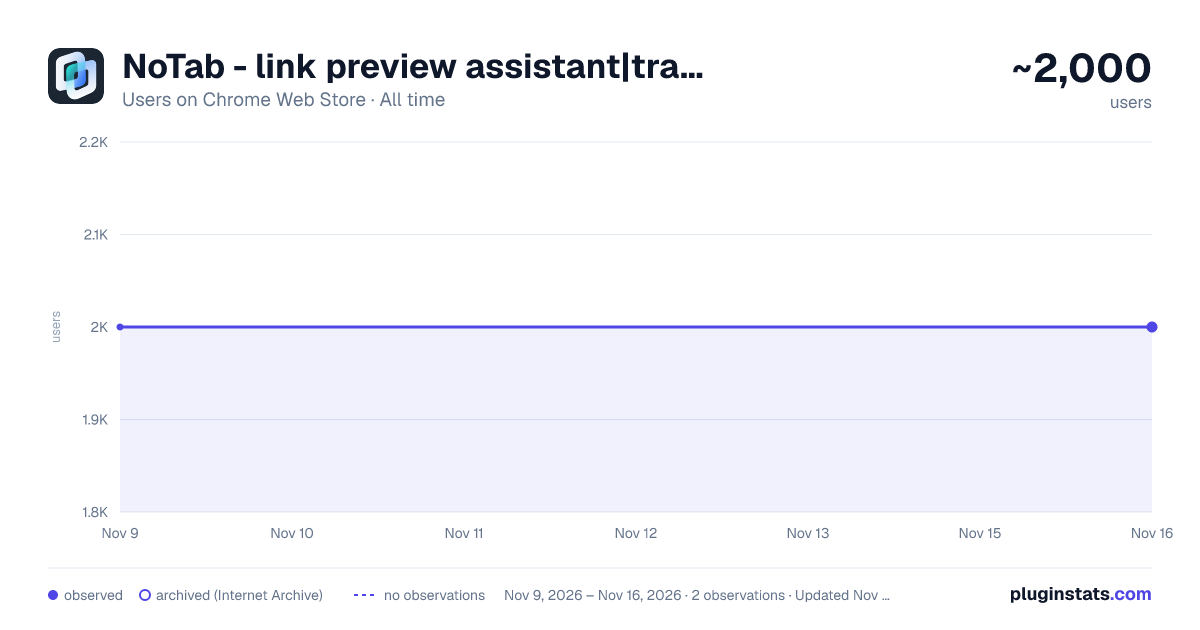
NoTab - link preview assistant|translation|search has approximately 2,000 recorded users on Chrome Web Store, a change of 0.0% over the past 7 days, ranking #2604 of 10,388 tracked listings.
Rating: 3.60 / 5 from 18 ratings
About NoTab - link preview assistant|translation|search
NoTab - Preview links on the current page, supports translation, search, and reading mode, greatly enhances your browsing experience
Preview links directly in your current tab and stay focused!
NoTab is perfect for immersive browsing of social media feeds, news articles, watching videos, and reading long-form content without cluttering your browser with tons of tabs.
It's a game-changer for students and professionals who need to stay on task.
Key Features:
-
Preview Links in the Same Window: Quickly peek at any link without leaving your current page.
-
Reader Mode: Convert previewed webpages into a clean, distraction-free format for easy reading.
-
Adjustable Preview Window Size: Customize the window size to your liking.
-
Multi-Link Preview: Preview multiple links simultaneously for easy comparison and research.
-
Quick Search: Select text, right-click, and search instantly without leaving the page – a huge time-saver for research!
-
Quick Translate: Select text, right-click, and translate instantly without leaving the page – perfect for anyone working with foreign languages.
-
Multiple Trigger Methods: Customize how you activate NoTab to perfectly match your browsing style.
-
Video Mode: Immersive video viewing, remove distractions, focus on video content.
FAQ:
-
Is NoTab free to use? — NoTab offers a limited free plan. For unlimited access, consider upgrading to the PRO version.
-
What exclusive features does the PRO version offer? — PRO users enjoy unlimited previews, multi-link previews, quick search, quick translate, and more.
Contact Us:
Description from the Chrome Web Store listing.
README badge
Show your rank in a README or on your website. The badge updates automatically.
Charts
Images: 30d · 1y · all time · 1600×900 dark
Adoption over time
7/30/90-day growth
Ranking history
Ratings over time
Listing placement
Listing placement
Filled points are observed values; hollow points come from Internet Archive snapshots of the listing page. Dashed segments span periods with no observations — values between points are not interpolated.
Each band is one page of 20. Users on a linear scale. Placement is projected from users, so it can differ from the marketplace's own sort order. Hover a dot to see the listing.
Recent observations
Full history (2)Similar Chrome Web Store Tools plugins
All 20 NoTab - link preview assistant|translation|search alternatives



Data source
Covers every Chrome Web Store extension with at least 100 users, found through the store's public sitemap. User counts are read from public listing pages. The 10% most-used extensions are refreshed daily, the next 40% weekly and the next 40% monthly; the least-used 10% are not refreshed. Google displays rounded user counts (and caps the display at 10,000,000+), so small changes may not be visible. Rating counts above 1,000 are rounded (e.g. 1.6K).
Listing: https://chromewebstore.google.com/detail/notab-link-preview-assist/anfjigoimfhbhkcpggoomegmafgmnada. First seen Nov 9, 2026; last successful collection Nov 16, 2026. See the methodology.