 PluginStats

X (Twitter) Video Downloader – Save Videos, GIFs & Photos users statistics
Download X (Twitter) videos, GIFs and photos in one click, or a whole profile at once. Pick quality and folder; full history.
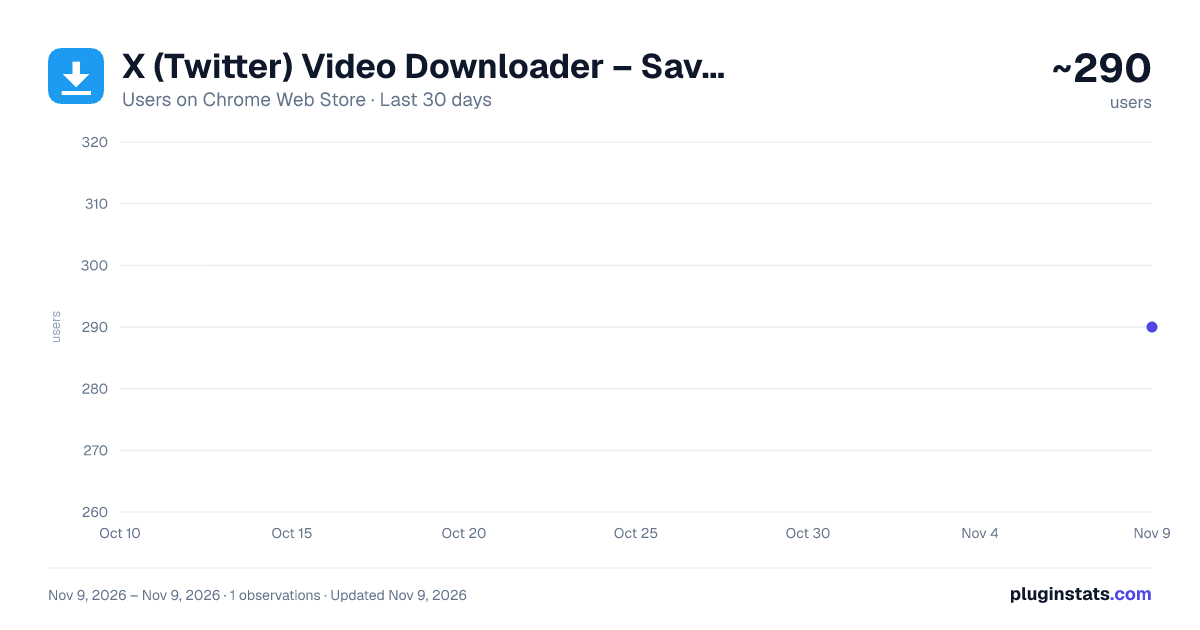
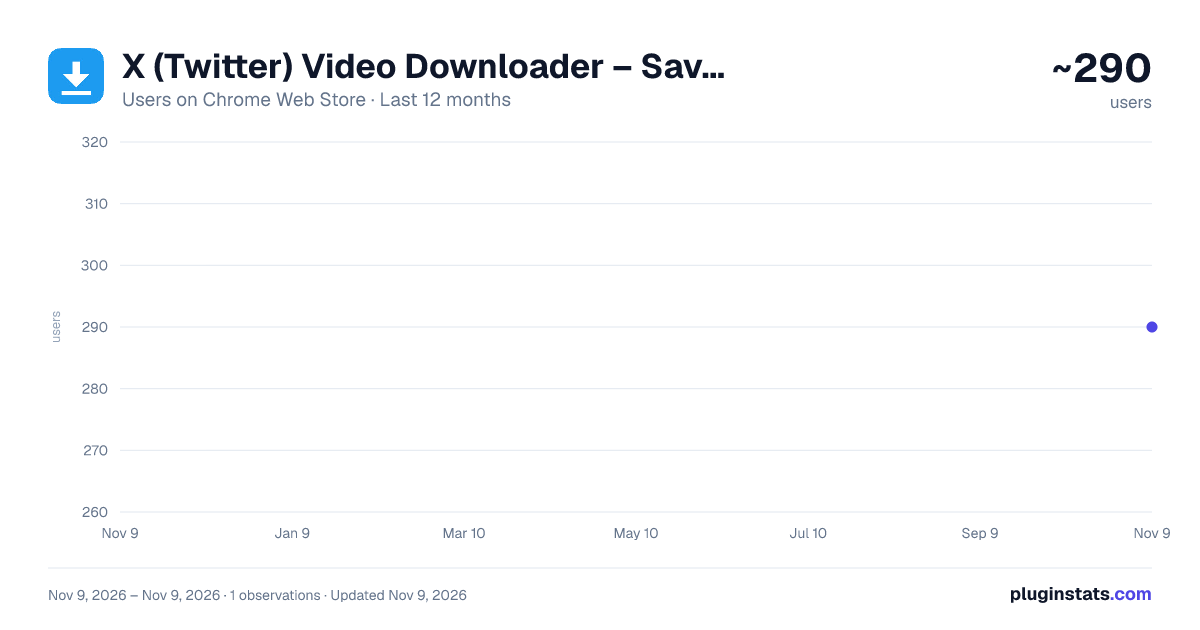
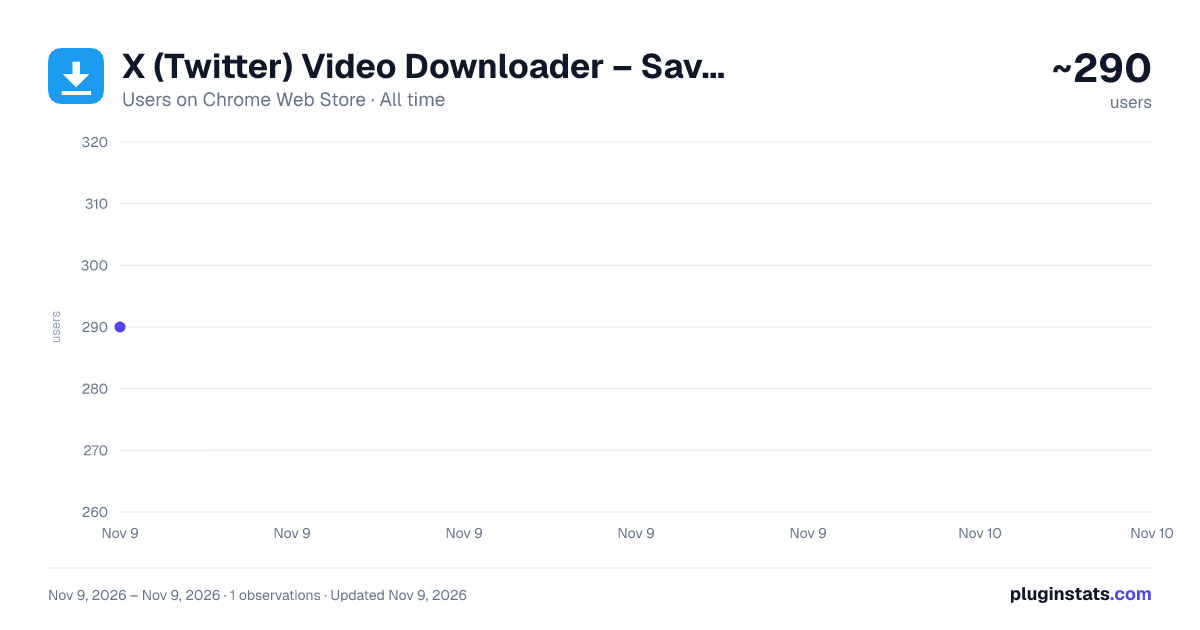
X (Twitter) Video Downloader – Save Videos, GIFs & Photos has approximately 290 recorded users on Chrome Web Store, ranking #6672 of 10,388 tracked listings.
Rating: 5.00 / 5 from 1 ratings
About X (Twitter) Video Downloader – Save Videos, GIFs & Photos
Download X (Twitter) videos, GIFs and photos in one click, or a whole profile at once. Pick quality and folder; full history.
Download any video, GIF or photo from X (formerly Twitter) in a single click — at the quality you choose, into the folder you choose, with a complete history of everything you have saved.
SAVE THE VIDEOS YOUR PHONE CAN'T
In the X mobile app, many videos have no Download or Save option at all — you can watch them, but you can't keep them. Open the same post on your computer and this extension adds a download icon right next to Like and Bookmark. If the video plays in your browser, one click saves it as a normal MP4 file, in its highest available quality.
SAVE A WHOLE PROFILE
Open someone's Videos tab, click the extension icon and choose "Download all media from @user". Every video and GIF on it is saved into a folder named after that account, and a small panel at the top of the page shows the progress, with pause and stop buttons.
It is paced like a person browsing, not a scraper: one screen every 2–4 seconds, at most 3 downloads at a time, and it stops the moment X says it is getting too many requests. It only reads what X already loads while the page scrolls — it never calls X on its own. Up to 500 files per run; run it again to continue where it stopped, and files you already have are skipped.
WHY THIS ONE
Most X video downloaders give you one button and one guess: you get whatever resolution they felt like, dumped into your Downloads folder under a name like video.mp4 that overwrites the last one you saved. This extension was written to fix exactly those three problems.
FEATURES
• Videos, GIFs and photos — a download icon appears in the action bar of every post that has media, drawn to match X's own icons so it never looks bolted on. Photo posts and link-preview cards are covered too. A post with both a video and photos saves all of them in one click. • Pick the quality — set a default (Highest / 1080p / 720p / 480p / 360p / Lowest) and the extension always takes the best rendition that does not exceed your target. Right-click the icon to choose a one-off resolution from the renditions X actually served for that post. • No duplicate copies — the extension remembers what you have already saved, even when the same video turns up in someone else's repost. Clicking again tells you "Already downloaded" instead of creating a "(1)" copy, and one more click downloads it anyway. If you deleted the file, it simply downloads again. • One folder per account — files go into Downloads/X Media Downloader/<account>/ by default, so each account's media stays together. Rename the folder, use any of the filename variables in it, or switch on "Ask where to save every time" to get the native Save As dialog for each file. • Filenames that never collide — the default template is {user}{text}{datetime}_{id}: the author, the first words of the post, the post's own timestamp and its ID. Descriptive, sortable, and impossible to overwrite by accident. • Full download history — every file is logged on the options page with thumbnail, account, quality, size, date and status. Search it, re-download, reveal the file on disk, or export the whole log as JSON. A profile download can be viewed on its own. • Multi-image posts download every photo at original resolution, numbered _1 to _4. • In your language — the whole interface follows your browser's language: English, Simplified and Traditional Chinese, Japanese, Korean, Spanish (Spain and Latin America), Brazilian Portuguese and Arabic.
PRIVACY
No account, no servers, no analytics, no tracking. Everything runs locally in your browser and your download history never leaves your machine. The only network requests are to X's own domains to resolve the media you asked for.
Open source under the MIT licence — read or audit every line: https://github.com/wangsen2020/x-media-downloader
Description from the Chrome Web Store listing.
README badge
Show your rank in a README or on your website. The badge updates automatically.
Charts
Images: 30d · 1y · all time · 1600×900 dark
Adoption over time
7/30/90-day growth
Ranking history
Ratings over time
Listing placement
Listing placement
Filled points are observed values; hollow points come from Internet Archive snapshots of the listing page. Dashed segments span periods with no observations — values between points are not interpolated.
Each band is one page of 20. Users on a linear scale. Placement is projected from users, so it can differ from the marketplace's own sort order. Hover a dot to see the listing.
Recent observations
Full history (1)Similar Chrome Web Store Tools plugins
All 20 X (Twitter) Video Downloader – Save Videos, GIFs & Photos alternatives



Data source
Covers every Chrome Web Store extension with at least 100 users, found through the store's public sitemap. User counts are read from public listing pages. The 10% most-used extensions are refreshed daily, the next 40% weekly and the next 40% monthly; the least-used 10% are not refreshed. Google displays rounded user counts (and caps the display at 10,000,000+), so small changes may not be visible. Rating counts above 1,000 are rounded (e.g. 1.6K).
Listing: https://chromewebstore.google.com/detail/x-twitter-video-downloade/honcfokhpcchcffjhaahkcjiifkidolm. First seen Nov 9, 2026; last successful collection Nov 9, 2026. See the methodology.