 PluginStats

Continuous Automatic Page Capture users statistics
By conexsoft · Chrome Web Store · Tools
Capture pages with keys, save as PDF, and keep local history to reorder or merge. Open the page first, then start from the popup.
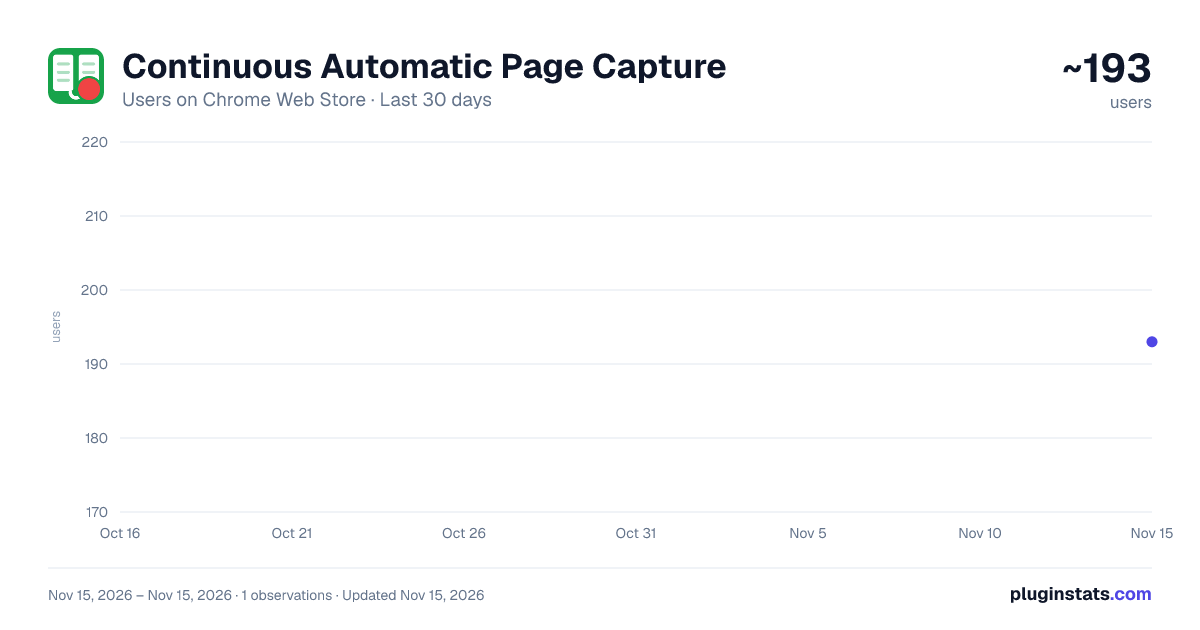
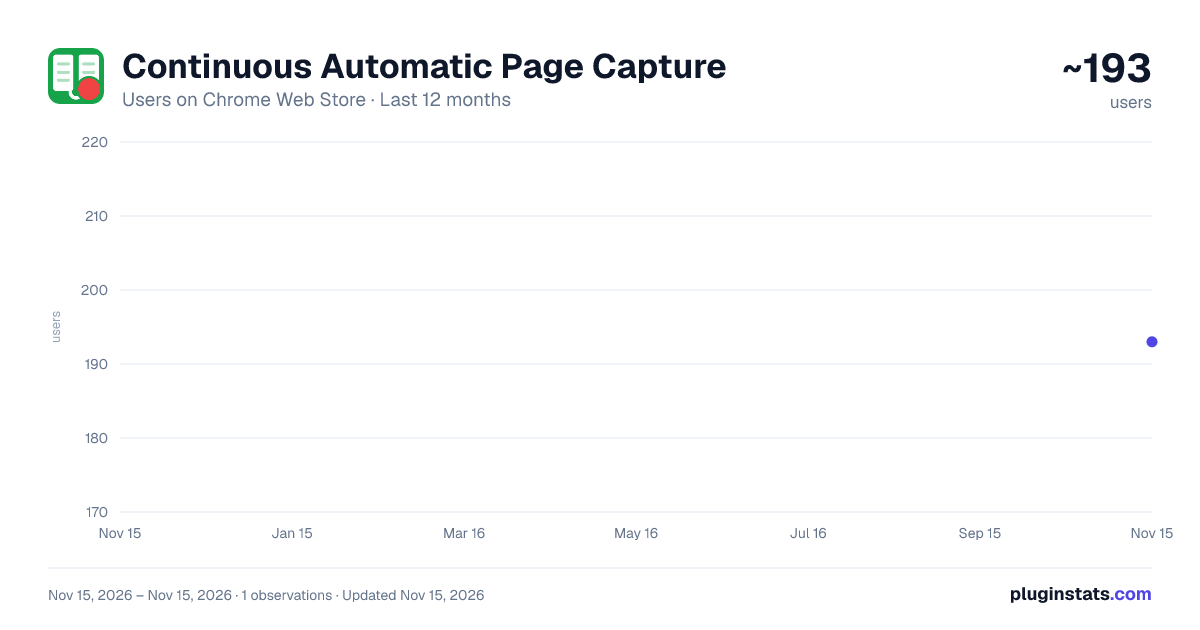
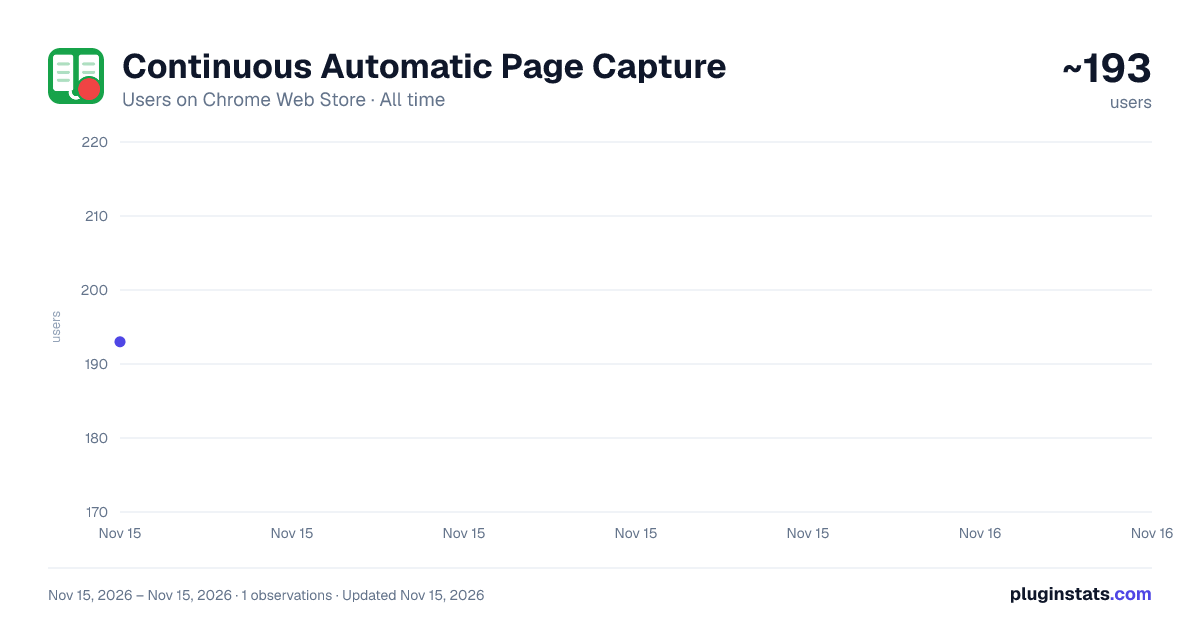
Continuous Automatic Page Capture has approximately 193 recorded users on Chrome Web Store, ranking #7928 of 10,388 tracked listings.
Rating: 5.00 / 5 from 2 ratings
About Continuous Automatic Page Capture
Capture pages with keys, save as PDF, and keep local history to reorder or merge. Open the page first, then start from the popup.
For those opening the store 👋 This extension captures the browser tab that was active when you opened the popup, page by page, while simulating arrow or scroll keys, then saves the images as one PDF. Key points are summarized below.
【📋 Quick Reference】
・▶️ Start capture: Open the page you want to capture, click the extension icon, set key type, interval, and count in the popup → Start. ・⌨️ Page turn: Right, Left, Up, Down, Scroll Up, or Scroll Down keys are sent between screenshots. ・📄 Output: Images are combined into one PDF and downloaded locally. ・📚 History: Saved PDFs appear in the History tab — view, download, drag to reorder, select, or merge into one PDF. ・🧹 Blank pages: Optionally detect and exclude blank pages from the PDF. ・🆓 Free: Up to 30 captures per session, history up to 5, 1x resolution, Auto and single-page layouts. ・⭐ Pro: Up to 200 captures per session, history up to 50, 1.5x–3x resolution, left/right split layout, auto-reverse when the first two pages match. ・🔒 Privacy: Screenshot processing and PDF generation stay in your browser. ・⚠️ Note: The capture tab is brought to the front during capture. Some sites may not accept synthetic key events.
【✨ What this extension can do】
・Continuous Automatic Page Capture is a Chrome extension that automates multi-page screenshots from the active tab. ・While you run a session, the extension focuses that tab, captures the visible area, sends a key event, waits for your chosen interval, and repeats until the limit or a stop condition is reached. ・Captured images can be trimmed, checked for duplicates, have blank pages removed, and exported as a single PDF file. ・Recent captures stay in local history so you can reopen, reorder, select several items, and merge them without recapturing.
💼 Examples of uses:
・📚 Saving e-books or document viewers that turn pages with arrow keys ・📊 Archiving long slide decks or training pages ・🌐 Keeping a PDF copy of a multi-screen web article or catalog
💡 Other points:
・You can pause and resume a session (both Free and Pro). ・Optional margin trimming removes uniform borders from each shot. ・Blank page removal can skip empty screens so they do not appear in the PDF. ・Duplicate detection can stop capture when consecutive pages look the same. ・Layout modes: Auto (landscape pages may place two captures side by side on one PDF page) or one capture per PDF page. ・Completion toast, notification, and sound can be configured. ・Capture history supports drag reorder, select-all, PDF merge (merged items are marked), and a two-step delete confirm on the row. ・A Logs tab keeps recent activity (about the latest 200 entries within 7 days) for troubleshooting. ・Onboarding and help are available inside the extension package. ・UI supports 11 languages via Chrome i18n.
【🖱️ Basic usage】
- Open the web page you want to capture.
- Click the extension icon.
- Confirm the active tab shown in the popup, then set arrow/scroll key, interval, capture count, and options.
- Click Start capture.
- When finished, save the PDF from the popup. It is also kept under the History tab.
- Optionally open History to view, download again, reorder, select, or merge saved PDFs.
During capture: ・The capture tab is shown in the foreground (required by Chrome screenshot APIs). ・Progress is shown in the popup; you can pause or stop at any time.
【🆓 Free version and ⭐ Pro version】
Free and Pro are delivered from the same extension; features unlock according to license status.
Free version: ・Up to 30 captures per session ・Capture history: up to 5 saved PDFs (view / download / reorder / merge) ・1x resolution only ・Auto layout and one-capture-per-page layout ・Pause/resume and duplicate-stop settings
Pro version (optional paid upgrade): ・Up to 200 captures per session ・Capture history: up to 50 saved PDFs (view / download / reorder / merge) ・High resolution: 1.5x, 2x, or 3x (uses debugger / CDP while capturing) ・Left/right split layout for wide pages ・Auto-reverse navigation when the first two captured pages match ・All Free features above
Pricing and plans are shown on the in-extension upgrade page at purchase time.
【🎨 Capture options】
・Interval (ms) and focus delay before each shot ・Max capture count (within plan limits) ・Trim margins automatically ・Remove blank pages from the PDF (optional) ・Stop when recent pages are identical (threshold configurable on Pro) ・Filename prefix or URL query parameter for default naming
【🔒 Privacy and data handling】
・Screenshot pixels and PDF assembly are processed locally in your browser. ・We do not upload page screenshots to our servers during normal capture. ・The extension uses the activeTab permission so capture applies only to the tab that was active when you opened the popup, without broad access to all websites. ・If you choose Pro, sign-in and payment use Firebase Authentication and Stripe; license checks use Firebase Functions with your Firebase UID and product ID only. ・See our privacy policy: https://web-services-conexsoft.web.app/page-capture-privacy-policy.html
【⚠️ Limitations and cautions】
・chrome:// pages, the Chrome Web Store, and some restricted URLs cannot be captured. ・Some web apps ignore synthetic keyboard events; test your target site first. ・High-resolution capture (Pro) may conflict if Chrome DevTools is already attached to the same tab. ・Because the capture tab must stay visible, avoid capturing confidential content in shared-screen situations against your organization's rules. ・Respect copyrights and site terms of service when saving pages.
【📝 Summary】…
Description from the Chrome Web Store listing.
README badge
Show your rank in a README or on your website. The badge updates automatically.
Charts
Images: 30d · 1y · all time · 1600×900 dark
Adoption over time
7/30/90-day growth
Ranking history
Ratings over time
Listing placement
Listing placement
Filled points are observed values; hollow points come from Internet Archive snapshots of the listing page. Dashed segments span periods with no observations — values between points are not interpolated.
Each band is one page of 20. Users on a linear scale. Placement is projected from users, so it can differ from the marketplace's own sort order. Hover a dot to see the listing.
Recent observations
Full history (1)Similar Chrome Web Store Tools plugins
All 20 Continuous Automatic Page Capture alternatives



Data source
Covers every Chrome Web Store extension with at least 100 users, found through the store's public sitemap. User counts are read from public listing pages. The 10% most-used extensions are refreshed daily, the next 40% weekly and the next 40% monthly; the least-used 10% are not refreshed. Google displays rounded user counts (and caps the display at 10,000,000+), so small changes may not be visible. Rating counts above 1,000 are rounded (e.g. 1.6K).
Listing: https://chromewebstore.google.com/detail/continuous-automatic-page/bmoieeiiihpbllhkiiiajagindnojade. First seen Nov 15, 2026; last successful collection Nov 15, 2026. See the methodology.