 PluginStats

Google AI Studio - File Reader users statistics
By karel.test.special (2 listings) · Chrome Web Store · Tools
Converts Google AI Studio File into an easy-to-read text file
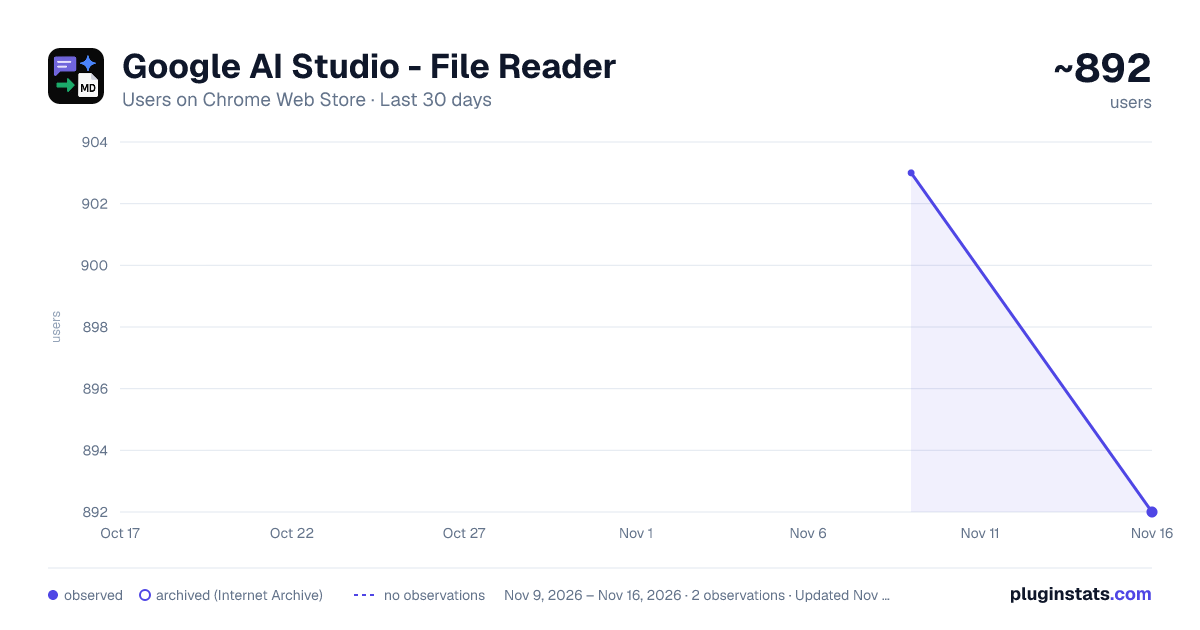
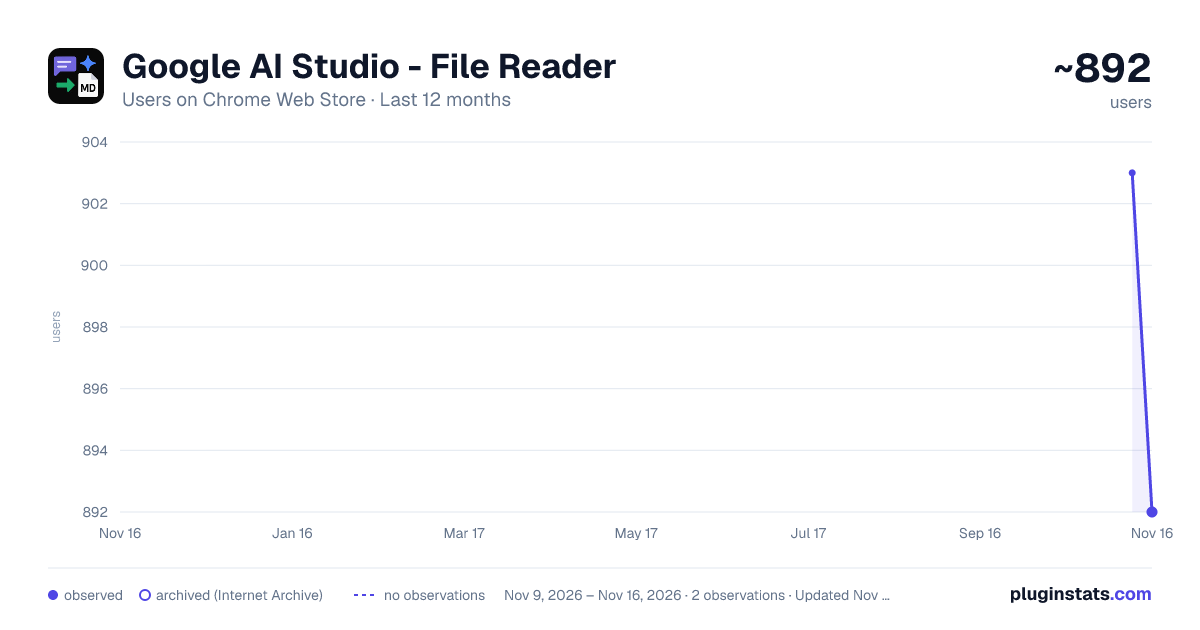
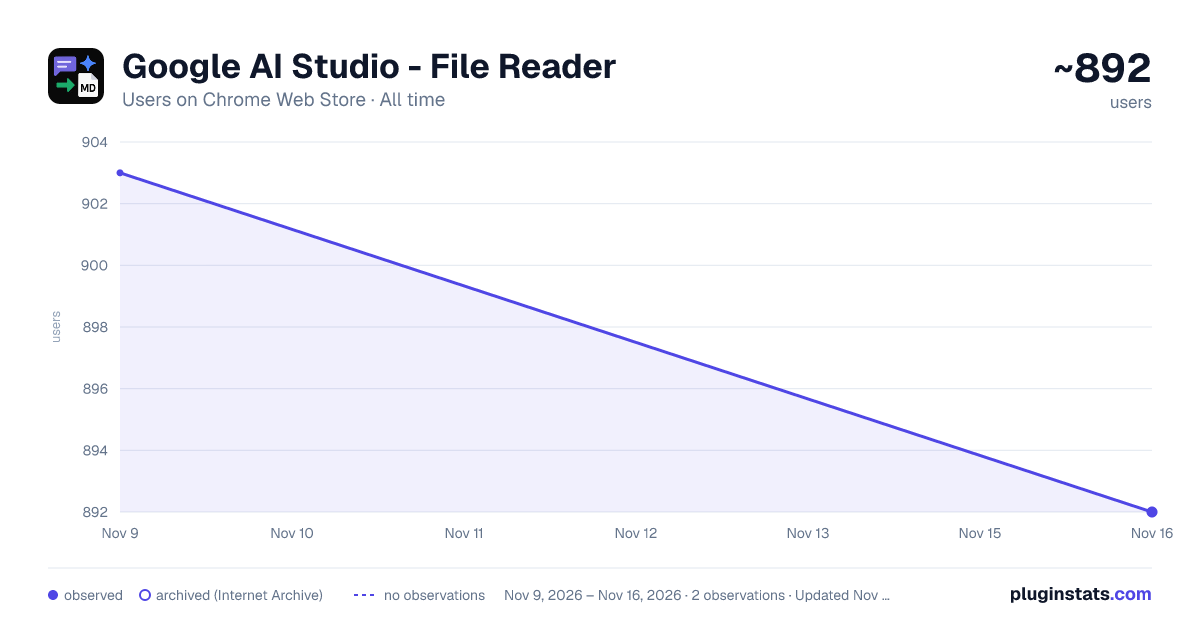
Google AI Studio - File Reader has approximately 892 recorded users on Chrome Web Store, a change of -1.2% over the past 7 days, ranking #3986 of 10,388 tracked listings.
Rating: 4.40 / 5 from 9 ratings
About Google AI Studio - File Reader
Converts Google AI Studio File into an easy-to-read text file
Google AI Studio - File Reader is an essential tool that converts Google AI Studio files into an easy-to-read text format directly in your browser.
This is a simple, privacy-focused Chrome extension designed to convert exported conversation logs from Google's AI Studio into a readable Markdown format.
Functionality
Google AI Studio conversations are stored in the 'Google AI Studio' folder on your Google Drive. This file has no extension but is saved in a .json data format. While this format is useful for machine processing, it is not ideal for quick reading or sharing. This extension solves that problem.
- Local Processing: All file processing is done entirely on your own computer. Your files are never uploaded to an external server.
- Simple Interface: A clean and simple interface allows you to select or drag and drop a file for conversion.
- Markdown Conversion: The extension converts the JSON data into a well-organized Markdown file, with a clear separation between user input and model responses.
- Compare Mode Support: Files exported from AI Studio's Compare Mode (which contain multiple runs under comparisonPrompt) are also supported. All runs are converted into a single Markdown file, with a separate section per run that includes the model name — no need to split the file manually.
- Customizable Output: Configure header levels for roles (User/Model) and content, and optionally wrap content in code blocks. Your settings are automatically saved.
- Automatic Download: After conversion, the .md file is automatically downloaded to your computer.
How to use
- Install the extension from the Chrome Web Store.
- Click the extension icon in your browser toolbar. A new tab will open with the conversion page.
- Configure settings (Optional): Adjust the header levels for User/Model roles and content, or enable code block wrapping using the provided options.
- Select your Google AI Studio file from the 'Google AI Studio' folder on your Google Drive or wherever you have placed the file:
- Click the "Select File" button and choose the Google AI Studio file. AI Studio conversations are stored in the 'Google AI Studio' folder on your Google Drive. This file has no extension but is normally indicated with a blue icon and has the title of your conversation in Google AI Studio as its name.
- If you cannot select the file via the file picker (e.g., because you are working with different accounts), download the file first: go to the 'Google AI Studio' folder on your Google Drive and right-click on the file and choose 'Download'. The file will now be saved in your local 'Downloads' folder. You can now select the file with the file picker of the Google AI Studio - File Reader in your local 'Downloads' folder, or you can drag the file from the local 'Downloads' folder (opened in your local File Manager) to the designated area on the Google AI Studio - File Reader tab in your browser.
- Wait for the conversion: The extension processes the file immediately. Both regular conversation exports and Compare Mode exports are supported.
- Download: The download of the converted .md file starts automatically.
Privacy
Your privacy is of the utmost importance. As mentioned, all processing takes place locally. The extension does not collect or transmit any personal data. For more details, see our privacy policy.
MORE FROM THIS DEVELOPER
• Easy Prompting — want just the prompt pad, without the clock, alarms and screensaver? This is the focused, distraction-free version. • Very Practical Clock & Notepad — a clock, alarms and a richer multi-tab notepad. • MD Reader — a simple and fast way to read Markdown files directly in your browser. • Battery Percentage — keep track of your device's battery level right in your toolbar. • NewTab Startpage Organizer Dashboard — organize your new-tab page into a clean productivity dashboard.
Description from the Chrome Web Store listing.
README badge
Show your rank in a README or on your website. The badge updates automatically.
Charts
Images: 30d · 1y · all time · 1600×900 dark
Adoption over time
7/30/90-day growth
Ranking history
Ratings over time
Listing placement
Listing placement
Filled points are observed values; hollow points come from Internet Archive snapshots of the listing page. Dashed segments span periods with no observations — values between points are not interpolated.
Each band is one page of 20. Users on a linear scale. Placement is projected from users, so it can differ from the marketplace's own sort order. Hover a dot to see the listing.
Recent observations
Full history (2)Similar Chrome Web Store Tools plugins
All 20 Google AI Studio - File Reader alternatives



Data source
Covers every Chrome Web Store extension with at least 100 users, found through the store's public sitemap. User counts are read from public listing pages. The 10% most-used extensions are refreshed daily, the next 40% weekly and the next 40% monthly; the least-used 10% are not refreshed. Google displays rounded user counts (and caps the display at 10,000,000+), so small changes may not be visible. Rating counts above 1,000 are rounded (e.g. 1.6K).
Listing: https://chromewebstore.google.com/detail/google-ai-studio-file-rea/holadmfpcclmpmkdkmcanifihneflfop. First seen Nov 9, 2026; last successful collection Nov 16, 2026. See the methodology.