 PluginStats

Pixel Size Measurer users statistics
By colorfinderpc · Chrome Web Store · Tools
Measure pixels, inspect elements, pick colors, detect fonts, check contrast, and annotate screenshots. No paywall, no analytics.
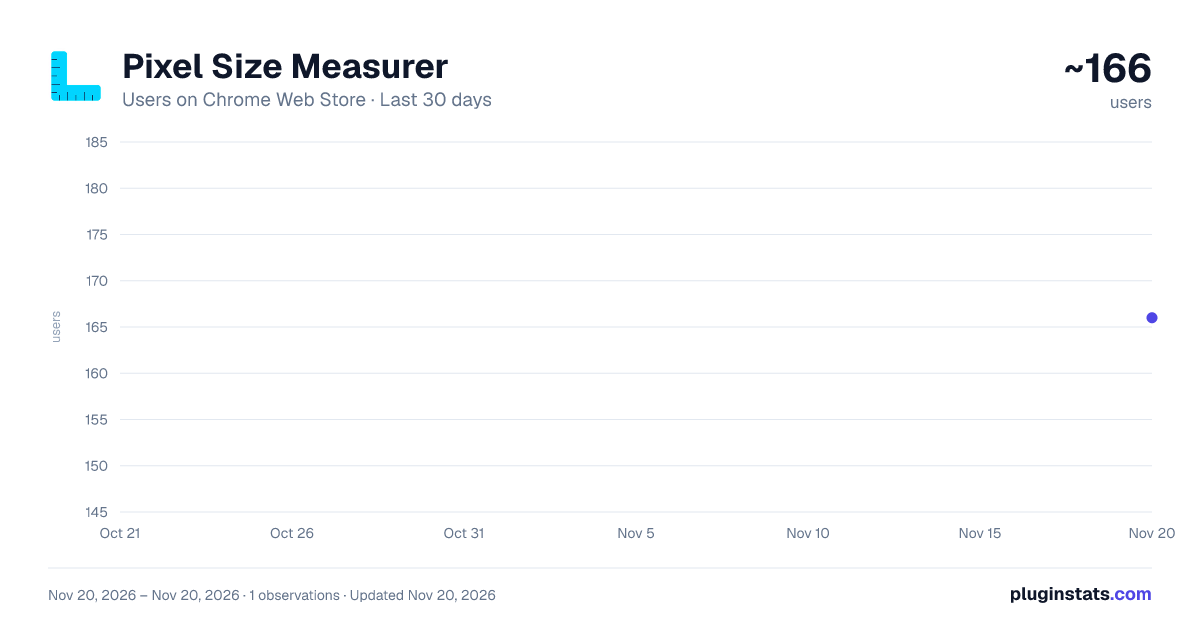
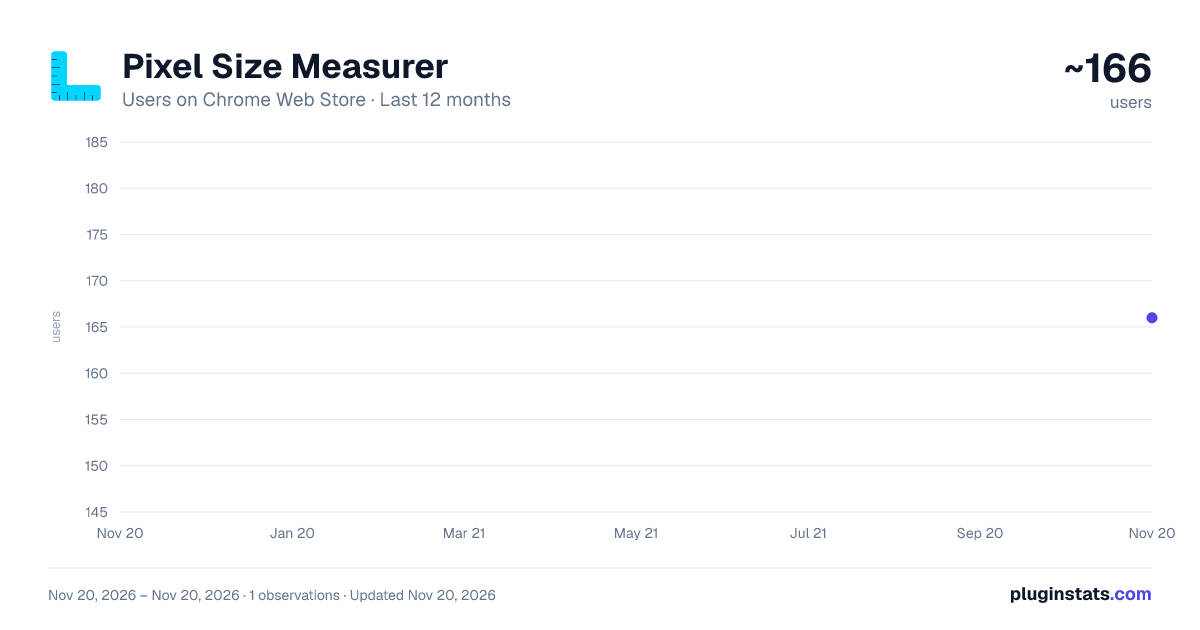
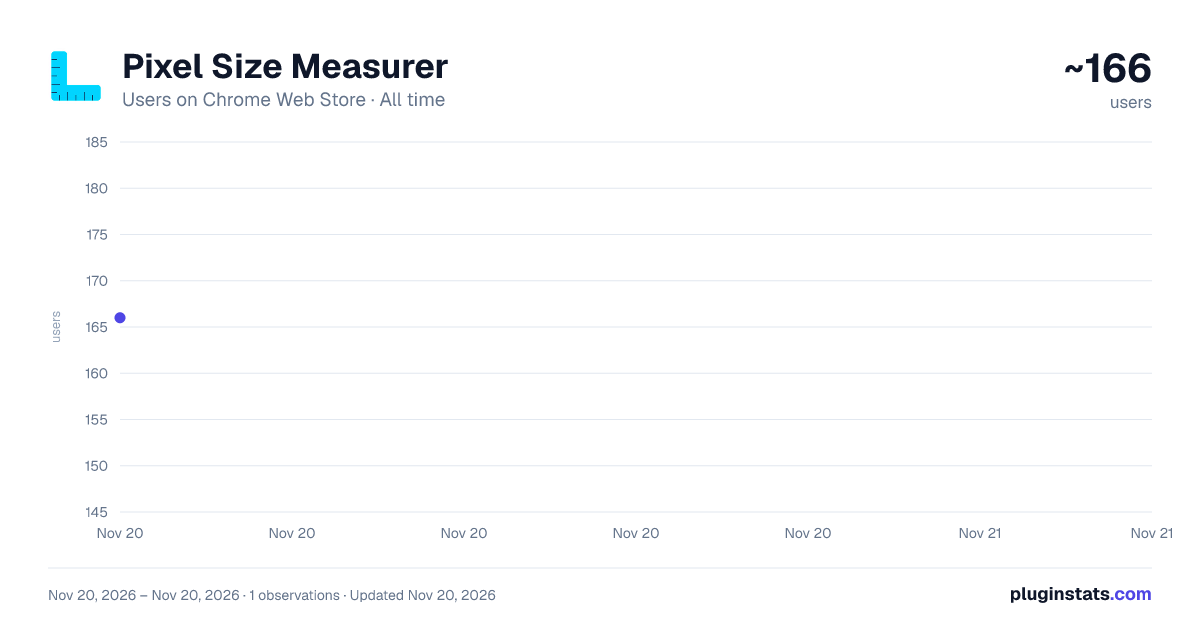
Pixel Size Measurer has approximately 166 recorded users on Chrome Web Store, ranking #8433 of 10,388 tracked listings.
About Pixel Size Measurer
Measure pixels, inspect elements, pick colors, detect fonts, check contrast, and annotate screenshots. No paywall, no analytics.
Pixel Size Measurer is a complete design & development toolkit packed into one lightweight Chrome extension. Every feature is 100% free with no paywall, no premium tiers, and absolutely no analytics or tracking.
MEASUREMENT TOOLS
Rectangle Ruler — Click and drag to measure any area on the page. Shows width x height in real-time with resize handles for adjustment.
Multiple Rulers — Place unlimited measurement rectangles simultaneously, each numbered and individually deletable.
Smart Element Select — Hover over any DOM element to see its dimensions instantly. Click to pin the measurement.
No paywall — completely free.
Element Spacing — Click two elements to measure the exact pixel distance between them with visual guide lines.
DESIGN INSPECTION
Color Picker / Eyedropper — Click any pixel to get HEX, RGB, and HSL values with one-click copy. Remembers your 10 most recent colors.
CSS Inspector — Click any element to see its full computed styles: typography, colors, box model, and layout properties with visual box model diagram.
Font Detector — Click any text to identify font family, size, weight, line height, letter spacing, and color with a live preview.
Contrast Checker — Check WCAG AA/AAA contrast ratios between text and background colors for accessibility compliance.
WORKFLOW TOOLS
Screenshots with Annotations — Capture the visible page and draw arrows, rectangles, circles, text, and freehand annotations. Save as PNG. Unlimited captures, no daily limits.
Guideline Rulers — Photoshop-style rulers on page edges with draggable horizontal and vertical guidelines.
Responsive Viewport Tester — Instantly simulate different screen widths (iPhone, iPad, laptop, desktop) without resizing your browser.
Measurement Export — Export all rulers and guidelines as JSON data.
Cursor Position Tracker — Always shows X/Y page coordinates. Magnifier — Zoomed lens following your cursor for pixel-level inspection.
KEYBOARD SHORTCUTS
R=Ruler, S=Smart Select, C=Color Picker, I=Inspector, M=Spacing, G=Guidelines, F=Font Detect, Esc=Deactivate, Del=Remove Last Ruler, Ctrl+Shift+P=Toggle Toolbar
PRIVACY FOCUSED
Zero data collection - no analytics, telemetry, or tracking All settings stored locally on your device No external network requests No account required Open and transparent
Perfect for web designers, front-end developers, UX engineers, QA testers, and anyone who needs precise measurements on web pages.
Description from the Chrome Web Store listing.
README badge
Show your rank in a README or on your website. The badge updates automatically.
Charts
Images: 30d · 1y · all time · 1600×900 dark
Adoption over time
7/30/90-day growth
Ranking history
Ratings over time
Listing placement
Listing placement
Filled points are observed values; hollow points come from Internet Archive snapshots of the listing page. Dashed segments span periods with no observations — values between points are not interpolated.
Each band is one page of 20. Users on a linear scale. Placement is projected from users, so it can differ from the marketplace's own sort order. Hover a dot to see the listing.
Recent observations
Full history (1)Similar Chrome Web Store Tools plugins
All 20 Pixel Size Measurer alternatives



Data source
Covers every Chrome Web Store extension with at least 100 users, found through the store's public sitemap. User counts are read from public listing pages. The 10% most-used extensions are refreshed daily, the next 40% weekly and the next 40% monthly; the least-used 10% are not refreshed. Google displays rounded user counts (and caps the display at 10,000,000+), so small changes may not be visible. Rating counts above 1,000 are rounded (e.g. 1.6K).
Listing: https://chromewebstore.google.com/detail/pixel-size-measurer/jknlamakcjmjfgcmcjkeffnaknncpkhg. First seen Nov 20, 2026; last successful collection Nov 20, 2026. See the methodology.