 PluginStats

Private Bookmarker users statistics
By napisoftware · Chrome Web Store · Tools
Manage private bookmarks separately from Chrome's standard bookmarks.
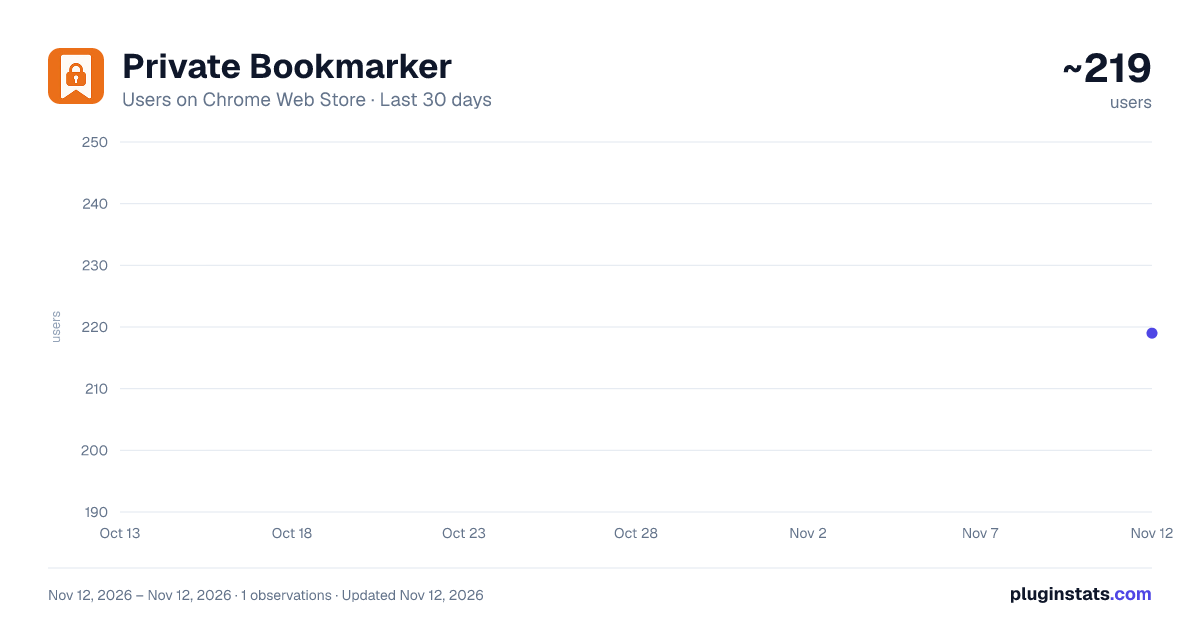
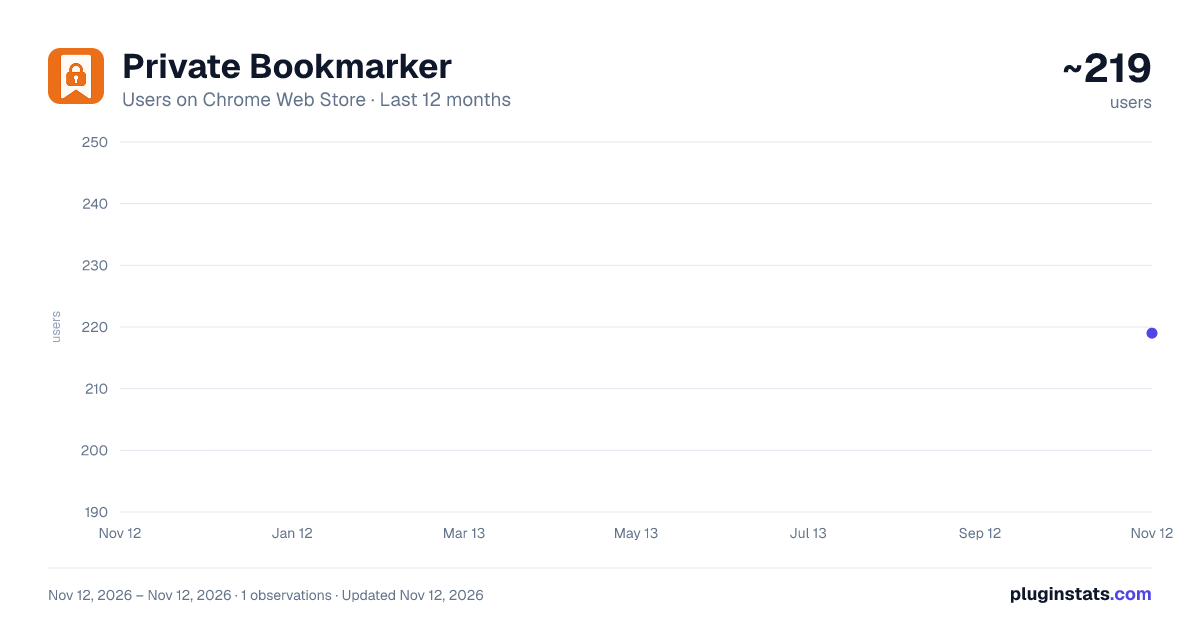
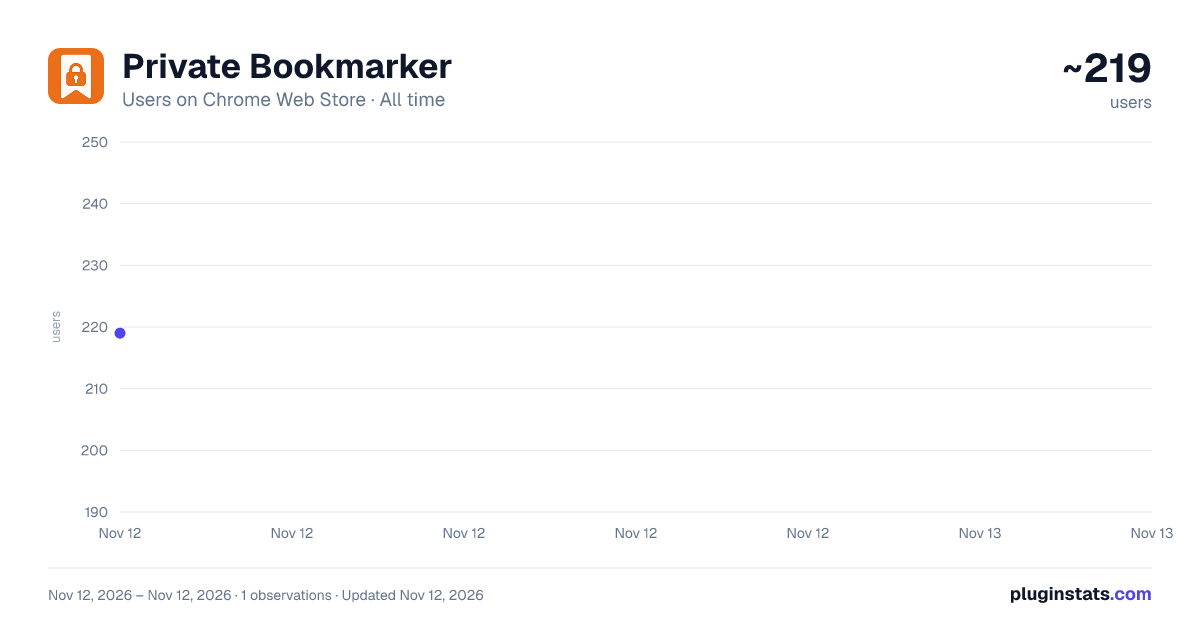
Private Bookmarker has approximately 219 recorded users on Chrome Web Store, ranking #7506 of 10,388 tracked listings.
Rating: 4.00 / 5 from 1 ratings
About Private Bookmarker
Manage private bookmarks separately from Chrome's standard bookmarks.
Manage private bookmarks separately from Chrome's standard bookmarks.
Private Bookmarker allows you to safely and efficiently manage a completely separate set of private bookmarks, independent of your standard browser bookmarks. You can save links you don't want others to see or pages containing personal information with peace of mind.
Key Features: ✅ Separate from Standard Bookmarks: Manage your bookmarks independently within the extension, without mixing them with your standard browser bookmarks.
✅ Password Protection: Set a password lock on your private bookmarks to prevent access by third parties.
✅ Import/Export Functionality: Easily back up or migrate your bookmarks. You can export and import them in JSON format.
✅ Import from Chrome Bookmarks: Smoothly import your existing Chrome bookmarks on a folder-by-folder basis into your private space.
✅ Per-Folder Incognito Setting: Individually apply an "Open in incognito window" setting to each folder.
✅ Folder Name Masking: Display folder names as IDs when adding bookmarks, making it harder for others to guess the content.
💡 Recommended for: ・Those who want to completely separate work and private bookmarks. ・Those who want to securely manage bookmarks they don't want others to see. ・Those who want to flexibly manage and organize their bookmarks. ・Those who want to avoid leaving a history on a per-folder basis.
⚠️ Note for Incognito Window Users: When opening a bookmark with the incognito window feature, by default, it will always open in a new incognito window. If you want to open it in an existing incognito window, please go to "Manage extensions," select "Private Bookmarker," and check "Allow in Incognito."
⚠️ Disclaimer: ・The private bookmark information is not encrypted. ・Please be aware that this extension is not protected by advanced security features.
Version 1.01
・A "★" badge now appears on the toolbar icon when you open a page that is already saved in Private Bookmarker. This can be enabled on the options page (disabled by default).
Version 1.02
・Added English language support.
Version 1.03
・Changed the default display language to English.
Version 1.04
・Added the ability to filter the list of bookmarks within a folder by any text string. ・Fixed an issue where the bookmark list display was misaligned.
Version 1.05
・Added the ability to tag bookmarks and filter by tags.
Description from the Chrome Web Store listing.
README badge
Show your rank in a README or on your website. The badge updates automatically.
Charts
Images: 30d · 1y · all time · 1600×900 dark
Adoption over time
7/30/90-day growth
Ranking history
Ratings over time
Listing placement
Listing placement
Filled points are observed values; hollow points come from Internet Archive snapshots of the listing page. Dashed segments span periods with no observations — values between points are not interpolated.
Each band is one page of 20. Users on a linear scale. Placement is projected from users, so it can differ from the marketplace's own sort order. Hover a dot to see the listing.
Recent observations
Full history (1)Similar Chrome Web Store Tools plugins
All 20 Private Bookmarker alternatives



Data source
Covers every Chrome Web Store extension with at least 100 users, found through the store's public sitemap. User counts are read from public listing pages. The 10% most-used extensions are refreshed daily, the next 40% weekly and the next 40% monthly; the least-used 10% are not refreshed. Google displays rounded user counts (and caps the display at 10,000,000+), so small changes may not be visible. Rating counts above 1,000 are rounded (e.g. 1.6K).
Listing: https://chromewebstore.google.com/detail/private-bookmarker/hpapiijdgoohjginfgpeeijanoaiiilf. First seen Nov 12, 2026; last successful collection Nov 12, 2026. See the methodology.