 PluginStats

Scrolling Screenshot – Full Screen Capture users statistics
By Balubenko, Ink. · Chrome Web Store · Tools
Start a scrolling screenshot immediately with one click. Full page screenshots download automatically as PNG.
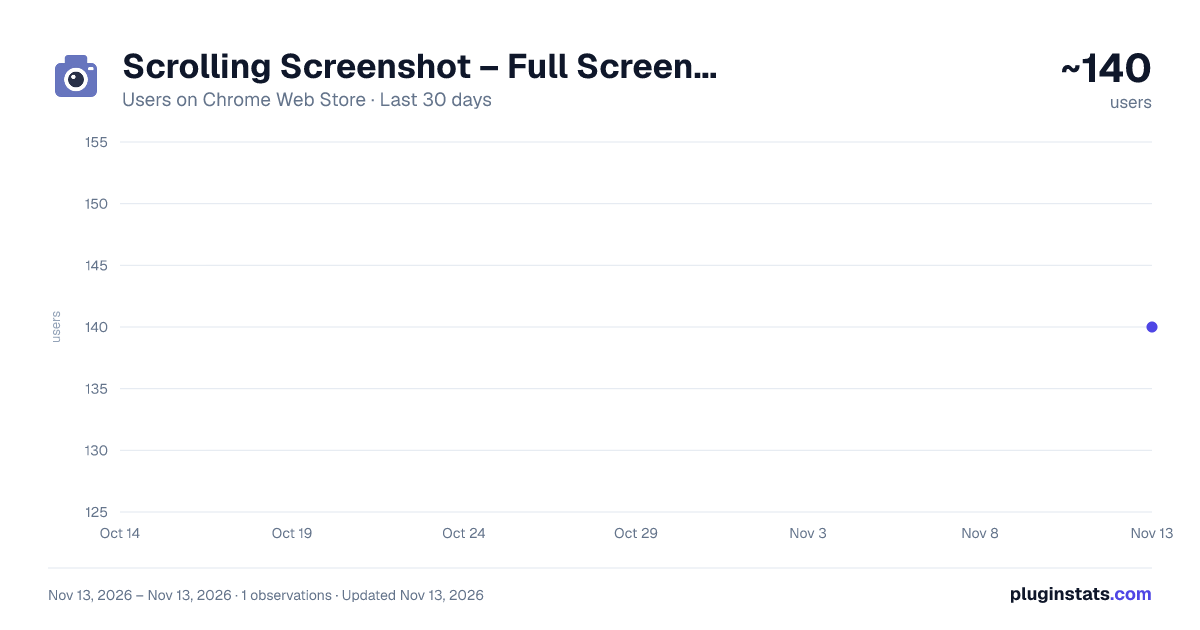
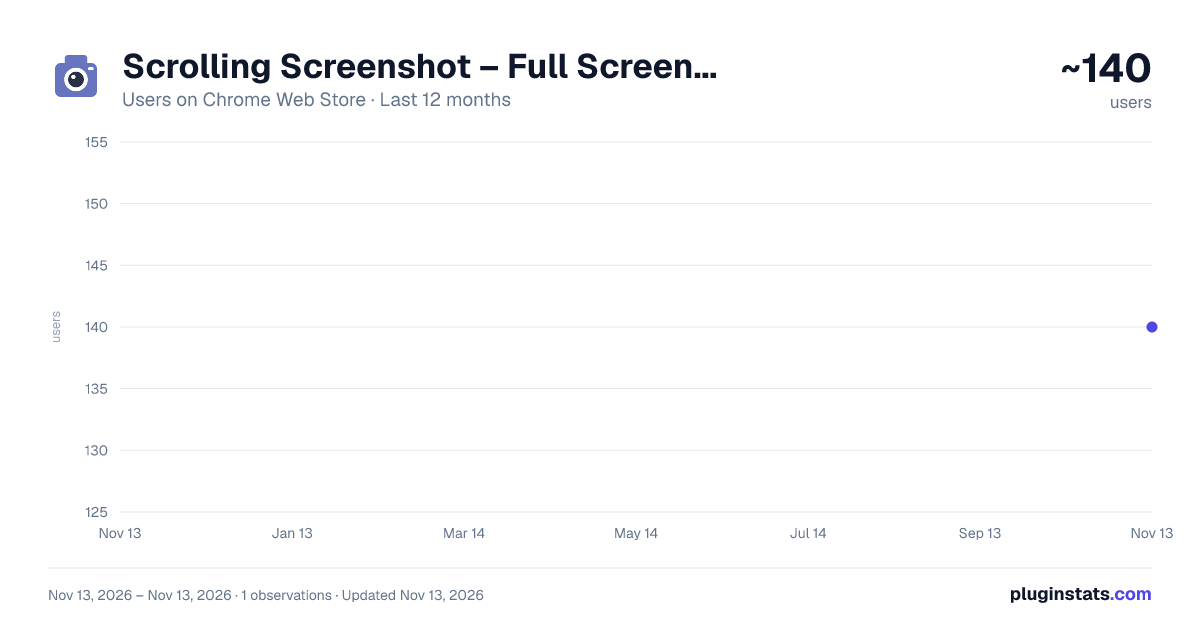
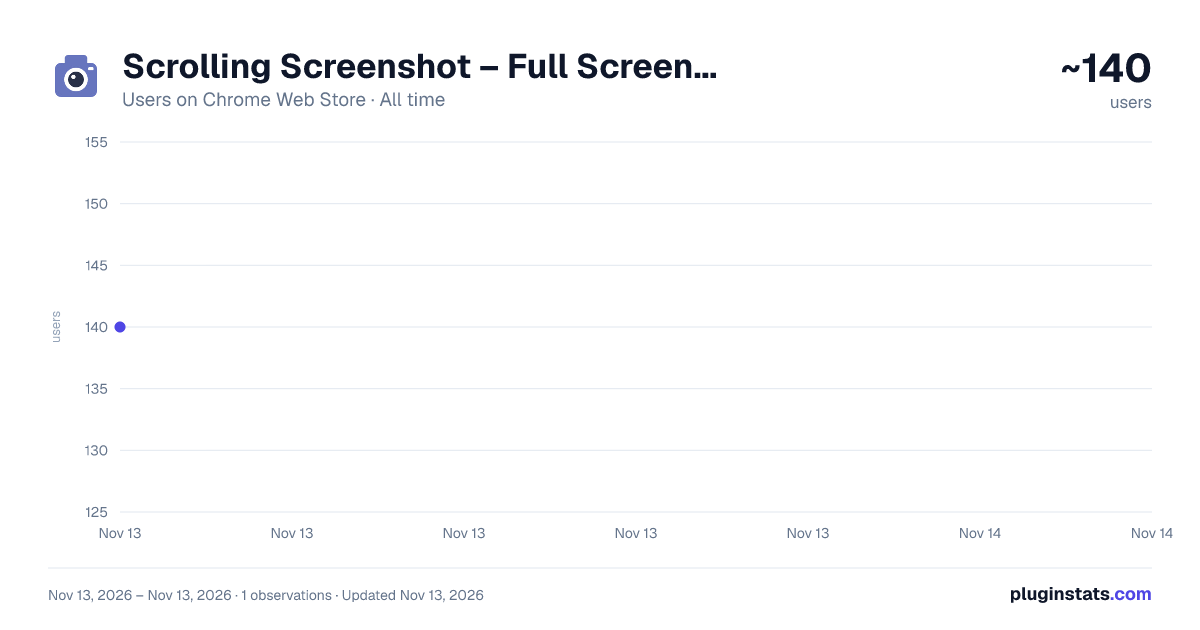
Scrolling Screenshot – Full Screen Capture has approximately 140 recorded users on Chrome Web Store, ranking #9026 of 10,388 tracked listings.
Rating: 5.00 / 5 from 8 ratings
About Scrolling Screenshot – Full Screen Capture
Start a scrolling screenshot immediately with one click. Full page screenshots download automatically as PNG.
Scrolling Screenshot – Full Screen Capture saves long and wide webpages as PNG files for work, research, and everyday reference. Click the toolbar icon once to start capture immediately; the PNG downloads automatically when capture finishes.
✨ WHAT IT DOES • Save a full page screenshot, including content below the fold and beyond the visible width. • Automatically scroll through the page before capture to give scroll-triggered content a chance to load. • Download lossless PNG files directly through your browser's download system. • Split large results into multiple PNG files when the page exceeds a single image's size limit. • Return to your previous scroll position after capture.
🚀 HOW TO USE
- Open the webpage you want to save.
- Click the extension icon once. Capture starts immediately.
- Keep the tab active until the PNG download finishes. Press Esc or click the icon again to cancel a capture in progress.
🎯 WHO IT'S FOR Researchers can keep a visual reference of long articles and reports. Developers and designers can attach page screenshots to bug reports or compare layouts. Teams can document a wide dashboard or share a page as it appeared when captured.
🔒 PRIVACY Screenshots are processed inside your browser and saved through Chrome's download system. The capture code does not upload page images to a server. Capture runs when you click the toolbar icon and uses access to the active tab. Local storage keeps the optional review prompt's state.
❓ FAQ Is a scrolling screenshot finished instantly? One click starts the process immediately. Completion time depends on the page size and loading behavior. Keep the tab active while capture runs.
What happens with a very large page? The extension divides the output into PNG parts instead of shrinking the entire page into one image. Pages that keep loading indefinitely may contain more content than the pre-capture scroll can load.
Can it capture Chrome settings or another internal page? Chrome blocks capture on internal pages such as chrome://settings and the Chrome Web Store. Local file pages require Allow access to file URLs in the extension's settings.
Can I select a scrollable panel? Capture starts with the whole webpage when you click the toolbar icon. Independently scrollable panels are captured as displayed within the page; their hidden contents are not expanded.
Description from the Chrome Web Store listing.
README badge
Show your rank in a README or on your website. The badge updates automatically.
Charts
Images: 30d · 1y · all time · 1600×900 dark
Adoption over time
7/30/90-day growth
Ranking history
Ratings over time
Listing placement
Listing placement
Filled points are observed values; hollow points come from Internet Archive snapshots of the listing page. Dashed segments span periods with no observations — values between points are not interpolated.
Each band is one page of 20. Users on a linear scale. Placement is projected from users, so it can differ from the marketplace's own sort order. Hover a dot to see the listing.
Recent observations
Full history (1)Similar Chrome Web Store Tools plugins
All 20 Scrolling Screenshot – Full Screen Capture alternatives



Data source
Covers every Chrome Web Store extension with at least 100 users, found through the store's public sitemap. User counts are read from public listing pages. The 10% most-used extensions are refreshed daily, the next 40% weekly and the next 40% monthly; the least-used 10% are not refreshed. Google displays rounded user counts (and caps the display at 10,000,000+), so small changes may not be visible. Rating counts above 1,000 are rounded (e.g. 1.6K).
Listing: https://chromewebstore.google.com/detail/scrolling-screenshot-–-fu/mebnfhfecnoogmjmfpppiggpjbaimdck. First seen Nov 13, 2026; last successful collection Nov 13, 2026. See the methodology.