 PluginStats

Shopee Extractor - Export Shopee Products to CSV/Excel/JSON users statistics
Scrape Shopee products from searches, categories, or listings to CSV/Excel/JSON. Save Shopee products to your computer
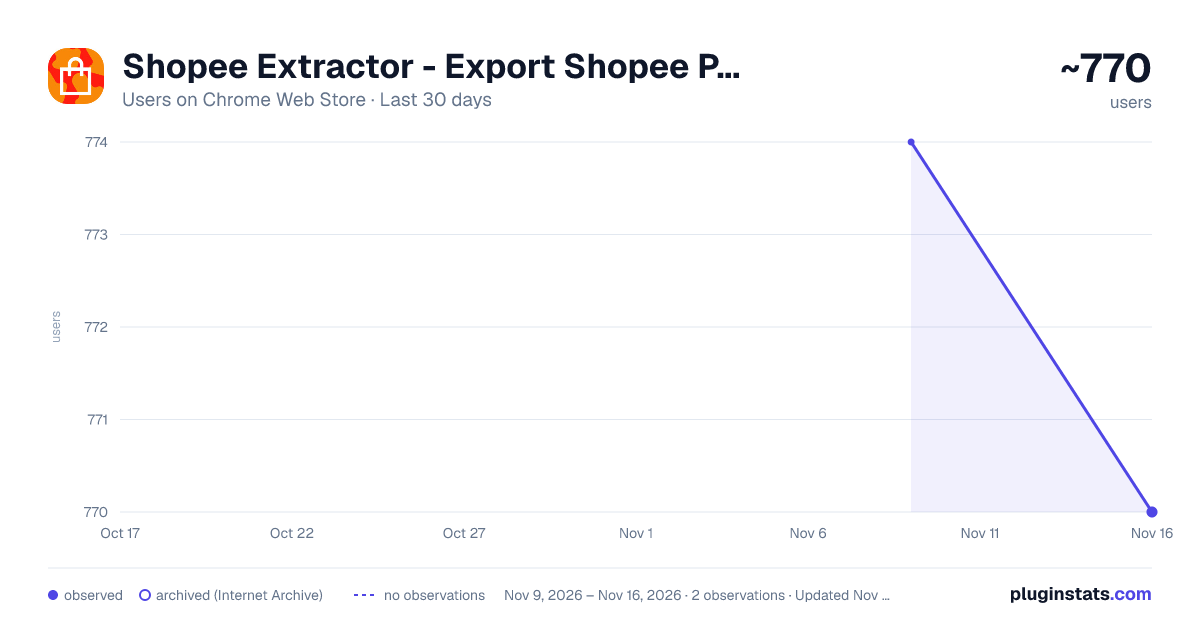
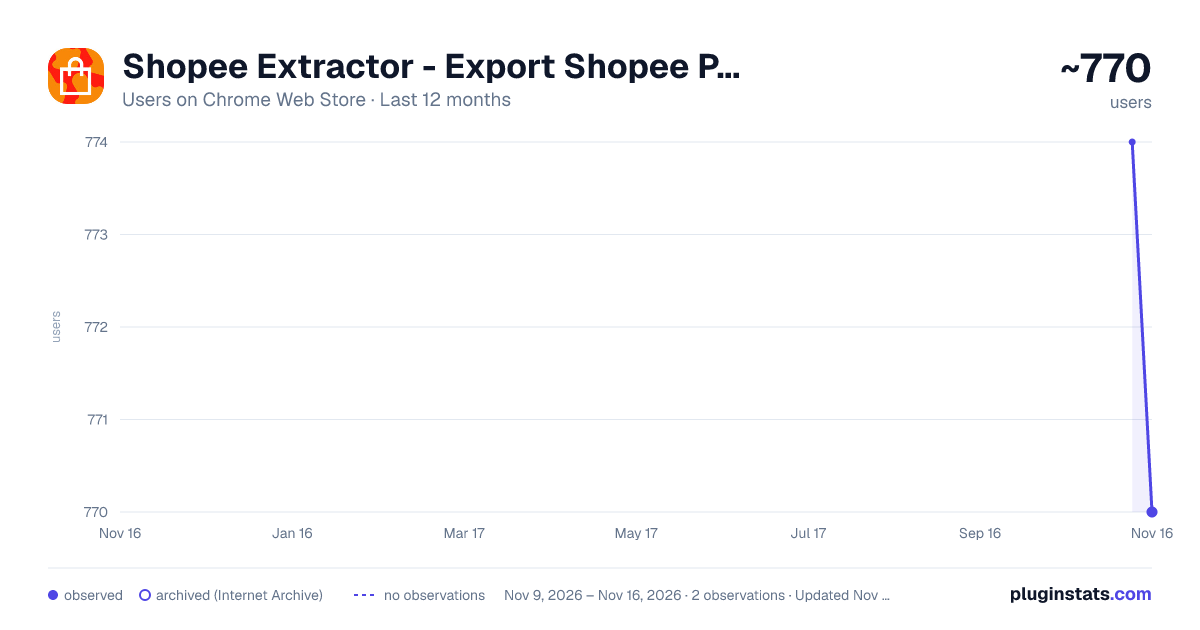
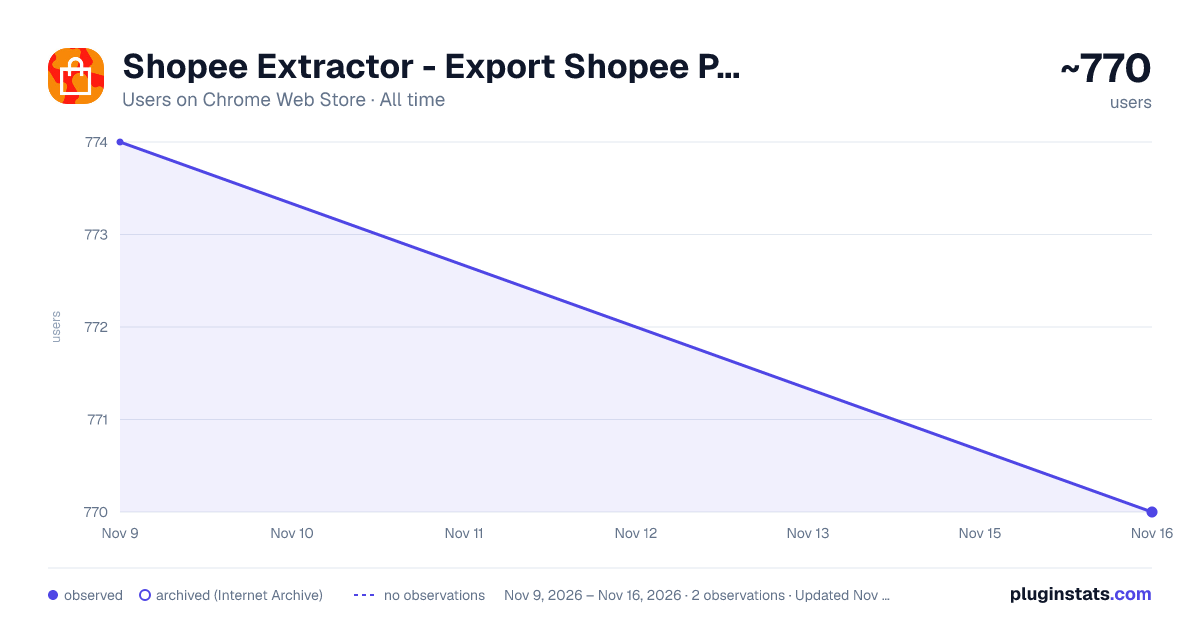
Shopee Extractor - Export Shopee Products to CSV/Excel/JSON has approximately 770 recorded users on Chrome Web Store, a change of -0.5% over the past 7 days, ranking #4275 of 10,388 tracked listings.
About Shopee Extractor - Export Shopee Products to CSV/Excel/JSON
Scrape Shopee products from searches, categories, or listings to CSV/Excel/JSON. Save Shopee products to your computer
Transform Shopee browsing into actionable business intelligence! 📊
🚀 What It Does: Export product data from Shopee search results, categories, and shop listings directly to your computer in CSV, Excel, or JSON formats. Perfect for market research, competitor analysis, and business intelligence.
⭐ Key Features: 🔍 Smart Data Extraction - Automatically captures product details as you browse 📈 Comprehensive Data - Names, prices, ratings, sales data, variations, shop info & more 💾 Multiple Export Formats - CSV, Excel, and JSON for any workflow 🌏 Multi-Region Support - Works across all Shopee markets (SG, MY, TH, PH, VN, ID, TW, BR, MX, CO, CL) ⚡ Real-Time Processing - Extract data instantly while browsing 🎯 No Manual Copy-Paste - Automated extraction saves hours of work
📋 Extracted Data Includes: ✅ Product names, prices, and discounts ✅ Customer ratings and review counts ✅ Sales volume and shop information ✅ Product variations (colors, sizes) ✅ Image URLs and product categories
🎯 Perfect For:
- Market Researchers - Analyze trends and pricing strategies
- Dropshipping Entrepreneurs - Find winning products quickly
- Business Analysts - Competitive intelligence and reporting
- E-commerce Professionals - Product sourcing and market analysis
- Academic Researchers - Study consumer behavior and market dynamics
🛡️ Privacy & Security:
- Works entirely in your browser - no data sent to external servers
- Secure local data processing
🚀 How to Use:
- Install the extension
- Browse Shopee search results, categories, or shop pages
- Click the extension icon
- Hit "Export Products"
- Download your data instantly!
💡 Pro Tip: Start from the first page of results for complete data extraction. Works seamlessly with paginated results!
🌟 Why Choose Shopee Extractor? Save countless hours of manual data collection and focus on what matters - making informed business decisions with comprehensive, accurate data at your fingertips.
Transform your Shopee research workflow today! 🎉
Description from the Chrome Web Store listing.
README badge
Show your rank in a README or on your website. The badge updates automatically.
Charts
Images: 30d · 1y · all time · 1600×900 dark
Adoption over time
7/30/90-day growth
Ranking history
Ratings over time
Listing placement
Listing placement
Filled points are observed values; hollow points come from Internet Archive snapshots of the listing page. Dashed segments span periods with no observations — values between points are not interpolated.
Each band is one page of 20. Users on a linear scale. Placement is projected from users, so it can differ from the marketplace's own sort order. Hover a dot to see the listing.
Recent observations
Full history (2)Similar Chrome Web Store Tools plugins
All 20 Shopee Extractor - Export Shopee Products to CSV/Excel/JSON alternatives



Data source
Covers every Chrome Web Store extension with at least 100 users, found through the store's public sitemap. User counts are read from public listing pages. The 10% most-used extensions are refreshed daily, the next 40% weekly and the next 40% monthly; the least-used 10% are not refreshed. Google displays rounded user counts (and caps the display at 10,000,000+), so small changes may not be visible. Rating counts above 1,000 are rounded (e.g. 1.6K).
Listing: https://chromewebstore.google.com/detail/shopee-extractor-export-s/anfjddnamnpjemmiecpeeiemnkcembfc. First seen Nov 9, 2026; last successful collection Nov 16, 2026. See the methodology.