 PluginStats

Simple ChatGPT Sidebar users statistics
By toastyfawn566 · Chrome Web Store · Tools
Quick access to ChatGPT in a sidebar. Select text and ask ChatGPT about it, or reference entire pages with customizable prompts.
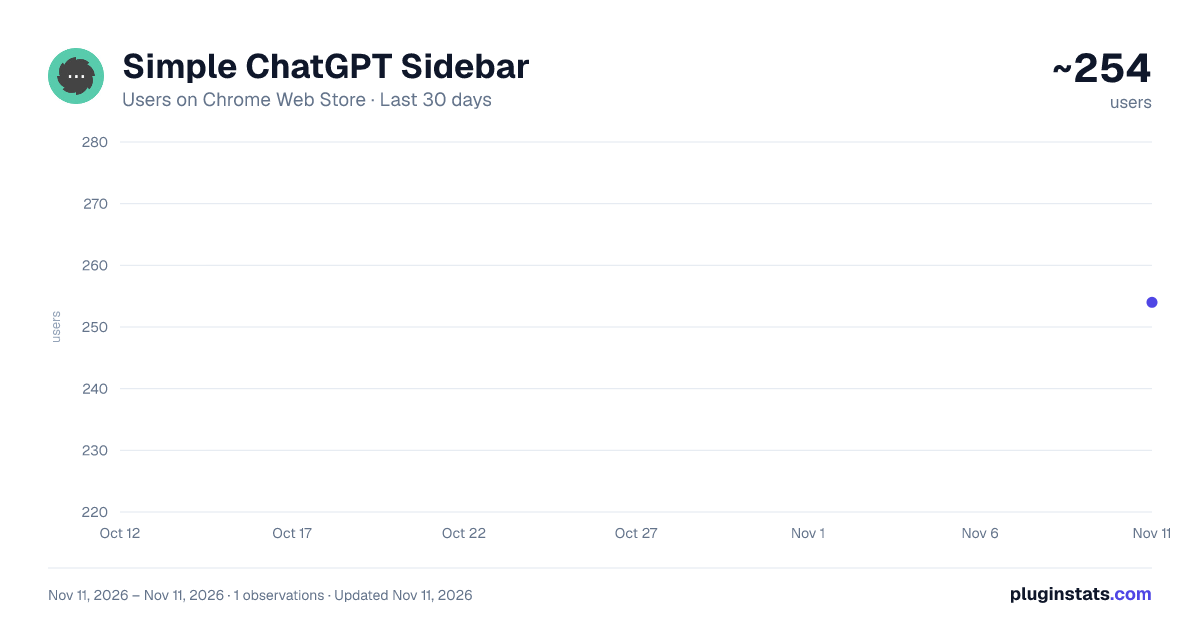
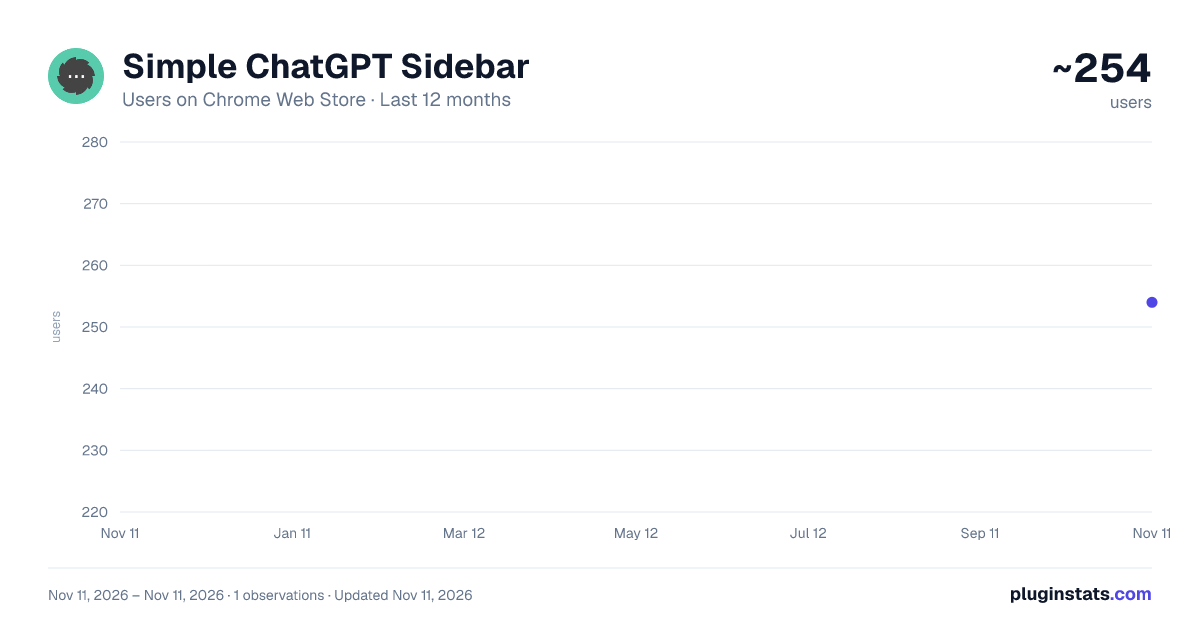
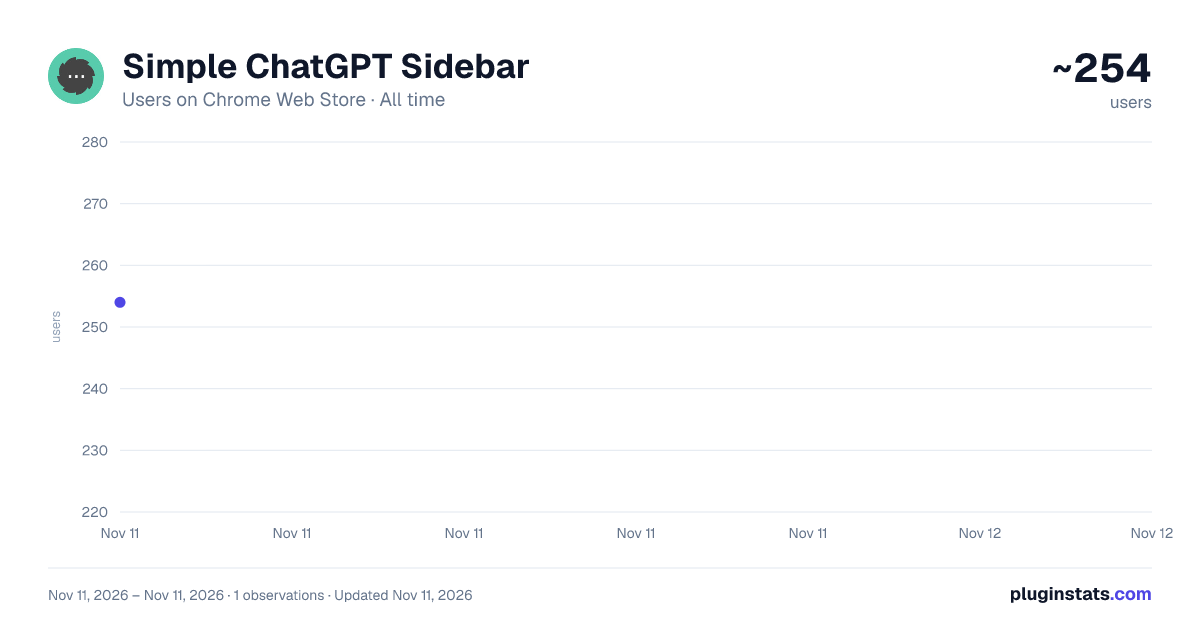
Simple ChatGPT Sidebar has approximately 254 recorded users on Chrome Web Store, ranking #7056 of 10,388 tracked listings.
About Simple ChatGPT Sidebar
Quick access to ChatGPT in a sidebar. Select text and ask ChatGPT about it, or reference entire pages with customizable prompts.
Tired of paid ChatGPT sidebars and cluttered interfaces? Simple ChatGPT Sidebar brings ChatGPT directly into your browser as simply as possible — no tab switching, no interruptions.
━━━━━━━━━━━━━━━━━━━━━━━━━━━━━━━━━━━━━━━━
HOW TO USE
To Log In: Simply log into ChatGPT in a normal browser tab. Once logged in, your ChatGPT account will be accessible in the sidebar.
To Open the Sidebar: • Click the extension icon in your toolbar (tip: pin the extension for easy access), OR • Right-click on any page → "Ask ChatGPT about this page" → "Open Sidebar" • Clicking any custom prompt will automatically open the sidebar
To Edit Settings and Customize Prompts: • Right-click the extension icon → "Options", OR • Right-click on any page → "Ask ChatGPT about this page" → "Settings"
From the settings page, you can adjust global settings, create new prompts for pages or selected text, and edit or remove existing prompts.
━━━━━━━━━━━━━━━━━━━━━━━━━━━━━━━━━━━━━━━━
✓ 100% FREE — No subscriptions, no ads, no hidden costs. Ever.
━━━━━━━━━━━━━━━━━━━━━━━━━━━━━━━━━━━━━━━━
FEATURES
• Sidebar Access – Chat with ChatGPT while staying on your current page • Text Selection – Highlight text, right-click, and send to ChatGPT instantly • Page Reference – Ask ChatGPT about any webpage with one click • Custom Prompts – Create, edit, and organize your own prompt templates • Auto-Paste – Selected text appears automatically in ChatGPT's input • Keyboard Shortcuts – Ctrl+Shift+G to toggle, Alt+G for quick send
Built-in prompts include: Explain, Summarize, Translate, Fix Grammar, Explain Code, Find Bugs, and more.
━━━━━━━━━━━━━━━━━━━━━━━━━━━━━━━━━━━━━━━━
REQUIREMENTS
A ChatGPT account is required. OpenAI's free tier works perfectly — ChatGPT Plus is not required.
━━━━━━━━━━━━━━━━━━━━━━━━━━━━━━━━━━━━━━━━
PRIVACY
Your ChatGPT conversations are handled by OpenAI and subject to their privacy policy (openai.com/privacy).
━━━━━━━━━━━━━━━━━━━━━━━━━━━━━━━━━━━━━━━━
SUPPORT
This extension is developed and maintained by an individual developer. Responses to questions may take time, but I appreciate your patience and feedback.
━━━━━━━━━━━━━━━━━━━━━━━━━━━━━━━━━━━━━━━━
Works with Chrome, Edge, Brave, and other Chromium browsers.
Thank you for using Simple ChatGPT Sidebar!
Description from the Chrome Web Store listing.
README badge
Show your rank in a README or on your website. The badge updates automatically.
Charts
Images: 30d · 1y · all time · 1600×900 dark
Adoption over time
7/30/90-day growth
Ranking history
Ratings over time
Listing placement
Listing placement
Filled points are observed values; hollow points come from Internet Archive snapshots of the listing page. Dashed segments span periods with no observations — values between points are not interpolated.
Each band is one page of 20. Users on a linear scale. Placement is projected from users, so it can differ from the marketplace's own sort order. Hover a dot to see the listing.
Recent observations
Full history (1)Similar Chrome Web Store Tools plugins
All 20 Simple ChatGPT Sidebar alternatives



Data source
Covers every Chrome Web Store extension with at least 100 users, found through the store's public sitemap. User counts are read from public listing pages. The 10% most-used extensions are refreshed daily, the next 40% weekly and the next 40% monthly; the least-used 10% are not refreshed. Google displays rounded user counts (and caps the display at 10,000,000+), so small changes may not be visible. Rating counts above 1,000 are rounded (e.g. 1.6K).
Listing: https://chromewebstore.google.com/detail/simple-chatgpt-sidebar/njachipbminmjpgmbcjmfphgffkidkjk. First seen Nov 11, 2026; last successful collection Nov 11, 2026. See the methodology.