 PluginStats

Voice Typing users statistics
Use Voice Typing in any Chrome field, including Gmail, Docs and AI chats. Simply talk to type: live dictation for emails and prompts
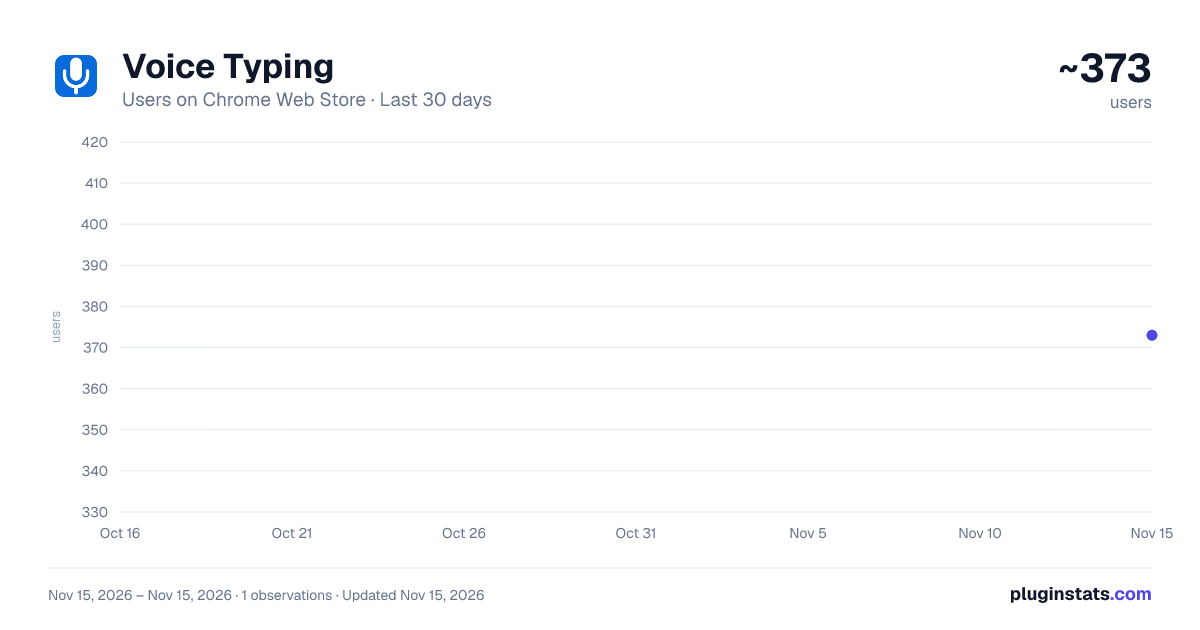
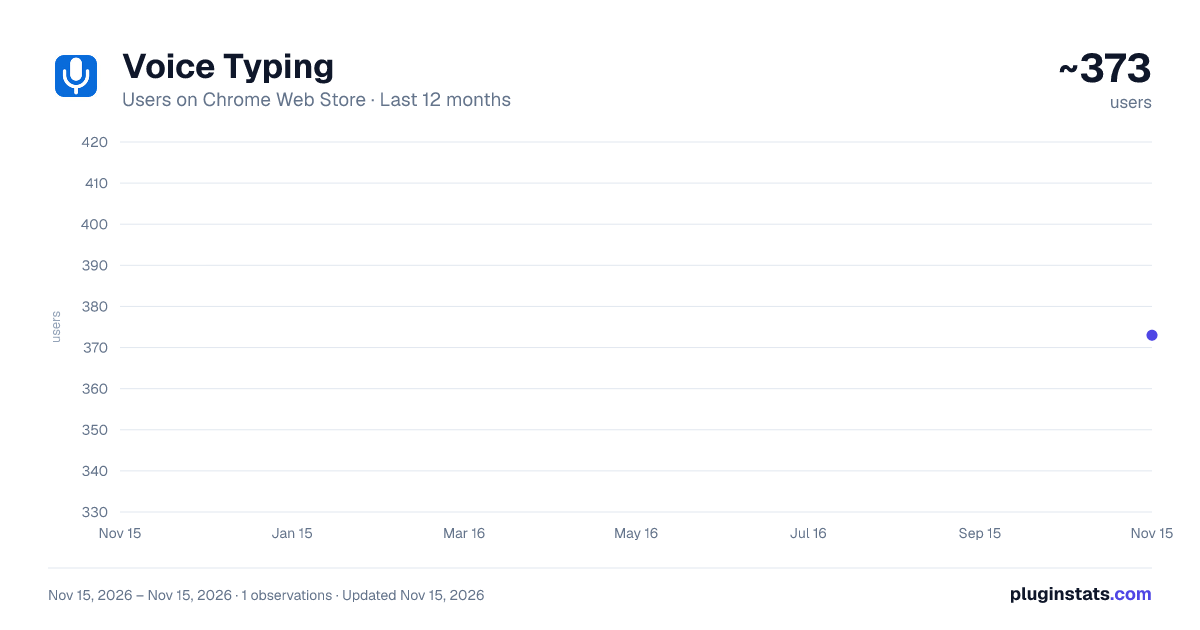
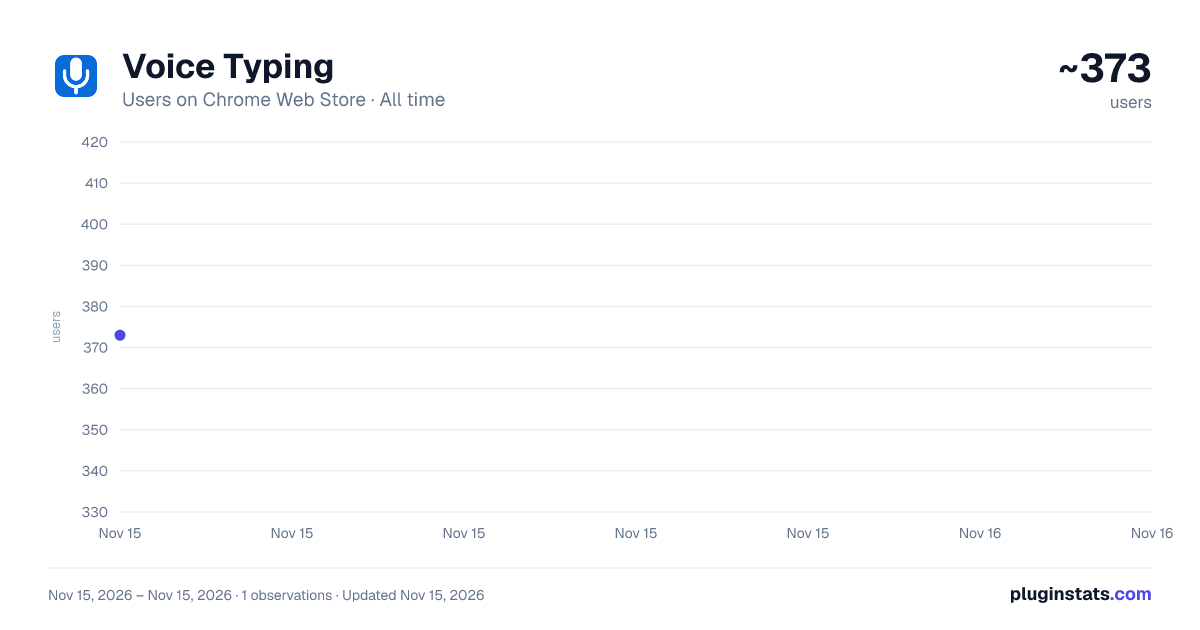
Voice Typing has approximately 373 recorded users on Chrome Web Store, ranking #5946 of 10,388 tracked listings.
Rating: 5.00 / 5 from 5 ratings
About Voice Typing
Use Voice Typing in any Chrome field, including Gmail, Docs and AI chats. Simply talk to type: live dictation for emails and prompts
🎤 Dictate in 60+ languages with Voice Typing directly inside Chrome. Speak naturally and watch your words appear in the active field—no separate page and no copying text afterward. This speech to text Chrome extension turns spoken thoughts into useful content across emails, documents, messages, forms and AI prompts.
Stay focused on what you want to say instead of how quickly you can type it. Use the extension whenever typing through voice feels easier than using a keyboard.
🛠️ How voice typing works
① Click inside the Chrome input field where you want your dictated words to appear ② Click the extension icon and let it begin listening to your voice ③ Speak naturally and watch live speech to text appear at the cursor ④ Click the icon again after completing your sentence or longer draft
🗣️ Use spoken commands while you dictate:
🎤 Say comma for , 🎤 Say period for . 🎤 Say new line 🎤 Say “scratch that”
Voice typing keeps phrases neatly separated so words do not run together. In regular web fields, “scratch that” removes the latest dictated phrase. Use Ctrl+Z to undo the latest change and continue editing normally.
🌐 Write across the web
➤ Draft complete emails and send thoughtful replies without leaving Gmail ➤ Add quick notes, clear outlines and longer passages in Google Docs ➤ Build prompts in ChatGPT, Perplexity and other popular AI assistants and agents ➤ Chat in WhatsApp Web, Telegram Web and other web-based messengers ➤ Complete search boxes, comments and other Chrome fields by voice
Use your voice to type where the conversation and work are already happening. Keep every idea on the page instead of dictating elsewhere and copying the result back.
✉️ Email and message dictation ✉️ Compose emails ✉️ Answer messages ✉️ Explain ideas ✉️ Capture thoughts
For practical dictation for Gmail, place the cursor in the message area and start speaking. The same voice dictation flow works for chats, comments and everyday browser communication without making you switch tabs.
📄 Voice typing in Google Docs
Google voice typing helps you draft and edit inside a document. Insert a phrase at the cursor, replace selected text or add a new line with a spoken command. Your changes work with the standard undo and redo controls.
In Google Docs, use Ctrl+Z to undo the latest insertion when prompted.
💼 Made for the way you work
◆ Professionals can dictate emails, client replies and detailed AI prompts without losing focus. ◆ Students and researchers can capture notes, develop outlines and record ideas while they are fresh. ◆ Writers and content creators can talk through a first draft before refining it with the keyboard.
Voice typing helps when your thought is already formed but writing it out feels slow. Talk to type a first draft, polish it at your own pace or use speak to text for a quick response without breaking concentration.
✨ Why choose this extension?
✅ Write on the current page ✅ Convert speech to text ✅ Add spoken punctuation ✅ Correct the latest phrase ✅ Dictate short or long drafts
This voice dictation tool makes browser writing faster and more natural while keeping you in the flow of your work.
🔍 Built for live Chrome dictation
Made for live mic typing inside Chrome—not saved audio or video transcription. Use this Chrome speech to text tool in the browser and convert voice into text directly at the cursor.
❓ Common questions
❓ Do I need a separate dictation app or voice to text app? 💡 No. Focus a supported text field, start Voice Typing and dictate on the same page.
❓ Can I use it with AI chats? 💡 Yes. Create prompts and continue conversations in ChatGPT, Perplexity and other popular AI assistants and agents with supported web text fields.
❓ Does it work with messaging services? 💡 It works in WhatsApp Web, Telegram Web and other web-based messengers with supported text fields. Open a chat, click the message box and start speaking.
❓ Can I correct dictated text? 💡 Say “scratch that” to remove the latest dictated phrase in regular web fields. In Docs, use Ctrl+Z when prompted.
❓ How do I replace words inside a sentence? 💡 Select the words you want to change, start dictating and speak the replacement. The new phrase appears over the selected text.
❓ Is this voice to text tool designed for uploaded recordings? 💡 No. This speech recognition software is made for live dictation inside Chrome, not for transcribing saved audio or video files.
🚀 Give your hands a break and keep your ideas moving. Start Voice Typing, stay on the page you already use and turn spoken thoughts into clear, editable text—one message, document or prompt at a time.
Description from the Chrome Web Store listing.
README badge
Show your rank in a README or on your website. The badge updates automatically.
Charts
Images: 30d · 1y · all time · 1600×900 dark
Adoption over time
7/30/90-day growth
Ranking history
Ratings over time
Listing placement
Listing placement
Filled points are observed values; hollow points come from Internet Archive snapshots of the listing page. Dashed segments span periods with no observations — values between points are not interpolated.
Each band is one page of 20. Users on a linear scale. Placement is projected from users, so it can differ from the marketplace's own sort order. Hover a dot to see the listing.
Recent observations
Full history (1)Similar Chrome Web Store Tools plugins
All 20 Voice Typing alternatives



Data source
Covers every Chrome Web Store extension with at least 100 users, found through the store's public sitemap. User counts are read from public listing pages. The 10% most-used extensions are refreshed daily, the next 40% weekly and the next 40% monthly; the least-used 10% are not refreshed. Google displays rounded user counts (and caps the display at 10,000,000+), so small changes may not be visible. Rating counts above 1,000 are rounded (e.g. 1.6K).
Listing: https://chromewebstore.google.com/detail/voice-typing/bmpkbmiompmjhgfbmnhdgbfgmjchijnk. First seen Nov 15, 2026; last successful collection Nov 15, 2026. See the methodology.