 PluginStats

Markdown Editor Pro – AI Editor, Viewer & Reader for Local Files users statistics
By VDAX CORP · Chrome Web Store · Tools
Notion-style Markdown editor & viewer for local files, with optional AI (bring your own key). Mermaid, KaTeX, GFM. No account.
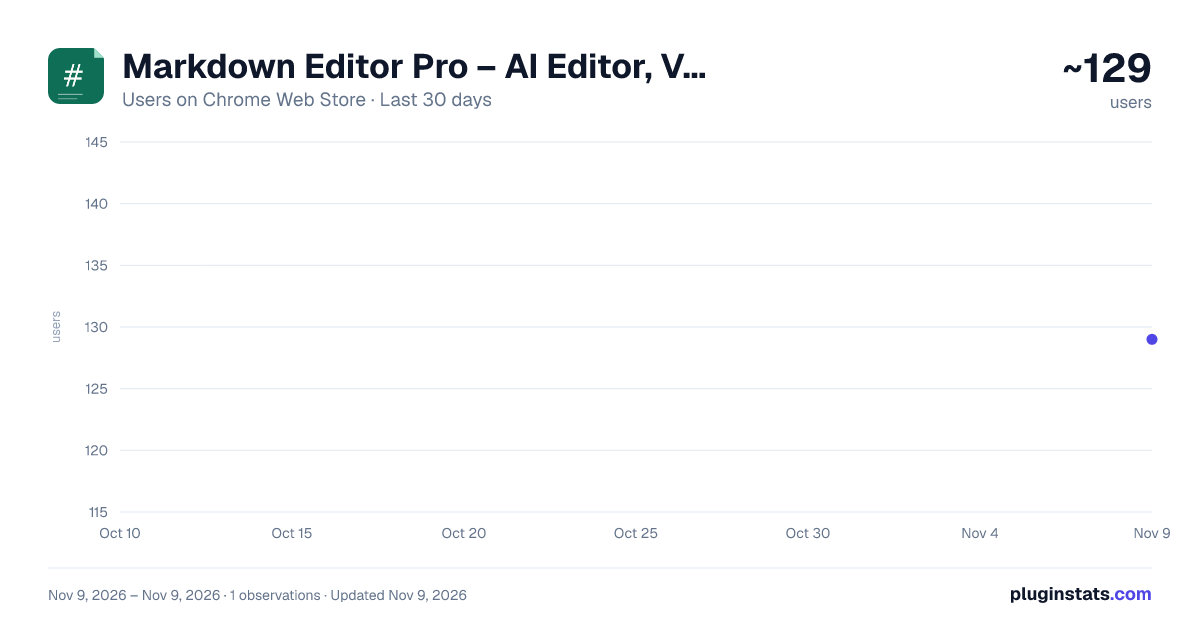
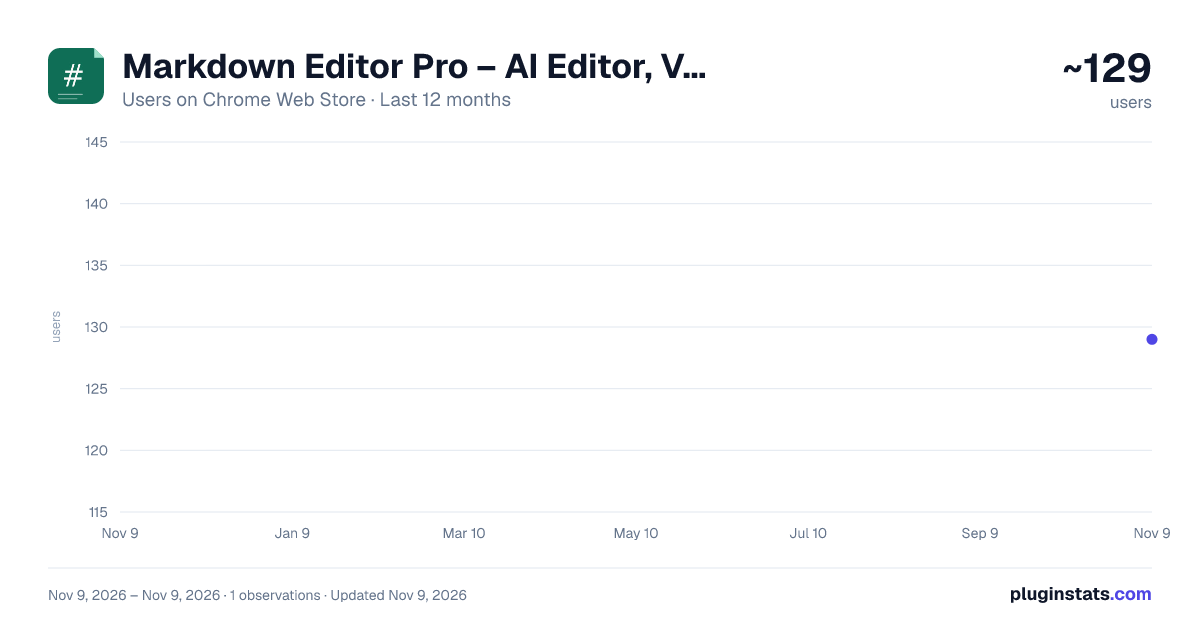
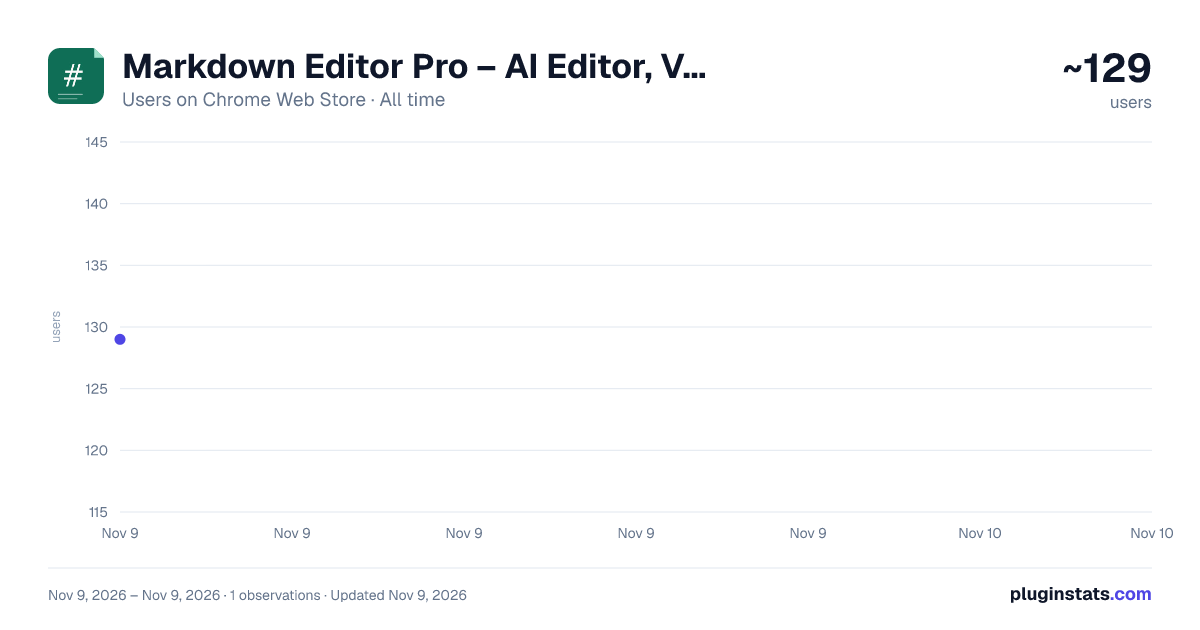
Markdown Editor Pro – AI Editor, Viewer & Reader for Local Files has approximately 129 recorded users on Chrome Web Store, ranking #9297 of 10,388 tracked listings.
Rating: 5.00 / 5 from 10 ratings
About Markdown Editor Pro – AI Editor, Viewer & Reader for Local Files
Notion-style Markdown editor & viewer for local files, with optional AI (bring your own key). Mermaid, KaTeX, GFM. No account.
Markdown Editor Pro is an AI private Markdown editor, Markdown reader, and Markdown viewer that works directly with the files on your computer — right inside Chrome. Write in a clean, Notion-style editor, preview GitHub Flavored Markdown with Mermaid diagrams and KaTeX math, and manage entire folders of notes — without an account, without the cloud, and without leaving the browser.
Add your AI API - By Your Owned Key with Local LLM Studio, OpenAI, OpenRouter or any AI API Provider
Whether you document a code repository, write technical docs, or simply live in Markdown, Markdown Editor Pro turns Chrome into a professional Markdown workspace. Your .md files open instantly with live preview, save straight back to disk, and never leave your machine.
✍️ Write & edit
Notion-style WYSIWYG editor — floating toolbar, slash commands, and drag-and-drop block handles. Format beautifully without memorizing Markdown syntax. Two focused view modes: Edit (WYSIWYG) and Read (rendered preview) — switch with one click. Transparent Markdown round-trip — everything you write is saved as clean, standard .md. No proprietary format, no lock-in. Smart code blocks with one-click language switching and live diagram rendering. Per-tab save status (saving / saved / unsaved) plus live word count. Unsaved-changes prompt when closing a modified file, and conflict detection when a file changes outside the extension. Drafts — start writing instantly without picking a folder, then export to disk when ready. Light / Dark / Sepia themes (or follow your system).
📖 Read & preview
Full GitHub Flavored Markdown (GFM): tables, task lists, strikethrough, autolinks. Mermaid diagrams — flowcharts, sequence, class, state, and git graphs. KaTeX math — inline $...$ and block $$...$$. Syntax highlighting for all major programming languages. Local image rendering — relative paths resolved straight from your folder. Document outline panel with scroll-spy and one-click heading jump.
🗂️ Open any file — built-in multi-format viewer
Markdown Editor Pro isn't only for Markdown. Open and view many file types inside the same workspace: Code, Images, PDF, Office, readable HTML.
📁 Manage files with Hot-Reload
Multi-root workspace — add several folders and work across them at once. Recursive file tree with lazy-loaded subfolders. Inline rename, duplicate, create, and delete files and folders. Quick file search by name. Smart ignore list (.git, node_modules, dist, build, …) — customizable in Settings. Workspace and open tabs persist across Chrome restarts.
🌐 Open Markdown from anywhere
Every source opens in the same editor for reading or editing: Local folders on your computer (via the File System Access API).
🖥️ Work anywhere in Chrome
Full-tab editor for focused writing. Side Panel companion that stays open beside any tab. In-page capture companion on any website. Dedicated viewer for files you open directly.
🔎 Search your notes
Quick file search by filename. Semantic search — find notes by meaning, not just keywords, powered by an on-device embedding model. Nothing is sent to any server.
🔒 Privacy first
Your files stay on your computer via the File System Access API. No account. No cloud sync. No tracking. The AI that powers semantic search runs locally on your device by default; an optional Cloud Boost is strictly opt-in and uses your own API key.
- Getting started (include near the top of the store description)
⚡ READ THIS FIRST. Markdown Editor Pro uses Chrome's File System Access API to read and write files directly on your computer. Because of Chrome's security model, the extension cannot access any files until you click a button to grant permission. The editor will look empty until you complete these steps — that's expected, not a bug.
Step 1 — Open the editor. Click the Markdown Editor Pro icon (green page with a #) in the Chrome toolbar (top-right). It opens as a full tab. Prefer a side panel? Click the puzzle-piece icon → "Markdown Editor Pro" → "Open side panel".
Step 2 — Add a folder. In the left sidebar, click Add Folder. Choose any folder that contains your .md files. When Chrome asks "Allow Markdown Editor Pro to view files in [folder]?", click View files. Your folder now appears in the sidebar.
Step 3 — Open a file. Click any file in the sidebar; it loads instantly with live preview. No .md files yet? Open the Save menu (top-left) → New Draft to write without a folder.
Troubleshooting
Sidebar empty after adding a folder → it may contain no .md files. Turn on Show all file types in Settings to see other formats. "Add Folder" seems to do nothing → the system dialog may have opened behind the browser window. Check your taskbar or dock. Folder disappears after restarting Chrome → click the folder name and grant permission again. This is a Chrome security requirement, not a bug.
Description from the Chrome Web Store listing.
README badge
Show your rank in a README or on your website. The badge updates automatically.
Charts
Images: 30d · 1y · all time · 1600×900 dark
Adoption over time
7/30/90-day growth
Ranking history
Ratings over time
Listing placement
Listing placement
Filled points are observed values; hollow points come from Internet Archive snapshots of the listing page. Dashed segments span periods with no observations — values between points are not interpolated.
Each band is one page of 20. Users on a linear scale. Placement is projected from users, so it can differ from the marketplace's own sort order. Hover a dot to see the listing.
Recent observations
Full history (1)Similar Chrome Web Store Tools plugins
All 20 Markdown Editor Pro – AI Editor, Viewer & Reader for Local Files alternatives



Data source
Covers every Chrome Web Store extension with at least 100 users, found through the store's public sitemap. User counts are read from public listing pages. The 10% most-used extensions are refreshed daily, the next 40% weekly and the next 40% monthly; the least-used 10% are not refreshed. Google displays rounded user counts (and caps the display at 10,000,000+), so small changes may not be visible. Rating counts above 1,000 are rounded (e.g. 1.6K).
Listing: https://chromewebstore.google.com/detail/markdown-editor-pro-–-ai/honghkedlbbfedfbolilcpoeijccchhk. First seen Nov 9, 2026; last successful collection Nov 9, 2026. See the methodology.