 PluginStats
Sublime Text Keymap and Settings Importer installs statistics
By Microsoft (224 listings) · VS Code Marketplace · Keymaps
Import Sublime Text settings and keybindings into VS Code.
Sublime Text Keymap and Settings Importer has 2,422,977 recorded installs on VS Code Marketplace, ranking #301 of 2,501 tracked listings.
Rating: 5.00 / 5 from 37 ratings
About Sublime Text Keymap and Settings Importer
Sublime Importer for VS Code
This extension imports keybindings and settings from Sublime Text to Visual Studio Code.
Getting Started
Keymappings
This extension ports the most popular Sublime Text keyboard shortcuts to Visual Studio Code.
Just restart VS Code after the installation of this extension and your favorite Sublime Text keyboard shortcuts will be available in VS Code.
Importing settings
The first time the extension is launched a prompt is shown that lets you import your Sublime Settings.
If you want to import your settings at a later time use the Sublime Text Keymap: Import Sublime Text Settings command from the Command Palette (F1).

FAQ
What keyboard shortcuts are included?
The included keyboard shortcuts can be looked up in the contribution list.

Why don't all Sublime Text commands work?
VS Code has not implemented all features. Head on over to this GitHub issue and let the VS Code team know what you'd like to see.
You can install an extension for many of these features:
Contributing
How do I contribute a keyboard shortcut?
We may have missed a keyboard shortcut. If we did please help us out! It is very easy to make a PR.
- Head over to our GitHub repository.
- Open the
package.jsonfile. - Add a JSON object to
contributes.keybindingsas seen below. - Open a pull request.
{
    "mac": "<keyboard shortcut for mac>",
    "linux": "<keyboard shortcut for linux>",
    "win": "<keyboard shortcut for windows>",
    "key": "<default keyboard shortcut>",
    "command": "<name of the command in VS Code>"
}
How do I contribute a Sublime setting?
There are two different types of settings files: The mappings file holds the information on how a sublime setting can be mapped to a VS Code setting. The defaults file contains default Sublime settings that are not explicitly set in the Sublime settings file (e.g. the Monokai theme).
To make a Pull Request:
- Head over to our GitHub repository.
- Open the
settings/mappings.jsonor thesettings/defaults.jsonfile. - Add your setting
- Open a pull request.
License
Description from the VS Code Marketplace listing.
- Importer
- keybindings
- keymap
- Settings
- Sublime Text
README badge
Show your rank in a README or on your website. The badge updates automatically.
Charts
Images: 30d · 1y · all time · 1600×900 dark
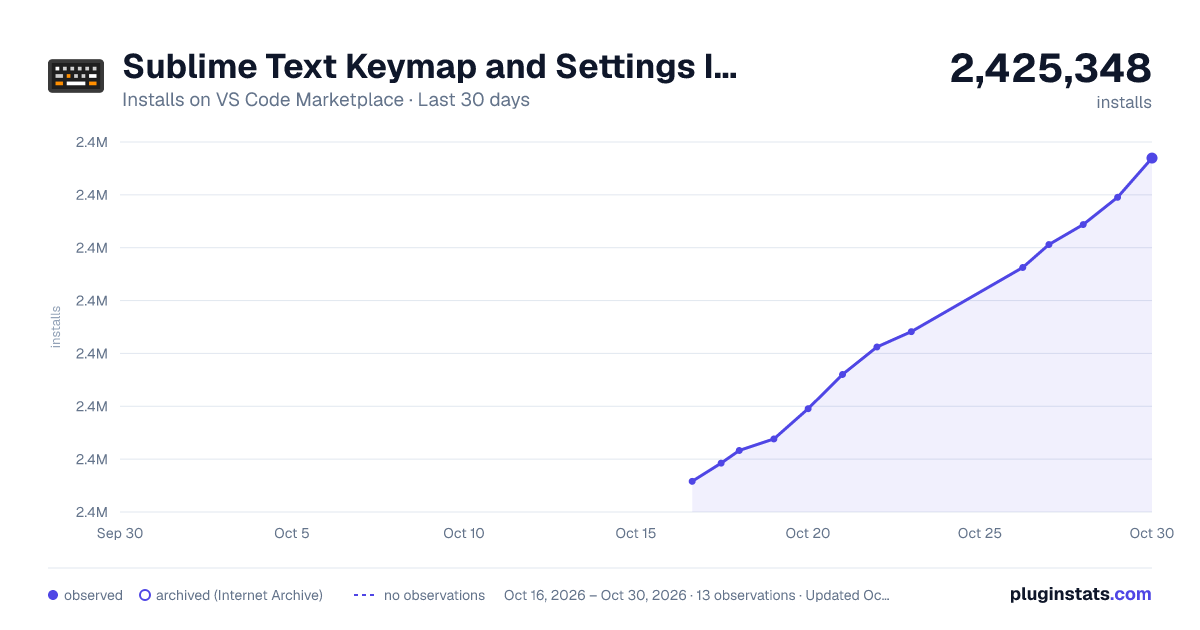
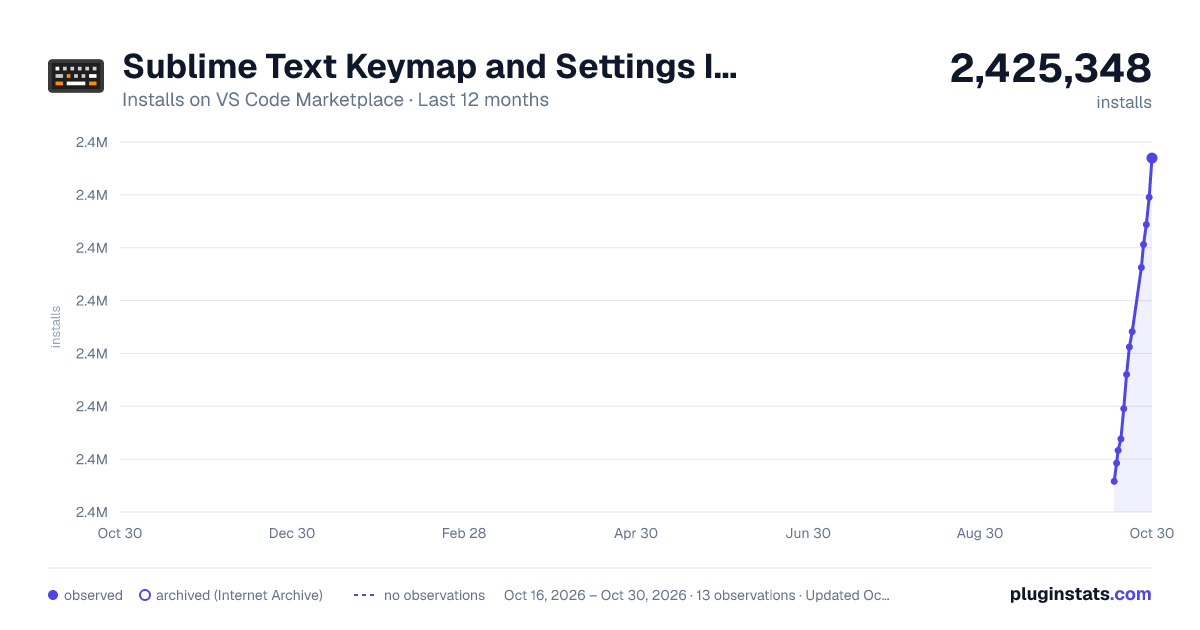
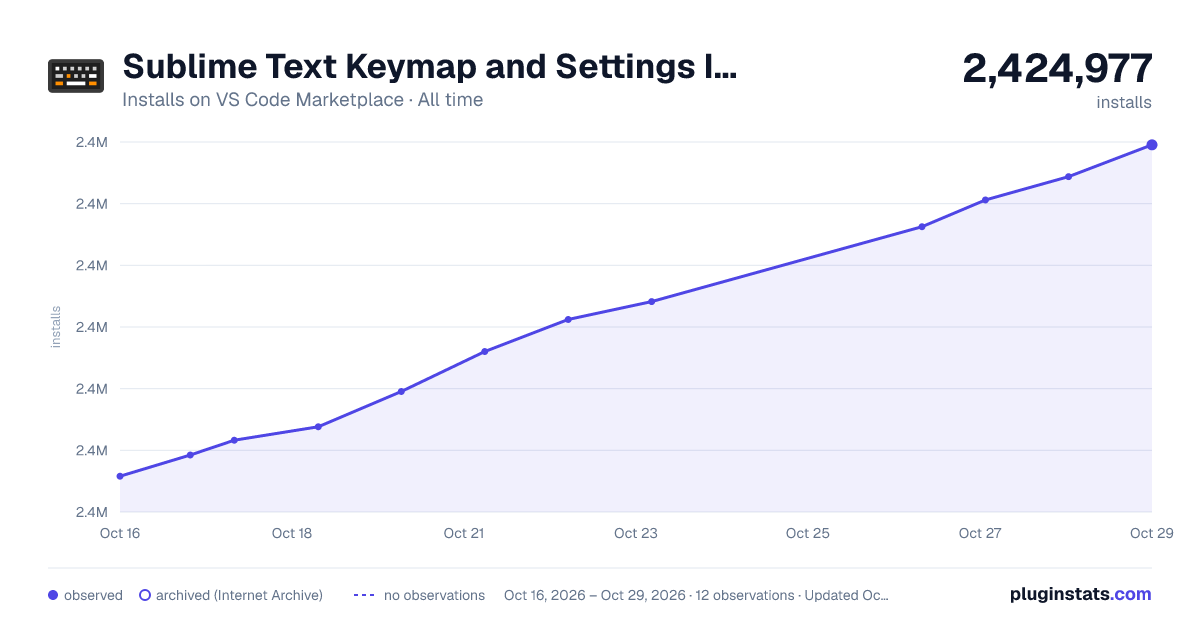

Adoption over time
7/30/90-day growth
Ranking history
Ratings over time
Listing placement
Listing placement
Filled points are observed values; hollow points come from Internet Archive snapshots of the listing page. Dashed segments span periods with no observations — values between points are not interpolated.
Each band is one page of 20. Installs on a linear scale. Placement is projected from installs, so it can differ from the marketplace's own sort order. Hover a dot to see the listing.
Recent observations
Full history (5)Similar VS Code Marketplace Keymaps plugins
All 20 Sublime Text Keymap and Settings Importer alternativesData source
Install counts, average rating, and rating counts come from the public Visual Studio Marketplace gallery API. Installs are cumulative and exclude updates.
Listing: https://marketplace.visualstudio.com/items?itemName=ms-vscode.sublime-keybindings. First seen Oct 16, 2026; last successful collection Oct 20, 2026. See the methodology.