 PluginStats
Print installs statistics
By PD Consulting · VS Code Marketplace · Other
Rendered Markdown, coloured code.
Print has 744,446 recorded installs on VS Code Marketplace, ranking #661 of 2,501 tracked listings.
Rating: 4.73 / 5 from 55 ratings
About Print
Print code. Print rendered Markdown. Local or remote. Windows, Mac or Linux.
Print is more or less feature complete and has been fairly stable for a long time, so we've bumped the version to 1.0.0 and henceforth will use semantic versioning.
This release adds a convenience for those using alternate browser path - if you enable Use alternate browser and you don't set the path, Print will probe a list of the standard installation paths for common browsers and offer you a pick list for the browsers it finds installed. If it doesn't work for your browser on your platform, gather up the details (platform and actual path on your system) and log an issue so we can expand the list. It should work for current versions of Chrome, Chromium, Brave, Firefox, Opera, Vivaldi and Microsoft Edge on all three platforms.
Hot preview
When you launch a preview of a Markdown document from the active editor, if you edit that file and stop making changes for three seconds, the proview will update in the browser. Hot preview also supports find-in-source. If you're proof-reading the rendered document and you find an error, double-clicking the paragraph will find and highlight the first line in the editor. You can adjust the settling delay in settings.
Important - if you intend to use hot preview while editing diagrams in Markdown, set up a local Kroki server and configure Print to use it. If you fail to do this you will very quickly find yourself rate-limited by the public server.
Cross-platform printing
Print-jobs are rendered as styled HTML and served from an embedded webserver. Your local web browser is launched to load the print-job and give you printing options like paper size, page orientation and margin size.
So if you have a local browser that can print, and VS Code can launch it, you can print.
Source code
Classic user experience
The print and print preview icon are on the toolbar when there is an active editor. VS Code shows extension contributions according to the language of the active editor. No active editor means no icons (someone thought we should "fix" this).
If you have a text selection that crosses at least one line-break you can right click and choose Print or Print preview from the context menu to send just the selection to the printer. In the absence of a multi-line selection the entire document is printed. You can control the position of Print and Print preview in this menu, or remove it altogether.
Or you can right-click on a file in the file explorer pane and choose Print or Print preview from the context menu.
Highly configurable
There are a number of settings. Most of them you just need to read the descriptions on the settings page, but we're old school and we wrote a manual. If things aren't going well, consider reading it. If you have first-use problems, the manual contains a troubleshooting guide.
Some things you can configure:
• the colour scheme used for syntax colouring • whether or not you want line numbers • alternate browser for printing • line spacing (leave yourself more room for handwritten annotation of code)
Planned changes
• External resources for Markdown documents - a fenced block with a language of external containing a URL and metadata, allowing a wide range of external resources to be linked into a Markdown document • The manual needs a rewrite, • how to embed diagrams • how to control the flow of text around embedded diagrams • summary extracts of documentation so you don't have to hunt • Machine translation to support major languages. This has already been applied to the extension and its settings, but high quality automated translation of documentation is proving more difficult.
Description from the VS Code Marketplace listing.
- Markdown
- PrintCode
- remote
README badge
Show your rank in a README or on your website. The badge updates automatically.
Charts
Images: 30d · 1y · all time · 1600×900 dark
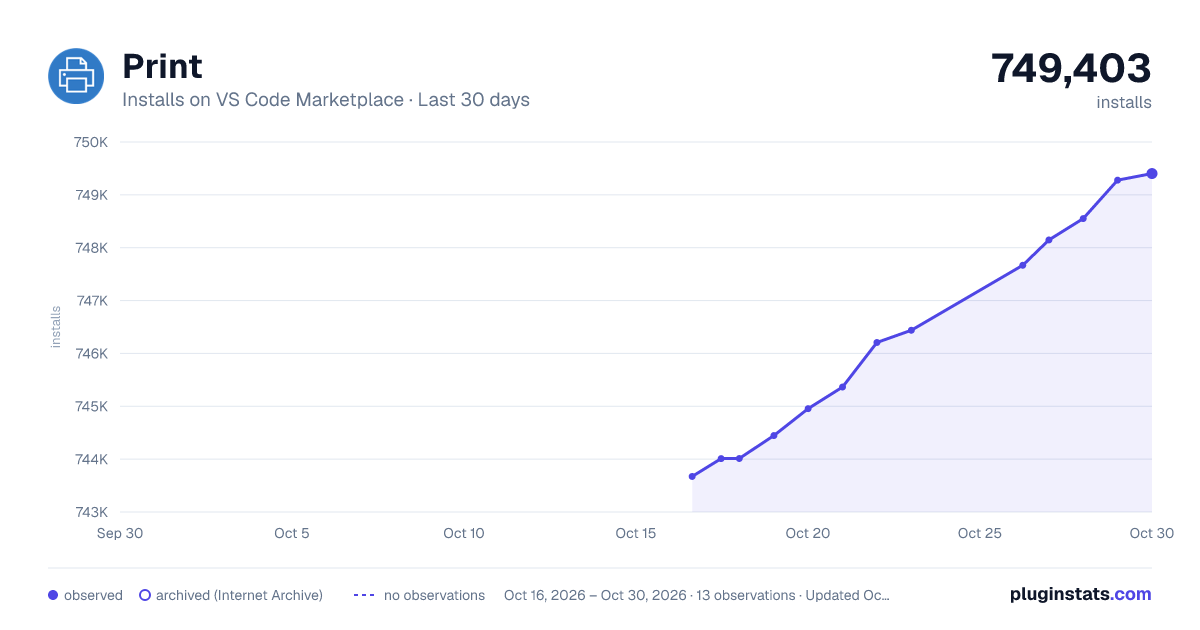
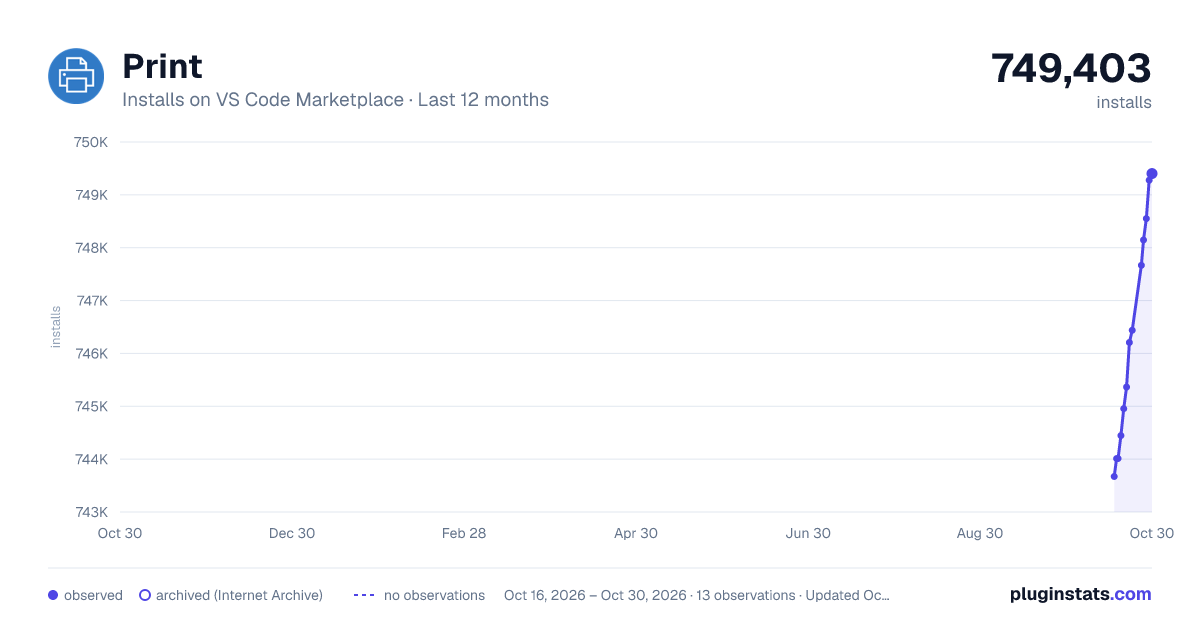
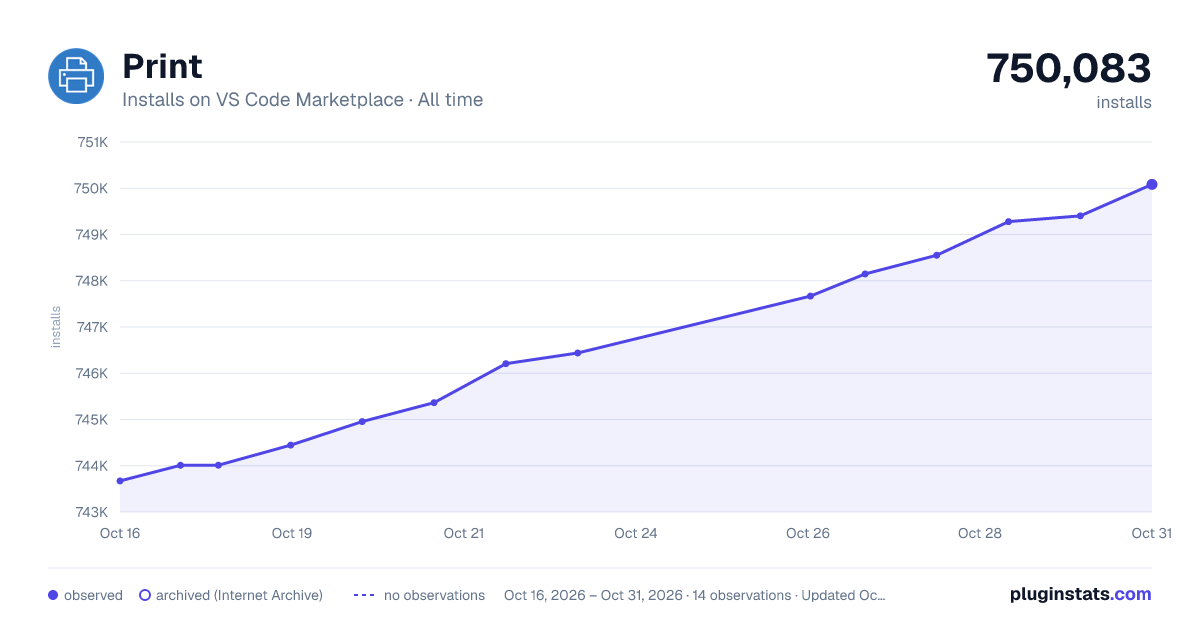

Adoption over time
7/30/90-day growth
Ranking history
Ratings over time
Listing placement
Listing placement
Filled points are observed values; hollow points come from Internet Archive snapshots of the listing page. Dashed segments span periods with no observations — values between points are not interpolated.
Each band is one page of 20. Installs on a linear scale. Placement is projected from installs, so it can differ from the marketplace's own sort order. Hover a dot to see the listing.
Recent observations
Full history (4)Similar VS Code Marketplace Other plugins
All 20 Print alternativesData source
Install counts, average rating, and rating counts come from the public Visual Studio Marketplace gallery API. Installs are cumulative and exclude updates.
Listing: https://marketplace.visualstudio.com/items?itemName=pdconsec.vscode-print. First seen Oct 16, 2026; last successful collection Oct 19, 2026. See the methodology.