 PluginStats
php cs fixer installs statistics
By junstyle (2 listings) · VS Code Marketplace · Linters
PHP CS Fixer extension for VS Code, php formatter, php code beautify tool, format html
php cs fixer has 1,315,926 recorded installs on VS Code Marketplace.
It ranks #459 of 2,500 tracked VS Code Marketplace listings by installs.
It is rated 3.8 out of 5 from 52 ratings.
PluginStats has 3 daily observations since Oct 16, 2026; the latest is from Oct 18, 2026.
Rating: 3.79 / 5 from 52 ratings
About php cs fixer
PHP CS Fixer for Visual Studio Code
This extension simply provides PHP CS Fixer command.
Installation
Open command palette F1 and select Extensions: Install Extension, then search for PHP CS Fixer.
Usage
F1 -> php-cs-fixer: fix this file
or keyboard shortcut alt+shift+f vs code default formatter shortcut
or right mouse context menu Format Document
or right mouse context menu Format Selection
or right mouse context menu on explorer php-cs-fixer: fix
Install php-cs-fixer
1. this extension has included php-cs-fixer.phar for beginner, maybe performance lower.
2. if you want to install php-cs-fixer by yourself, see: php-cs-fixer Installation guide
Configuration
TIPS: If you are using other formatters like Prettier, you can get some conflicts with auto save or other features. To fix it, you have to add this line:
install php-cs-fixer by composer
TIP: try "php-cs-fixer.bat" on Windows.
or use phar file
You also have executablePathWindows available if you want to specify Windows specific path. Useful if you share your workspace settings among different environments.
executablePath can use ${workspaceFolder} as workspace first root folder path.
[executablePath, executablePathWindows, config] can use "~/" as user home directory on os.
Additionally you can configure this extension to execute on save.
you can format html at the same time.
You can use a config file from a list of semicolon separated values
config file can place in workspace root folder or .vscode folder or any other folders:
Relative paths are only considered when a workspace folder is open.
config file .php-cs-fixer.php example
If you have installed other PHP related extensions to VS Code it may happen that another formatter is used per default. You can force this extension to be used per default by adding this to your settings:
Auto fix
For more information please visit: https://github.com/FriendsOfPHP/PHP-CS-Fixer
License
MIT
If you love this extension
Description from the VS Code Marketplace listing.
- php
Where php cs fixer sits in the listing
Each band is one page of 20. Installs on a log scale. Placement is projected from installs, so it can differ from the marketplace's own sort order. Hover a dot to see the listing.


Charts
Images: 30d · 1y · all time · 1600×900 dark
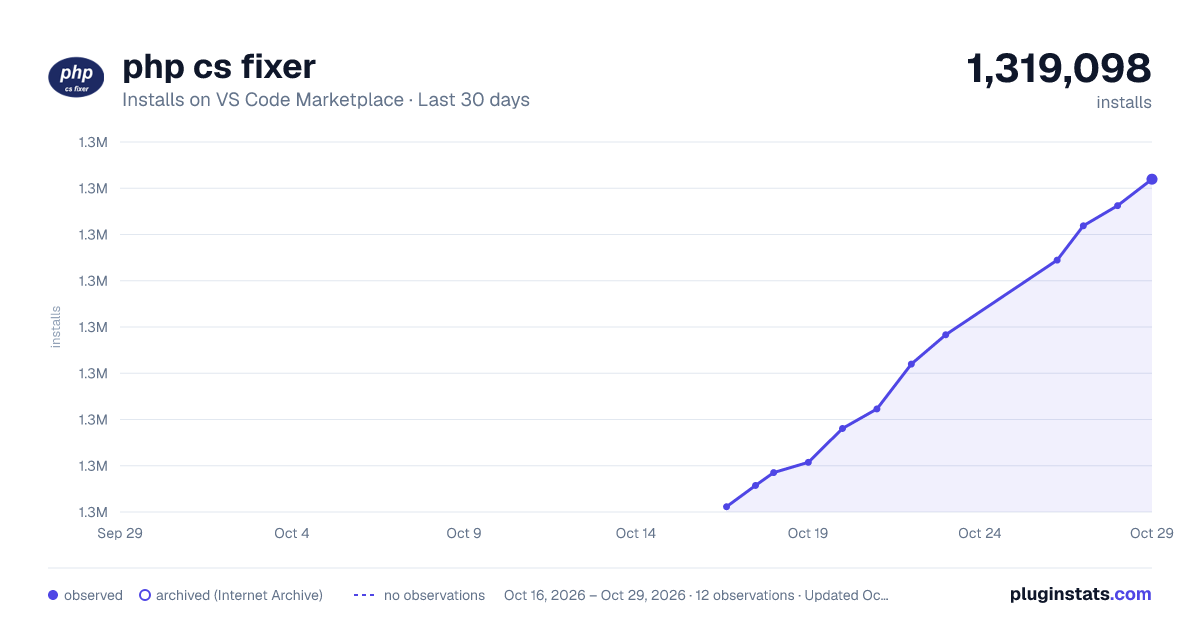
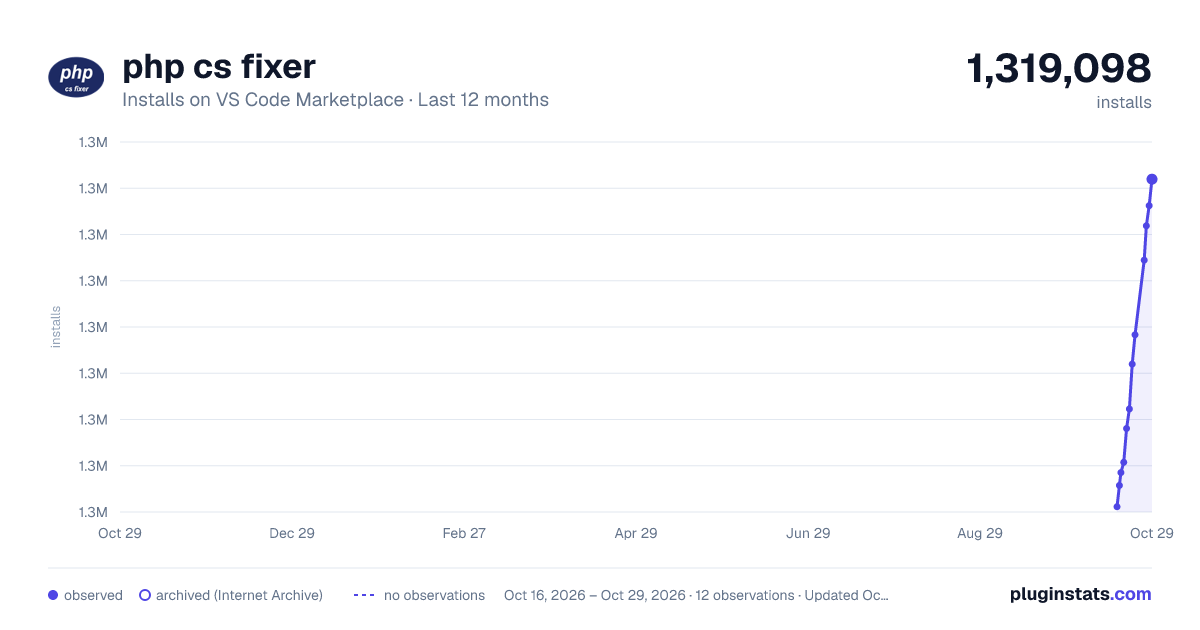
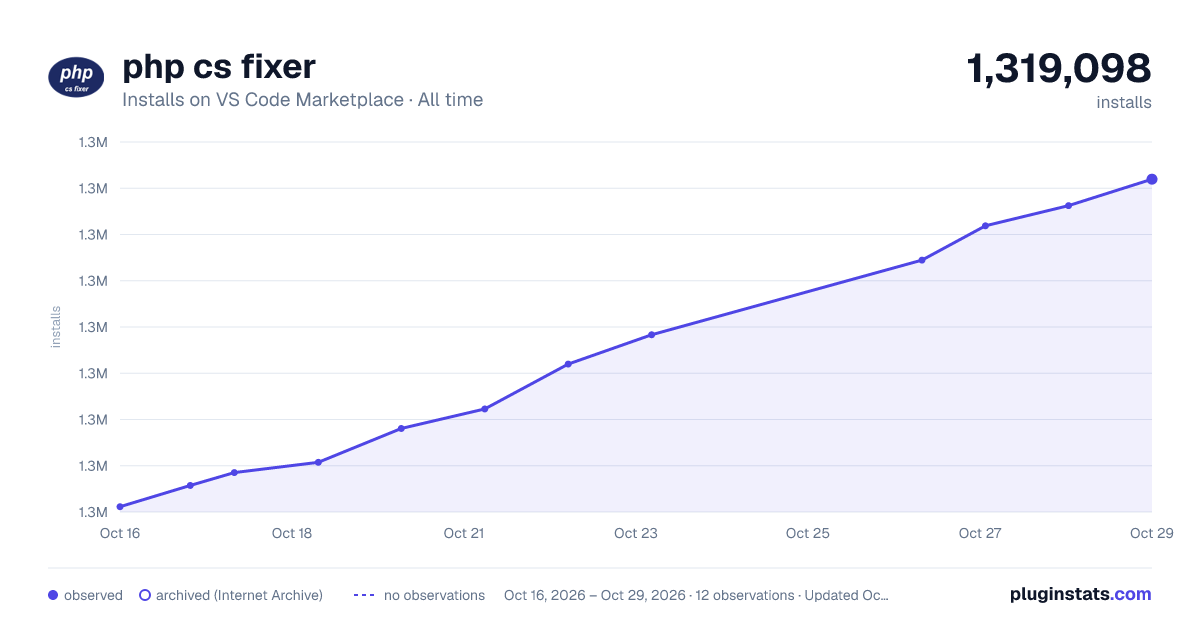

Adoption over time


7/30/90-day growth


Ranking history


Filled points are observed values; hollow points come from Internet Archive snapshots of the listing page. Dashed segments span periods with no observations — values between points are not interpolated.
Recent observations
Full history (3)Similar VS Code Marketplace Linters plugins
Data source
Install counts, average rating, and rating counts come from the public Visual Studio Marketplace gallery API. Installs are cumulative and exclude updates.
Listing: https://marketplace.visualstudio.com/items?itemName=junstyle.php-cs-fixer. First seen Oct 16, 2026; last successful collection Oct 18, 2026. See the methodology.