 PluginStats
Prompt flow for VS Code installs statistics
By Microsoft (223 listings) · VS Code Marketplace · Machine Learning
Prompt flow for VS Code has 97,824 recorded installs on VS Code Marketplace.
It ranks #2395 of 2,500 tracked VS Code Marketplace listings by installs.
It is rated 4.5 out of 5 from 4 ratings.
PluginStats has 3 daily observations since Oct 16, 2026; the latest is from Oct 18, 2026.
Rating: 4.50 / 5 from 4 ratings
About Prompt flow for VS Code
Prompt flow VS Code extension
Documents
https://microsoft.github.io/promptflow/
Quick start
Prerequisites
• VSCode Python extension: https://code.visualstudio.com/docs/languages/python • Get your Python environment ready. (Python 3.9 is recommended). Reference: https://code.visualstudio.com/docs/languages/python#_environments • Install the promptflow Python sdk: https://microsoft.github.io/promptflow/how-to-guides/quick-start.html#set-up-your-dev-environment
Keyboard shortcuts
• ctrl or cmd + n: to add a new node on current flow. • ctrl or cmd + k, then v on "flow.dag.yaml" Yaml editor: to open the visual editor with GUI support and visualization. • f5 on "flow.dag.yaml": to trigger flow debug with debugging mode for Python tools. • shift + f5 on "flow.dag.yaml": to trigger flow tests. • ctrl or cmd + s on "create/update\_{ConnectionType}\_connection.yaml": to trigger connection creation.
Install dependencies:
• Prerequisites: vscode-python extension installed and a python env for your work selected. Check out the doc: Python in VS Code for more details. • Please make sure promptflow and promptflow-tools installed correctly on your working environment. • On the VS Code primary side bar > the Prompt flow pivot > quick access, you can find the "install dependencies" entry. Try it out for more instructions.
Create connections
• You can find your connections list on: VS Code primary side bar > the Prompt flow pivot > the Connections section. • Right click on the plus icon on the top right. There will be a yaml templated opened for you. Please follow the instructions inline commented and use the code lens actions to create your connections.
Create your first flow
• Create a new working directory for your new flow. • Find the directory on the VS Code explorer, right click it and use the "new flow in this directory" to initialize your first flow. • Alternatively, you can find the "create new flow" action. • Open the "flow.dag.yaml" file in the new created flow, enjoy authoring your flow then. • If you prefer use the visual editor to edit your flow, you can find a "Visual editor" action on the top code lens actions. Try it out.
Web and remote support
Please note that this extension only supports local development. It does not provide any web(vscode.dev) or remote support for now.
Privacy and telemetry
The Prompt flow extension collects usage data and sends it to Microsoft to help us improve our product. We respect your privacy and provide transparency about our data collection practices in our privacy statement. Learn more at Visual Studio Code - Telemetry.
Description from the VS Code Marketplace listing.
- keybindings
- llm
- prompt
- prompt-flow
- prompty
Where Prompt flow for VS Code sits in the listing
Each band is one page of 20. Installs on a log scale. Placement is projected from installs, so it can differ from the marketplace's own sort order. Hover a dot to see the listing.


Charts
Images: 30d · 1y · all time · 1600×900 dark
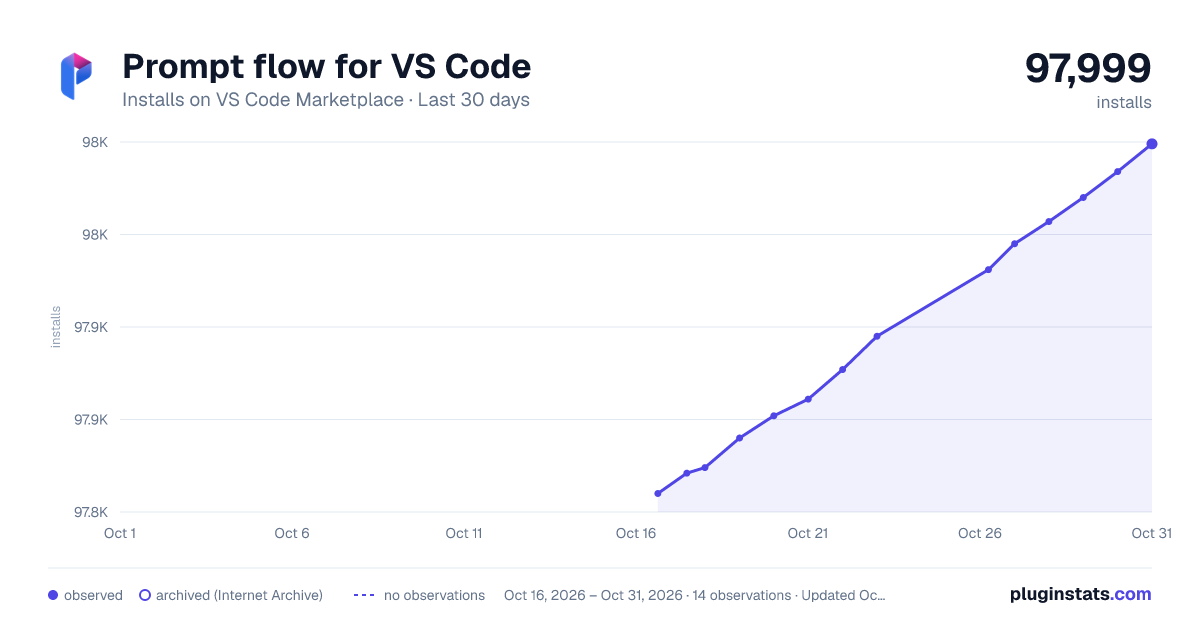
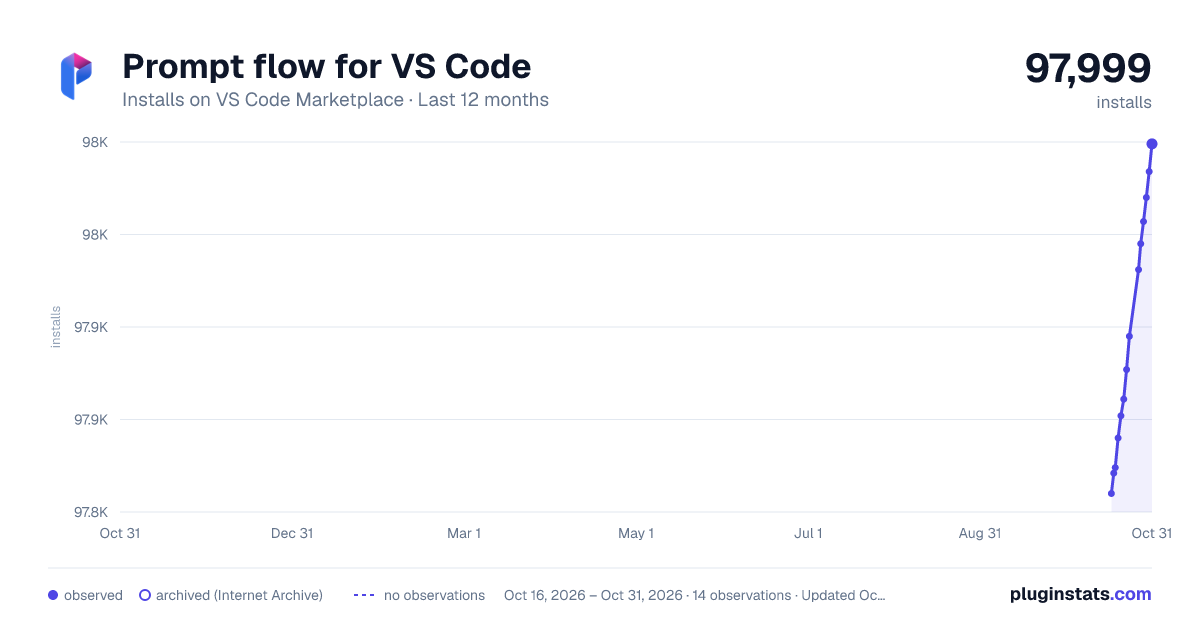
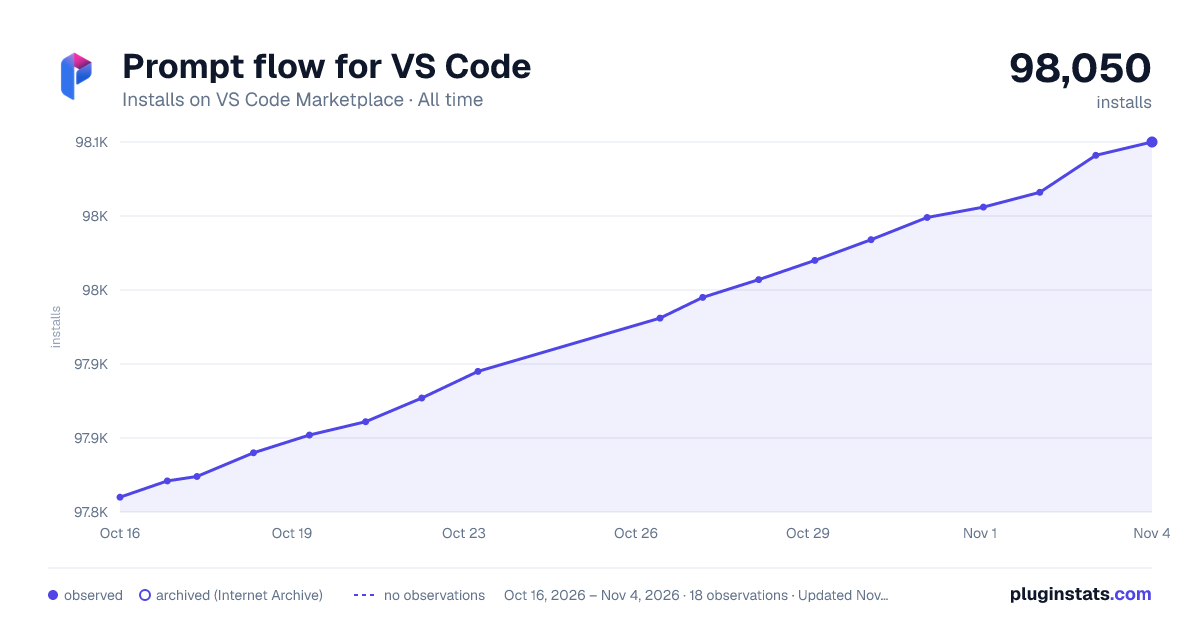

Adoption over time


7/30/90-day growth


Ranking history


Filled points are observed values; hollow points come from Internet Archive snapshots of the listing page. Dashed segments span periods with no observations — values between points are not interpolated.
Recent observations
Full history (3)Similar VS Code Marketplace Machine Learning plugins
Data source
Install counts, average rating, and rating counts come from the public Visual Studio Marketplace gallery API. Installs are cumulative and exclude updates.
Listing: https://marketplace.visualstudio.com/items?itemName=prompt-flow.prompt-flow. First seen Oct 16, 2026; last successful collection Oct 18, 2026. See the methodology.