 PluginStats
highlight-words installs statistics
By Richard Bondi · VS Code Marketplace · Other
Highlight all occurrences of words or expressions
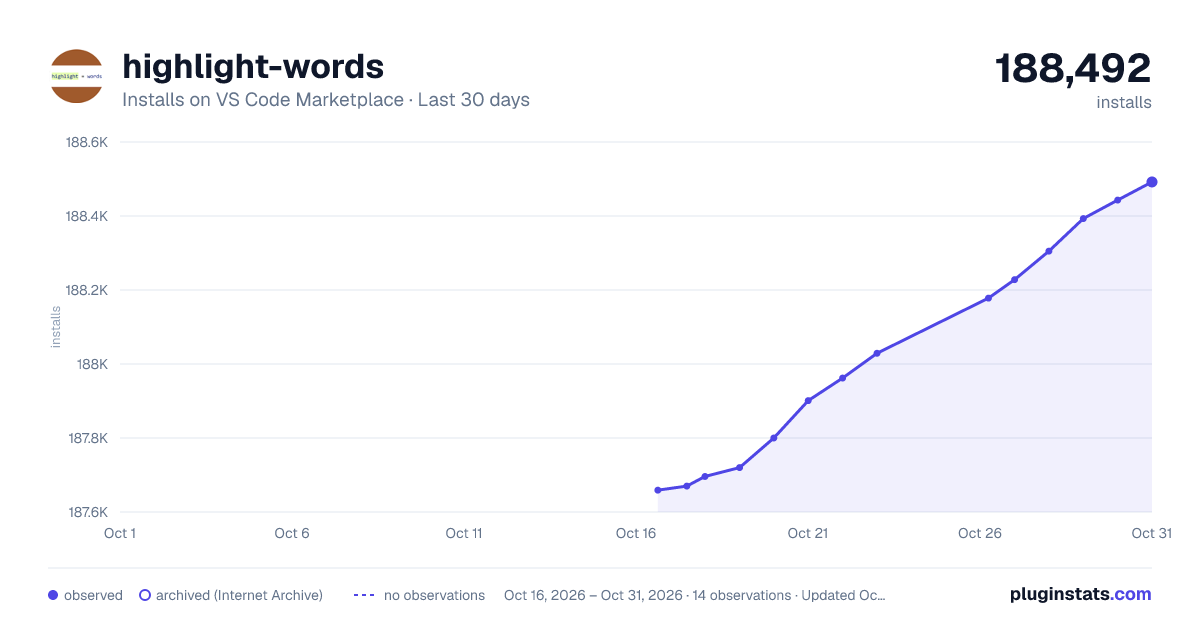
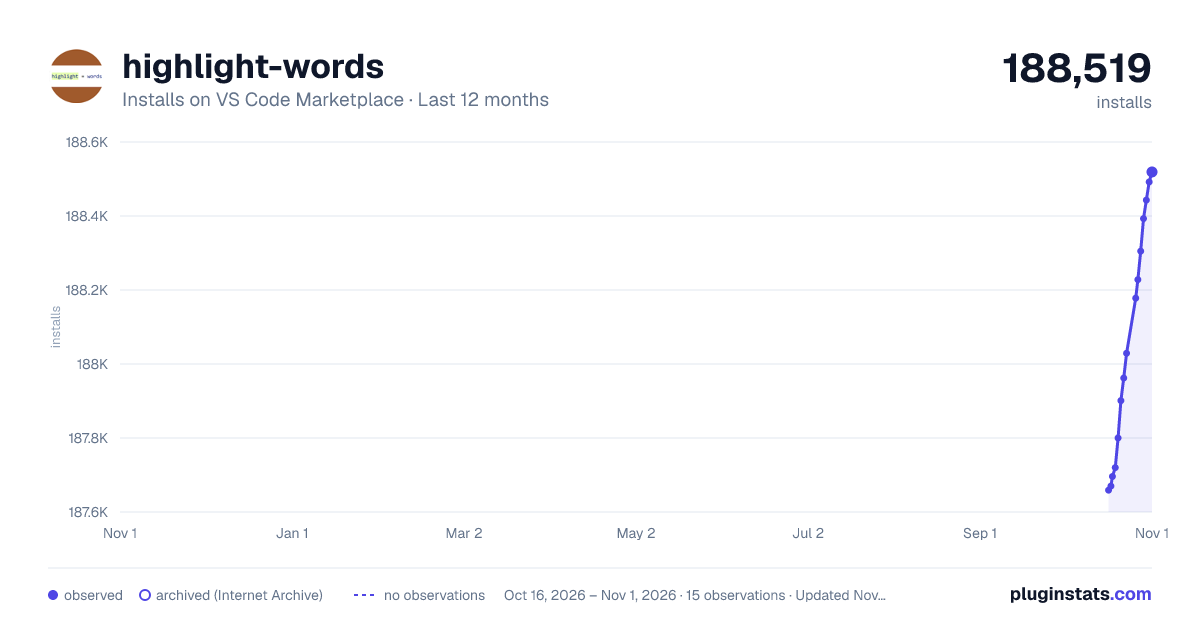
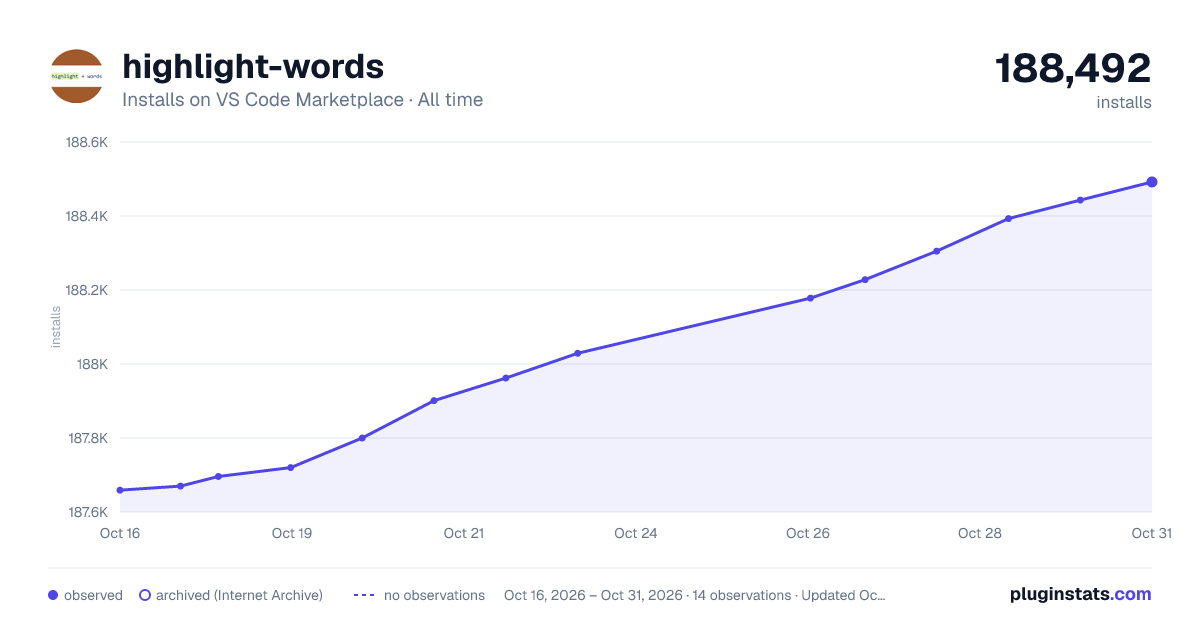
highlight-words has 187,696 recorded installs on VS Code Marketplace.
It ranks #1595 of 2,500 tracked VS Code Marketplace listings by installs.
It is rated 4.7 out of 5 from 21 ratings.
PluginStats has 3 daily observations since Oct 16, 2026; the latest is from Oct 18, 2026.
Rating: 4.71 / 5 from 21 ratings
About highlight-words
highlight-words
This extension is adapted from the sample VS code extension decorator-sample, inspired by atom-quick-highlight.
It creates a decoration for each selected word that appears in all editors.
Usage
• You can add words by chosing Highlight Toggle Current from the command pallet, this will highlight the word at the cursor or the selection. • To stop highlighting, choose Highlight Remove, then the desired word or expression, or all • You may also remove all from the command Highlight Remove All without the prompt for selection • To highlight using regular expression choose Highlight Expression and enter expression(slashes optional, can ignore case with /expression/i(g flag is automatic, i flag accepted, all others ignored). • To highlight with options choose Highlight Selection with Options and choose whole word, ignore case or both when presented • You can set the mode for "Highlight Toggle Current" from the Set Highlight Mode command. The default can be set in the configuration. • Sidebar can show in explorer view and can be toggled on and off with Highlight Toggle Sidebar command. This provides features such as navigating highlighted items, context menu for changing options and removing.
Configuration
The following options can be configured
highlightwords.colors: this is an array of light/dark pairs for respective theme types, you can have as few or as many as you like
highlightwords.box: show highlights as a box around the selections if true, set highlight as background color if false
highlightwords.defaultMode: the initial mode when initialized. 0=default, 1=whole word, 2=ignore case, 3=whole word and ignore case
highlightwords.showSidebar provides a view in the explorer window for searching, changing options and removing highlights
defaults shown below
Description from the VS Code Marketplace listing.
Where highlight-words sits in the listing
Each band is one page of 20. Installs on a log scale. Placement is projected from installs, so it can differ from the marketplace's own sort order. Hover a dot to see the listing.


Charts
Images: 30d · 1y · all time · 1600×900 dark

Adoption over time


7/30/90-day growth


Ranking history


Filled points are observed values; hollow points come from Internet Archive snapshots of the listing page. Dashed segments span periods with no observations — values between points are not interpolated.
Recent observations
Full history (3)Similar VS Code Marketplace Other plugins
Data source
Install counts, average rating, and rating counts come from the public Visual Studio Marketplace gallery API. Installs are cumulative and exclude updates.
Listing: https://marketplace.visualstudio.com/items?itemName=rsbondi.highlight-words. First seen Oct 16, 2026; last successful collection Oct 18, 2026. See the methodology.