 PluginStats
Vitest installs statistics
By Vitest (2 listings) · VS Code Marketplace · Testing
A Vite-native testing framework. It's fast!
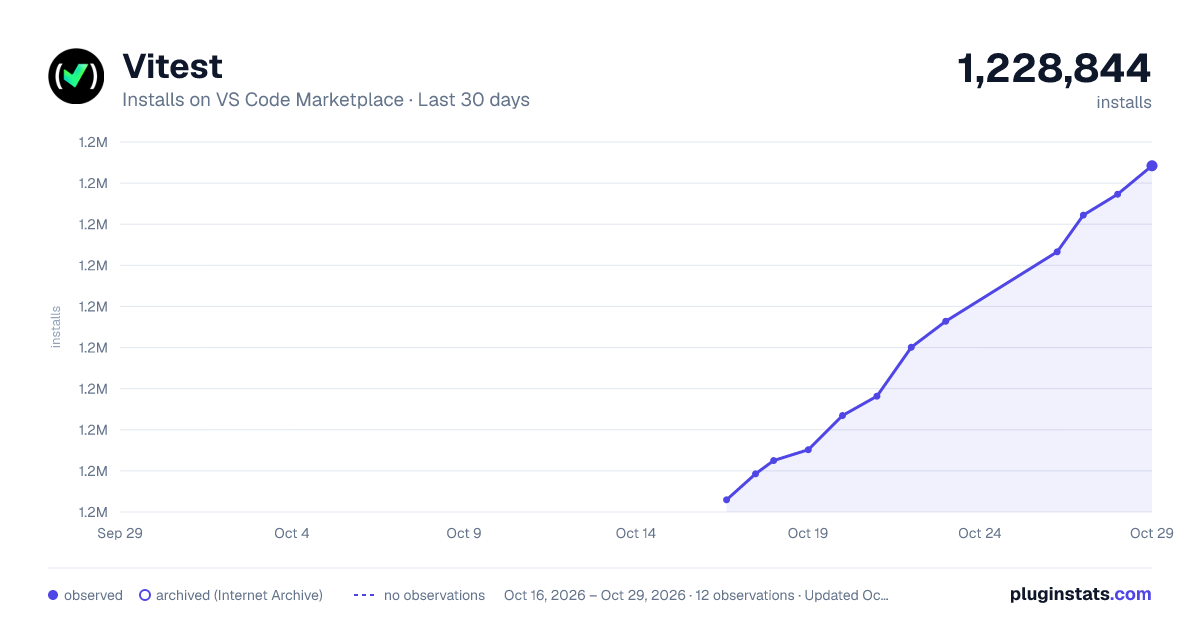
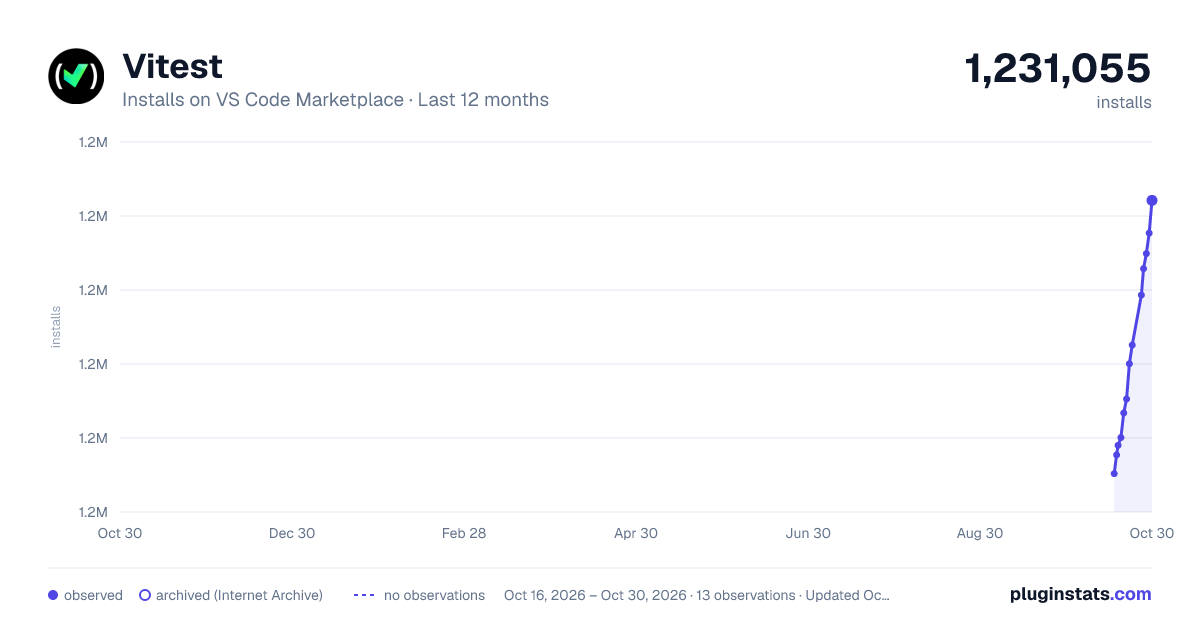
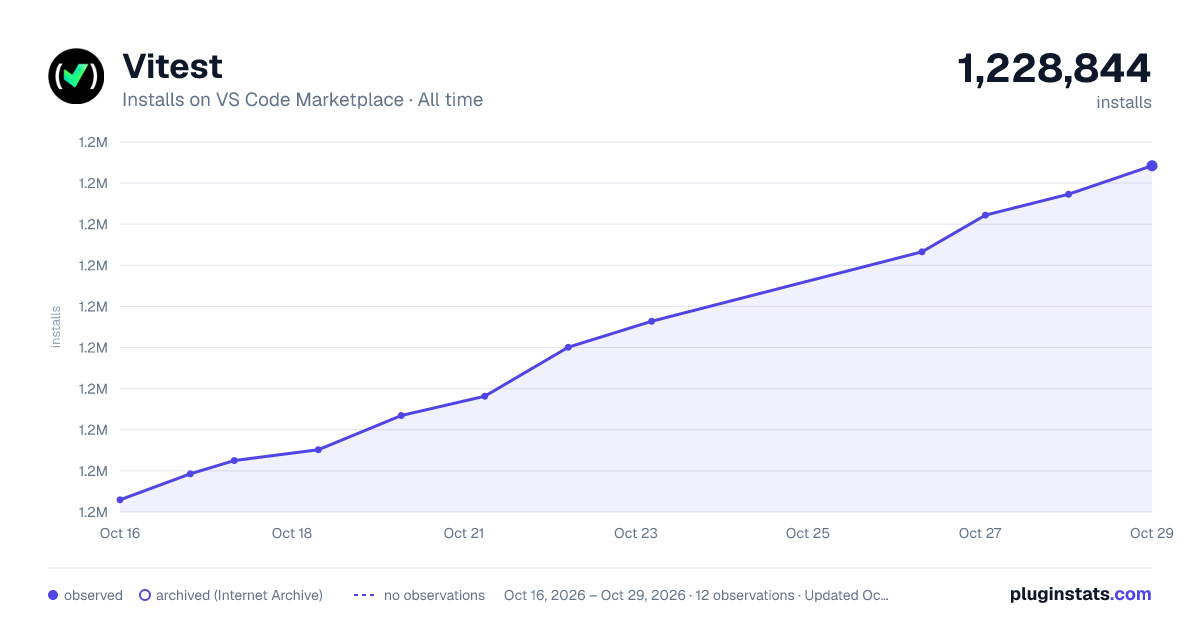
Vitest has 1,215,029 recorded installs on VS Code Marketplace.
It ranks #481 of 2,501 tracked VS Code Marketplace listings by installs.
It is rated 3.5 out of 5 from 23 ratings.
PluginStats has 4 daily observations since Oct 16, 2026; the latest is from Oct 19, 2026.
Rating: 3.48 / 5 from 23 ratings
About Vitest
Vitest extension for Visual Studio Code. Available on Visual Studio Marketplace.
Features
• Run, debug, and watch Vitest tests in Visual Studio Code. • Coverage support • Inline console.log display: Console logs appear inline in the editor next to the code that produced them • Imports duration: Displays the execution time for each import during continuous test runs. • Trace View: Opens recorded Vitest 5 browser interactions for a selected test.
Requirements
• Visual Studio Code version >= 1.77.0 • Vitest version >= v1.4.0 • Node.js version >= 18.0.0 (follows Vitest) • Coverage requires Visual Studio Code >= 1.88.0
Usage
You can manage tests both from the Testing view and directly within your test files.
Vitest uses vscode's TestController API to provide a unified testing experience. You can read the official guide on how to run tests in the VSCode Documentation.
In the Testing View
You can access the extension from the Testing view in the Visual Studio Code sidebar.
The toolbar at the top provides various commands to manage test execution:
• Refresh Tests: To reload your test suite, reflecting any new changes. • Run All Tests: To start testing all cases that are currently visible. • Debug Tests: To begin a debugging session for the tests. • Run Tests with Coverage: To start testing all cases that are currently visible, while also collecting code coverage information. • Continuous Run/Stop Continuous Run: To toggle the watch mode for running tests on file changes. • Show Output: To display detailed logs from test executions. • Miscellaneous Settings: To customize the Testing view, such as sorting and grouping tests.
💡 Hovering, or right clicking a folder, test file, test suite, or a test will reveal more actions.
The filter bar allows you to narrow down the tests displayed, focusing on specific tests by name, exclusion patterns, or tags.
Icons next to each test indicate their status—passed (checkmark), failed (cross), skipped (arrow), queued (yellow icon), or not executed (dot).
In the Test File
When viewing a test file, you'll notice test icons in the gutter next to each test case:
• Run a Single Test: Click the test icon next to a test case to run that specific test. • More Options: Right-click the test icon to open a context menu with additional options: • Run Test: Execute the selected test case. • Debug Test: Start a debugging session for the selected test case. • Run with coverage: Execute the selected test case while also collecting code coverage information. • Reveal in Test Explorer: Locate and highlight the test in the centralized Testing view. • Breakpoint Settings: Set breakpoints to pause execution during debugging. You can add a standard breakpoint, a conditional breakpoint, a logpoint, or a triggered breakpoint.
Configuration
You can identify if your config is loaded by the extension with process.env.VITEST_VSCODE and change the configuration accordingly.
Workspace Configurations
These options are resolved relative to the workspace file if there is one. If you have a single folder open in Visual Studio Code, paths will be resolved relative to that folder. If there are multiple folders, but there is no workspace file, then paths are resolved as is (so they should be absolute) - this can happen if you change your user config to have multiple folders.
| Key | Description | Type | Default |
| vitest.rootConfig | The path to your root config file. If you have several Vitest configs, consider using a Vitest workspace. | string | — | | vitest.workspaceConfig | The path to the Vitest workspace config file. You can only have a single workspace config per VSCode workspace. | string | — | | vitest.ignoreWorkspace | Ignores the workspace resolution step. The extension will only look for vitest.config files. | boolean | — | | vitest.configSearchPatternInclude | Glob pattern used when looking for config files. Applied to _config_ files, not test files inside configs. | string | **/*{vite,vitest}*.config*.{ts,js,mjs,cjs,cts,mts} | | vitest.configSearchPatternExclude | Glob pattern ignored when looking for config files. Applied to _config_ files, not test files inside configs. If the extension cannot find Vitest, please open an issue. | string | {/node_modules/, /vendor/, /.*/, *.d.ts} | | vitest.runtime | The default runtime to run tests in. Supported: auto, node, deno. If auto, the extension looks for a deno.enabled config flag or a deno.json file in the root folder. | string | auto | | vitest.shellType | The method the extension uses to spawn a Vitest process. Useful if you use a custom shell script to set up the environment. When using terminal, a websocket connection is established. | "child_process" \| "terminal" | child_process | | vitest.nodeExecutable | The path to the Node.js executable. If not set, tries to find it via PATH or which. Only applies when vitest.shellType is child_process. | string | — | | vitest.nodeExecArgs | Arguments to pass to the Node.js executable. Only applies when vitest.shellType is child_process. | string[] | — | | vitest.terminalShellPath | The path to the shell executable. Only applies when vitest.shellType is terminal. | string | — | | vitest.terminalShellArgs | Arguments to pass to the shell executable. Only applies when vitest.shellType is terminal. | string[] | — | | vitest.debuggerPort | Port the debugger will be attached to. Uses 9229 or finds a free port if unavailable. | number | 9229 | | vitest.debuggerAddress | TCP/IP address of the process to be debugged. | string | localhost | | vitest.cliArguments | Additional arguments to pass to the Vitest CLI. Note: watch, reporter, api, and ui are ignored. Example: --mode=staging | string | — | | vitest.showImportsDuration | Show how long it took to import and transform modules. Hovering provides more diagnostics. | boolean | — | | vitest.watchOnStartup | Keep Vitest running in the background on startup, rerunning tests when files change. Same as enabling continuous run. |…
Description from the VS Code Marketplace listing.
- javascript
- test
- typescript
- vitest
- Vitest Snapshot
- vitest-snapshot
Charts
Images: 30d · 1y · all time · 1600×900 dark

Adoption over time


7/30/90-day growth


Ratings over time


Listing placement


Filled points are observed values; hollow points come from Internet Archive snapshots of the listing page. Dashed segments span periods with no observations — values between points are not interpolated.
Each band is one page of 20. Installs on a log scale. Placement is projected from installs, so it can differ from the marketplace's own sort order. Hover a dot to see the listing.
Recent observations
Full history (4)Similar VS Code Marketplace Testing plugins
All 20 Vitest alternativesData source
Install counts, average rating, and rating counts come from the public Visual Studio Marketplace gallery API. Installs are cumulative and exclude updates.
Listing: https://marketplace.visualstudio.com/items?itemName=vitest.explorer. First seen Oct 16, 2026; last successful collection Oct 19, 2026. See the methodology.