 PluginStats
jumpy installs statistics
By wmaurer (2 listings) · VS Code Marketplace · Other
Jumpy provides fast cursor movement, inspired by Atom's package of the same name.
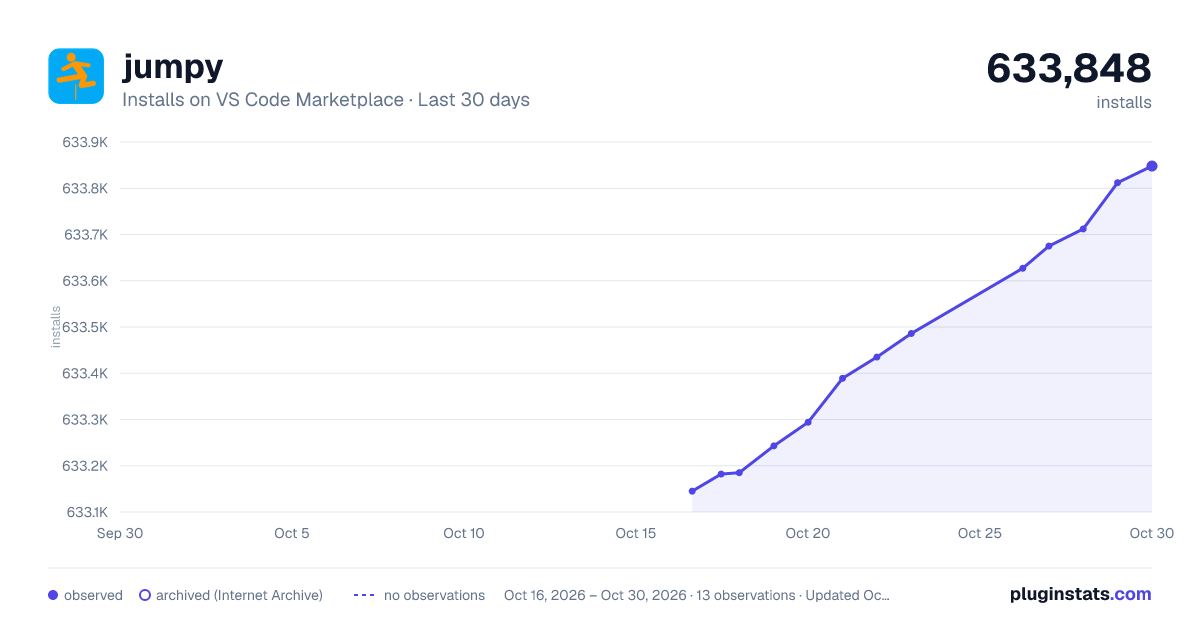
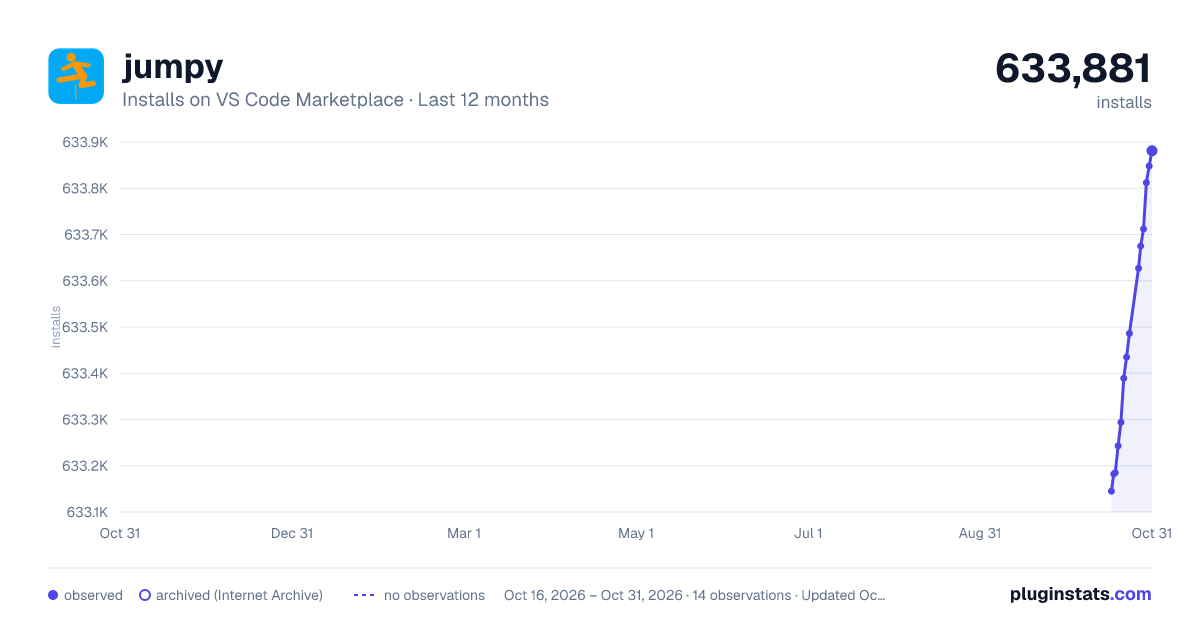
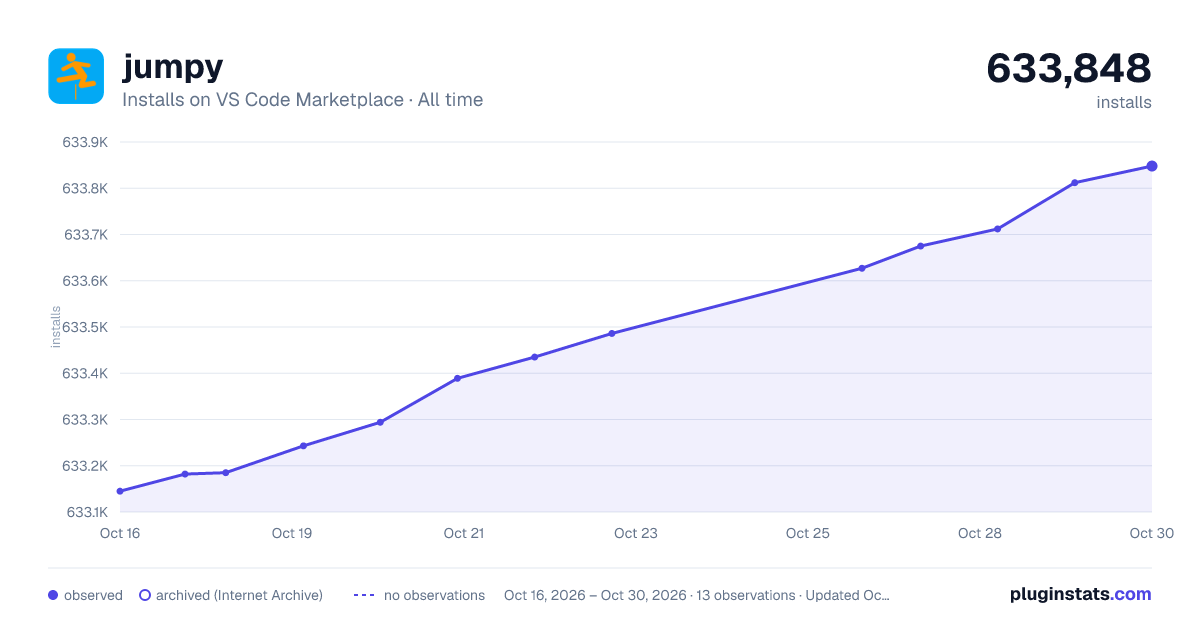
jumpy has 633,243 recorded installs on VS Code Marketplace.
It ranks #741 of 2,501 tracked VS Code Marketplace listings by installs.
It is rated 4.6 out of 5 from 23 ratings.
PluginStats has 4 daily observations since Oct 16, 2026; the latest is from Oct 19, 2026.
Rating: 4.61 / 5 from 23 ratings
About jumpy
Jumpy Extension for Visual Studio Code
Feature Overview
Jumpy provides fast cursor movement, inspired by Atom's package of the same name.
Commands
When Jumpy is activated, decorations (two-letter codes) are created in the area around your cursor. Then simply type in a two letter code to jump to that position.
Where the decorations are created is dependent on the command you use:
• extension.jumpy-word (Jumpy Word Mode): creates decorations for words in the area around your cursor • extension.jumpy-line (Jumpy Line Mode): creates decorations for non-empty lines in the area around your cursor
No default keybindings have been provided with this extension to avoid conflicts. Instructions for setting up your own keybindings are here
To exit Jumpy mode, press a non-a-z key such as space or enter.
To set up the keybindings like Atom (Shift+Enter), add the following to your keybindings.json (File -> Preferences -> Keyboard Shortcuts):
You can also set up a special keybinding to exit Jumpy mode, for example ESC:
Settings
Jumpy settings can be configured by adding entries into your settings.json (File -> Preferences -> User Settings). The following settings are available:
"jumpy.wordRegexp": The Regexp to use to match words in Jumpy Word Mode. The default is "\\w{2,}" which matches a string of characters [A-Za-z0-9_], length two or more. To match individual words inside camel case, for example, override with "([A-Z]+([0-9a-z])*)|[a-z0-9]{2,}".
"jumpy.lineRegexp": The Regexp to use to match empty lines (Jumpy won't create decorations for empty lines). The default is "^\\s*$"
Support
Create an issue
Description from the VS Code Marketplace listing.
- AceJump
- EasyMotion
- jump
- jumpy
Charts
Images: 30d · 1y · all time · 1600×900 dark

Adoption over time


7/30/90-day growth


Ratings over time


Listing placement


Filled points are observed values; hollow points come from Internet Archive snapshots of the listing page. Dashed segments span periods with no observations — values between points are not interpolated.
Each band is one page of 20. Installs on a log scale. Placement is projected from installs, so it can differ from the marketplace's own sort order. Hover a dot to see the listing.
Recent observations
Full history (4)Similar VS Code Marketplace Other plugins
All 20 jumpy alternativesData source
Install counts, average rating, and rating counts come from the public Visual Studio Marketplace gallery API. Installs are cumulative and exclude updates.
Listing: https://marketplace.visualstudio.com/items?itemName=wmaurer.vscode-jumpy. First seen Oct 16, 2026; last successful collection Oct 19, 2026. See the methodology.