 PluginStats
Azure Pipelines installs statistics
By Microsoft (223 listings) · VS Code Marketplace · Programming Languages
Syntax highlighting, IntelliSense, and more for Azure Pipelines YAML
Azure Pipelines has 1,496,543 recorded installs on VS Code Marketplace.
It ranks #421 of 2,500 tracked VS Code Marketplace listings by installs.
It is rated 2.3 out of 5 from 45 ratings.
PluginStats has 3 daily observations since Oct 16, 2026; the latest is from Oct 18, 2026.
Rating: 2.33 / 5 from 45 ratings
About Azure Pipelines
Azure Pipelines for VS Code
Get it on the VS Code Marketplace!
This VS Code extension adds syntax highlighting and autocompletion for Azure Pipelines YAML to VS Code. It also helps you set up continuous build and deployment for Azure WebApps without leaving VS Code.
Validation
Basic YAML validation is built in to VS Code, but now you can have syntax highlighting that's aware of the Pipelines YAML schema. This means that you get red squigglies if you say tasks: where you meant task:. IntelliSense is also schema-aware. Wherever you are in the file, press Ctrl-Space to see what options you have at that point.
By default, the extension will highlight known Azure Pipelines files in the root of your workspace. You can change the language mode at the lower right to work with one file at a time. Click the language picker, then choose "Azure Pipelines". If you have files which should always use this extension, set your user or workspace settings to match those file paths with this extension. For example:
Schema auto-detection
Out of the box, the extension has a generic schema file that includes only in-box tasks. You probably have custom tasks installed in your organization.
To provide the most relevant IntelliSense, the extension will automatically detect and use your organization's schema! All you need to do is follow the instructions when prompted.
Using a different Microsoft Entra tenant
The extension uses your account's default tenant to connect to Azure DevOps. Sometimes, this is not what you want as your Azure DevOps organization is linked to a different tenant.
To get the extension to use the correct tenant, go to the Tenant setting and enter the Microsoft Entra tenant ID that your organization uses. You can view which tenant your organization is connected to by going to https://dev.azure.com/YOUR-ORG-HERE/_settings/organizationAad.
Specific schema
If you need to use a specific schema, that is also possible.
1. Visit https://dev.azure.com/YOUR-ORG-HERE/_apis/distributedtask/yamlschema and save the output as my-schema.json. 2. Edit your workspace's settings.json to include this:
Document formatting
Since this extension defines a new file type ("azure-pipelines"), any YAML formatter you've installed no longer applies to pipelines documents. Hat tip to @mgexm and @dotnetcanuck for sharing how they restored this functionality. We'll demonstrate with the Prettier VS Code extension:
Add this to your settings.json:
Both format on save and the Format document command should now work!
Telemetry
VS Code collects usage data and sends it to Microsoft to help improve our products and services. Read our privacy statement to learn more. If you don’t wish to send usage data to Microsoft, you can set the telemetry.enableTelemetry setting to false. Learn more in our FAQ.
Extension Development
If you are only working on the extension (i.e. syntax highlighting, configure pipeline, and the language client): • Run npm install to install all necessary dependencies • Run npm run watch to automatically rebuild the extension whenever you make changes • Run the "Extension" debug configuration to launch a VS Code window using your modified version of the extension
If you are also working on the language server: • Follow the first two steps above • Clone the azure-pipelines-language-server repository alongside this repository • Run npm link ../azure-pipelines-language-server/language-server • Follow the instructions in the language server README to link the language service to the language server • Add the azure-pipelines-language-server folder to your VS Code workspace • Run the "Launch Extension & Attach to Server" debug configuration • Note: In order to attach to the server, the extension must be activated (in other words, make sure you are editing an Azure Pipelines file) • In case the attach request timeouts before the server can start, wait for it to start and then run the "Attach to Server" debug configuration
Contributing
See CONTRIBUTING.md if you want to jump in!
Description from the VS Code Marketplace listing.
- Azure Pipelines
- AzurePipelines
- azure-pipelines
- CI/CD
- continuous integration
- YAML
Where Azure Pipelines sits in the listing
Each band is one page of 20. Installs on a log scale. Placement is projected from installs, so it can differ from the marketplace's own sort order. Hover a dot to see the listing.


Charts
Images: 30d · 1y · all time · 1600×900 dark

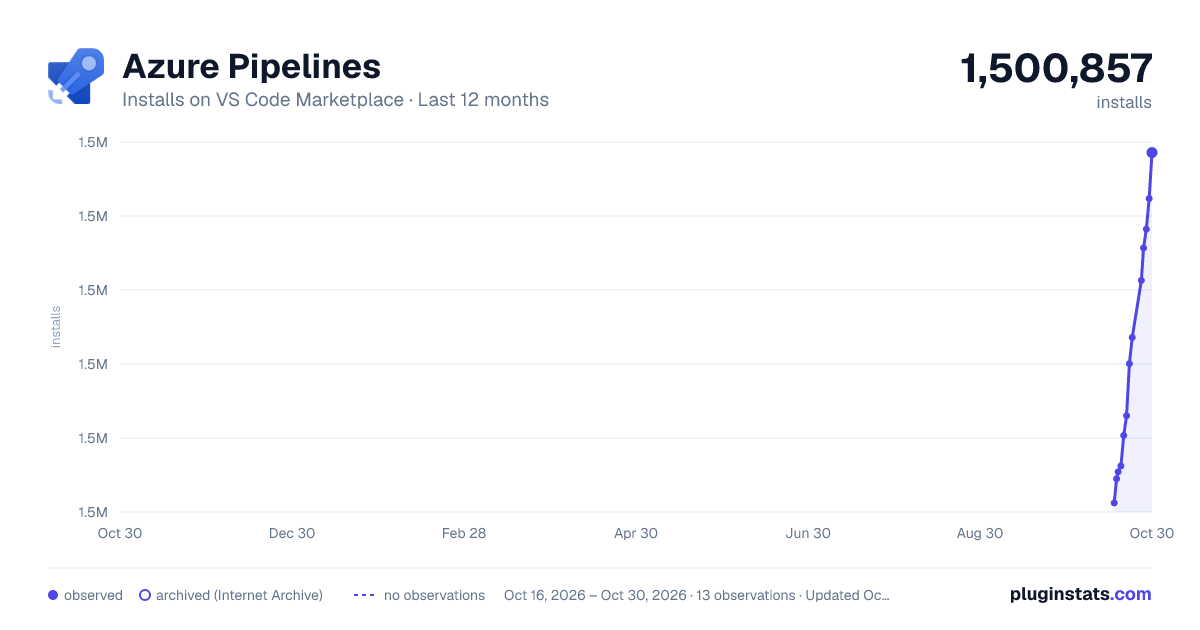
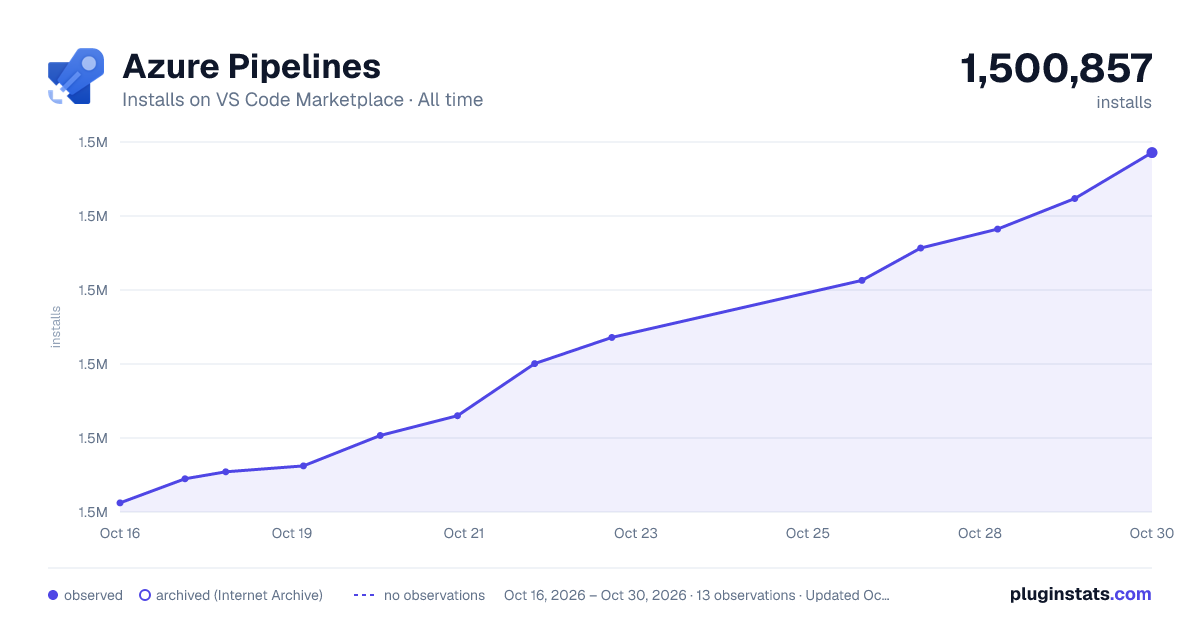

Adoption over time


7/30/90-day growth


Ranking history


Filled points are observed values; hollow points come from Internet Archive snapshots of the listing page. Dashed segments span periods with no observations — values between points are not interpolated.
Recent observations
Full history (3)Similar VS Code Marketplace Programming Languages plugins
Data source
Install counts, average rating, and rating counts come from the public Visual Studio Marketplace gallery API. Installs are cumulative and exclude updates.
Listing: https://marketplace.visualstudio.com/items?itemName=ms-azure-devops.azure-pipelines. First seen Oct 16, 2026; last successful collection Oct 18, 2026. See the methodology.