 PluginStats
NoteIM: Fast Image & Markdown Sharing installs statistics
By starkwang · VS Code Marketplace · Programming Languages
Upload images & share Markdown documents with one click. Zero configuration, instant sharing.
NoteIM: Fast Image & Markdown Sharing has 570,019 recorded installs on VS Code Marketplace.
It ranks #788 of 2,501 tracked VS Code Marketplace listings by installs.
It is rated 1.5 out of 5 from 8 ratings.
PluginStats has 4 daily observations since Oct 16, 2026; the latest is from Oct 19, 2026.
Rating: 1.50 / 5 from 8 ratings
About NoteIM: Fast Image & Markdown Sharing
NoteIM: Fast Image & Markdown Sharing
The simplest way to upload images and share Markdown notes from VSCode. Zero configuration required.
✨ Core Features
1. Upload Image
• How it works: Copy an image, press Cmd+Alt+V (macOS) or Ctrl+Alt+V (Windows), and the Markdown link is instantly inserted into your document. • From File: Use the NoteIM: Upload Image command to select and upload an image file.
2. Share Markdown
• How it works: With a Markdown file open, press Cmd+Alt+E (macOS) or Ctrl+Alt+E (Windows) to generate a secure, shareable short link. • Options: Set an expiration time or protect your note with a password.
🚀 Getting Started
1. Install the extension. 2. Upload an image: Copy an image and press Cmd+Alt+V. 3. Share a note: Open a Markdown file and press Cmd+Alt+E (macOS) or Ctrl+Alt+E (Windows).
That's it! Your device is automatically activated on the first upload.
⚙️ All Commands
Access these via the Command Palette (Cmd+Shift+P):
• NoteIM: Paste Image: Upload image from clipboard. • NoteIM: Upload Image: Upload image from file. • NoteIM: Share Markdown: Share the current Markdown file. • NoteIM: View Uploaded Files: Manage your uploaded images. • NoteIM: View Shared Notes: Manage your shared notes. • NoteIM: Show API Key: View your API key for web dashboard access at noteim.com.
❓ Feedback
For issues or suggestions, please open an issue on GitHub.
Description from the VS Code Marketplace listing.
- keybindings
Where NoteIM: Fast Image & Markdown Sharing sits in the listing
Each band is one page of 20. Installs on a log scale. Placement is projected from installs, so it can differ from the marketplace's own sort order. Hover a dot to see the listing.


Charts
Images: 30d · 1y · all time · 1600×900 dark
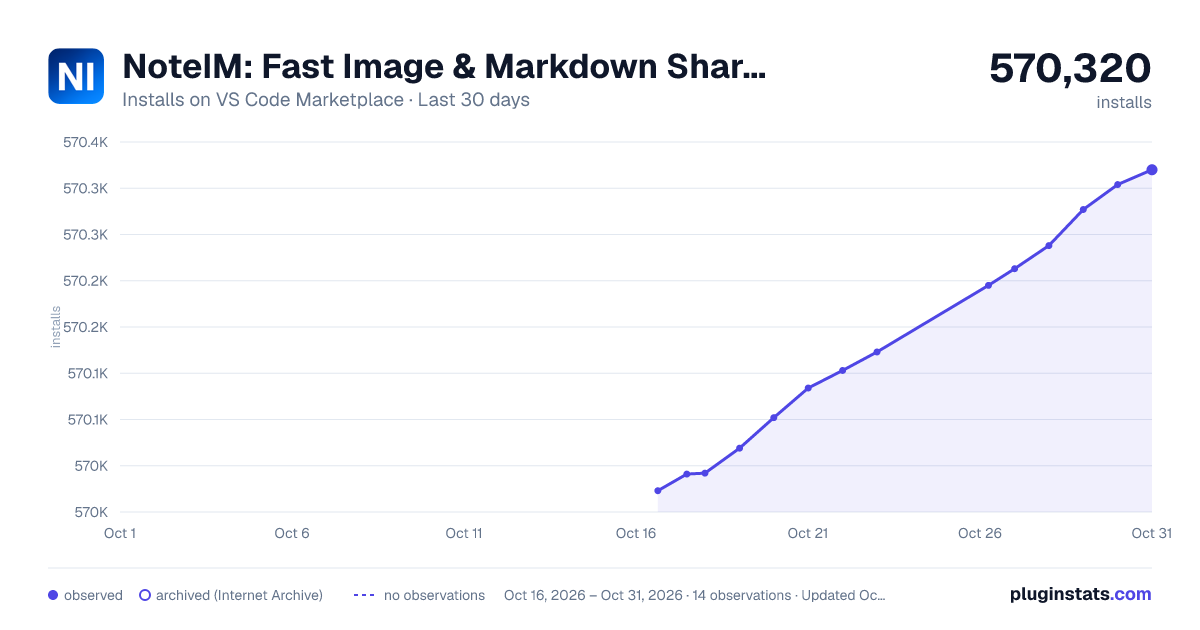
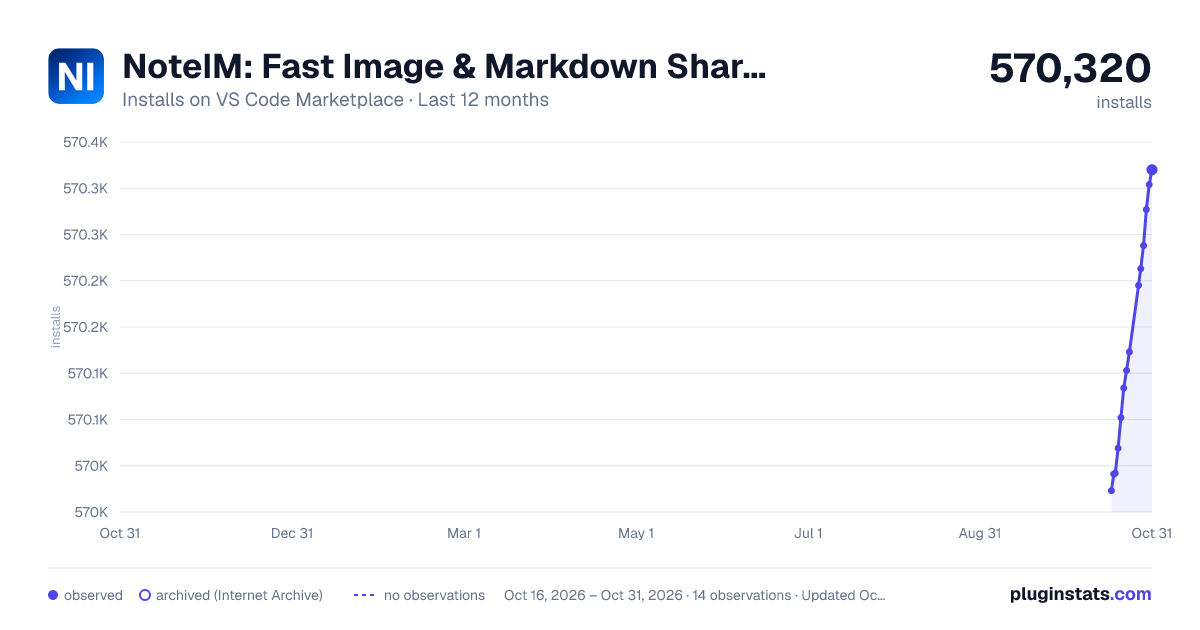
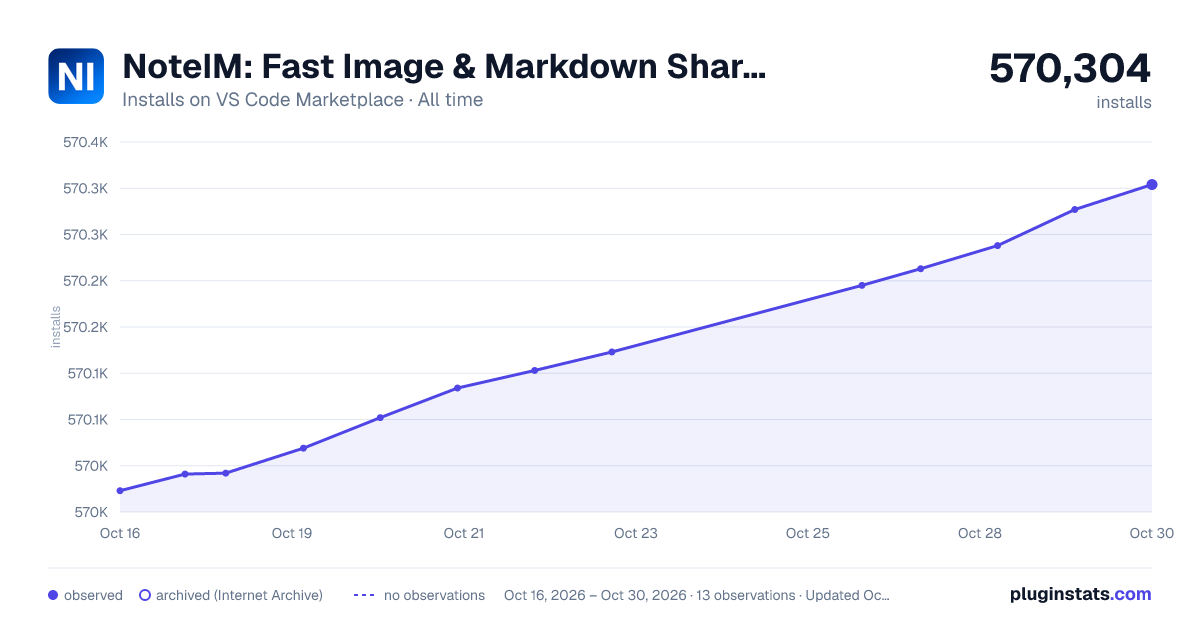

Adoption over time


7/30/90-day growth


Ranking history


Filled points are observed values; hollow points come from Internet Archive snapshots of the listing page. Dashed segments span periods with no observations — values between points are not interpolated.
Recent observations
Full history (4)Similar VS Code Marketplace Programming Languages plugins
Data source
Install counts, average rating, and rating counts come from the public Visual Studio Marketplace gallery API. Installs are cumulative and exclude updates.
Listing: https://marketplace.visualstudio.com/items?itemName=starkwang.markdown. First seen Oct 16, 2026; last successful collection Oct 19, 2026. See the methodology.