 PluginStats
PHP Profiler installs statistics
By DEVSENSE (4 listings) · VS Code Marketplace · Programming Languages
Support for PHP (Xdebug) profiling files and inspecting them.
PHP Profiler has 6,622,954 recorded installs on VS Code Marketplace.
It ranks #145 of 2,501 tracked VS Code Marketplace listings by installs.
It is rated 5.0 out of 5 from 5 ratings.
PluginStats has 4 daily observations since Oct 16, 2026; the latest is from Oct 19, 2026.
Rating: 5.00 / 5 from 5 ratings
About PHP Profiler
PHP Profiler for Visual Studio Code
Xdebug profile files (_cachegrind format_) can be opened, viewed, and inspected. The extension also highlights hot paths in your code, according to the profiling results. There is more, please see the features below for the details.
Overview
PHP code profiling allows you to inspect how much time and how many calls were made to every single function in the code.
The extension enables inspecting of Xdebug profile files which contain information about PHP code performance. It works best in combination with PHP Tools for Visual Studio Code. Debug, profile, and inspect the profiling results right in Visual Studio Code.
Quickly Setup PHP for Profiling
• Ensure, you have PHP installed. • Ensure Xdebug PHP extension is installed as well. • Make sure PHP zlib extension is enabled (recommended). • With PHP Tools for Visual Studio Code, use the following launch.json setting:
Opening Profiling Result
Open the file containing your profiling data. By default, it is in form of cachegrind.out.%p.gz.
Using Command Palette
• Bring the Command Palette, and run Open Profile File (Xdebug Profiling Output). • Choose the file, and confirm.
Drag & Drop "cachegrind.out.*.gz" File
Alternatively, if your profile file name is in form of cachegrind.out.%p.gz, you can open the file right in the Visual Studio Code editor - using File/Open File menu.
Be aware, large files may take some time to open.
Inspecting Call Times
The following view lists all the functions with the number of calls (_Calls_), time spent by the function body (_Self Time_), and time including nested calls (_Time_).
Inspecting Callers/Callees
The Function Details view is focused on a single function; and displays all the calling functions and all the called functions, including the time information.
Highlighting Hot Paths
The loaded profiling result file is analyzed, and hot paths are highlighted directly in the source code. Highlighting can be turned off in the profiling result view.
See Also
• PHP Tools for Visual Studio - All-in-One PHP language integration for VS Code. • Profiling Documentation • Documentation • Pricing - Purchase PREMIUM version of PHP Tools including the Profiler.
Notes
The extension may send us (DEVSENSE s.r.o.) error telemetries, if enabled in VS Code (see Telemetry settings). Data are anonymized, sampled, and destroyed after 30 days. This helps us to make the product stable and reliable. We do not provide the data to any 3rd party.
Description from the VS Code Marketplace listing.
- cachegrind
- php
- php tools
- profile
- profiler
- tools
- xdebug
Where PHP Profiler sits in the listing
Each band is one page of 20. Installs on a log scale. Placement is projected from installs, so it can differ from the marketplace's own sort order. Hover a dot to see the listing.


Charts
Images: 30d · 1y · all time · 1600×900 dark
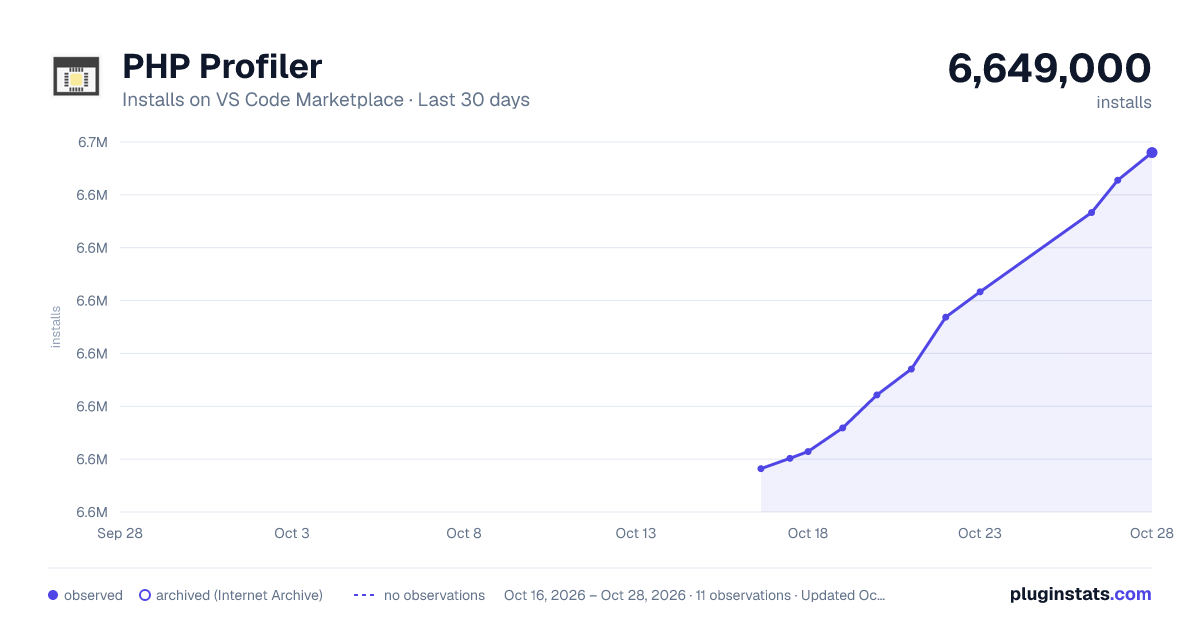
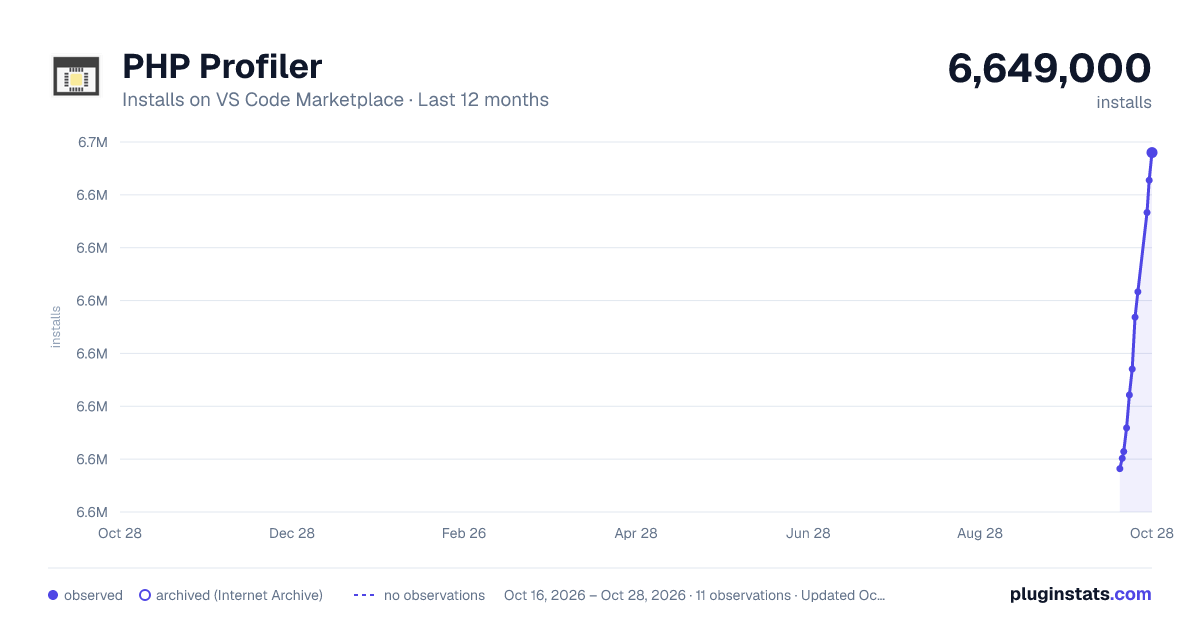
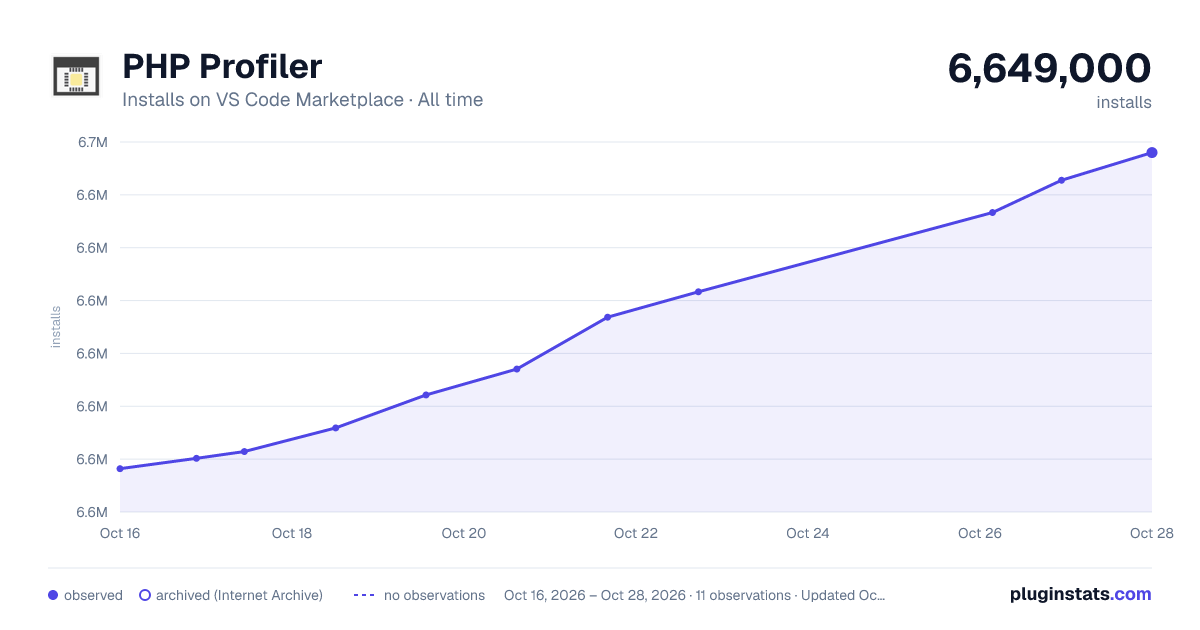

Adoption over time


7/30/90-day growth


Ranking history


Filled points are observed values; hollow points come from Internet Archive snapshots of the listing page. Dashed segments span periods with no observations — values between points are not interpolated.
Recent observations
Full history (4)Similar VS Code Marketplace Programming Languages plugins
Data source
Install counts, average rating, and rating counts come from the public Visual Studio Marketplace gallery API. Installs are cumulative and exclude updates.
Listing: https://marketplace.visualstudio.com/items?itemName=DEVSENSE.profiler-php-vscode. First seen Oct 16, 2026; last successful collection Oct 19, 2026. See the methodology.