 PluginStats
debug-tracker-vscode installs statistics
By mcu-debug (4 listings) · VS Code Marketplace · Other
A generic debug tracker that provides API/Event services for other extensions. It exposes the API as an extension or you can embed the library in your extension
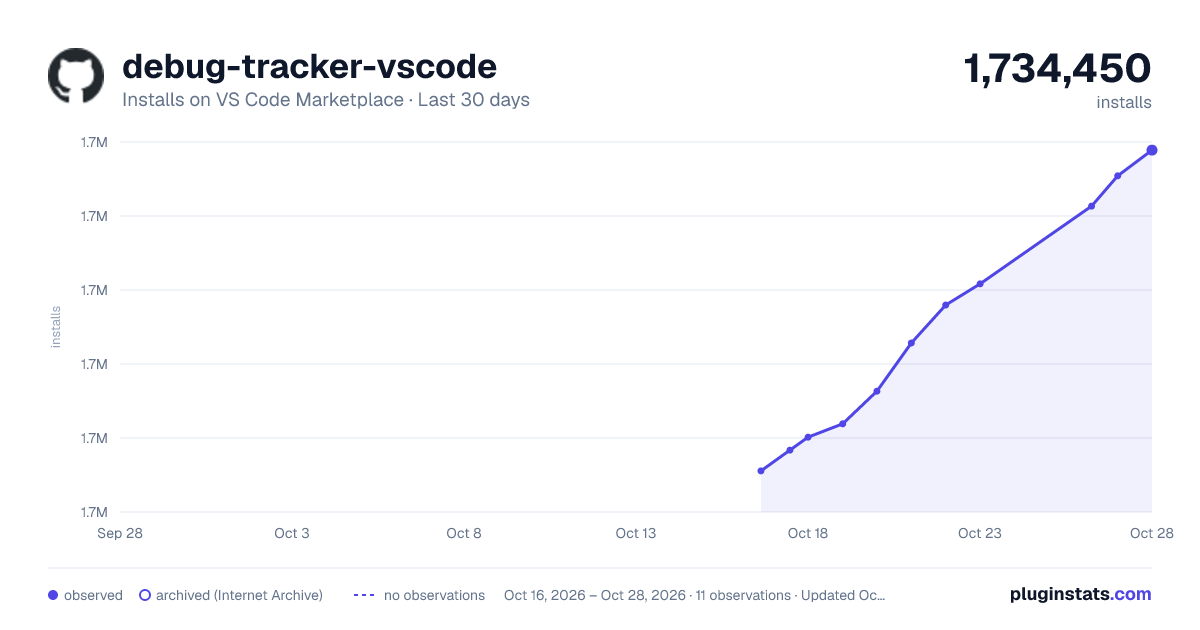
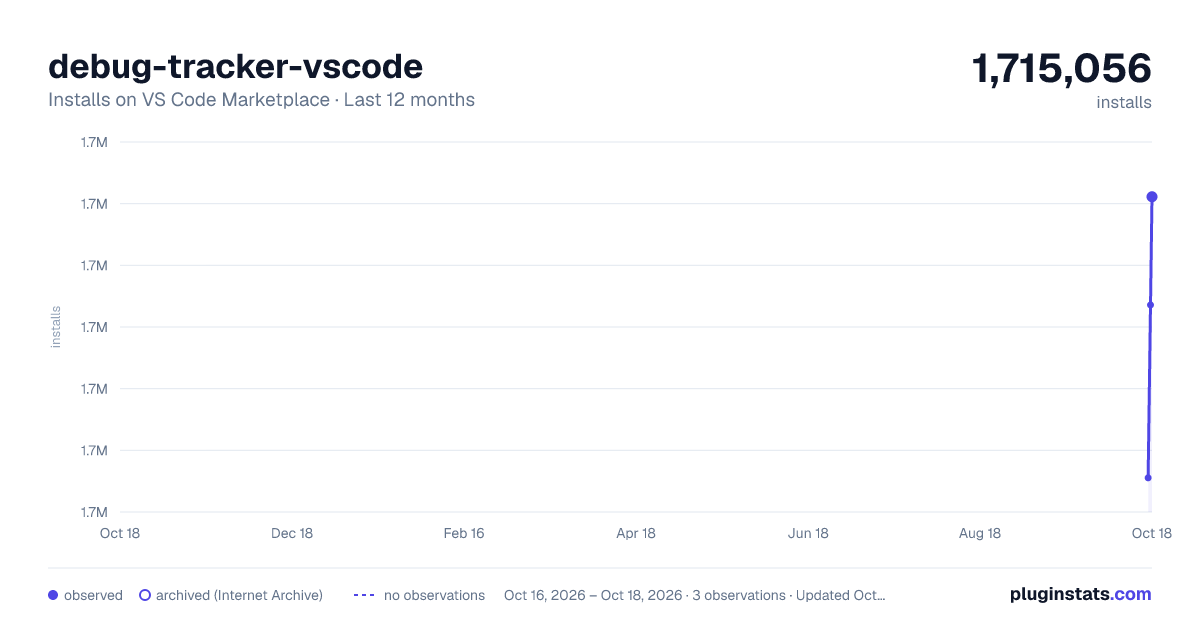
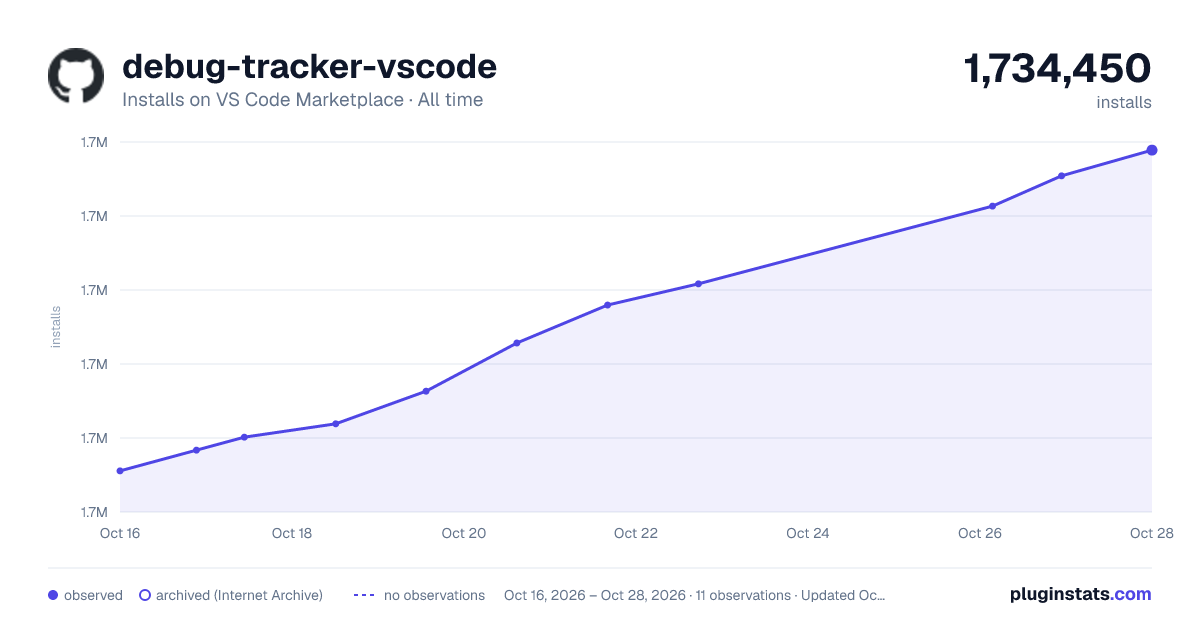
debug-tracker-vscode has 1,715,056 recorded installs on VS Code Marketplace.
It ranks #381 of 2,500 tracked VS Code Marketplace listings by installs.
It is rated 5.0 out of 5 from 1 ratings.
PluginStats has 3 daily observations since Oct 16, 2026; the latest is from Oct 18, 2026.
Rating: 5.00 / 5 from 1 ratings
About debug-tracker-vscode
debug-tracker-vscode
Introduction
This extension is an API extension to help other extension track debug sessions. Other extensions can subscribe to get notifications on events occurring on debuggers they are interested in.
There have been a proliferation of debug trackers (I counted four) running within various extensions. They all cause many more event handlers for each message passing between various clients and the debug adapter, and these are generally redundant. Instead, this extension creates a single point where messages are filtered looking for events like start, stop, running, etc. Other extensions can subscript to this extension that can create more precise events.
VSCode does not provide a full complement of events. It only has an event for starting and terminating. There are things that occur prior to starting and one has to look into the messages, responses and events passing between VSCode and the debug adapter to synthesize other events. And looking at the many such trackers, the logic is sometimes incomplete. A continue event is also not generated all the time so, we have to synthesize it by looking at which commands are run that could potentially cause a continue
An extension can subscribe to all debug sessions of just the debug adapters that they are interested in. The selection of debug adapter is done via the type property used in a launch.json. For instance for vscode-cpptools, that would be cppdbg.
From a performance point of view, this extension can generate 3,000,000 events per second on a 2021 Intel MacBook Pro 16".
If we missed an event or if there is an error in our logic when synthesizing events, please let us know by filing and Issue or creating a PR.
We have versioned this API and aim to keep compatibility for the long term. If we cannot we will increment the version and will not drop support for older versions although fixes may only be done in the most recent version.
Usage
There are two ways you can use this API and both have the exact same interface. You can see the sample API here (do not use this, please get it from npm install where it will show up as exports.d.ts).
1. Install the debug-tracer-vscode npm library
2. Import the library API from the extension debug-tracer-vscode and use the npm library of the same name for type definitions. You can activate the extension from your extension and acquire a shared API. Advantage of this method is that you are sharing the tracking overhead with other extensions, improving the response time to the user. You are always up to date when this extension updates. Bad thing is if we release the extension with a bug, it will affect your users. We internally will be using this method for several extensions.
3. If you do not prefer to use a shared library, you can create your own private instance by doing new DebugTracker(...). The advantage is that you are independent of another extension and you control if and when you want to move to a newer version via package.json. Disadvantage is that it does not help in reducing the number of trackers running concurrently.
Build and Debug
Pre-requisites are that you have NodeJS (npm) and vsce already installed and setup for debug sessions in VSCode. Having the command-line interface in your path for code is a plus.
1. Clone this repo and change directory into it 2. Run the following commands 3. The above should generate a vsix files and a tgz file. The tgz file can be used to add the typings you any other extension. You will need this method until we have published everything. We are not there yet. You will need the tgz file if you are running the sample/demo from https://github.com/mcu-debug/debug-tracker-client 4. If you have code available on your command line, run the following Of course you can debug this extension by launching a debug session and then running the command Activate Debug Tracker from the Command Palette in the in the "Extension Development Host". Once it is activated, start any debug session and observe the Debug Console of the original window.
Build the NPM library
We had trouble creating both an extension and a library from the same directory so we use build the library in an alternate directory. Somebody help us better organize this but for now, do this
The above generates a .tgz file that you can use to test the npm module.
Description from the VS Code Marketplace listing.
- debugger
- tracker
Where debug-tracker-vscode sits in the listing
Each band is one page of 20. Installs on a log scale. Placement is projected from installs, so it can differ from the marketplace's own sort order. Hover a dot to see the listing.


Charts
Images: 30d · 1y · all time · 1600×900 dark

Adoption over time


7/30/90-day growth


Ranking history


Filled points are observed values; hollow points come from Internet Archive snapshots of the listing page. Dashed segments span periods with no observations — values between points are not interpolated.
Recent observations
Full history (3)Similar VS Code Marketplace Other plugins
Data source
Install counts, average rating, and rating counts come from the public Visual Studio Marketplace gallery API. Installs are cumulative and exclude updates.
Listing: https://marketplace.visualstudio.com/items?itemName=mcu-debug.debug-tracker-vscode. First seen Oct 16, 2026; last successful collection Oct 18, 2026. See the methodology.