 PluginStats
React Native Tools installs statistics
By Microsoft (223 listings) · VS Code Marketplace · Debuggers
Debugging and integrated commands for React Native
React Native Tools has 6,261,341 recorded installs on VS Code Marketplace.
It ranks #151 of 2,500 tracked VS Code Marketplace listings by installs.
It is rated 4.2 out of 5 from 48 ratings.
PluginStats has 3 daily observations since Oct 16, 2026; the latest is from Oct 18, 2026.
Rating: 4.15 / 5 from 48 ratings
About React Native Tools
React Native Tools
Stable:
Preview:
React Native Tools Preview
The extension has a nightly version which is released on a daily basis at 9 PM PST on each day that changes occur. To avoid conflicts, if both extensions are installed - only stable version will be activated. So to use the preview version it is needed to disable or remove the stable version and reload VS Code.
About the extension
This VS Code extension provides a development environment for React Native projects. Using this extension, you can debug your code and quickly run react-native commands from the command palette.
Table of Contents
• React Native Tools Preview • About the extension • Getting started • React Native commands in the Command Palette • Customize metro configuration • Debugging React Native applications • Hermes engine • Android applications • Custom build for android apps • iOS applications • iOS devices • Custom scheme for iOS apps • iOS direct debugging • iOS Hermes debugging • Expo applications • Debug on Expo Go • Debug on expo-dev-client • Debug on Expo Web • Configuring Expo • Expo Hermes • Windows applications • Windows Hermes debugging • macOS applications • macOS Hermes debugging • Debug out of React Native project directory • TypeScript and Haul based applications • Debugger configuration properties • Customization • Debug in vscode workspace • Logging • Build APK and generate bundle • Specifying custom arguments for react-native run-* command • Setting up the React Native packager • Change project root • Configure an Android LogCat Monitor • Configure dependencies versions for debugging Expo projects • Configure custom key bindings for extension commands • Configure custom colors for extension output logs • Element inspector • Network Inspector • Developing inside a Docker Container • Contributing • Known Issues
Getting started
Before going any further make sure that you:
• have a working React Native environment. • have the emulator utility available in your PATH if you're developing Android applications • are using VS Code and have installed this extension from the Marketplace. • have your React Native project root folder open in VS Code. • have launched "React Native: Check development environment configuration" command in order to make sure that all necessary software is installed and recognized correctly.
Please notice that the extension uses .vscode/.react directory at the project root to store intermediate files required for debugging. Although these files usually get removed after debug session ends, you may want to add this directory to your project's .gitignore file.
React Native commands in the Command Palette
In the Command Palette, type React Native and choose a command.
The Run Android command triggers react-native run-android and starts your app for Android.
The Run iOS command similarly triggers react-native run-ios and starts your app in the iOS simulator (e.g. iPhone 6).
The Packager commands allow you to start/stop the Metro Bundler (formerly React Packager).
The full list of commands is:
| Name | Command ID | Description |
| Launch Android Emulator | reactNative.launchAndroidSimulator | Prompts you to select the name of the available Android emulator and launch it. If only one emulator is installed in the system, it will be selected automatically | | Launch iOS Simulator | reactNative.launchIOSSimulator | Prompts you to select the available system version of the iOS simulator, then select the simulator name for the selected system and launch it. If only one simulator is installed in the system, it will be selected automatically | | Launch ExpoWeb | reactNative.launchExpoWeb | Check if the current project is an Expo project. If so, lanuch ExpoWeb. | | Run Android on Emulator | reactNative.runAndroidSimulator | Run an Android application on Emulator. Launch order: check target platform support, load run arguments, start Packager, run app on the selected emulator. Make sure the emulator utility is added to PATH | | Run Android on Device | reactNative.runAndroidDevice | Run an Android application on Device. Launch order: check target platform support, load run arguments, start Packager, run app in all connected devices | | Run iOS on Simulator | reactNative.runIosSimulator | Run an iOS application on Simulator. Launch order: load run arguments, check target platform support, start Packager, run app in only one connected emulator | | Run iOS on Device | reactNative.runIosDevice | Run an iOS application on Device. Launch order: load run arguments, check target platform support, start Packager, run app in only one connected device | | Run Expo | reactNative.runExponent | Run an Exponent application. Launch order: login to exponent, load run arguments, start Packager, run app | | Run Windows | reactNative.runWindows | Run a RNW application. Launch order: check target platform support, load run arguments, start Packager, run app | | Run MacOS | reactNative.runMacOS | Run a RNmacOS application. Launch order: check target platform support, load run arguments, start Packager, run app | | Start Packager | reactNative.startPackager | Start Packager in context project workspace folder | | Stop Packager | reactNative.stopPackager | Stop Packager | | Restart Packager | reactNative.restartPackager | Restart Packager and clear the Packager's cache | | Publish To Expo | reactNative.publishToExpHost | Publish to Exponent Host. Launch order: login to exponent, execute Run Expo command, then publish app to host | | Show Dev Menu | reactNative.showDevMenu | Show development menu for running aplication on iOS or Android device or emulator | | ReloadApp | reactNative.reloadApp | Reload an application | | Run Element Inspector | reactNative.runInspector | Load development tools for inspect application UI elements | | Stop Element Inspector | reactNative.stopInspector | Stop development tools for inspect application UI elements | | Run React Native LogCat Monitor |…
Description from the VS Code Marketplace listing.
- debuggers
- expo
- javascript
- multi-root ready
- react-native
Where React Native Tools sits in the listing
Each band is one page of 20. Installs on a log scale. Placement is projected from installs, so it can differ from the marketplace's own sort order. Hover a dot to see the listing.
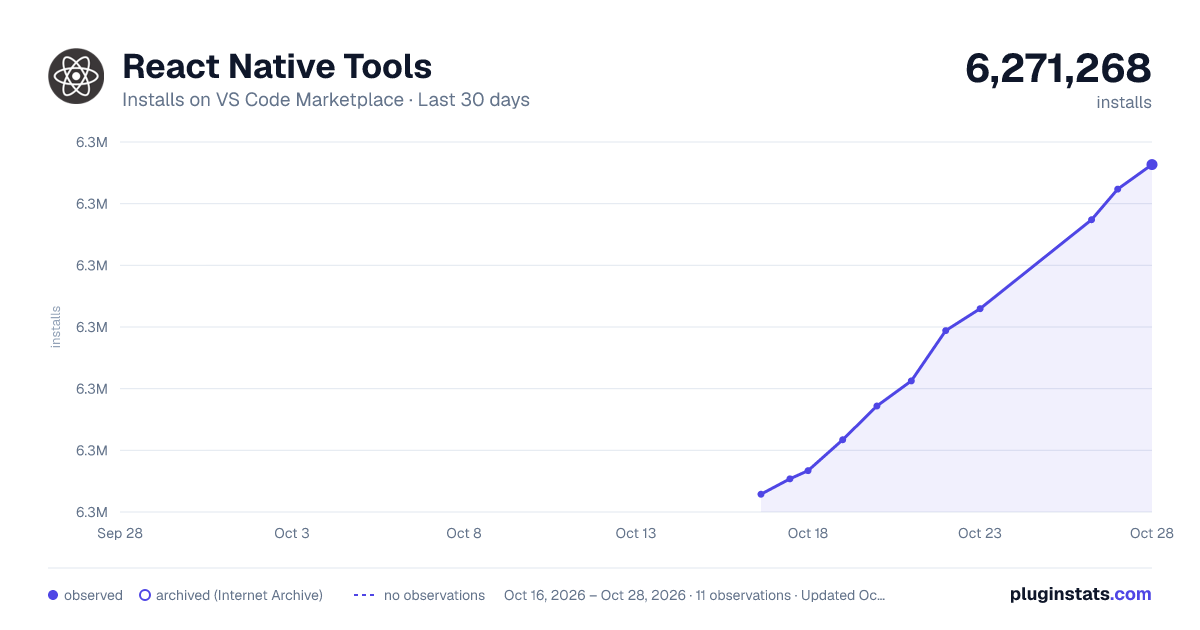
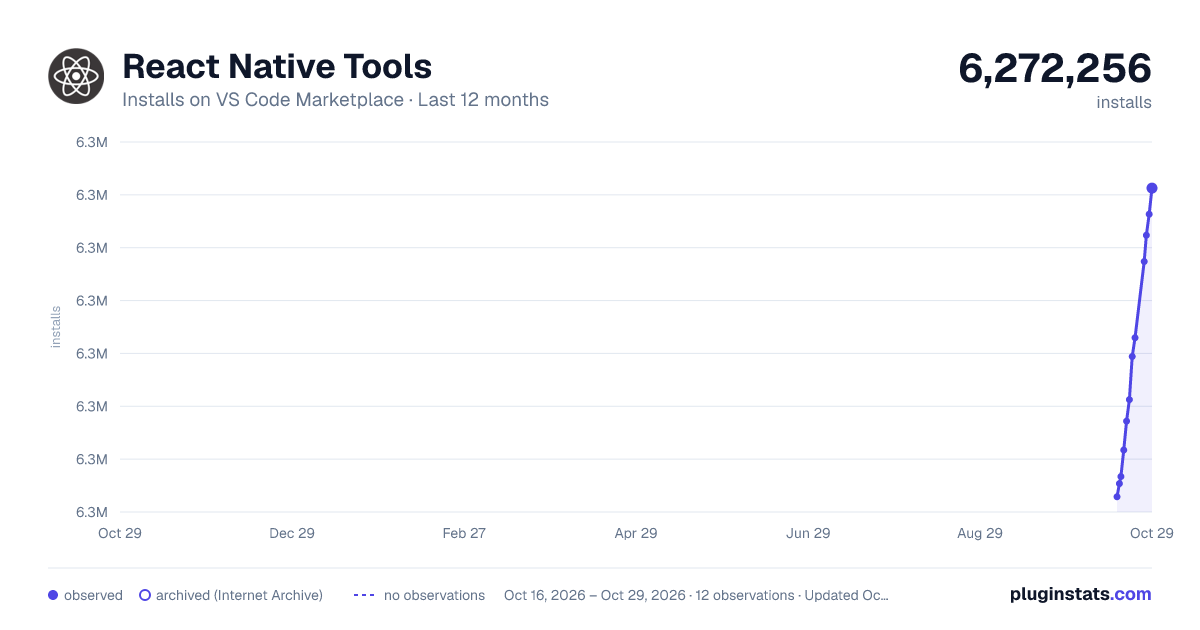
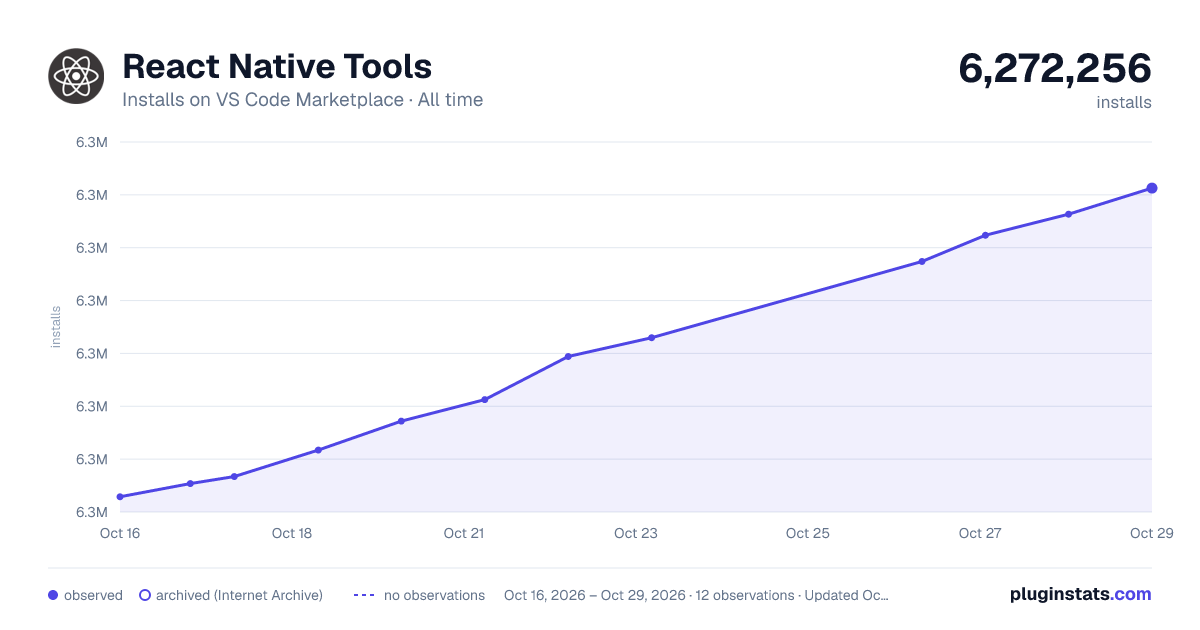
Charts
Images: 30d · 1y · all time · 1600×900 dark
Adoption over time
7/30/90-day growth
Ranking history
Filled points are observed values; hollow points come from Internet Archive snapshots of the listing page. Dashed segments span periods with no observations — values between points are not interpolated.
Recent observations
Full history (3)Similar VS Code Marketplace Debuggers plugins




Data source
Install counts, average rating, and rating counts come from the public Visual Studio Marketplace gallery API. Installs are cumulative and exclude updates.
Listing: https://marketplace.visualstudio.com/items?itemName=msjsdiag.vscode-react-native. First seen Oct 16, 2026; last successful collection Oct 18, 2026. See the methodology.