 PluginStats
Easy LESS installs statistics
By mrcrowl (2 listings) · VS Code Marketplace · Other
Auto-compile LESS to CSS on save
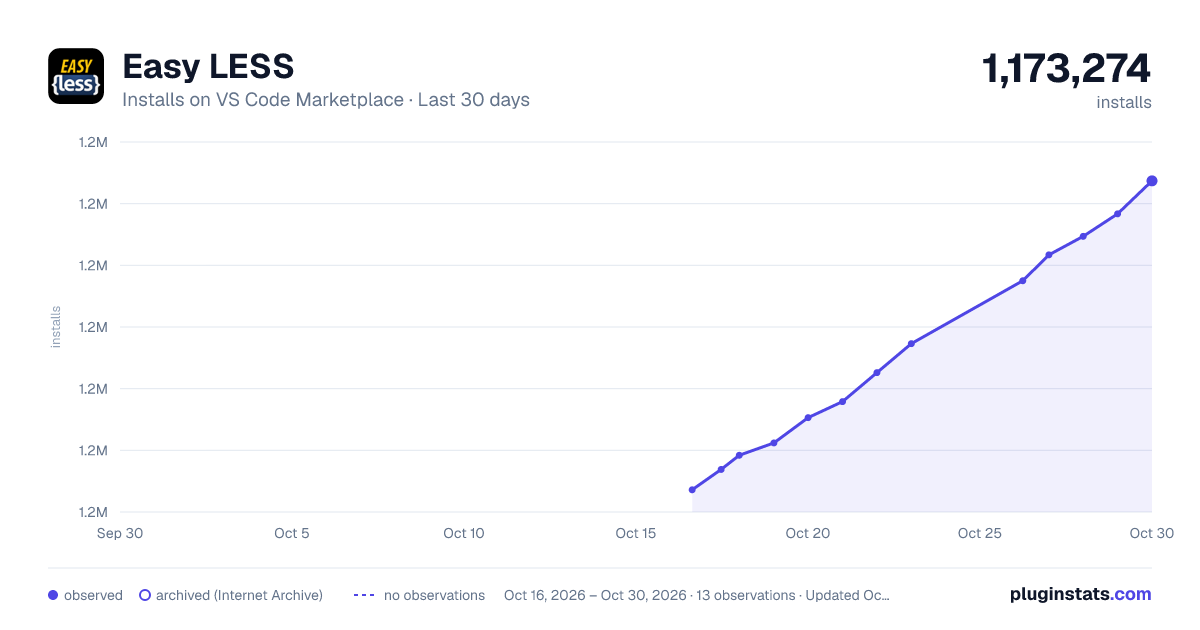
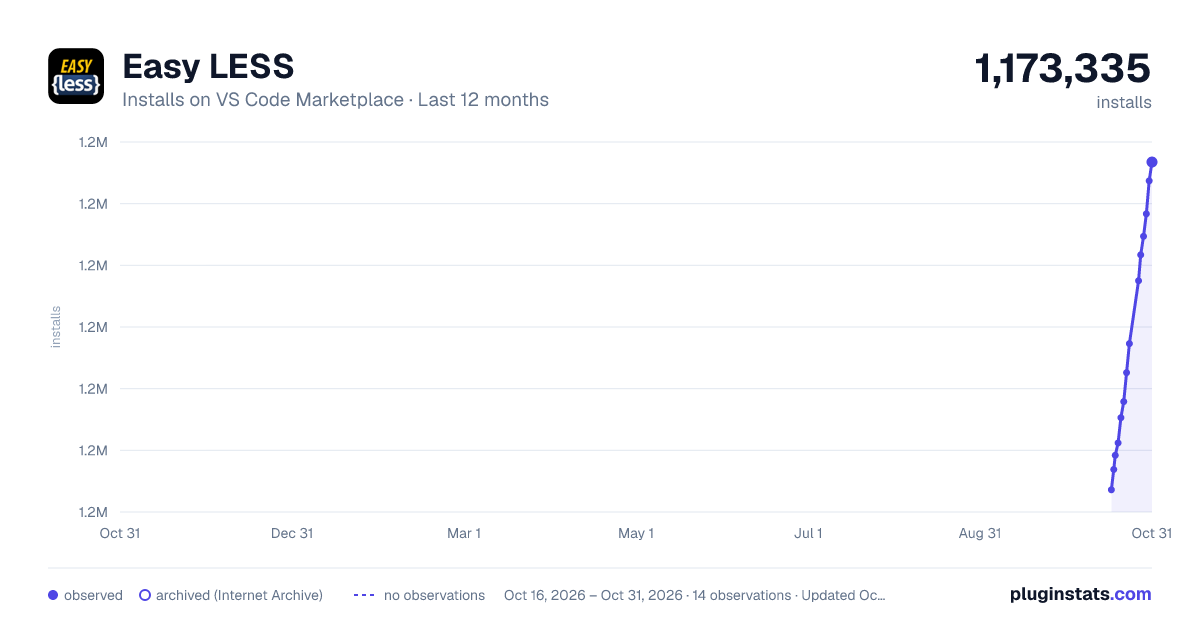
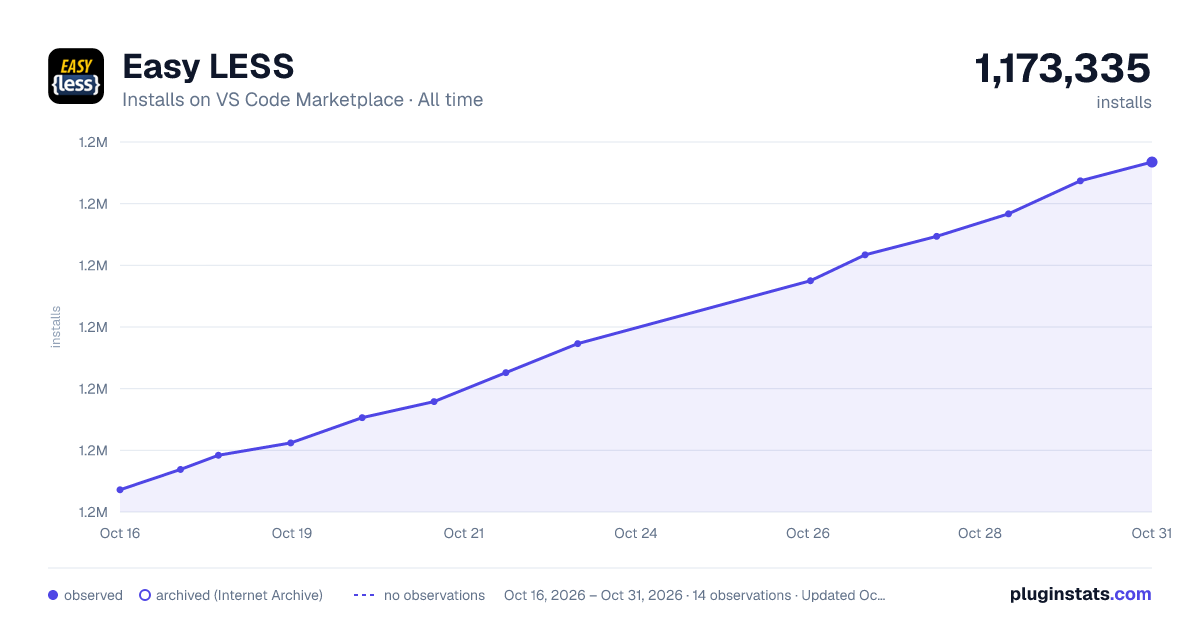
Easy LESS has 1,172,384 recorded installs on VS Code Marketplace.
It ranks #496 of 2,500 tracked VS Code Marketplace listings by installs.
It is rated 4.5 out of 5 from 38 ratings.
PluginStats has 3 daily observations since Oct 16, 2026; the latest is from Oct 18, 2026.
Rating: 4.47 / 5 from 38 ratings
About Easy LESS
Overview
Easily work with LESS files in Visual Studio Code.
"Compile-on-save" for LESS stylesheets without using a build task.
Features
• Generates a .css file each time you save a .less file. e.g. styles.less --> styles.css • Compile errors integrate with the standard _Errors and Warnings_ list. • Has reasonable default settings, but... • Configurable, as needed: • Configurable at user, workspace and per-file level (see Advanced Usage below) • _Main_ file support • Alternative output file • Output suppression • Compression • autoprefixer plugin included.
Default Settings
• Compile on save occurs for every .less file in the project. • The .css file is output to the same directory as the source .less file. • Source maps (.css.map files) are _not_ output. • Compression is disabled. • Auto-prefixer is disabled.
Basic Usage
1. Create a .less file. 2. Hit Ctrl/Cmd+S to save your file. 3. A .css file is automatically generated. 4. You should see a temporary "Less compiled in _X_ ms" message in the status bar.
N.B. Also available from the command palette as "Compile LESS to CSS".
Advanced Usage
Project-Wide & Global Configuration
• Project-wide settings are configured using the standard settings.json file (i.e. _Workspace Settings_). • settings.json must exist in the .vscode directory at the root level of your project. • Alternatively, settings can go in _User Settings_ for global defaults. • Use the "less.compile" key. • Example settings.json file:
Per-File Configuration
• Settings can also be specified per .less file as a comment on the _first_ line. • Settings are comma-separated and strings are _not_ "quoted". • Example:
Settings
main: { filepath: string | string[] }
• Compiles a different less file _instead_ of this one. • All other settings are ignored. • Filepath is relative to the current file. • Multiple main files can be specified (see FAQ).
out: { boolean | filepath: string | folderpath: string }
• Redirects the css output to a different file or suppresses output. • If filepath is used, but no file extension is specified, it will append .css • If folderpath is used, the less filename will be used, but with the .css extension • _NOTE_: A folder path must end with a / (or \ for Windows), e.g. ../css/ not ../css (the latter is always interpreted as an extensionless filename). • Filepath is relative to the current file, so relative paths can be used, e.g. ../../styles.css • The following replacements are available: • ${workspaceFolder} — the root folder for the VS Code project containing the .less file. • $1 — the "base" name of the .less file, e.g. for styles.css, $1 would be style. • $2 — the extension of the css file, usually .css unless outExt is used. • Example: ${workspaceFolder}/dist/css/final-$1$2 • out: false = don't output. • This setting can be used to override a project-wide "out": false setting, where you only want certain .less files to be generated.
outExt: { string }
• The default output extension is .css. • This allows you to specify an alternative output file extension (e.g. .wxss instead of .css) • This applies to the .map file also (e.g. .wxss.map)
sourceMap: { boolean }
• Enables generation of source map files. • When enabled, a .css.map file will be output in the same direction as the .css file (except when sourceMapFileInline is set, see below). • The out setting is respected.
sourceMapFileInline: { boolean }
• Inline the source map within the css. • When enabled, the .css file outputted will contain an inline source-map.
compress: { boolean }
• Compresses the css output by removing surplus white-space.
relativeUrls: { boolean }
• Specifies whether URLs in @import'ed should be rewritten relative to the importing file. • Has no effect on the out parameter. • Example of true option—given this folder structure: /main.less /css/feature/feature.less /css/feature/background.png
/main.less:
/css/feature/features.less:
/main.css: (output)
autoprefixer: { string | string[] }
• When present, this enables the autoprefixer plugin for less (included). • This plugin automatically adds/removes vendor-prefixes needed to support a set of browsers which you specify. • The autoprefixer option _is_ the comma-separated list of browsers for autoprefixer to use (or alternatively a string array of them). • Example of autoprefixer within .vscode/settings.json: • See browserslist documentation for further examples of browser queries. • NOTE: If used with the per-file configuration, the browsers listed _must_ be semi-colon separated (because comma is already the directive separator): e.g. // autoprefixer: "> 5%; last 2 Chrome versions; not ie 6-9", sourceMap: true, out: "../css/style.css"
ieCompat: { boolean }
• IE8 compatibility mode (defaults to true). • When true: prevents inlining of data-uris that exceed 32KB. • When false: removes restriction on data-uri size.
javascriptEnabled: { boolean }
• Enables inline javascript within less files (defaults to false). • Inline JavaScript occurs for any text within backticks, e.g. ` font-weight: 10+10px'; `
math: { "parens-division" | "parens" | "always" | "strict" | "strict-legacy" }
• Controls the math option used by the less compiler. • The default changed to "parens-division" in less v4.0.0 (and consequently in Easy LESS v1.7.0) • The default for Easy LESS matches upstream, which is "parens-division". • To restore the less v3.x behaviour, use: ... or, using a per-file directive: Alternatively, you can wrap your expression in parentheses:
Settings Cascade Order
Settings are read and applied in the following order:
1. User Settings 2. Project-wide settings.json (aka Workspace Settings) 3. Per-file Settings
FAQ
1. How do I redirect the output to a separate file?
Add the following line to the head of your less file:
2. How do I redirect all css output to a specific folder?
Specify the out parameter in the settings.json file, as a relative or absolute path, with a trailing slash (/ or \\).…
Description from the VS Code Marketplace listing.
- css
- less
Where Easy LESS sits in the listing
Each band is one page of 20. Installs on a log scale. Placement is projected from installs, so it can differ from the marketplace's own sort order. Hover a dot to see the listing.


Charts
Images: 30d · 1y · all time · 1600×900 dark

Adoption over time


7/30/90-day growth


Filled points are observed values; hollow points come from Internet Archive snapshots of the listing page. Dashed segments span periods with no observations — values between points are not interpolated.
Recent observations
Full history (3)Similar VS Code Marketplace Other plugins
Data source
Install counts, average rating, and rating counts come from the public Visual Studio Marketplace gallery API. Installs are cumulative and exclude updates.
Listing: https://marketplace.visualstudio.com/items?itemName=mrcrowl.easy-less. First seen Oct 16, 2026; last successful collection Oct 18, 2026. See the methodology.