 PluginStats
CSScomb installs statistics
By mrmlnc (9 listings) · VS Code Marketplace · Formatters
Coding style formatter for CSS, Less, SCSS or Sass
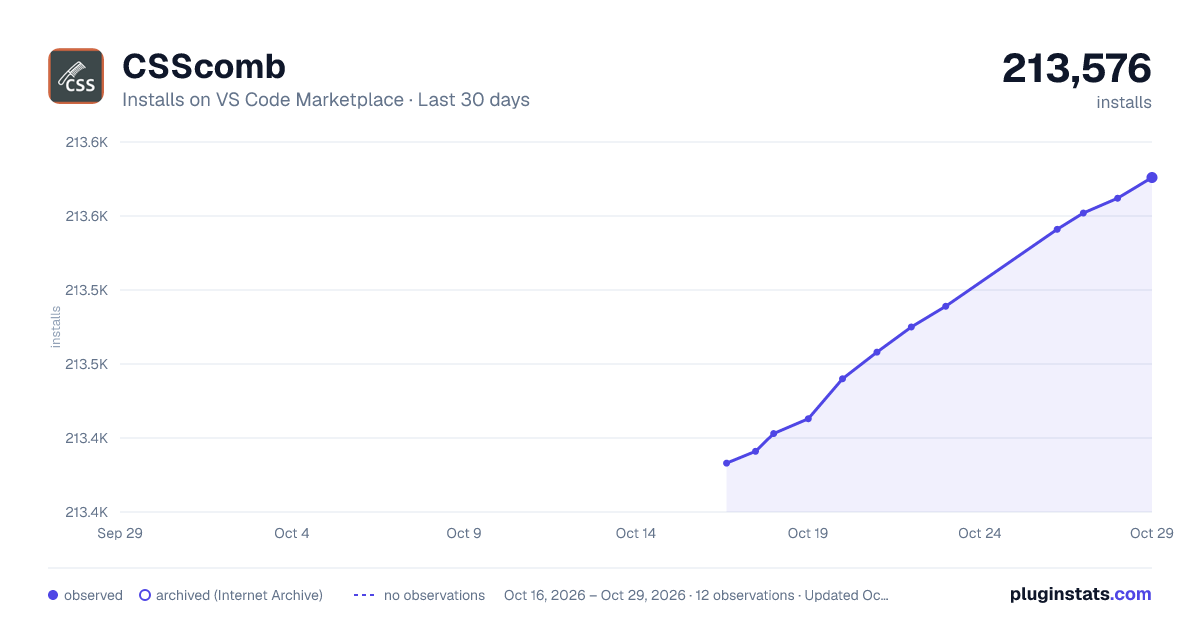
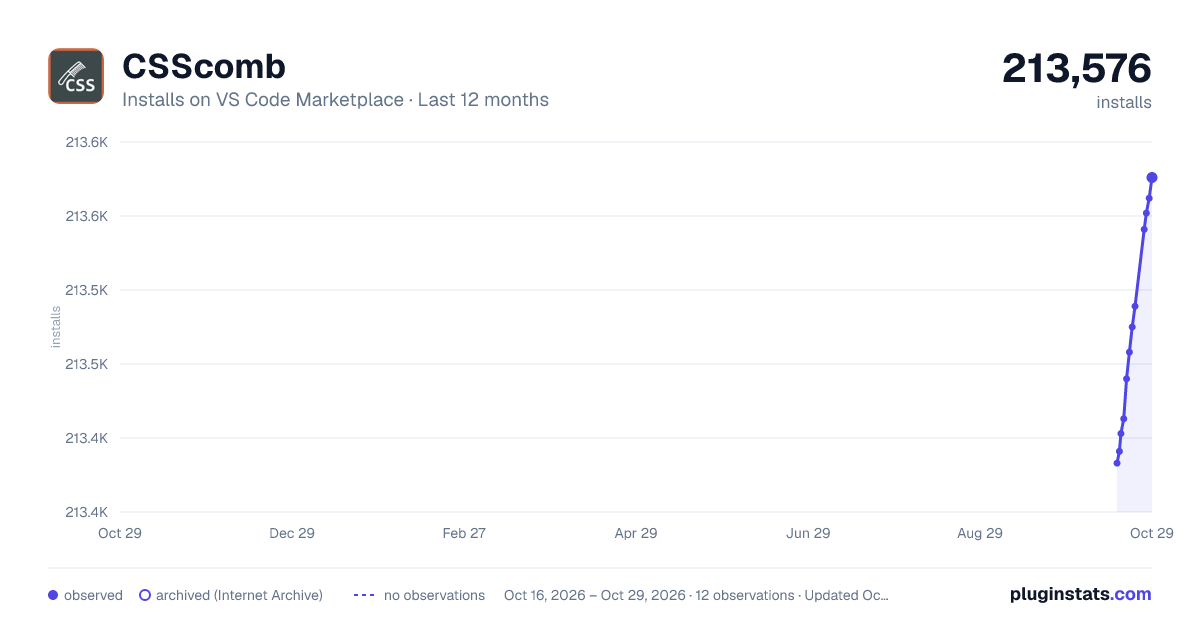
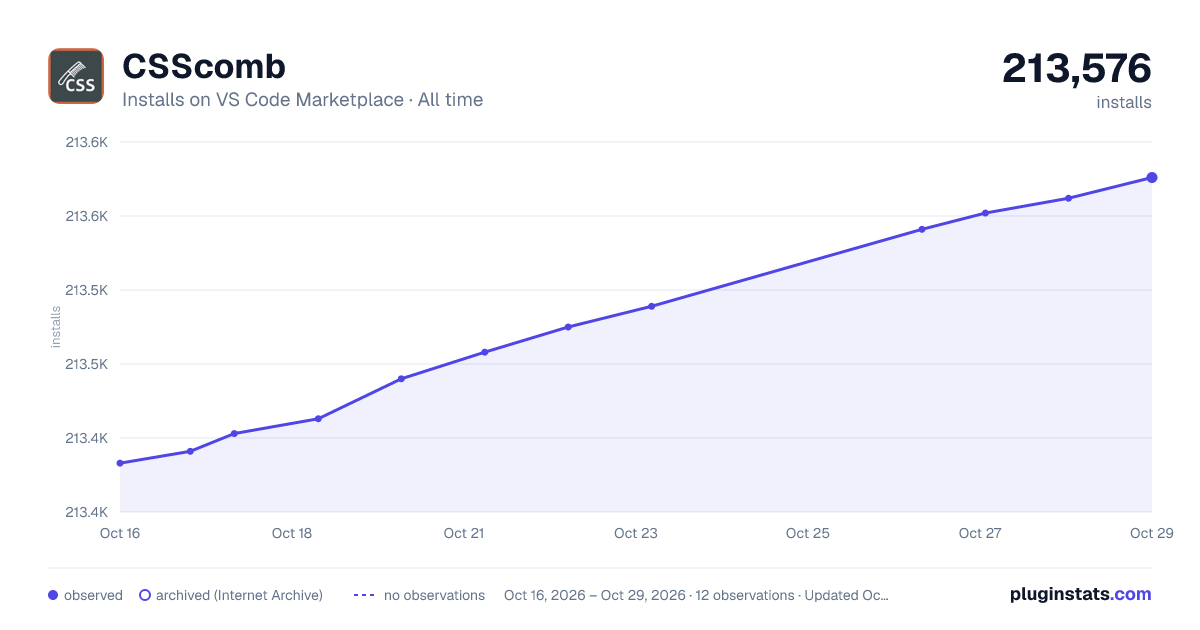
CSScomb has 213,403 recorded installs on VS Code Marketplace.
It ranks #1442 of 2,500 tracked VS Code Marketplace listings by installs.
It is rated 4.1 out of 5 from 13 ratings.
PluginStats has 3 daily observations since Oct 16, 2026; the latest is from Oct 18, 2026.
Rating: 4.08 / 5 from 13 ratings
About CSScomb
vscode-csscomb
VS Code plugin for CSScomb — CSS coding style formatter.
:warning: This plugin is archived
The main package (csscomb) has no maintainer and does not develop. In this regard, the development of the plugin does not make sense.
Alternatively you can use:
• postcss with similar plugins. • stylelint
I'm ready to go back to developing the plugin if the csscomb will develops again.
Donation
Do you like this project? Support it by donating, creating an issue or pull request.
Install
• Press F1 and select Extensions: Install Extensions. • Search for and select csscomb.
See the extension installation guide for details.
Usage
1. Put a cssconfig.json in your project root, or set the config in the setting csscomb.preset. You can start with one of the predefined configs or generate a config. See details in config docs. 1. Run CSSComb in the Command Palette (F1, Ctrl+Shift+P on Windows, Cmd+Shift+P on macOS).
Supported languages
• Styles: CSS, Less, Sass, SCSS • Styles inside or tags: HTML, Vue, Svelte
⚠️ The plugin does not support formatting when saving template files (HTML, Vue, Svelte) by formatOnSave option and formatting of the selected fragments (selections).
Supported settings
csscomb.preset
• Type: Object or String • Defaut: {} • Example: '~/path/to/file/csscomb.json' or 'csscomb'
Config file. Can be built-in config (csscomb, zen, or yandex), path to a config file, or an object containing custom configuration.
Warning!
If you want to specify a file in the current directory, the path must begin with a ./ or ../ if relative to the current directory. Also you can use HOME directory as ~ symbol.
csscomb.ignoreFilesOnSave
• Type: Array • Default: [] • Example: ["variables.less", "mixins/**/*"]
An optional array of glob-patterns to ignore files on save.
csscomb.supportEmbeddedStyles
• Type: Boolean • Default: true
Support embedded CSS into HTML.
csscomb.formatOnSave
• Type: Boolean • Default: false
Auto format on save.
csscomb.syntaxAssociations
• Type: Object • Default: {}
Configuration of syntax associations.
For example:
Keyboard shortcuts
For changes keyboard shortcuts, create a new rule in File -> Preferences -> Keyboard Shortcuts:
Custom configuration
We support the following configs:
• .csscomb.json or csscomb.json • .csscomb.js or csscomb.js • Path in the CSSCOMB_CONFIG env variable • Config in the csscombConfig field in the package.json file
Custom configuration is fun and simple: just put .csscomb.json file in the project root or your HOME directory.
You can read more about available options in docs.
Changelog
See the Releases section of our GitHub project for changelogs for each release version.
License
This software is released under the terms of the MIT license.
Description from the VS Code Marketplace listing.
- css
- CSScomb
- json
- less
- sass
- sass-indented
- scss
Where CSScomb sits in the listing
Each band is one page of 20. Installs on a log scale. Placement is projected from installs, so it can differ from the marketplace's own sort order. Hover a dot to see the listing.


Charts
Images: 30d · 1y · all time · 1600×900 dark

Adoption over time


7/30/90-day growth


Filled points are observed values; hollow points come from Internet Archive snapshots of the listing page. Dashed segments span periods with no observations — values between points are not interpolated.
Recent observations
Full history (3)Similar VS Code Marketplace Formatters plugins
Data source
Install counts, average rating, and rating counts come from the public Visual Studio Marketplace gallery API. Installs are cumulative and exclude updates.
Listing: https://marketplace.visualstudio.com/items?itemName=mrmlnc.vscode-csscomb. First seen Oct 16, 2026; last successful collection Oct 18, 2026. See the methodology.